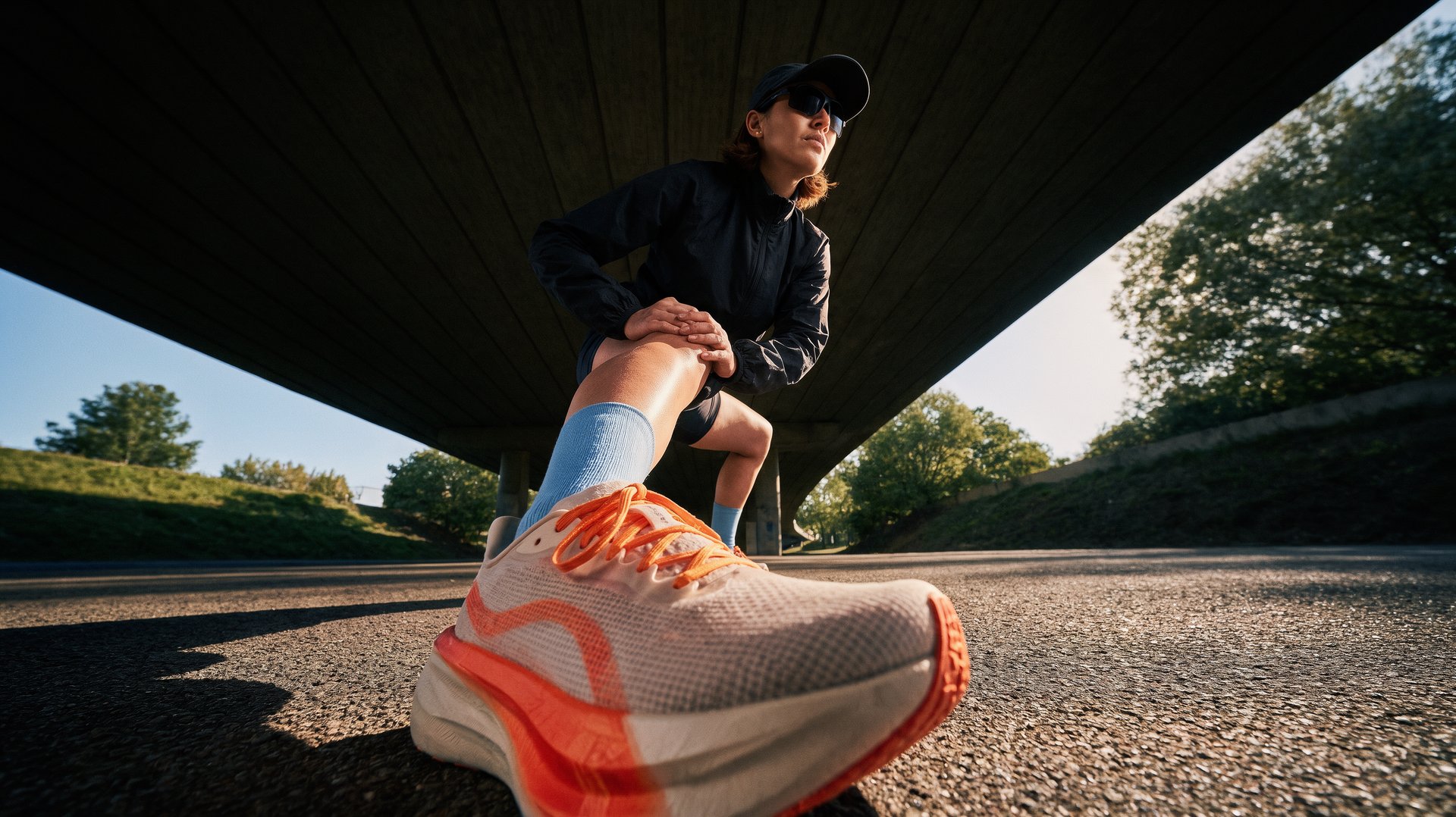
图像编辑。加载参考图,描述需要修改的内容。
步骤 01
加载参考图
从产品、人物、房间或一组视觉参考图开始。
步骤 02
描述编辑要求
说明要修改和保留的内容。使用多张参考图时,按输入顺序指明每张图。
步骤 03
对比并继续
检查结果,选择合适的输出作为下一次编辑的起点。
Krea 3 is an AI image editing model engineered for targeted visual edits. Unlike standard AI generators that redraw the entire image from scratch, Krea 3 performs pixel-perfect regional editing, modifying only what you specify while keeping the rest of your original image 100% untouched.
Krea 3 finishes an edit in under 8 seconds per output. This rapid speed allows creators, designers, and marketers to iterate on visual ideas and test design variations almost instantly.
Krea 3 offers two key tools for fine visual control: • Regional Precision: Simply draw a box over a specific area to edit that region exclusively, achieving zero unintended pixel changes outside your selection. • Hex Color Matching: Name an exact Hex color code (e.g., #D9C3A3) in your prompt to apply precise brand or product colors directly onto apparel, furniture, or props.
Yes. Krea 3 features dedicated subject consistency capabilities. You can change a character’s outfit, setting, lighting, or camera angle while preserving their facial features and identity across a sequence of edits.
Krea 3 allows you to combine up to 8 visual reference images (mixing people, products, backgrounds, and art styles) into a single cohesive output. It renders natively at crisp 2K resolution (e.g., 2736 × 1536 px).
Krea 3 comes with 251 launch presets tailored for creative professionals across multiple fields: • E-Commerce & Marketing: Swap product staging backgrounds, re-skin packaging, and update ad layouts while keeping brand typography intact. • Fashion & Photography: Relight portraits, restyle apparel, and perform virtual model staging. • Architecture & Interior Design: Transform raw sketches/blockouts into photo-realistic renders and virtual room stagings.
将参考图、编辑步骤和后续处理连接成可重复使用的工作流。