
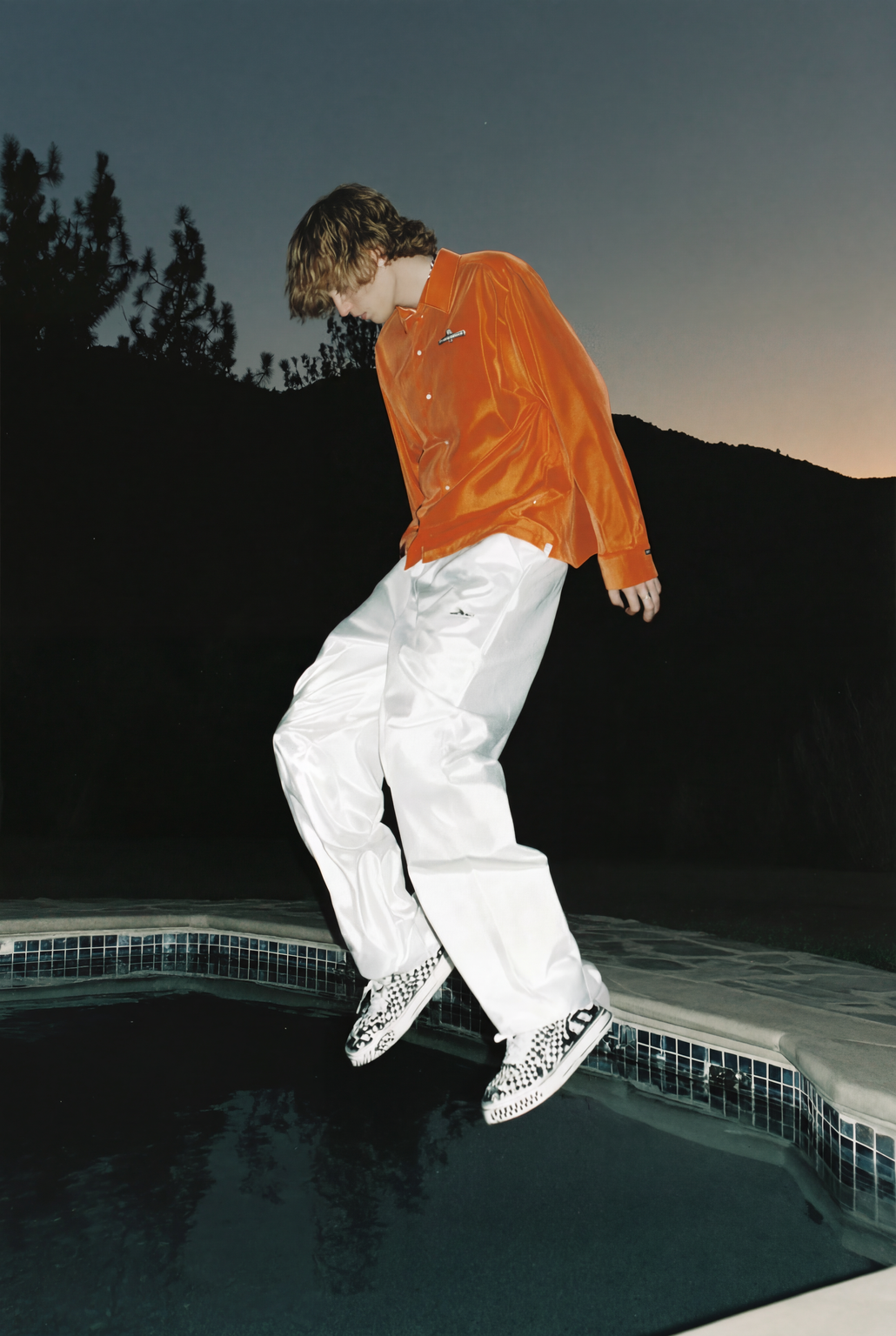
This ComfyUI workflow is a minimal, purpose-built pipeline for upscaling and enhancing AI-generated images to 4K. It wires three nodes in sequence—LoadImage → GeminiImage2Node → SaveImage—to take a source image, send it to an external upscaling service, and write the enhanced output to disk. The heart of the process is the GeminiImage2Node, which forwards your image to a remote model (Nano Banana Pro) via a Google-integrated API call, returning a higher-resolution result with improved edge sharpness and local detail coherence.
Because the enhancement runs through an API, you avoid the VRAM costs of local super-resolution models while gaining consistent 4K outputs. The workflow preserves your original composition and style, focusing on clarity, micro-contrast, and texture definition. It’s ideal for lifting soft or low-res AI art, product renders, or concept frames to presentation-ready resolution without rebuilding the scene.
API
從程式碼使用此工作流
每個 Comfy 工作流都是一個 JSON 圖。下方的 payload 就是此工作流,與 ComfyUI 執行時完全相同 — 你可以從此 URL 取得、放入版本控制,或在 ComfyUI 載入並逐節點執行。
使用 Comfy SDK 以 TypeScript 或 Python 執行。相同程式碼可用於 Comfy Cloud 或你自架的 ComfyUI — 只需更改 base URL。
// Install (beta)
npm i @comfyorg/sdk

// Run this workflow (TypeScript)
import { Comfy } from "@comfyorg/sdk";

const client = new Comfy({ apiKey: "comfyui-..." });
const wf = await client.workflows.fromFile("workflow_api.json");
const job = await client.run(wf);
await job.getOutputs("<output-node-id>")[0].toFile("output.png");
SDK 需使用 API 格式的工作流:請在 ComfyUI 開啟此工作流,並使用 檔案 → 匯出工作流(API)。



















