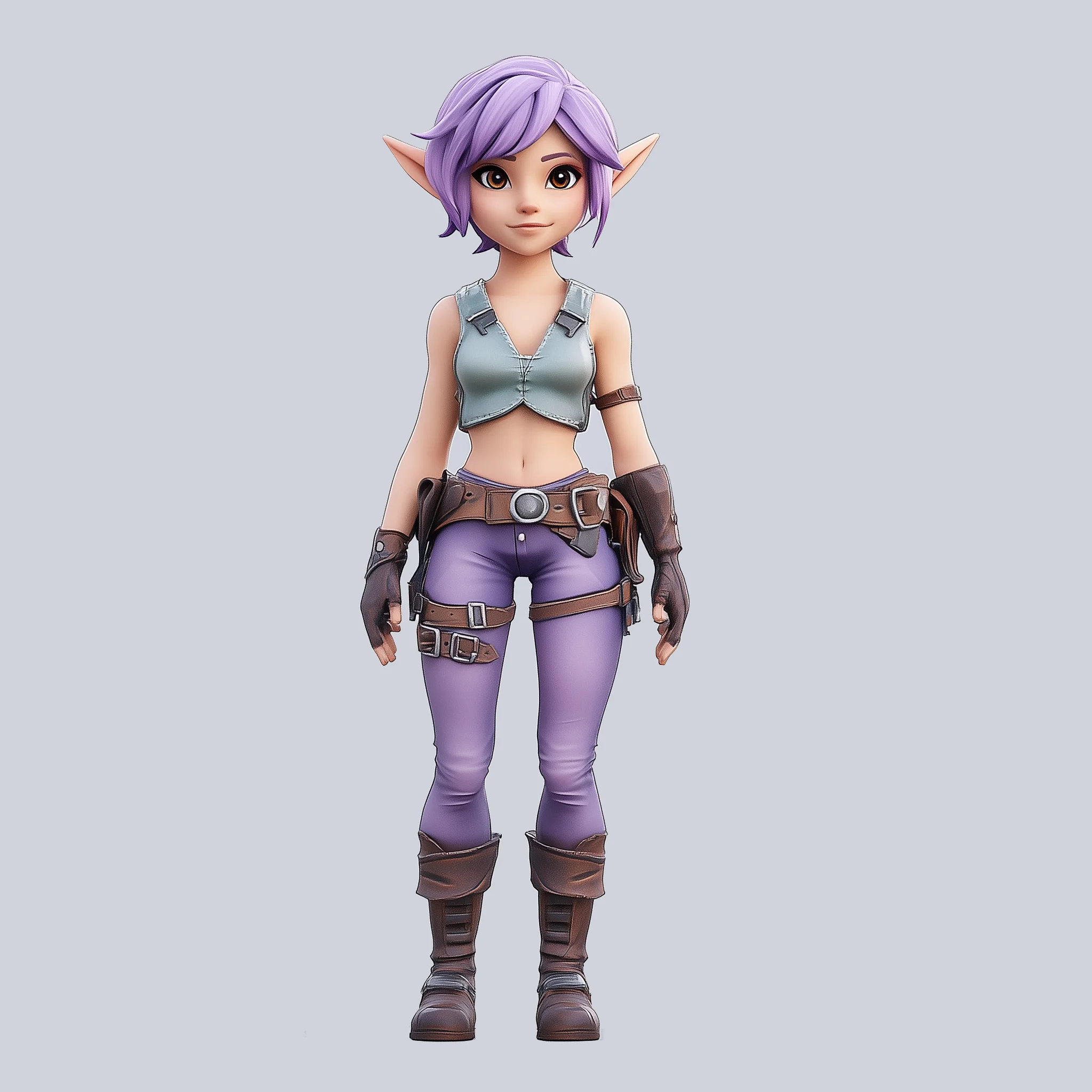
The 'HY 3D 2.0 MV' workflow is designed to convert 2D images from multiple views into detailed 3D models using the Hunyuan3D 2.0 MV model. This process leverages advanced AI techniques to interpret and reconstruct the spatial geometry of objects from images taken from different angles. The workflow uses a series of nodes, including KSampler for sampling, CLIPVisionEncode for image encoding, and VAEDecodeHunyuan3D for decoding into 3D space. The Hunyuan3Dv2ConditioningMultiView node is crucial as it integrates multiple image perspectives to enhance the 3D reconstruction accuracy. This workflow is particularly useful for applications requiring precise 3D model generation from limited visual data, such as virtual reality content creation or digital twin development.
Technically, the workflow begins by loading the Hunyuan3D model and the multi-view images through the ImageOnlyCheckpointLoader and LoadImage nodes, respectively. These images are processed to extract latent features, which are then conditioned using the Hunyuan3Dv2ConditioningMultiView node. The ModelSamplingAuraFlow node refines the model's sampling, ensuring high fidelity in the resulting 3D model. Finally, the VoxelToMesh and SaveGLB nodes convert the voxel data into a mesh format and save it as a GLB file, making the 3D model ready for use in various applications. This workflow is a powerful tool for anyone needing to generate high-quality 3D models from 2D images efficiently.
API
通过代码使用此工作流
每个 Comfy 工作流都是一个 JSON 图。下面的内容就是此工作流的完整数据,ComfyUI 运行时也是如此——你可以从该 URL 获取、放入版本控制,或在 ComfyUI 中加载并逐节点运行。
使用 Comfy SDK 从 TypeScript 或 Python 运行。相同代码可用于 Comfy Cloud 或你自托管的 ComfyUI——只需更改基础 URL。
// Install (beta)
npm i @comfyorg/sdk

// Run "混元3D 2.0 多视图" (TypeScript)
import { Comfy } from "@comfyorg/sdk";

const client = new Comfy({ apiKey: "comfyui-..." });

// This workflow, exported in API format (see note below)
const wf = await client.workflows.fromFile("3d_hunyuan3d_multiview_to_model_api.json");

const asset = client.assets.fromFile("input.png");
wf.setInput("56", "image", asset);  // LoadImage

const job = await client.run(wf);
await job.getOutputs("83")[0].toFile("output.png");  // SaveGLB
SDK 需要 API 格式的工作流:在 ComfyUI 中打开此工作流,使用 文件 → 导出工作流(API)。
常见问题


















