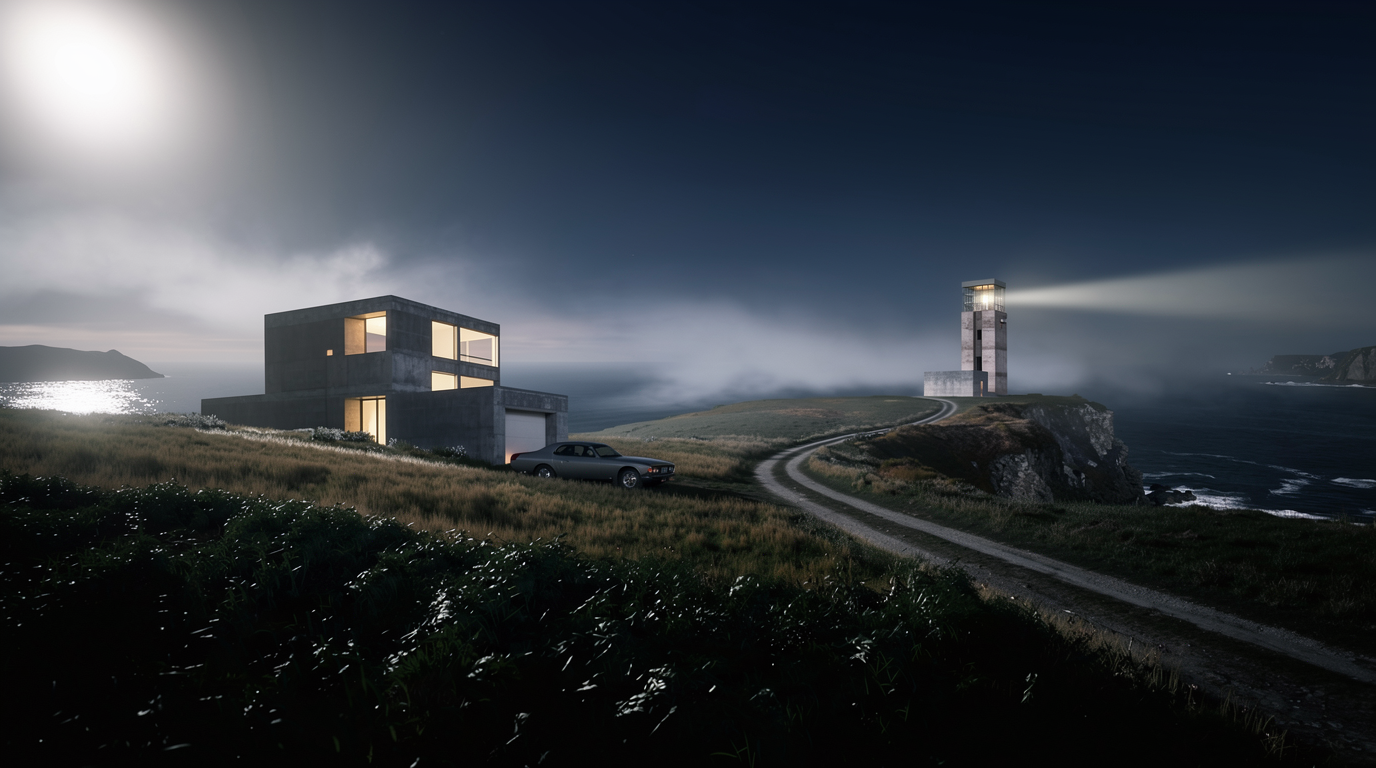
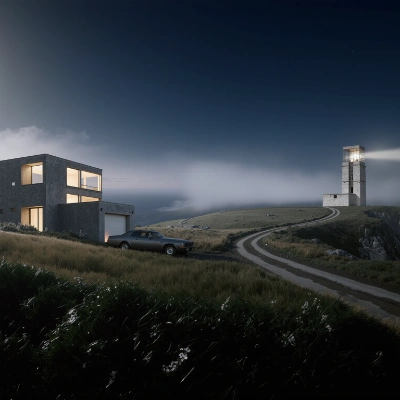
This ComfyUI tutorial workflow upscales a landscape photo and restores fine natural detail using the TopazImageEnhanceV2 node. It starts with LoadImage, reads the original dimensions via GetImageSize, and scales the image with ImageScaleBy to your chosen factor (for example, 2x or 4x). The upscaled image is then passed to TopazImageEnhanceV2 (Topaz model) to bring back foliage texture, rock edges, and sky gradients while controlling noise and softness. Finally, SaveImage writes the enhanced output, and ImageCompare helps you visually inspect before/after results side-by-side.
Technically, the pipeline separates geometric upscaling from semantic enhancement. ImageScaleBy handles precise resizing based on the dimensions reported by GetImageSize, while TopazImageEnhanceV2 applies learned restoration tuned for natural scenery. The "Upscale Setting" group exposes the key controls so you can quickly adjust scale and enhancement behavior for different landscape inputs. This makes it a practical go-to for turning good scenic shots into print-ready or high-resolution web assets without over-sharpening or plastic artifacts.
API
通过代码使用此工作流
每个 Comfy 工作流都是一个 JSON 图。下面的内容就是此工作流的完整数据,ComfyUI 运行时也是如此——你可以从该 URL 获取、放入版本控制,或在 ComfyUI 中加载并逐节点运行。
使用 Comfy SDK 从 TypeScript 或 Python 运行。相同代码可用于 Comfy Cloud 或你自托管的 ComfyUI——只需更改基础 URL。
// Install (beta)
npm i @comfyorg/sdk

// Run this workflow (TypeScript)
import { Comfy } from "@comfyorg/sdk";

const client = new Comfy({ apiKey: "comfyui-..." });
const wf = await client.workflows.fromFile("workflow_api.json");
const job = await client.run(wf);
await job.getOutputs("<output-node-id>")[0].toFile("output.png");
SDK 需要 API 格式的工作流:在 ComfyUI 中打开此工作流,使用 文件 → 导出工作流(API)。



















