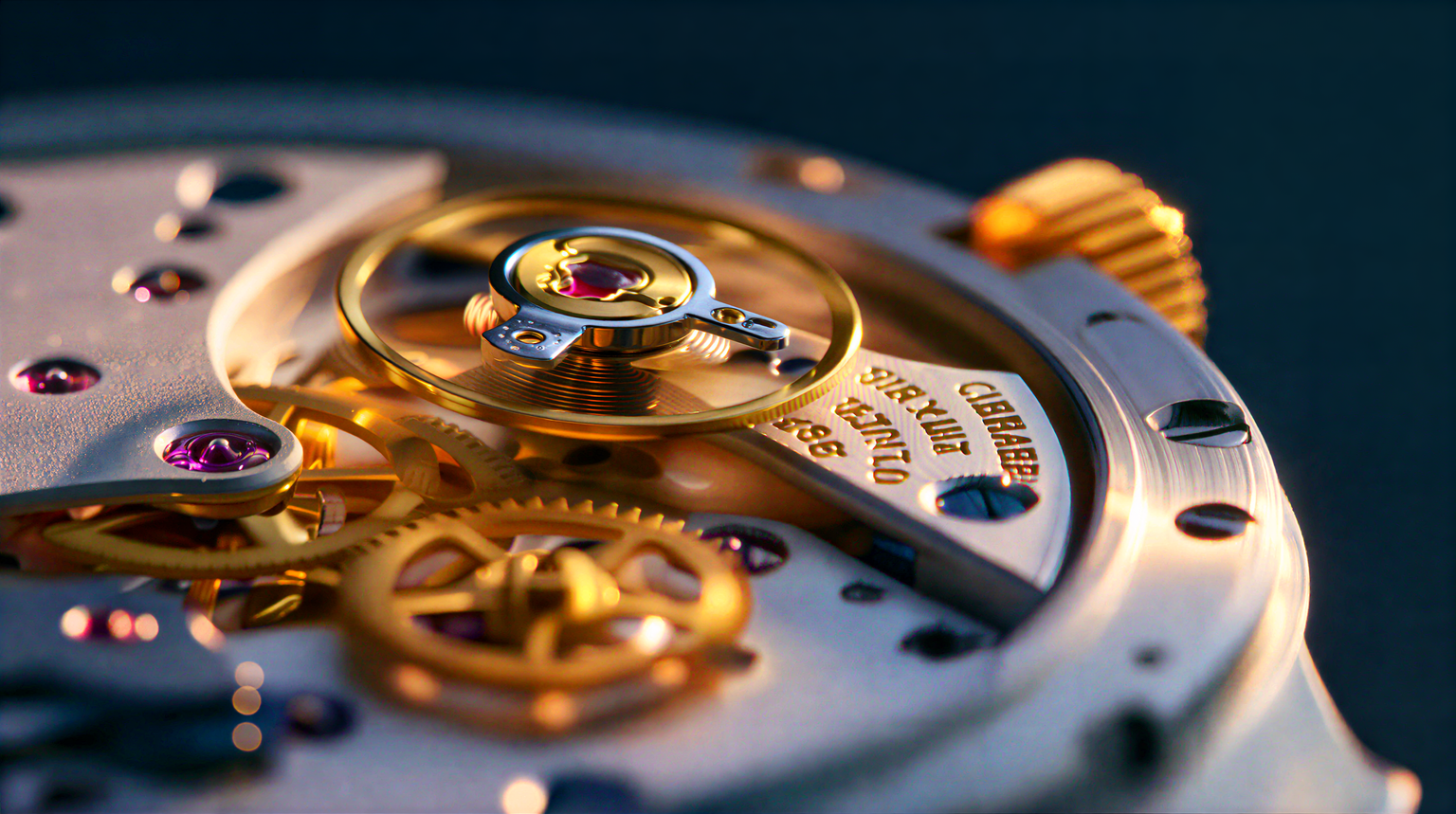
This workflow demonstrates how to upscale and restore images using SeedVR2 3B Int8, a one‑step diffusion-based video restoration model adapted here for still images and frame-by-frame processing. The core of the graph is a SeedVR2 inference node (id: 1970dcb4-982a-4c01-a373-4d239a3041e4) configured for the 3B Int8 weights and paired with the provided VAE (seedvr2_ema_vae_fp16.safetensors). You load your source with LoadImage, route it through the SeedVR2 node for enhancement/upscaling, compare results with ImageCompare, and finalize with SaveImage. A MarkdownNote in the graph provides inline guidance and links.
Technically, SeedVR2 performs a single forward pass to restore detail, reduce compression artifacts, and upscale, avoiding iterative denoising. The Int8 quantized 3B variant reduces VRAM usage and speeds up inference with a small quality trade-off versus full precision. While SeedVR2 is trained for video restoration and improved temporal consistency across sequences, it also produces strong results on individual images. If you process frame sequences consistently (e.g., exported video frames), the model’s training tends to yield visually stable outputs from frame to frame even when used one-at-a-time in ComfyUI.
API
通过代码使用此工作流
每个 Comfy 工作流都是一个 JSON 图。下面的内容就是此工作流的完整数据,ComfyUI 运行时也是如此——你可以从该 URL 获取、放入版本控制,或在 ComfyUI 中加载并逐节点运行。
使用 Comfy SDK 从 TypeScript 或 Python 运行。相同代码可用于 Comfy Cloud 或你自托管的 ComfyUI——只需更改基础 URL。
// Install (beta)
npm i @comfyorg/sdk

// Run this workflow (TypeScript)
import { Comfy } from "@comfyorg/sdk";

const client = new Comfy({ apiKey: "comfyui-..." });
const wf = await client.workflows.fromFile("workflow_api.json");
const job = await client.run(wf);
await job.getOutputs("<output-node-id>")[0].toFile("output.png");
SDK 需要 API 格式的工作流:在 ComfyUI 中打开此工作流,使用 文件 → 导出工作流(API)。



















