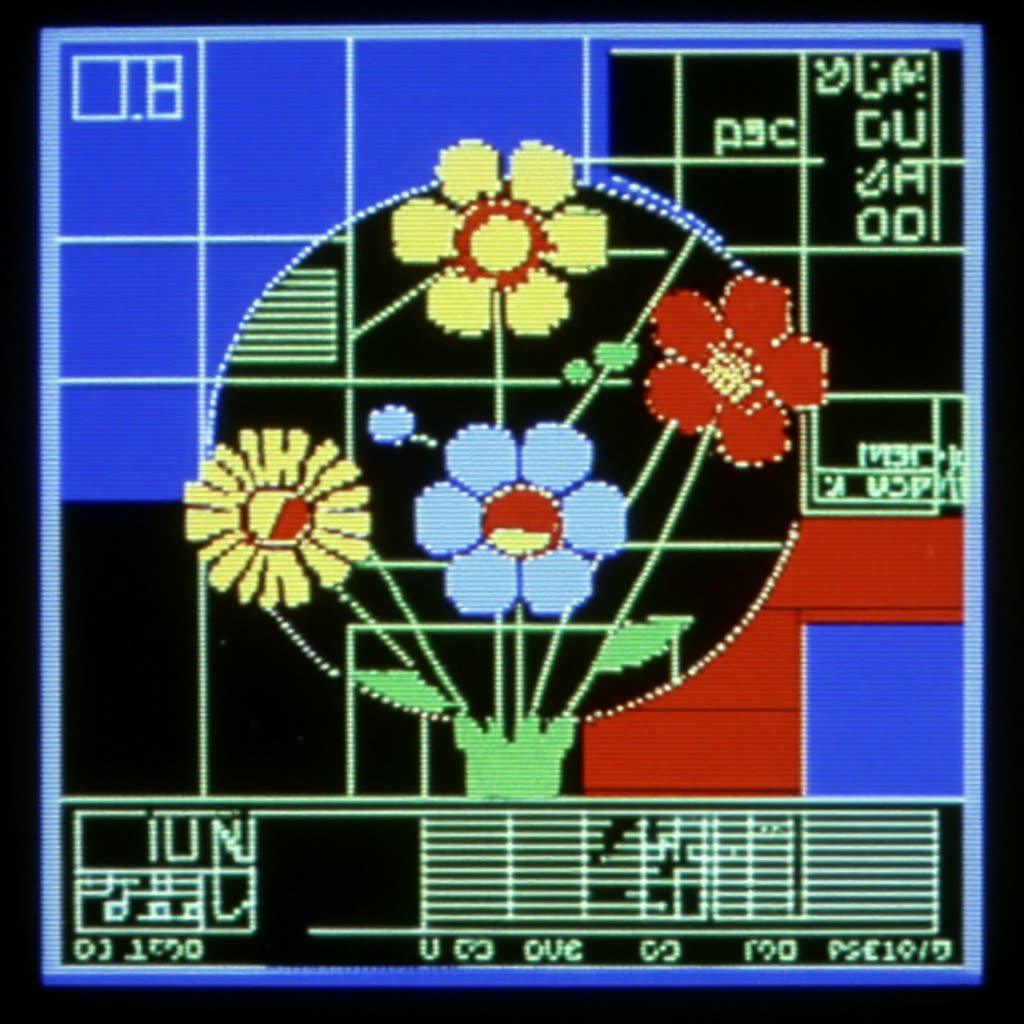
يولّد سير العمل هذا رسومات HUD ريترو بطابع قديم من مطالبات نصية عبر دمج LoRA للأسلوب مع مُعيّن Turbo لتكرار سريع. يوجّه LoRA "Oldschool Hud Graphics" نقطة التحقق الأساسية نحو عناصر واجهة هندسية—مُصوّبات، خطوط شبكية، حلقات، قراءات—بينما تُسرّع عقدة Z‑Image Turbo أخذ العينات لعرض معاينات سريعة واستكشاف الأسلوب بسرعة. تتيح BatchImagesNode إنشاء تنويعات في تشغيل واحد، وتلتقط SaveImage الإطارات التي تختارها. وعندما تكون جاهزًا للتحريك، تقوم CreateVideo وSaveVideo بتجميع الدفعة في مقطع حركة قصير.
في الخلفية، يتم ترميز مطالبتك وإرسالها إلى النموذج الأساسي مع تطبيق LoRA بوزن يحدده المستخدم، ما يوجّه طبقات الانتباه نحو جمالية HUD. ثم يقوم Z‑Image Turbo بأخذ العينات بعدد خطوات منخفض للسرعة، ويمكنك ضبطه للحصول على خطوط أوضح أو تفاصيل أكثر. أبقِ وزن LoRA من متوسط إلى قوي لإبراز الطابع الرسومي، وقرنه بمطالبات موجزة (مثل: "retro heads‑up display, concentric circles, grid overlay, monochrome green") مع مطالبة سلبية لتقليل الفوضى الواقعية. يحتوي MarkdownNote المرفق على نصائح داخل المخطط، بينما تتولى العقد المخصصة (المذكورة حسب UUID) توصيلات LoRA/Turbo كي تركز على المطالبات، حجم الدفعة (BatchImagesNode)، والإخراج (SaveImage/SaveVideo).
API
استخدم سير العمل هذا من الكود
كل سير عمل في Comfy هو رسم بياني بصيغة JSON. الحمولة أدناه هي هذا سير العمل بالضبط كما يشغله ComfyUI — يمكنك جلبه من الرابط، حفظه في نظام التحكم بالإصدارات، أو تحميله في ComfyUI وتشغيله عقدة تلو الأخرى.
شغّله من TypeScript أو Python باستخدام Comfy SDK. نفس الكود يعمل على Comfy Cloud أو ComfyUI الذي تستضيفه بنفسك — فقط عنوان URL الأساسي يتغير.
// Install (beta)
npm i @comfyorg/sdk

// Run this workflow (TypeScript)
import { Comfy } from "@comfyorg/sdk";

const client = new Comfy({ apiKey: "comfyui-..." });
const wf = await client.workflows.fromFile("workflow_api.json");
const job = await client.run(wf);
await job.getOutputs("<output-node-id>")[0].toFile("output.png");
يأخذ SDK سير العمل بصيغة API: افتح هذا سير العمل في ComfyUI واستخدم ملف → تصدير سير العمل (API).
يتطلب الوصول إلى Comfy Cloud API خطة تتضمن مفتاح API.
الأسئلة الشائعة


















