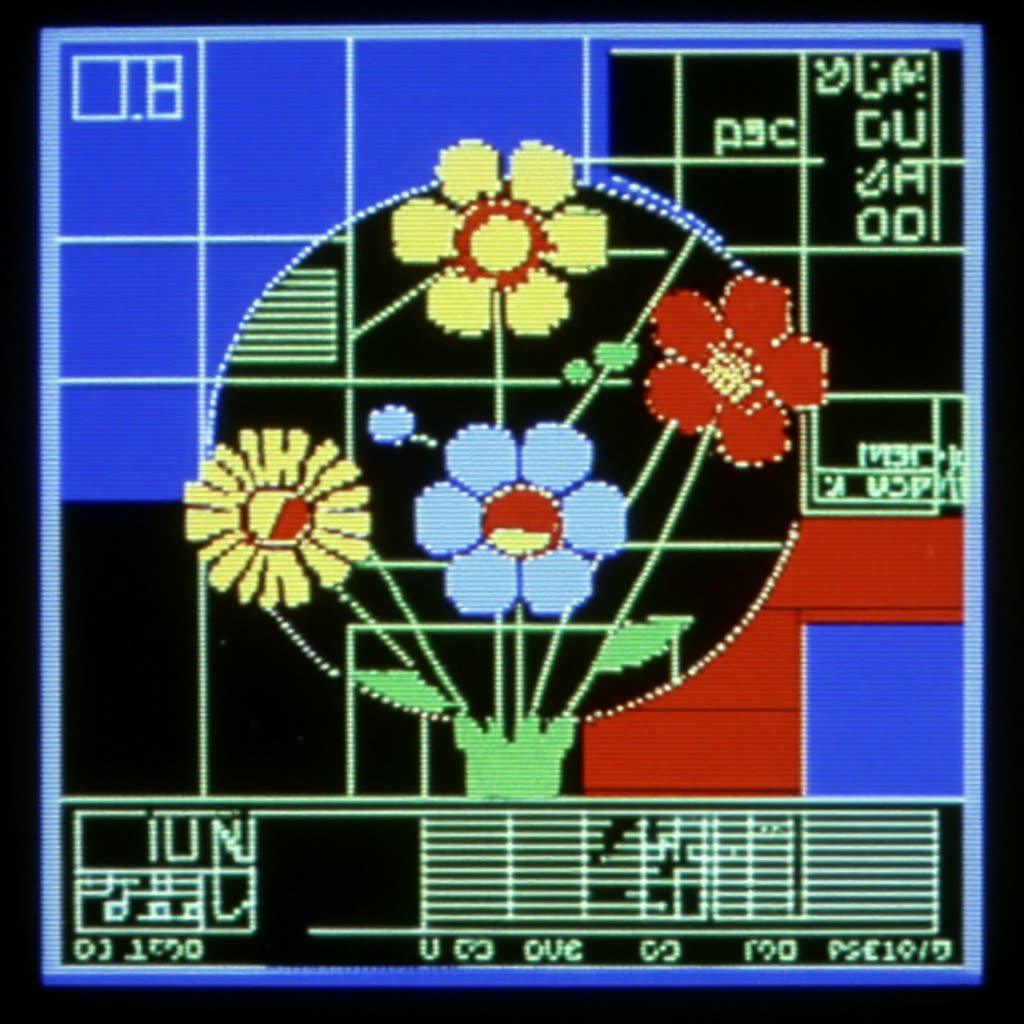
本工作流通过将风格LoRA与Turbo采样器结合,实现从文本提示快速生成复古HUD图形。"Oldschool Hud Graphics" LoRA会引导基础模型生成几何化UI元素——如准星、网格线、圆环、读数显示——而Z‑Image Turbo节点则加速采样,便于快速预览和风格探索。BatchImagesNode可一次性批量生成多种变体,SaveImage用于保存所选帧。需要动画时,可用CreateVideo和SaveVideo将批量图片合成为短动画片段。
在底层,提示词会被编码并输入基础模型,LoRA以用户设定权重应用,增强HUD风格。Z‑Image Turbo以较低步数采样以提升速度,步数可调以获得更清晰线条或更多细节。建议LoRA权重保持中高,以突出图形感,并配合简洁提示词(如“复古抬头显示,同心圆,网格叠加,单色绿色”),负面提示可抑制写实杂乱。内嵌MarkdownNote节点提供图内提示,自定义节点(见UUID)负责LoRA/Turbo的连接,用户只需关注提示词、批量数量(BatchImagesNode)和输出(SaveImage/SaveVideo)。
API
通过代码使用此工作流
每个 Comfy 工作流都是一个 JSON 图。下面的内容就是此工作流的完整数据,ComfyUI 运行时也是如此——你可以从该 URL 获取、放入版本控制,或在 ComfyUI 中加载并逐节点运行。
使用 Comfy SDK 从 TypeScript 或 Python 运行。相同代码可用于 Comfy Cloud 或你自托管的 ComfyUI——只需更改基础 URL。
// Install (beta)
npm i @comfyorg/sdk

// Run this workflow (TypeScript)
import { Comfy } from "@comfyorg/sdk";

const client = new Comfy({ apiKey: "comfyui-..." });
const wf = await client.workflows.fromFile("workflow_api.json");
const job = await client.run(wf);
await job.getOutputs("<output-node-id>")[0].toFile("output.png");
SDK 需要 API 格式的工作流:在 ComfyUI 中打开此工作流,使用 文件 → 导出工作流(API)。
常见问题
常见问题



















Showing 30 of 30 templates