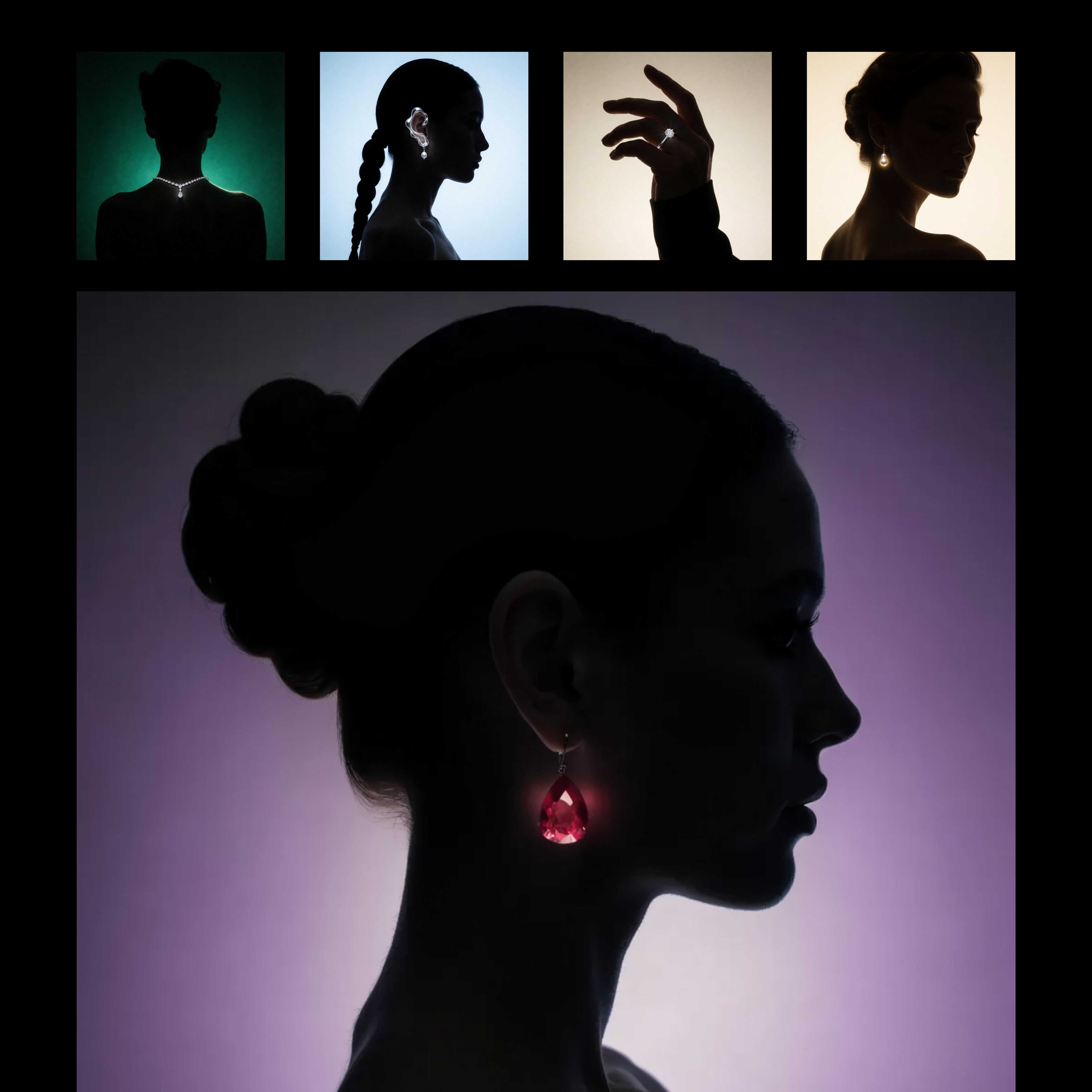
This workflow builds a reusable, prompt-driven style from one or more reference images using Recraft V4. The LoadImage nodes bring in your style reference assets, which are passed to RecraftV4CreateStyleNode to generate a style_id that captures visual attributes like palette, material finish, lighting, and composition patterns. The style_id is saved with SaveText to ComfyUI/output/Recraft_Style_v4 for future reuse, so you do not need to retrain or fine-tune anything.
Once the style is created, RecraftV4TextToImageNode renders a new image from your text prompt while applying the saved style_id. This produces a single, styled output that mirrors the look and feel of your references without copying their content. SaveImageAdvanced handles output naming and export; adjust its filename_prefix to keep variations organized. The setup is ideal for brand-consistent asset creation or adapting a client’s existing campaign look, and you can feed multiple reference images to either sharpen or broaden the style match.
API
استخدم سير العمل هذا من الكود
كل سير عمل في Comfy هو رسم بياني بصيغة JSON. الحمولة أدناه هي هذا سير العمل بالضبط كما يشغله ComfyUI — يمكنك جلبه من الرابط، حفظه في نظام التحكم بالإصدارات، أو تحميله في ComfyUI وتشغيله عقدة تلو الأخرى.
شغّله من TypeScript أو Python باستخدام Comfy SDK. نفس الكود يعمل على Comfy Cloud أو ComfyUI الذي تستضيفه بنفسك — فقط عنوان URL الأساسي يتغير.
// Install (beta)
npm i @comfyorg/sdk

// Run this workflow (TypeScript)
import { Comfy } from "@comfyorg/sdk";

const client = new Comfy({ apiKey: "comfyui-..." });
const wf = await client.workflows.fromFile("workflow_api.json");
const job = await client.run(wf);
await job.getOutputs("<output-node-id>")[0].toFile("output.png");
يأخذ SDK سير العمل بصيغة API: افتح هذا سير العمل في ComfyUI واستخدم ملف → تصدير سير العمل (API).
يتطلب الوصول إلى Comfy Cloud API خطة تتضمن مفتاح API.


















