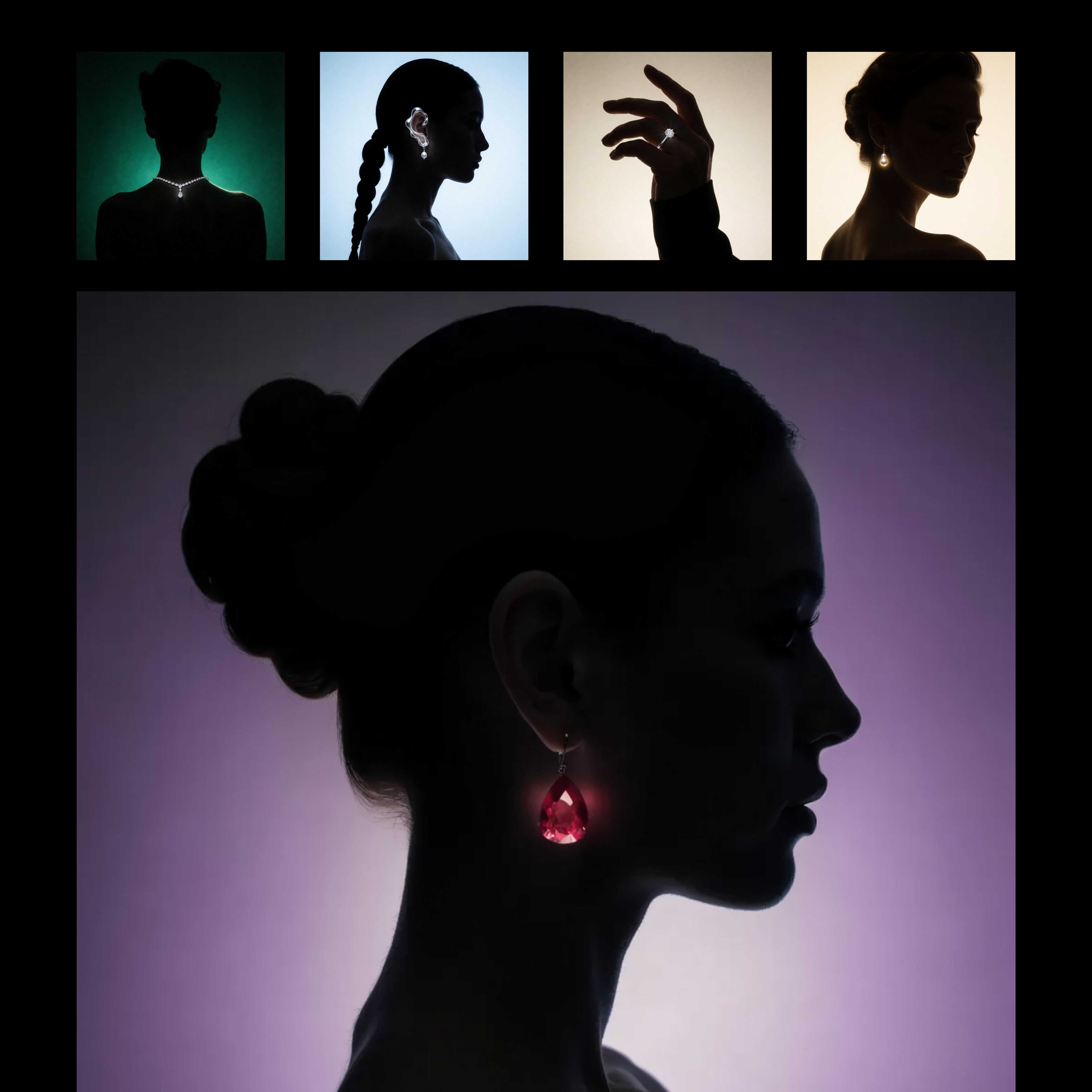
This workflow builds a reusable, prompt-driven style from one or more reference images using Recraft V4. The LoadImage nodes bring in your style reference assets, which are passed to RecraftV4CreateStyleNode to generate a style_id that captures visual attributes like palette, material finish, lighting, and composition patterns. The style_id is saved with SaveText to ComfyUI/output/Recraft_Style_v4 for future reuse, so you do not need to retrain or fine-tune anything.
Once the style is created, RecraftV4TextToImageNode renders a new image from your text prompt while applying the saved style_id. This produces a single, styled output that mirrors the look and feel of your references without copying their content. SaveImageAdvanced handles output naming and export; adjust its filename_prefix to keep variations organized. The setup is ideal for brand-consistent asset creation or adapting a client’s existing campaign look, and you can feed multiple reference images to either sharpen or broaden the style match.
API
このワークフローをコードから利用
すべてのComfyワークフローはJSONグラフです。以下のペイロードは、このワークフローそのものであり、ComfyUIが実行する内容と同じです — このURLから取得し、バージョン管理に保存したり、ComfyUIで読み込んでノードごとに実行できます。
Comfy SDKを使ってTypeScriptまたはPythonから実行できます。同じコードでComfy Cloudや自身でホストしたComfyUIのどちらにも対応 — ベースURLだけが異なります。
// Install (beta)
npm i @comfyorg/sdk

// Run this workflow (TypeScript)
import { Comfy } from "@comfyorg/sdk";

const client = new Comfy({ apiKey: "comfyui-..." });
const wf = await client.workflows.fromFile("workflow_api.json");
const job = await client.run(wf);
await job.getOutputs("<output-node-id>")[0].toFile("output.png");
SDKはAPI形式のワークフローを受け取ります:このワークフローをComfyUIで開き、「ファイル → ワークフローをエクスポート(API)」を使用してください。


















