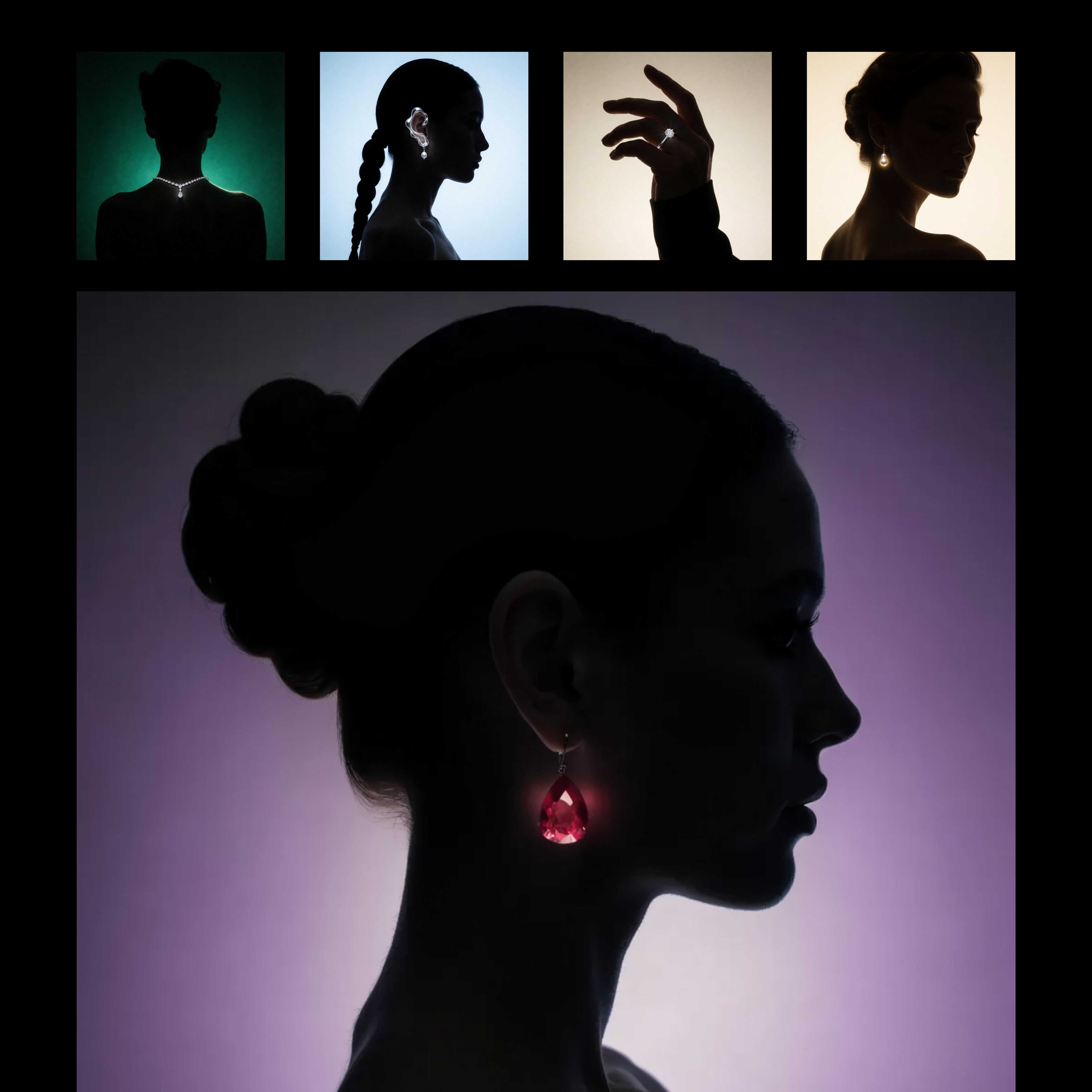
This workflow builds a reusable, prompt-driven style from one or more reference images using Recraft V4. The LoadImage nodes bring in your style reference assets, which are passed to RecraftV4CreateStyleNode to generate a style_id that captures visual attributes like palette, material finish, lighting, and composition patterns. The style_id is saved with SaveText to ComfyUI/output/Recraft_Style_v4 for future reuse, so you do not need to retrain or fine-tune anything.
Once the style is created, RecraftV4TextToImageNode renders a new image from your text prompt while applying the saved style_id. This produces a single, styled output that mirrors the look and feel of your references without copying their content. SaveImageAdvanced handles output naming and export; adjust its filename_prefix to keep variations organized. The setup is ideal for brand-consistent asset creation or adapting a client’s existing campaign look, and you can feed multiple reference images to either sharpen or broaden the style match.
API
通过代码使用此工作流
每个 Comfy 工作流都是一个 JSON 图。下面的内容就是此工作流的完整数据,ComfyUI 运行时也是如此——你可以从该 URL 获取、放入版本控制,或在 ComfyUI 中加载并逐节点运行。
使用 Comfy SDK 从 TypeScript 或 Python 运行。相同代码可用于 Comfy Cloud 或你自托管的 ComfyUI——只需更改基础 URL。
// Install (beta)
npm i @comfyorg/sdk

// Run this workflow (TypeScript)
import { Comfy } from "@comfyorg/sdk";

const client = new Comfy({ apiKey: "comfyui-..." });
const wf = await client.workflows.fromFile("workflow_api.json");
const job = await client.run(wf);
await job.getOutputs("<output-node-id>")[0].toFile("output.png");
SDK 需要 API 格式的工作流:在 ComfyUI 中打开此工作流,使用 文件 → 导出工作流(API)。


















