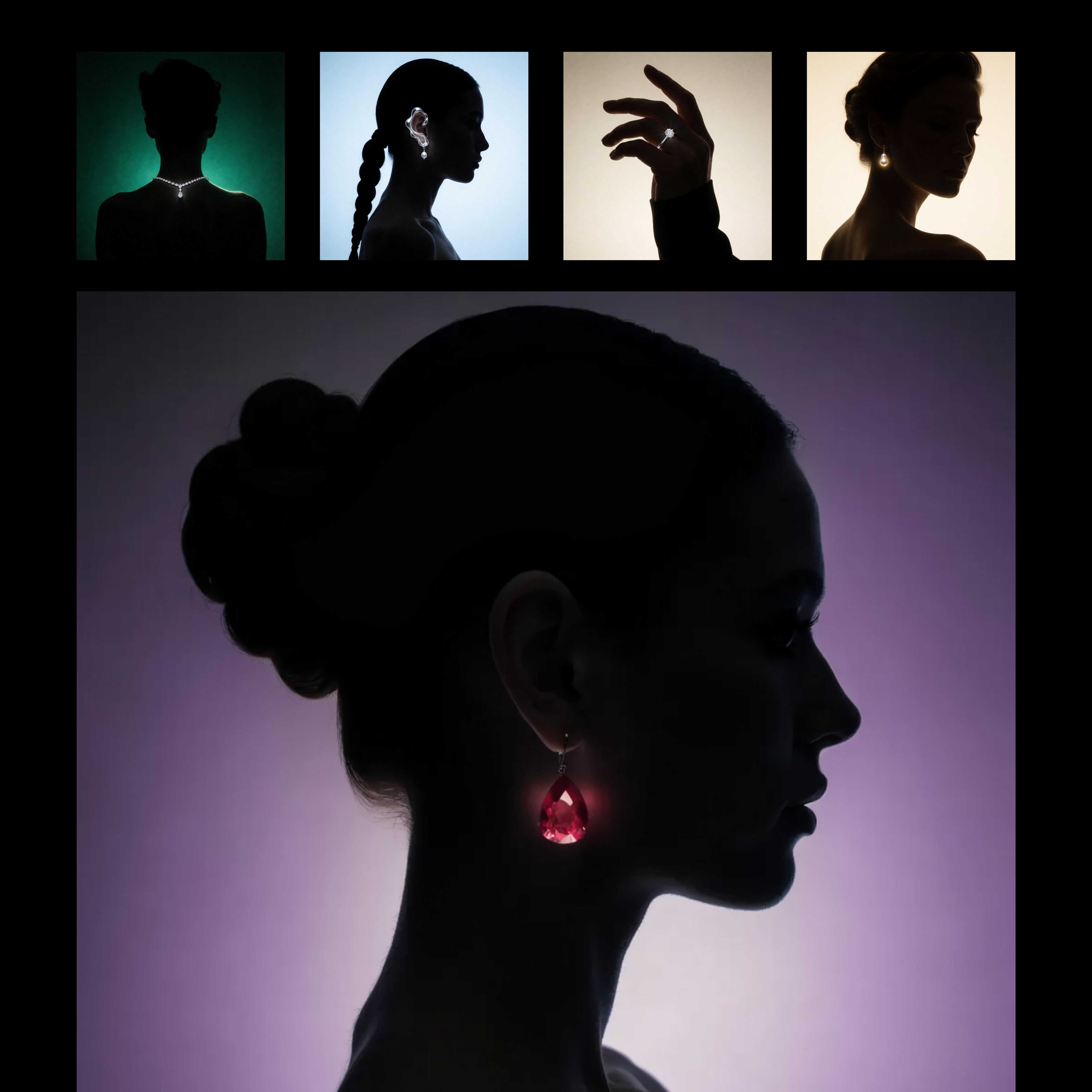
This workflow builds a reusable, prompt-driven style from one or more reference images using Recraft V4. The LoadImage nodes bring in your style reference assets, which are passed to RecraftV4CreateStyleNode to generate a style_id that captures visual attributes like palette, material finish, lighting, and composition patterns. The style_id is saved with SaveText to ComfyUI/output/Recraft_Style_v4 for future reuse, so you do not need to retrain or fine-tune anything.
Once the style is created, RecraftV4TextToImageNode renders a new image from your text prompt while applying the saved style_id. This produces a single, styled output that mirrors the look and feel of your references without copying their content. SaveImageAdvanced handles output naming and export; adjust its filename_prefix to keep variations organized. The setup is ideal for brand-consistent asset creation or adapting a client’s existing campaign look, and you can feed multiple reference images to either sharpen or broaden the style match.
API
Использовать этот рабочий процесс из кода
Каждый рабочий процесс Comfy — это JSON-граф. Ниже представлен payload этого процесса, точно так же, как его запускает ComfyUI: получите его по ссылке, храните в системе контроля версий или загрузите в ComfyUI и выполняйте по узлам.
Запустите его на TypeScript или Python с помощью Comfy SDK. Один и тот же код работает с Comfy Cloud или вашим собственным ComfyUI — меняется только базовый URL.
// Install (beta)
npm i @comfyorg/sdk

// Run this workflow (TypeScript)
import { Comfy } from "@comfyorg/sdk";

const client = new Comfy({ apiKey: "comfyui-..." });
const wf = await client.workflows.fromFile("workflow_api.json");
const job = await client.run(wf);
await job.getOutputs("<output-node-id>")[0].toFile("output.png");
SDK принимает рабочий процесс в API-формате: откройте этот процесс в ComfyUI и используйте Файл → Экспортировать рабочий процесс (API).
Доступ к API Comfy Cloud требует плана с API-ключом.


















