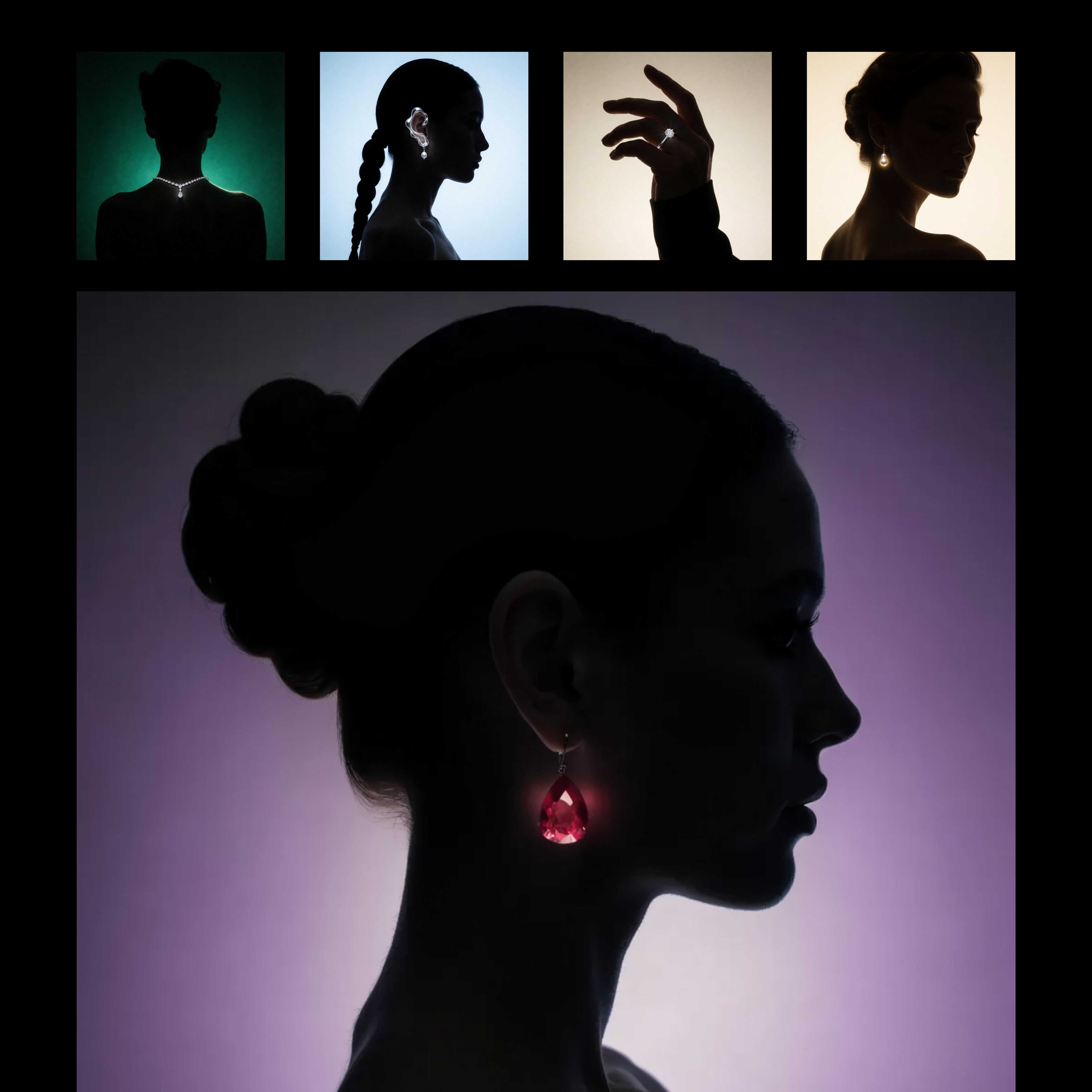
This workflow builds a reusable, prompt-driven style from one or more reference images using Recraft V4. The LoadImage nodes bring in your style reference assets, which are passed to RecraftV4CreateStyleNode to generate a style_id that captures visual attributes like palette, material finish, lighting, and composition patterns. The style_id is saved with SaveText to ComfyUI/output/Recraft_Style_v4 for future reuse, so you do not need to retrain or fine-tune anything.
Once the style is created, RecraftV4TextToImageNode renders a new image from your text prompt while applying the saved style_id. This produces a single, styled output that mirrors the look and feel of your references without copying their content. SaveImageAdvanced handles output naming and export; adjust its filename_prefix to keep variations organized. The setup is ideal for brand-consistent asset creation or adapting a client’s existing campaign look, and you can feed multiple reference images to either sharpen or broaden the style match.
API
Bu iş akışını koddan kullan
Her Comfy iş akışı bir JSON grafiğidir. Aşağıdaki veri, bu iş akışının tam olarak ComfyUI'da çalıştırıldığı halidir — URL'den alın, sürüm kontrolünde saklayın veya ComfyUI'da yükleyip düğüm düğüm çalıştırın.
Comfy SDK ile TypeScript veya Python'dan çalıştırın. Aynı kod Comfy Cloud veya kendi barındırdığınız bir ComfyUI'ı hedefler — sadece temel URL değişir.
// Install (beta)
npm i @comfyorg/sdk

// Run this workflow (TypeScript)
import { Comfy } from "@comfyorg/sdk";

const client = new Comfy({ apiKey: "comfyui-..." });
const wf = await client.workflows.fromFile("workflow_api.json");
const job = await client.run(wf);
await job.getOutputs("<output-node-id>")[0].toFile("output.png");
SDK, API formatında bir iş akışı alır: bu iş akışını ComfyUI'da açın ve Dosya → İş Akışını Dışa Aktar (API) seçeneğini kullanın.
Comfy Cloud API erişimi, API anahtarı içeren bir plan gerektirir.


















