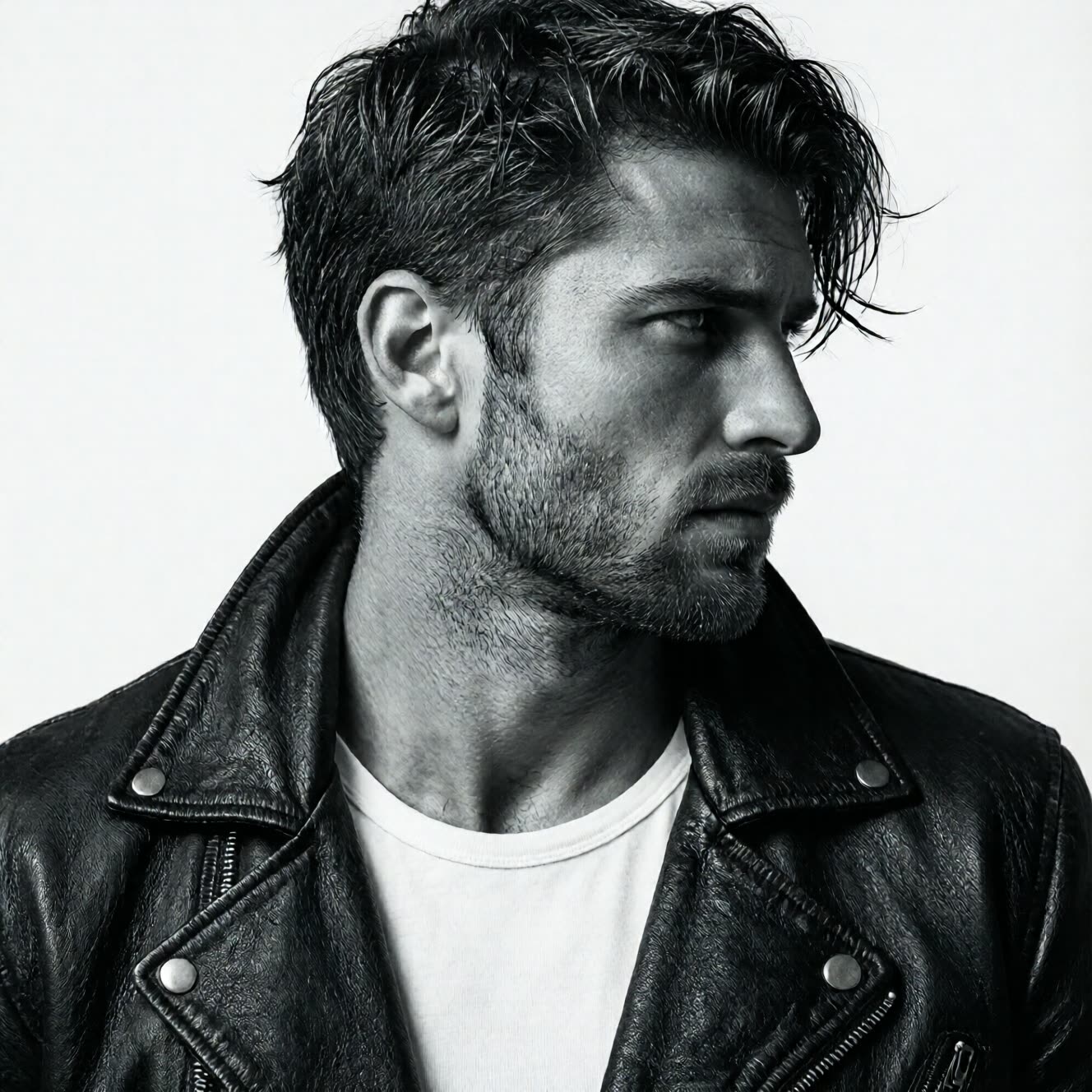
Qwen-Image 2512 Turbo

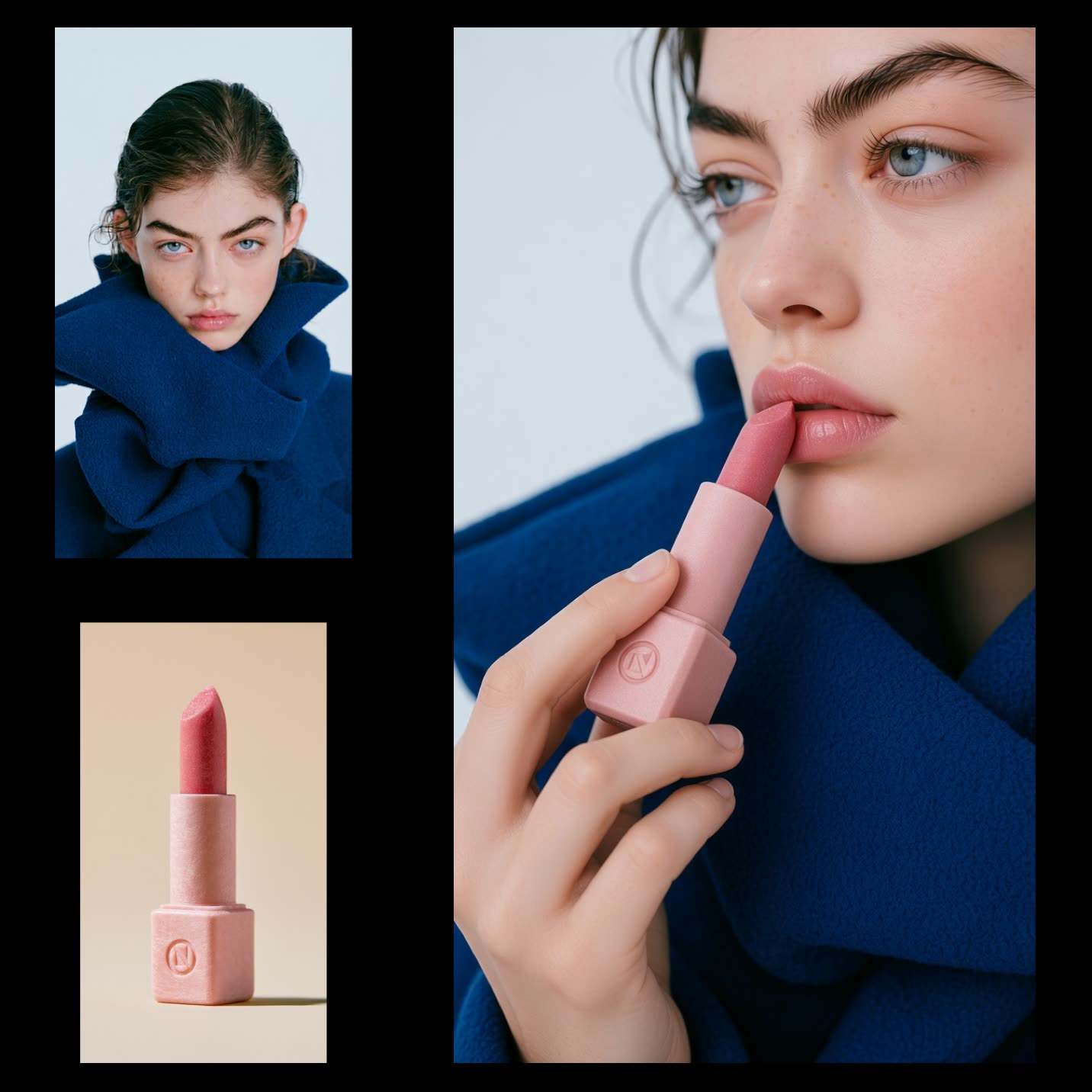
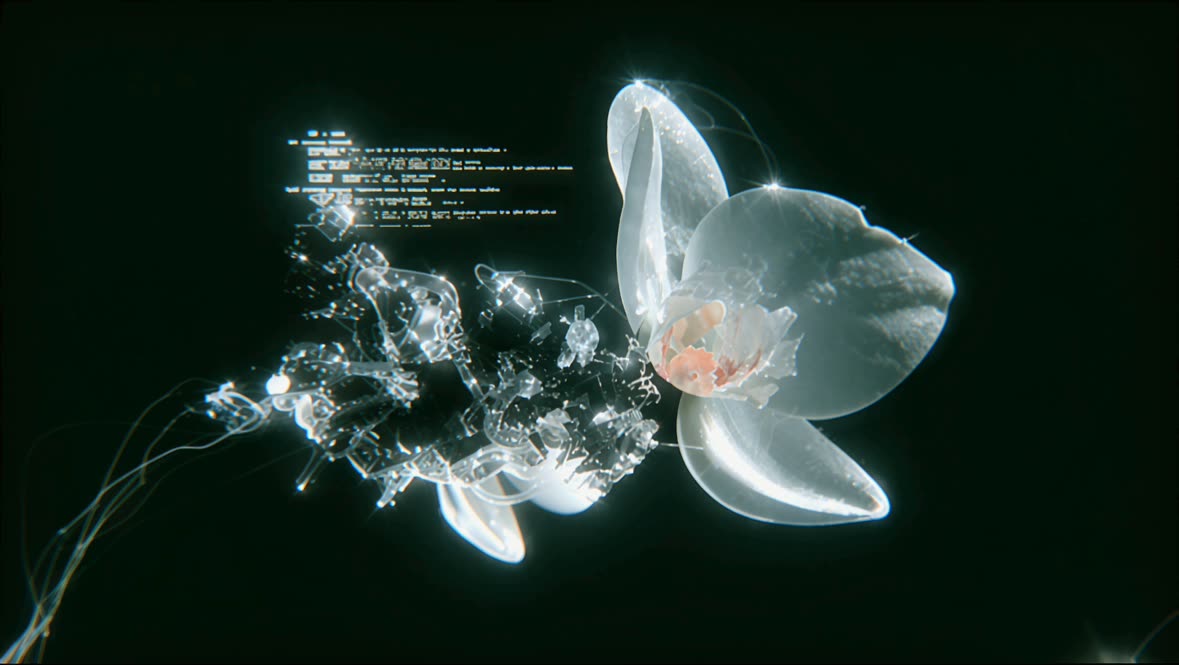
The Qwen-Image 2512 Turbo workflow is designed for rapid image generation using a streamlined process that leverages the Qwen-Image 2512 model. This workflow is particularly useful for users who need quick visual outputs from text prompts, albeit with a slight compromise on image quality to achieve faster results. The workflow integrates several key nodes, such as the VAELoader, CLIPLoader, and UNETLoader, which are essential for loading and processing the model components. The KSampler node plays a crucial role in generating latent images, while the LoraLoaderModelOnly node is used to apply LoRA (Low-Rank Adaptation) techniques to enhance the model's efficiency.

This workflow operates in three main steps: loading the necessary models, setting the image size, and processing the text prompt. The ModelSamplingAuraFlow node is crucial for sampling and refining the image output, ensuring that the final result aligns with the user's prompt. By utilizing the CLIPTextEncode node, the workflow effectively translates text prompts into visual concepts, which are then decoded into images using the VAEDecode node. The ConditioningZeroOut node helps in managing the conditioning process, ensuring that the image generation remains consistent and aligned with the input parameters. This workflow is ideal for scenarios where speed is prioritized over high fidelity, making it a practical choice for rapid prototyping and concept visualization.

Questions Fréquentes

The primary advantage is its speed, allowing for quick image generation from text prompts, making it ideal for rapid prototyping and concept visualization.

Yes, to achieve faster results, there is a slight trade-off in image quality. The workflow prioritizes speed over high fidelity.

Yes, the workflow allows you to set the image size using predefined aspect ratios, ensuring flexibility in output dimensions.

The workflow requires the Qwen-Image 2512 model, along with VAELoader, CLIPLoader, and other components like UNETLoader and LoraLoaderModelOnly.

Voir tous les workflows
Seedance 2.0: Reference to Video

Seedance 2.0: Reference to Video

ByteDance
ComfyUIComfyUI
Partner Nodes
Image to Video
Video

4K Seedance 2.0 - Reference to Video

PurzPurz
Character
Cinematic
Image to Video
Lip Sync
Multiple Angles
Portrait
Style Reference
Style Transfer
Text to Video
Video Generation
Video
Z-Image-Turbo Text to Image

Z-Image-Turbo Text to Image

ComfyUIComfyUI
Image
Text to Image
Grok: Image Edit - After
Grok: Image Edit - Before

Grok: Image Edit

ComfyUIComfyUI
Partner Nodes
Image Edit

Grok: Video generation

ComfyUIComfyUI
Video
Image to Video
Text to Video
Partner Nodes
Grok Imagine Image Quality: Generation

Grok Imagine Image Quality: Generation

ComfyUIComfyUI
Text to Image
Partner Nodes

LTX 2.3 - Lipdub LoRA + Voice Clone

RobRob
Audio Editing
Character
Video Edit
Video to Video
Voice Cloning
Text to Audio

1 image input Split Stack - Qwen Multiangle + Wan 2.2

RobRob
Video

SCAIL-2: Character Replacement

ComfyUIComfyUI
Video Edit
Ideogram v4: Text to Image

Ideogram v4: Text to Image

ComfyUIComfyUI
Text to Image

Googly Eyes

PurzPurz
Video to Video
Video
Video Edit
LoRA

Seedance 2.0 - Viral Videos Character Swap

RobRob
Character Reference
Image to Video
Video to Video
Video Generation
Text Generation

Seedance 2.0 Reference to Video - Concept Art + Stop Motion Style

MintaMinta
Video
Nano Banana 2: Image Edit

Nano Banana 2: Image Edit

Google
ComfyUIComfyUI
Partner Nodes
Image Edit
cinematic_annotate_video

cinematic_annotate_video

SirolimSirolim
Video
Video Generation
Image to Video

Beeble SwitchX: Video Edit

ComfyUIComfyUI
Image Edit
3x3 Contact Sheet

3x3 Contact Sheet

enigmatic_eenigmatic_e
Image

Restore Archival Footage - LTX 2.3 Dearchive LoRA

RobRob
Video Edit
Video
Video Generation
Video to Video

Remove Object from Video - LTX 2.3 Obscura Remova LoRA

RobRob
Video Edit
Video
Video to Video

Stylize Video - Frame by Frame - Flux.2 Klein 4b

RobRob
Video Edit
Video to Video
Image Edit
Seedream 5.0 Lite: Image Edit - After
Seedream 5.0 Lite: Image Edit - Before

Seedream 5.0 Lite: Image Edit

ByteDance
ComfyUIComfyUI
Partner Nodes
Image Edit
Utility Video Upscale - After
Utility Video Upscale - Before

Utility Video Upscale

SirolimSirolim
Video Upscale
Video Edit
Video
Video to Video
Video Generation
Visual Effects
Cinematic

1 image input Split Stack - Nano Banana 2 + Kling 3.0

RobRob
Partner Nodes
Image to Video
Multiple Angles
Stable Audio 3.0 Medium Base

Stable Audio 3.0 Medium Base

ComfyUIComfyUI
Audio
SYSTMS ACTION: QWEN IMAGE EDIT 2511 - After
SYSTMS ACTION: QWEN IMAGE EDIT 2511 - Before

SYSTMS ACTION: QWEN IMAGE EDIT 2511

Image Edit
Image Enhancement
Ideogram v4: Text to Image (API)

Ideogram v4: Text to Image (API)

ComfyUIComfyUI
Text to Image
Krea 2 Moodboards

Krea 2 Moodboards

JMSJMS
Partner Nodes
Image
Text to Image
Grok Imagine Image Quality: Edit - After
Grok Imagine Image Quality: Edit - Before

Grok Imagine Image Quality: Edit

ComfyUIComfyUI
Partner Nodes
Image Edit

Video Outpainting

PurzPurz
Video
Video Generation
Video to Video
Outpainting

VFX - Bullet Time Effect

SirolimSirolim
Visual Effects
Image to Video
Video
Showing 30 of 547 templates