ハブ
ComfyUIワークフロー
次は何を作りますか?最新のAIモデルを、あなた自身のアイデアで、ブラウザ上ですぐに試せます。
AIモデルを活用した複数ステップのワークフローで、アイデアを完成した成果に変えましょう。

複数のワークフローをまとめたアプリで、より大きなアイデアに取り組みましょう。
画像を編集
- SSeedVR2
Upscale and restore detail
- Nano Banana Pro
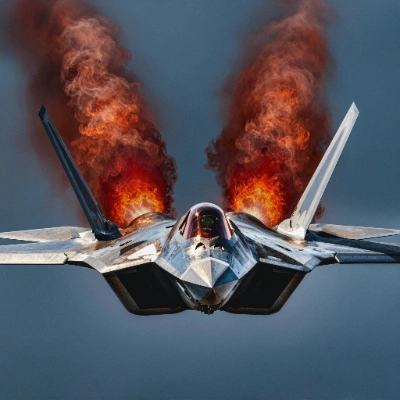
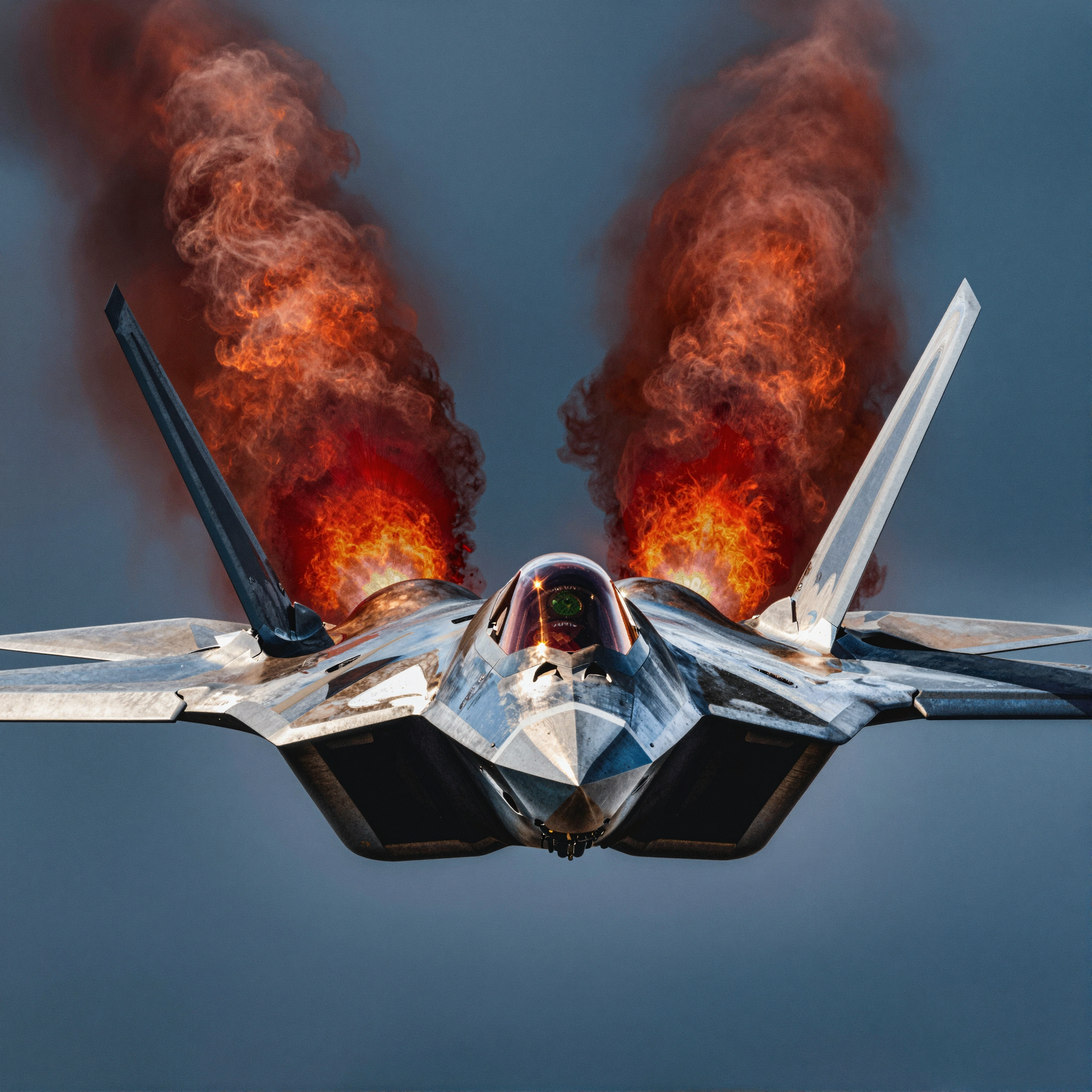
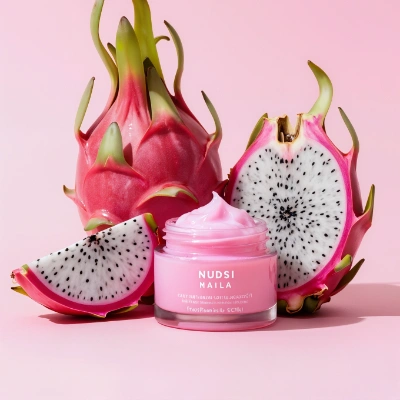
Sharpen a product photo
- Topaz
Upscale an illustration
- HHitPaw
Restore portrait detail
- パパートナーノード
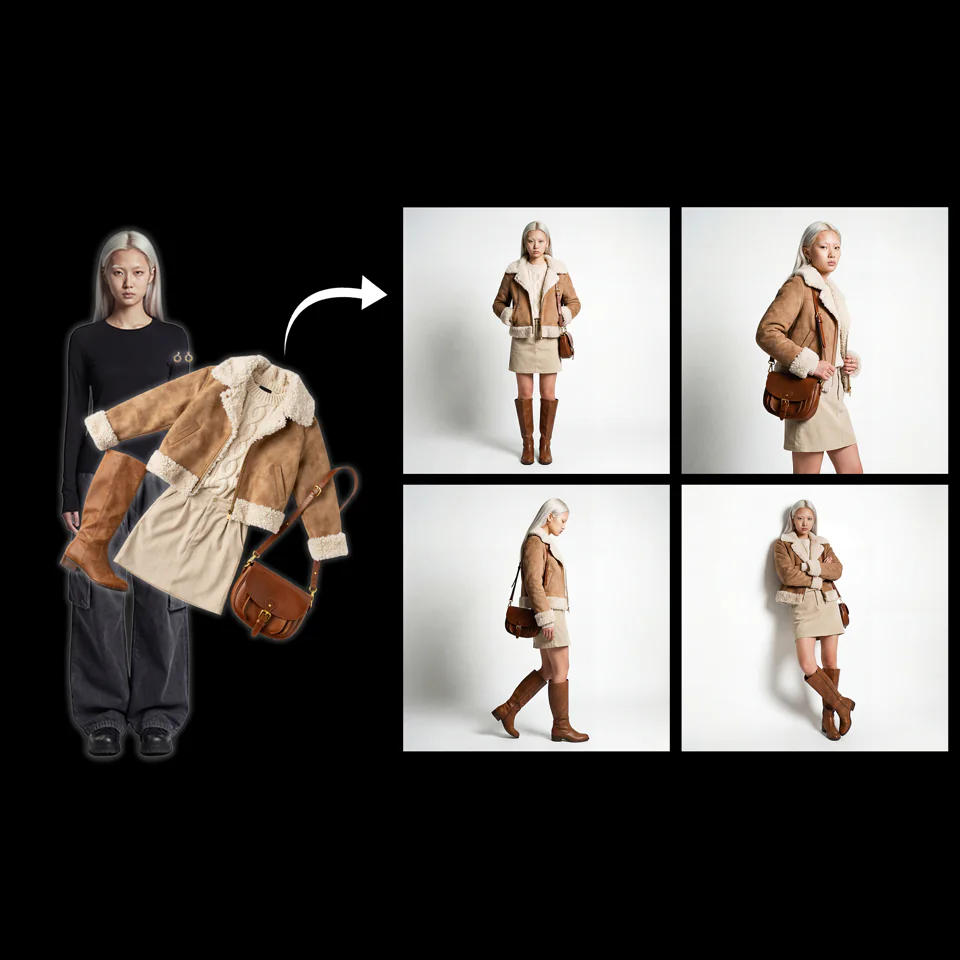
Character + Clothing Virtual Try on Studio Photoshoot
- パパートナーノード
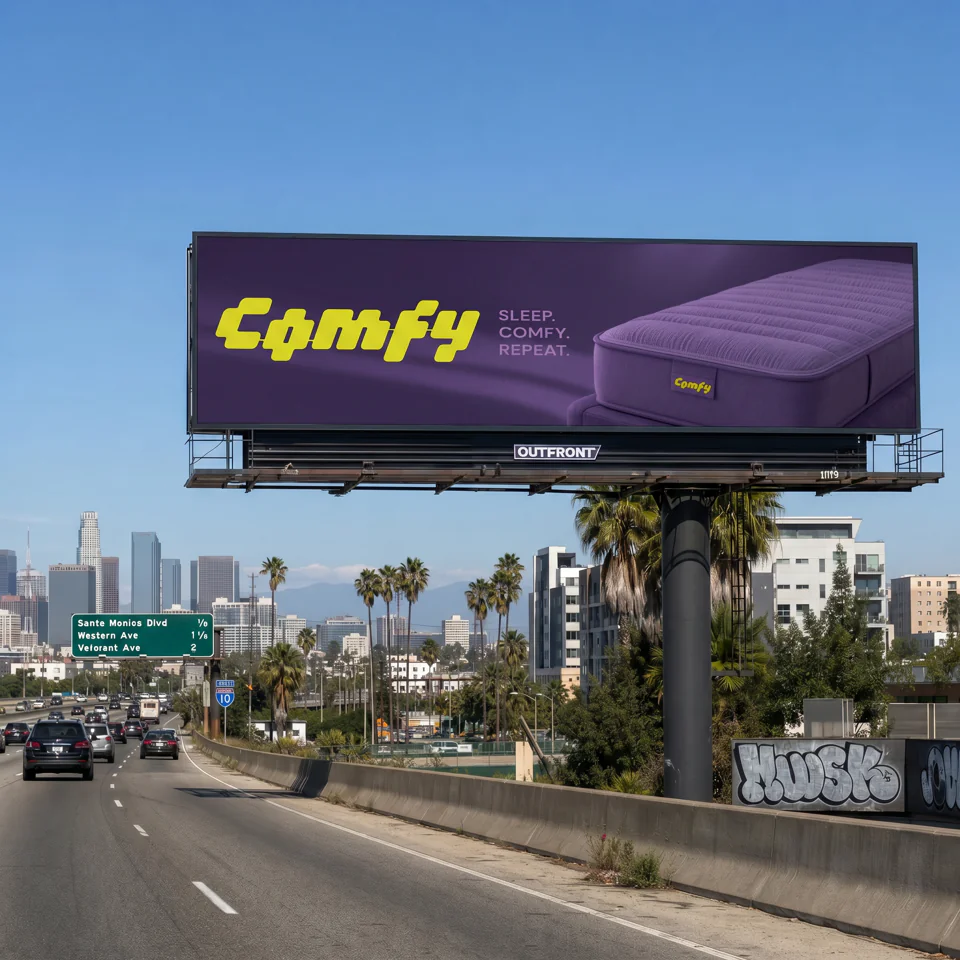
Comfy for Advertising - OOH Visualization
- パパートナーノード
Image Upscale
- ZZ-Image-Turbo
Image Upscale: Z-Image-Turbo 2K
- Magnific
Magnific: Creative Image Upscale

アップスケールと復元
- SSeedVR2
Upscale and restore detail
- SSeedVR2
Upscale a video
- Nano Banana Pro
Sharpen a product photo
- Topaz
Upscale an illustration
- HHitPaw
Restore portrait detail
- LTX-2.3
Restore archival footage
- ZZ-Image-Turbo
2.3 Creator: Image Upscale & Analysis
- パパートナーノード
AI on the Lot 2026 - QwenVL - Prompt Enhancer
- パパートナーノード
AI on the Lot 2026 - Z-Image Turbo - t2i + Upscale
- パパートナーノード
Character + Clothing Virtual Try on Studio Photoshoot
- パパートナーノード
Color Curves to Video
- パパートナーノード
Comfy for Advertising - OOH Visualization
- RReal-ESRGAN
Fast GAN Video Upscaler
- NNone
Frame Interpolation
- Grok, Z-Image-Turbo
Generate Realistic Variations
- NNone
GIMM Frame Interpolation
- HHitPaw
HitPaw: Portrait Diffusion Upscaler
- HHitPaw
HitPaw: Video Enhancement and Upscaling
- パパートナーノード
Image Enhancer
- パパートナーノード
Image Upscale
- パートナーノード
Image Upscale: Bria Increase Resolution
- NNone
Image Upscale: Traditional Interpolation
- ZZ-Image-Turbo
Image Upscale: Z-Image-Turbo 2K
- Magnific
Magnific: Creative Image Upscale
VFXとモーション転送
ControlNet、深度、ポーズ、その他のツール
プロバイダー別の全モデル
148件のモデル
プロバイダー別の全モデル
148件のモデルBlack Forest Labs
Bria
ByteDance
- Seed Audio 1.0 Multilingual Text-to-Speech
- Seed Audio 1.0 Text-to-Speech
- Seedance 2.0 Fast First-Last Frame
- Seedance 2.0 Fast Reference-to-Video
- Seedance 2.0 Fast Text-to-Video
- Seedance 2.0 Image-to-Video
- Seedance 2.0 Mini Text-to-Video
- Seedance 2.0 Reference-to-Video
- Seedance 2.0 Text-to-Video
- Seedance 2.5 First-Last Frame
- Seedance 2.5 Reference-to-Video
- Seedance 2.5 Text-to-Video
- Seedance 2.5 Video Edit
- Seedream 4.0 Image Edit
- Seedream 4.0 Text-to-Image
- Seedream 4.5 Image Edit
- Seedream 4.5 Text-to-Image
- Seedream 5.0 Lite Image Edit
- Seedream 5.0 Lite Text-to-Image
- Seedream 5.0 Pro Image Edit
- Seedream 5.0 Pro Layer Separation
- Seedream 5.0 Pro Text-to-Image
ElevenLabs
Freepik
- Gemini Omni 1.1 Flash Image-to-Video
- Gemini Omni 1.1 Flash Text-to-Video
- Gemini Omni 1.1 Flash Video Edit
- Gemini Omni Flash Preview Image-to-Video
- Gemini Omni Flash Preview Text-to-Video
- Gemini Omni Flash Preview Video Edit
- Nano Banana 2 Image Edit
- Nano Banana 2 Text-to-Image
- Nano Banana Image Edit
- Nano Banana Pro Image Edit
- Nano Banana Pro Text-to-Image
- Nano Banana Text-to-Image
- Veo 3 First-Last Frame
- Veo 3 Image-to-Video
- Veo 3 Text-to-Video
Kling
Luma
- Luma Photon 1 Image Edit
- Luma Photon 1 Text-to-Image
- Luma Photon Flash 1 Image Edit
- Luma Photon Flash 1 Text-to-Image
- Luma Ray 2 Image-to-Video
- Luma Ray 2 Text-to-Video
- Luma Ray Flash 2 Image-to-Video
- Luma Ray Flash 2 Text-to-Video
- Luma Uni 1 Image Edit
- Luma Uni 1 Max Image Edit
- Luma Uni 1 Max Text-to-Image
- Luma Uni 1 Text-to-Image
OpenAI
Qwen
Recraft
- Recraft V3 Text-to-Image
- Recraft V3 Text-to-Vector
- Recraft V4 Pro Text-to-Image
- Recraft V4 Pro Text-to-Vector
- Recraft V4 Text-to-Image
- Recraft V4 Text-to-Vector
- Recraft V4.1 Pro Text-to-Image
- Recraft V4.1 Pro Text-to-Vector
- Recraft V4.1 Text-to-Image
- Recraft V4.1 Text-to-Vector
- Recraft V4.1 Utility Pro Text-to-Image
- Recraft V4.1 Utility Pro Text-to-Vector
- Recraft V4.1 Utility Text-to-Image
- Recraft V4.1 Utility Text-to-Vector
Runway
Wan
- HappyHorse Reference-to-Video
- HappyHorse Text-to-Video
- HappyHorse Video Edit
- Wan 2.5 Image Edit
- Wan 2.5 Text-to-Image
- Wan 2.6 Image-to-Video
- Wan 2.6 Reference-to-Video
- Wan 2.6 Text-to-Video
- Wan 2.7 Image-to-Video
- Wan 2.7 Reference-to-Video
- Wan 2.7 Text-to-Video
- Wan 2.7 Video Continuation
- Wan 2.7 Video Edit
- Wan 3.0 Image-to-Video
- Wan 3.0 Prime Image-to-Video
- Wan 3.0 Prime Reference-to-Video
- Wan 3.0 Prime Text-to-Video
- Wan 3.0 Reference-to-Video
- Wan 3.0 Text-to-Video
ComfyUIワークフローとは?
ComfyUIワークフローは、AIモデル、プロンプト、設定を1つの処理につなぐノードのグラフです。このページの各ワークフローは、テキストプロンプトや画像などの入力を完成した成果に変えます。ワークフローを開いて手順と使用するモデルを確認し、ブラウザで実行しましょう。