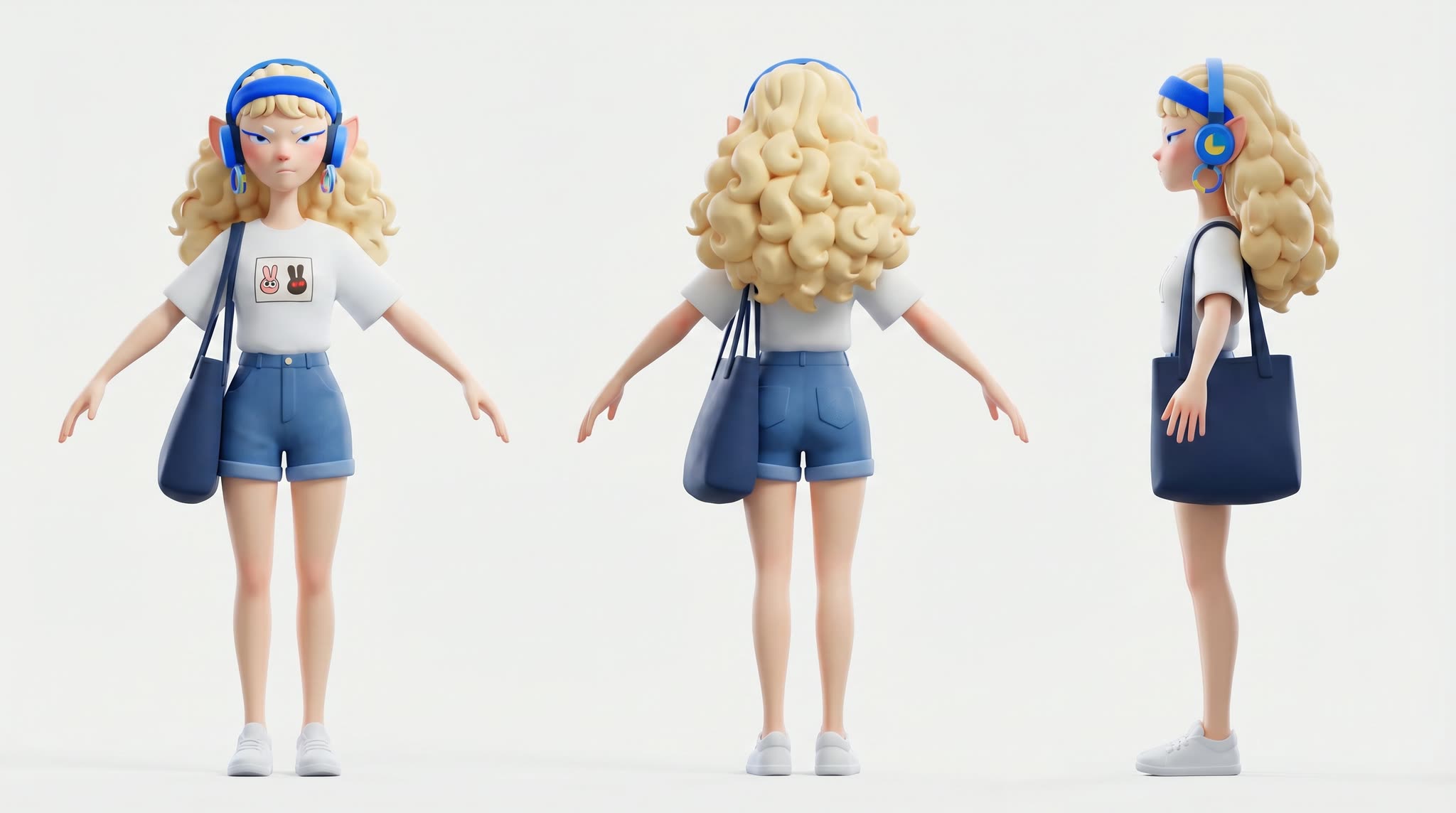
This workflow turns a single character reference plus a short scene description into a quick storyboard and an animated clip. It chains OpenAIGPTImage1 to generate storyboard stills from your prompt, then feeds your chosen keyframe and reference art into ByteDance2ReferenceNode (Seedance 2.0) to produce motion, finishing with SaveVideo to render a playable file. LoadImage brings your character reference into the graph, while SaveImage lets you export and review the storyboard frames before you animate.
Technically, the pipeline separates ideation from animation so you can iterate fast. OpenAIGPTImage1 handles image generation for visual beats (thumbnails or keyframes) based on your scene prompt. You then select a preferred frame and pair it with your uploaded character reference for consistent identity and styling inside ByteDance2ReferenceNode, which synthesizes a short image-to-video sequence. The final frames are assembled by SaveVideo. This modular approach makes it easy to refine prompts, swap keyframes, or adjust motion strength and duration without redoing earlier steps.
API
코드에서 이 워크플로우 사용하기
모든 Comfy 워크플로우는 JSON 그래프입니다. 아래 페이로드는 이 워크플로우 그 자체로, ComfyUI에서 실행되는 것과 동일합니다 — URL에서 가져오거나, 버전 관리에 보관하거나, ComfyUI에서 불러와 노드별로 실행할 수 있습니다.
Comfy SDK로 TypeScript 또는 Python에서 실행하세요. 동일한 코드는 Comfy Cloud 또는 직접 호스팅하는 ComfyUI 모두에 적용됩니다 — 기본 URL만 다릅니다.
// Install (beta)
npm i @comfyorg/sdk

// Run this workflow (TypeScript)
import { Comfy } from "@comfyorg/sdk";

const client = new Comfy({ apiKey: "comfyui-..." });
const wf = await client.workflows.fromFile("workflow_api.json");
const job = await client.run(wf);
await job.getOutputs("<output-node-id>")[0].toFile("output.png");
SDK는 API 형식의 워크플로우를 사용합니다: 이 워크플로우를 ComfyUI에서 열고 파일 → 워크플로우 내보내기(API)를 사용하세요.
FAQ


















