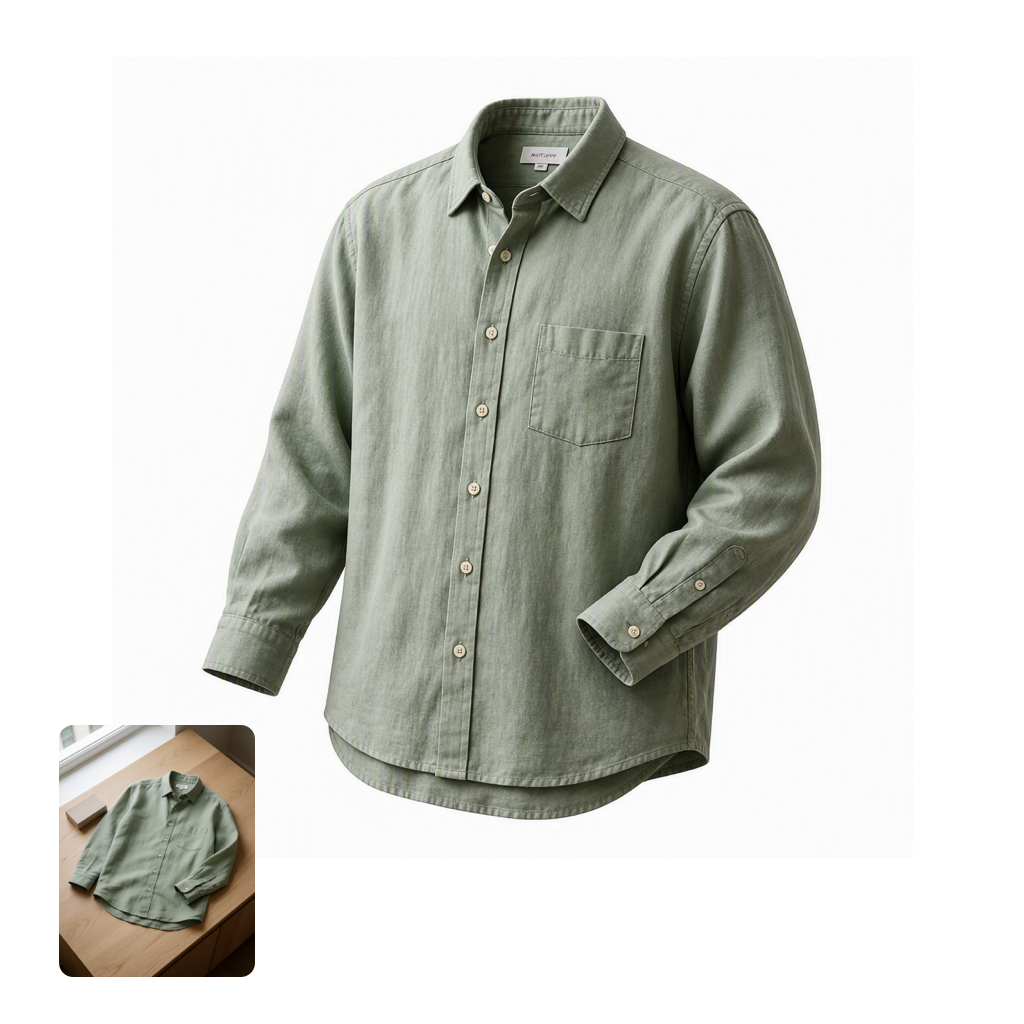
This workflow demonstrates fast, controllable image editing using MAI Image 2.6 Flash through OpenRouter. It starts with LoadImage to bring in your source photo (an example clothing_shirt_flat.png is included), then routes the image and your edit instructions into OpenRouterImageNode. There, the MAI Image 2.6 Flash model applies prompt-driven refinements—great for quick retouching, color/style shifts, and rapid concept iteration—while preserving the core structure of your original image.
On the output side, SaveImageAdvanced gives you reliable file management with custom filenames, subfolders, and metadata saving, making it easy to track variations across prompts or seeds. A MarkdownNote in the graph provides inline guidance and tips. Technically, the pipeline is lightweight: no local diffusion engine is required, because the model runs via the OpenRouter API. You control edit intensity and style via the node’s prompt and related parameters (such as strength/creativity and seed, when available), enabling quick, repeatable iterations without heavyweight local compute.
API
Use this workflow from code
Every Comfy workflow is a JSON graph. The payload below is this workflow, exactly as ComfyUI runs it — fetch it from the URL, keep it in version control, or load it in ComfyUI and run it node by node.
Run it from TypeScript or Python with the Comfy SDK. The same code targets Comfy Cloud or a ComfyUI you host yourself — only the base URL changes.
// Install (beta)
npm i @comfyorg/sdk

// Run this workflow (TypeScript)
import { Comfy } from "@comfyorg/sdk";

const client = new Comfy({ apiKey: "comfyui-..." });
const wf = await client.workflows.fromFile("workflow_api.json");
const job = await client.run(wf);
await job.getOutputs("<output-node-id>")[0].toFile("output.png");
The SDK takes a workflow in API format: open this workflow in ComfyUI and use File → Export Workflow (API).
Comfy Cloud API access requires a plan with an API key.
FAQ


















