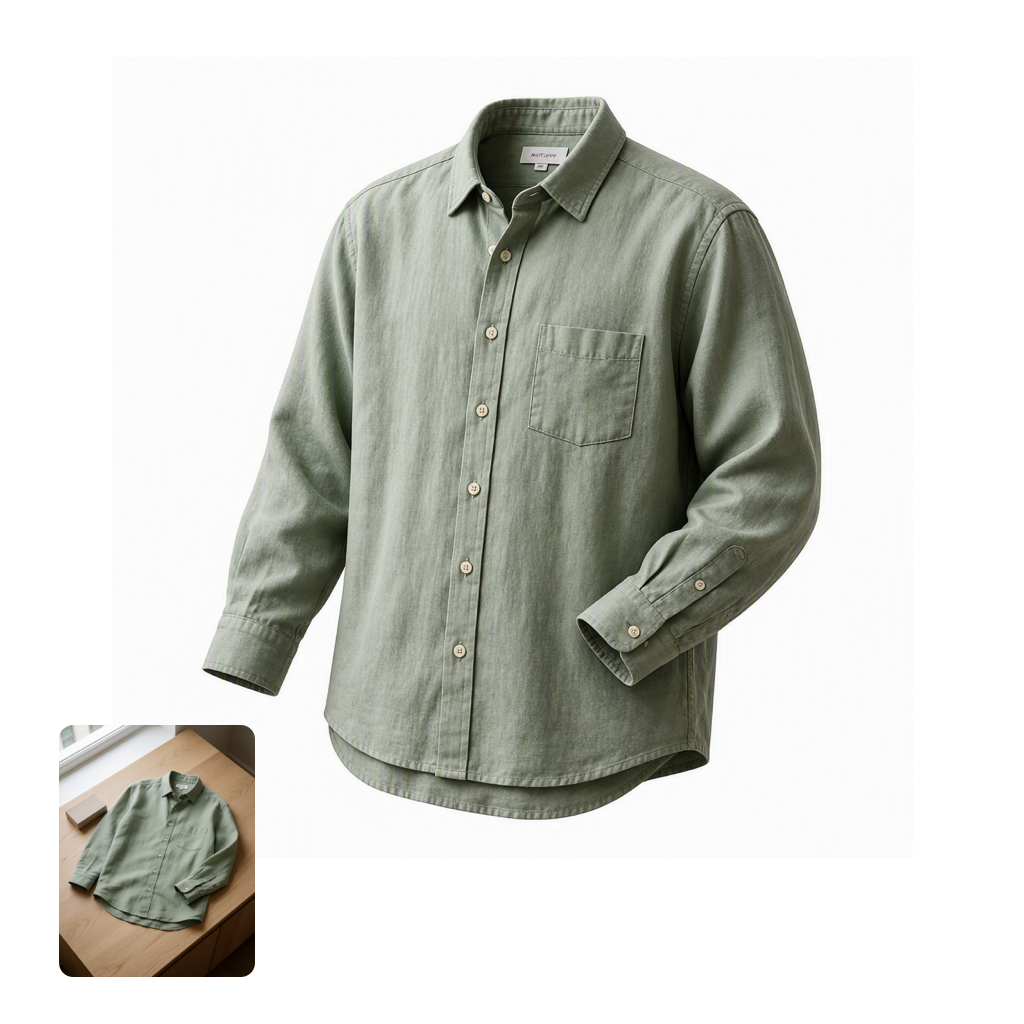
This workflow demonstrates fast, controllable image editing using MAI Image 2.6 Flash through OpenRouter. It starts with LoadImage to bring in your source photo (an example clothing_shirt_flat.png is included), then routes the image and your edit instructions into OpenRouterImageNode. There, the MAI Image 2.6 Flash model applies prompt-driven refinements—great for quick retouching, color/style shifts, and rapid concept iteration—while preserving the core structure of your original image.
On the output side, SaveImageAdvanced gives you reliable file management with custom filenames, subfolders, and metadata saving, making it easy to track variations across prompts or seeds. A MarkdownNote in the graph provides inline guidance and tips. Technically, the pipeline is lightweight: no local diffusion engine is required, because the model runs via the OpenRouter API. You control edit intensity and style via the node’s prompt and related parameters (such as strength/creativity and seed, when available), enabling quick, repeatable iterations without heavyweight local compute.
API
코드에서 이 워크플로우 사용하기
모든 Comfy 워크플로우는 JSON 그래프입니다. 아래 페이로드는 이 워크플로우 그 자체로, ComfyUI에서 실행되는 것과 동일합니다 — URL에서 가져오거나, 버전 관리에 보관하거나, ComfyUI에서 불러와 노드별로 실행할 수 있습니다.
Comfy SDK로 TypeScript 또는 Python에서 실행하세요. 동일한 코드는 Comfy Cloud 또는 직접 호스팅하는 ComfyUI 모두에 적용됩니다 — 기본 URL만 다릅니다.
// Install (beta)
npm i @comfyorg/sdk

// Run this workflow (TypeScript)
import { Comfy } from "@comfyorg/sdk";

const client = new Comfy({ apiKey: "comfyui-..." });
const wf = await client.workflows.fromFile("workflow_api.json");
const job = await client.run(wf);
await job.getOutputs("<output-node-id>")[0].toFile("output.png");
SDK는 API 형식의 워크플로우를 사용합니다: 이 워크플로우를 ComfyUI에서 열고 파일 → 워크플로우 내보내기(API)를 사용하세요.


















