AI Model

ByteDance ComfyUI Workflows

Ready-to-run ComfyUI workflows built on ByteDance, fully editable and runnable on Comfy Cloud with no setup.

11 workflows

The workflows

11 ByteDance ComfyUI Workflows

Seedance 1.0 Pro: Image to Video

Seedance 1.0 Pro: Image to Video

ByteDance
ComfyUIComfyUI
Partner Nodes
Image to Video
Video
Seedream 4.0: Image Edit

Seedream 4.0: Image Edit

ByteDance
ComfyUIComfyUI
Partner Nodes
Image
Image Edit
Text to Image
Seedance 1.5 Pro: FLF2V

Seedance 1.5 Pro: FLF2V

ByteDance
ComfyUIComfyUI
FLF2V
Image to Video
Partner Nodes
Composite your Product + Scene and Relight - After
Composite your Product + Scene and Relight - Before

Composite your Product + Scene and Relight

ByteDance
RobRob
Image Edit
Product
Relight
Seedance1.0 Pro: Start End to Video

Seedance1.0 Pro: Start End to Video

Seedance1.0 Pro
ComfyUIComfyUI
Partner Nodes
FLF2V
Video

Dynamic 3D Logo Animations

ByteDanceGoogle
RobRob
Brand Design
FLF2V
Seedance1.0 Pro: Text to Video

Seedance1.0 Pro: Text to Video

Seedance1.0 Pro
ComfyUIComfyUI
Video
Partner Nodes
Text to Video

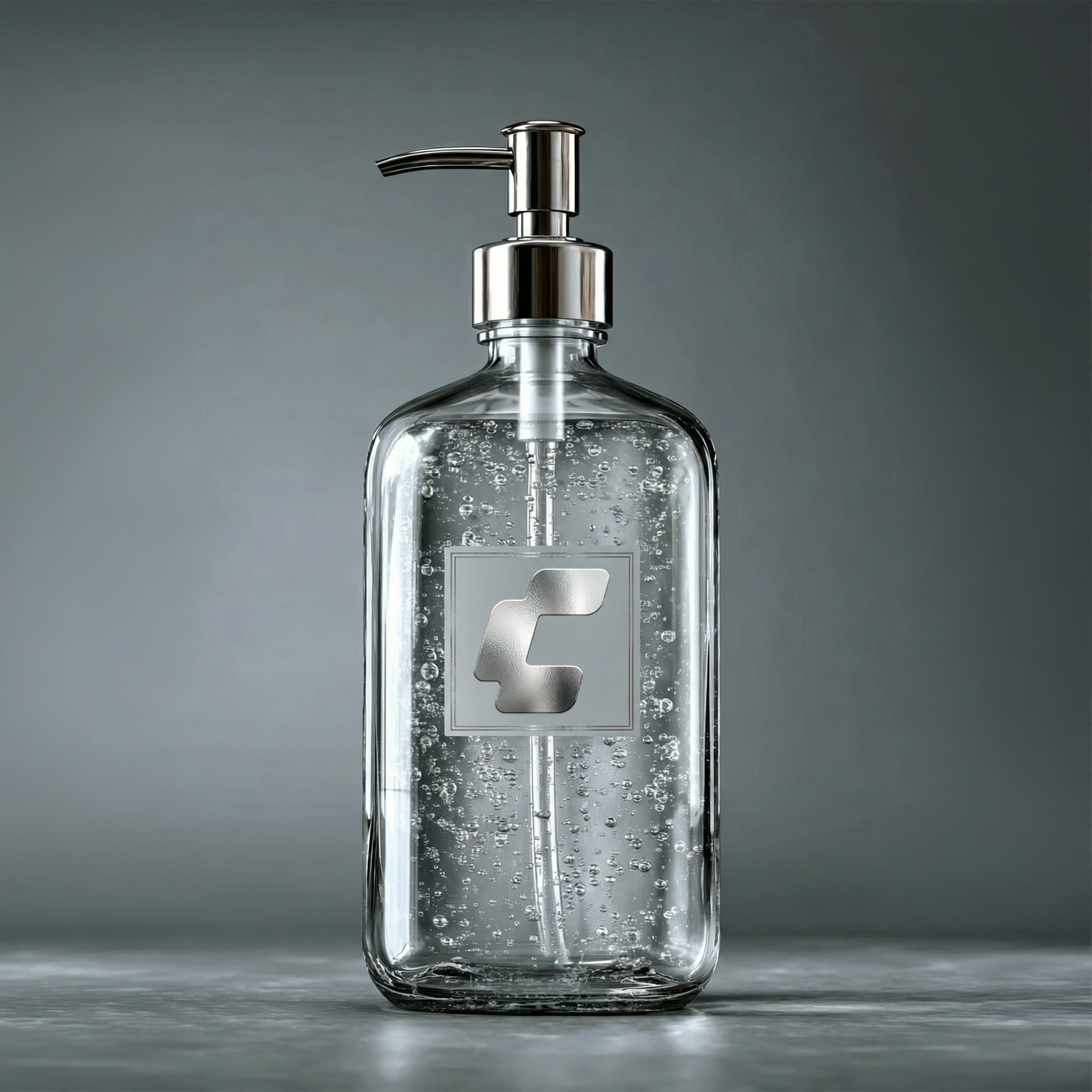
Apply Texture to Logo

ByteDanceGoogle
RobRob
Brand Design
Image to Video
FLF2V
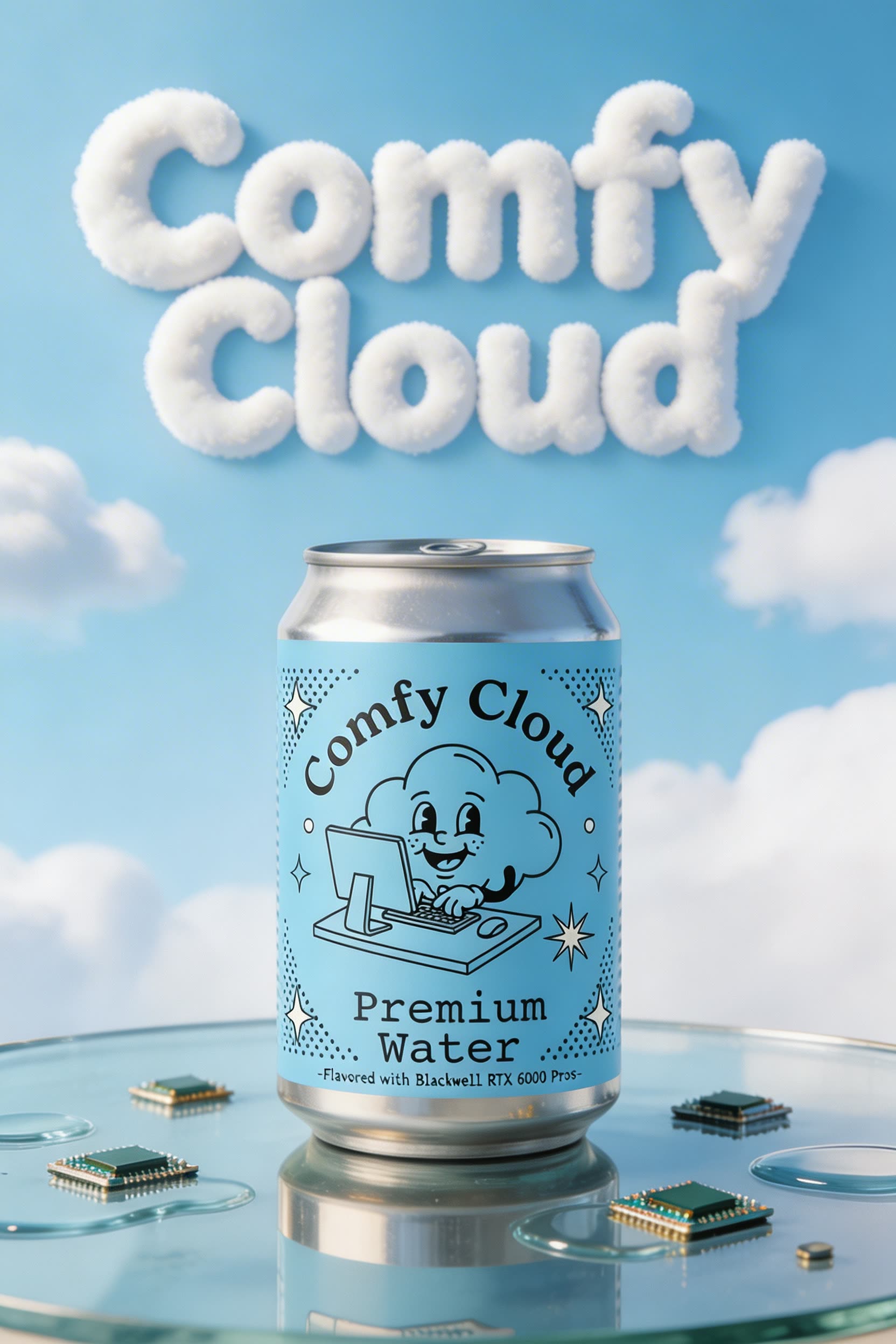
Generate Poster/Ad Asset with your Product - After
Generate Poster/Ad Asset with your Product - Before

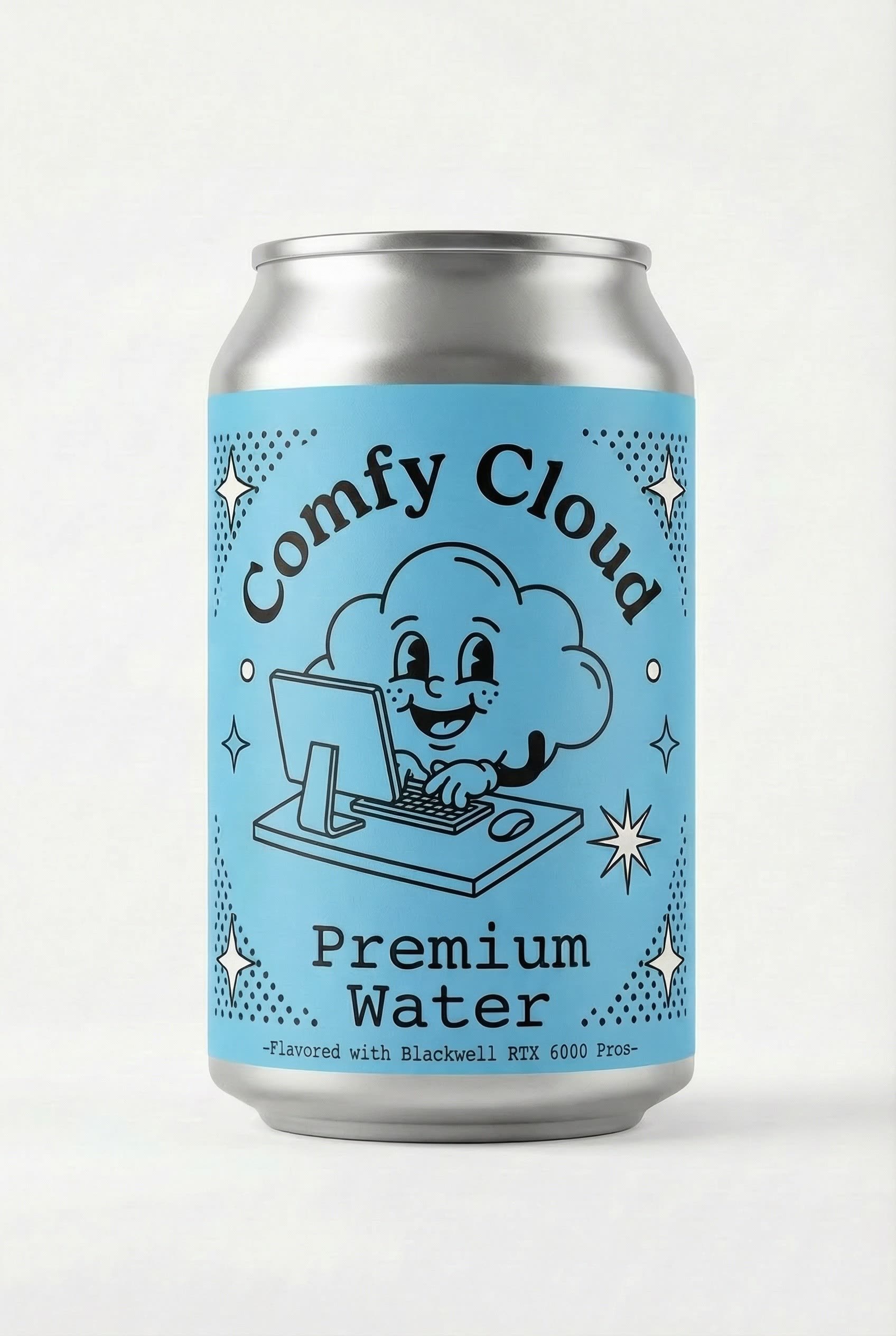
Generate Poster/Ad Asset with your Product

ByteDanceGoogle
RobRob
Image Edit
Product
Swap Product Into a Reference AD

Swap Product Into a Reference AD

ByteDanceGoogle
RobRob
Style Reference

Apply Texture + Elements to Logo

ByteDanceGoogle
RobRob
Brand Design
Image to Video
Showing 11 of 11 templates