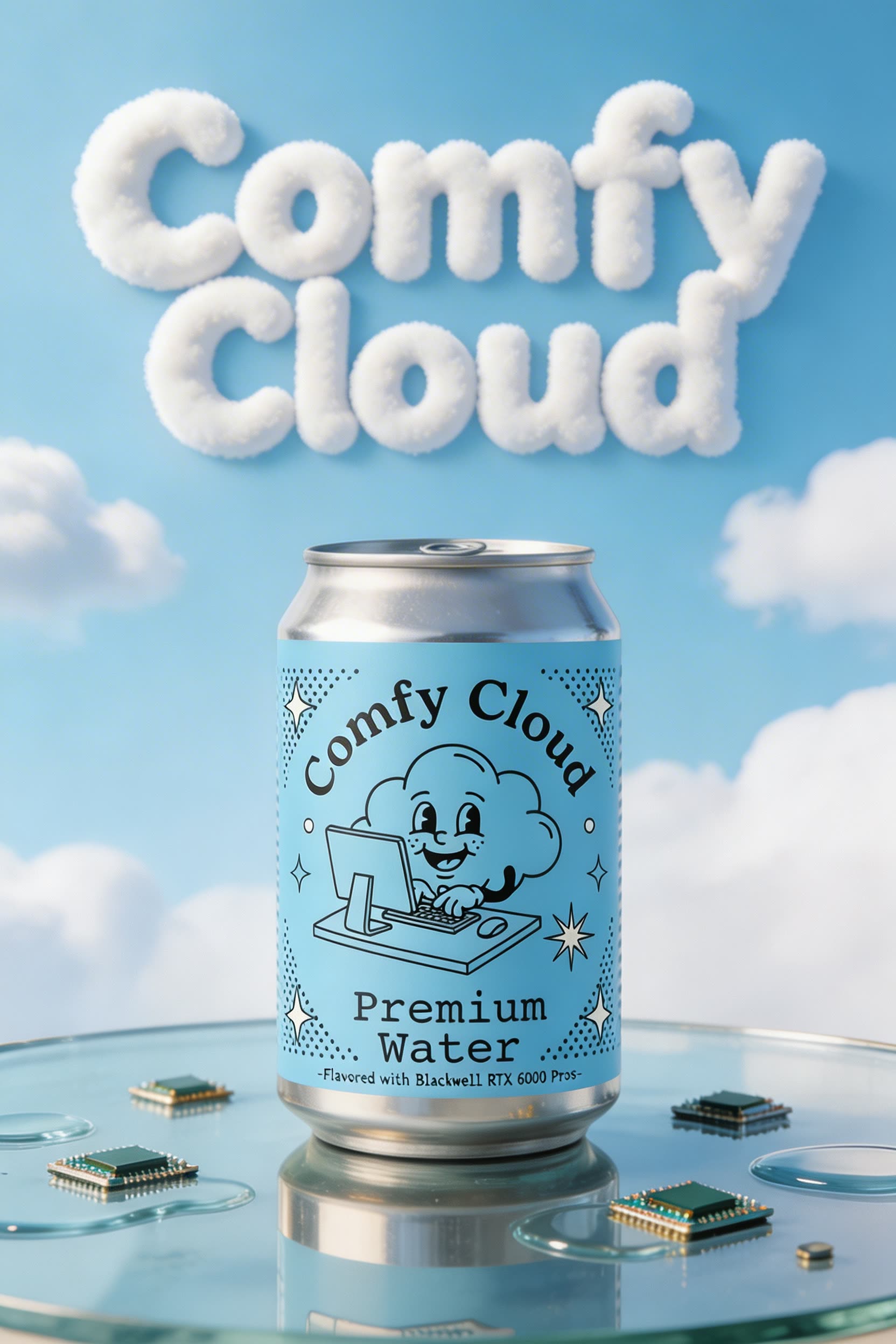
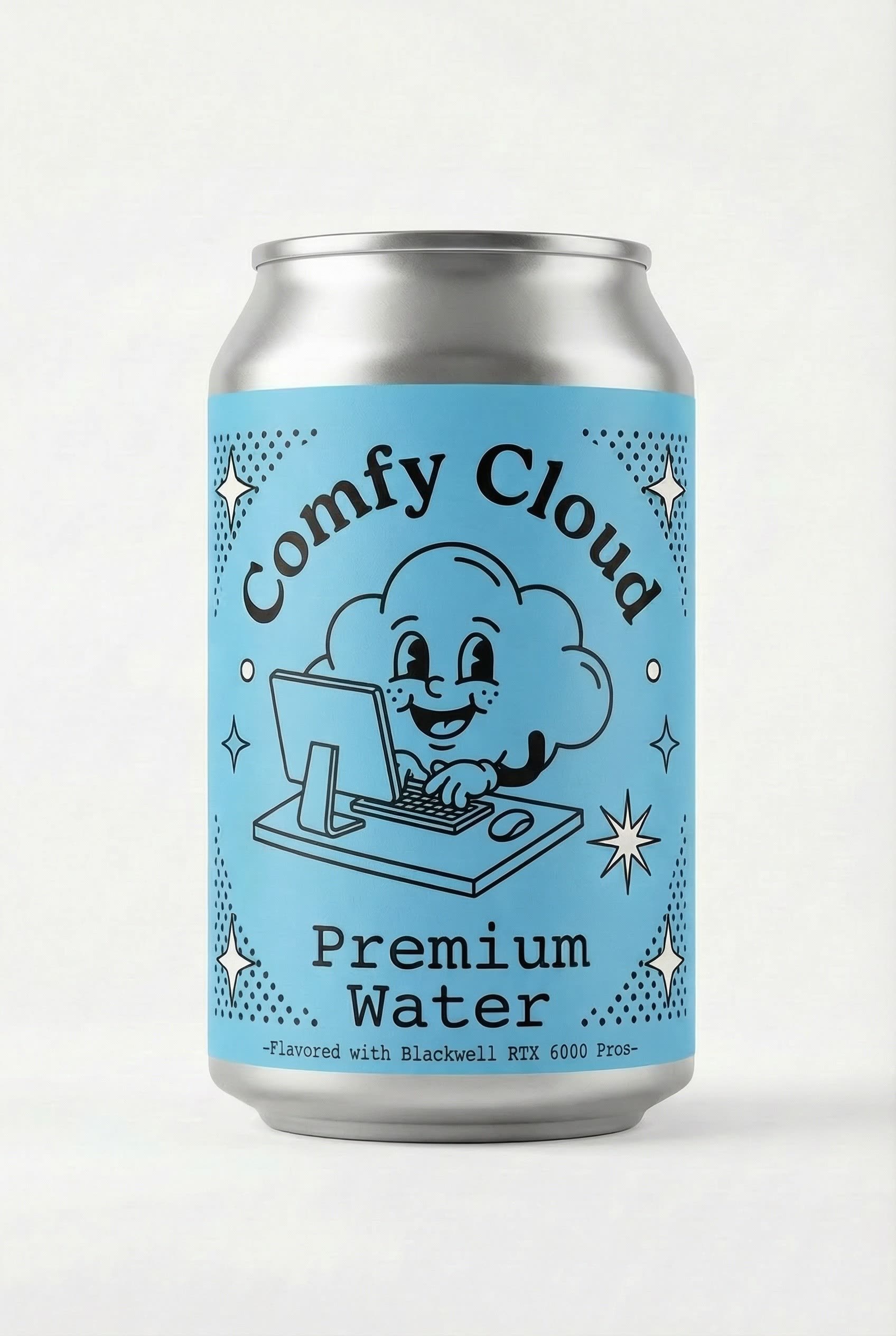
This ComfyUI workflow is designed to streamline the creation of visually appealing posters or advertisements by integrating your product image into a generated layout. The process begins by uploading your product image and providing a simple text prompt that outlines the desired theme or style for the poster. The workflow utilizes a combination of advanced AI models, including ByteDance and Google Gemini, to generate a base layout that aligns with your prompt. The Seedream model further refines the visual elements, ensuring high-quality output. Custom nodes like comfyui_essentials enhance the workflow by providing essential functionalities such as image saving and previewing, allowing for iterative design adjustments before finalizing the product integration.
Technically, the workflow leverages nodes such as LoadImage to import the product image, and ByteDanceSeedreamNode to apply the Seedream model's aesthetic transformations. The GeminiNode is used to incorporate Google's Gemini model, which excels at generating cohesive and visually striking layouts based on textual prompts. PreviewAny and Reroute nodes facilitate real-time previews and efficient data flow management, ensuring that users can make informed decisions during the design process. This workflow is particularly useful for marketers and designers looking to quickly produce professional-grade promotional materials with minimal manual effort.
API
Use this workflow from code
Every Comfy workflow is a JSON graph. The payload below is this workflow, exactly as ComfyUI runs it — fetch it from the URL, keep it in version control, or load it in ComfyUI and run it node by node.
Run it from TypeScript or Python with the Comfy SDK. The same code targets Comfy Cloud or a ComfyUI you host yourself — only the base URL changes.
// Install (beta)
npm i @comfyorg/sdk

// Run "Generate Poster/Ad Asset with your Product" (TypeScript)
import { Comfy } from "@comfyorg/sdk";

const client = new Comfy({ apiKey: "comfyui-..." });

// This workflow, exported in API format (see note below)
const wf = await client.workflows.fromFile("templates-poster_product_integration_api.json");

const asset = client.assets.fromFile("input.png");
wf.setInput("15", "image", asset);  // LoadImage

const job = await client.run(wf);
await job.getOutputs("10")[0].toFile("output.png");  // SaveImage
The SDK takes a workflow in API format: open this workflow in ComfyUI and use File → Export Workflow (API).
Comfy Cloud API access requires a plan with an API key.
FAQ


















