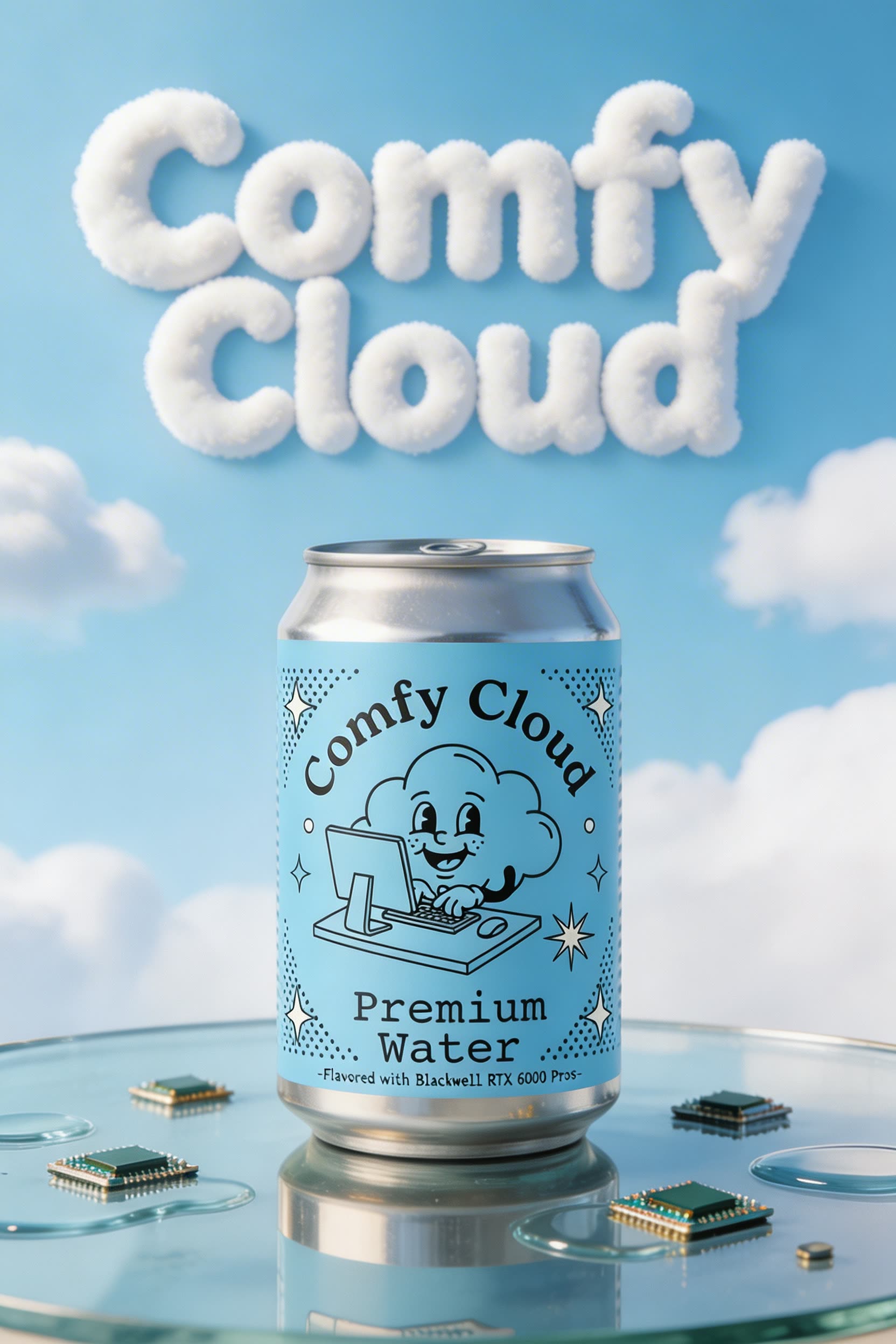
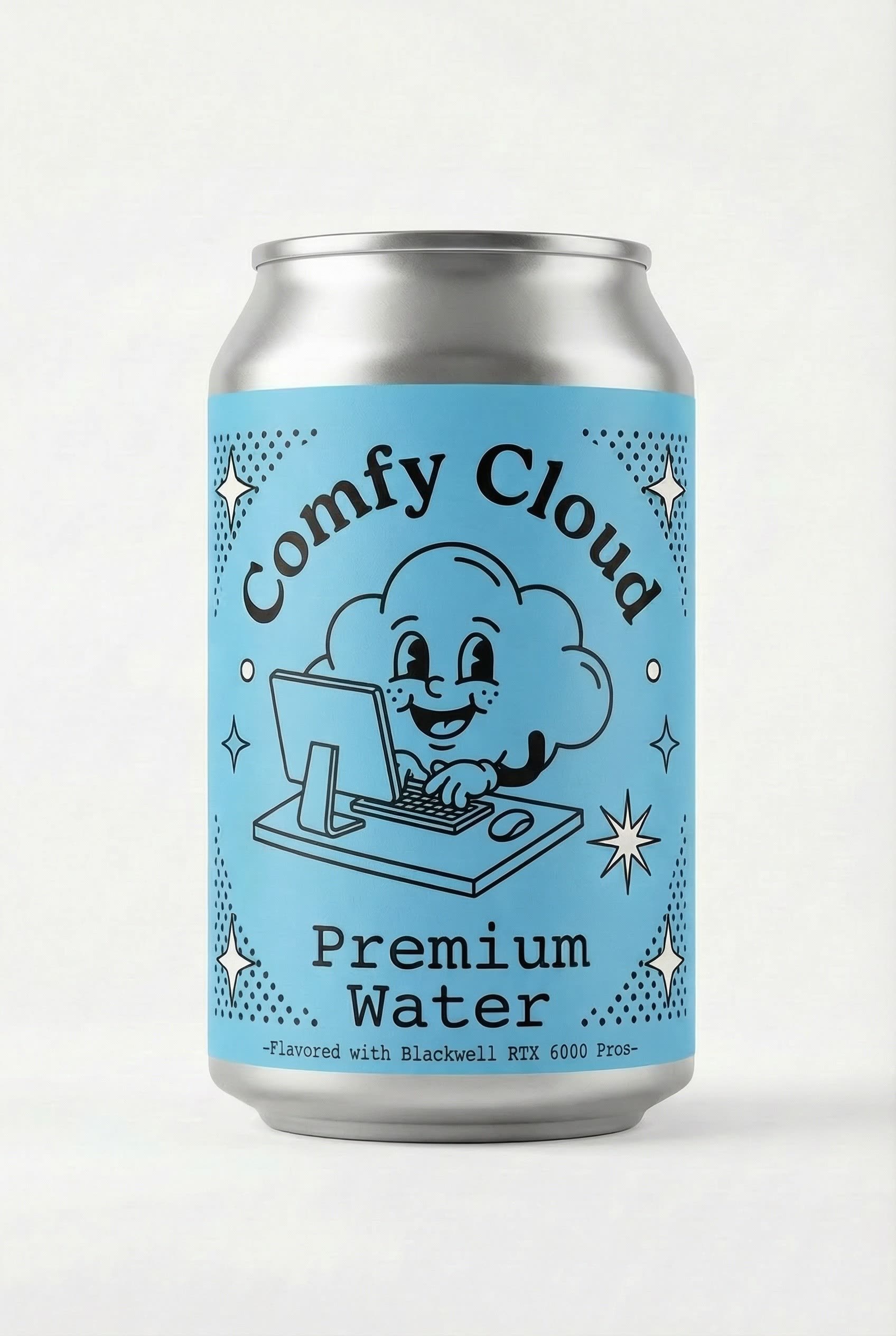
This ComfyUI workflow is designed to streamline the creation of visually appealing posters or advertisements by integrating your product image into a generated layout. The process begins by uploading your product image and providing a simple text prompt that outlines the desired theme or style for the poster. The workflow utilizes a combination of advanced AI models, including ByteDance and Google Gemini, to generate a base layout that aligns with your prompt. The Seedream model further refines the visual elements, ensuring high-quality output. Custom nodes like comfyui_essentials enhance the workflow by providing essential functionalities such as image saving and previewing, allowing for iterative design adjustments before finalizing the product integration.
Technically, the workflow leverages nodes such as LoadImage to import the product image, and ByteDanceSeedreamNode to apply the Seedream model's aesthetic transformations. The GeminiNode is used to incorporate Google's Gemini model, which excels at generating cohesive and visually striking layouts based on textual prompts. PreviewAny and Reroute nodes facilitate real-time previews and efficient data flow management, ensuring that users can make informed decisions during the design process. This workflow is particularly useful for marketers and designers looking to quickly produce professional-grade promotional materials with minimal manual effort.
API
通过代码使用此工作流
每个 Comfy 工作流都是一个 JSON 图。下面的内容就是此工作流的完整数据,ComfyUI 运行时也是如此——你可以从该 URL 获取、放入版本控制,或在 ComfyUI 中加载并逐节点运行。
使用 Comfy SDK 从 TypeScript 或 Python 运行。相同代码可用于 Comfy Cloud 或你自托管的 ComfyUI——只需更改基础 URL。
// Install (beta)
npm i @comfyorg/sdk

// Run "用你的产品生成海报/广告素材" (TypeScript)
import { Comfy } from "@comfyorg/sdk";

const client = new Comfy({ apiKey: "comfyui-..." });

// This workflow, exported in API format (see note below)
const wf = await client.workflows.fromFile("templates-poster_product_integration_api.json");

const asset = client.assets.fromFile("input.png");
wf.setInput("15", "image", asset);  // LoadImage

const job = await client.run(wf);
await job.getOutputs("10")[0].toFile("output.png");  // SaveImage
SDK 需要 API 格式的工作流:在 ComfyUI 中打开此工作流,使用 文件 → 导出工作流(API)。
常见问题


















