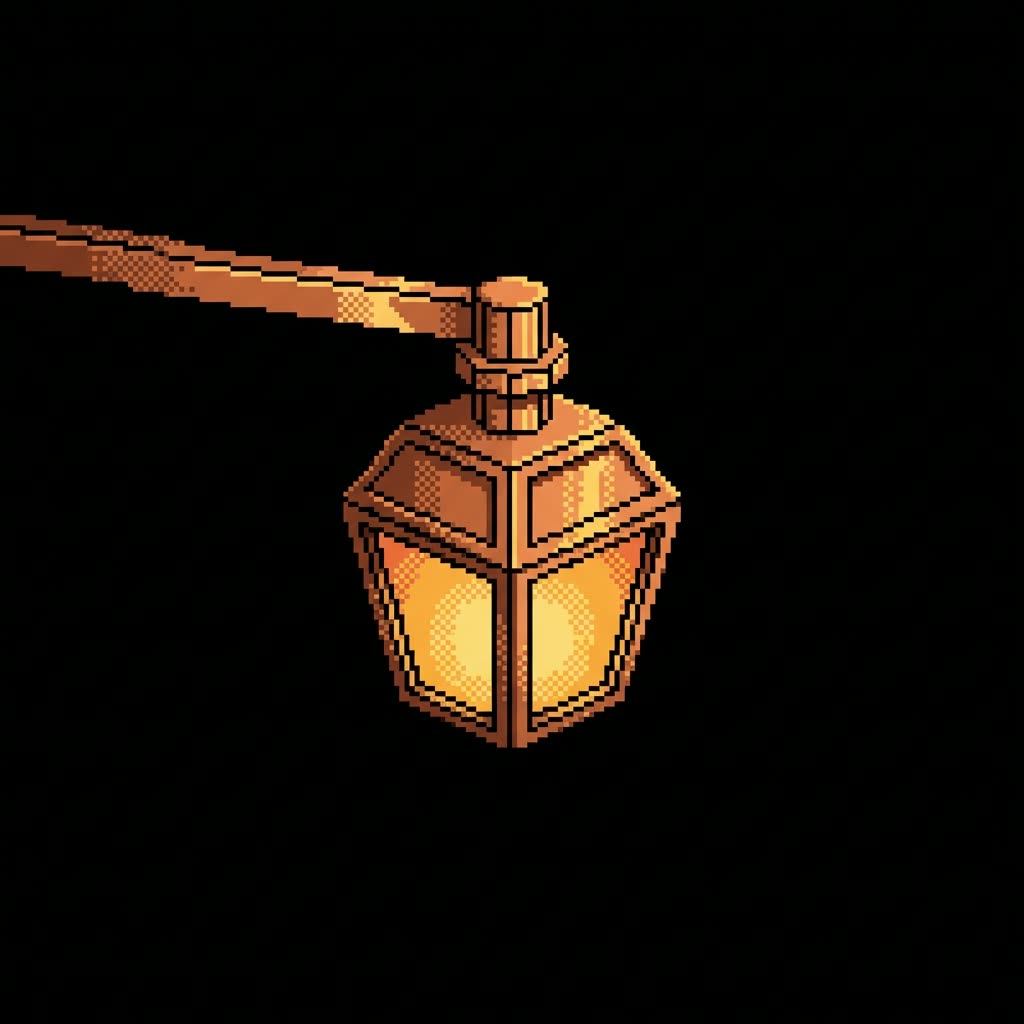
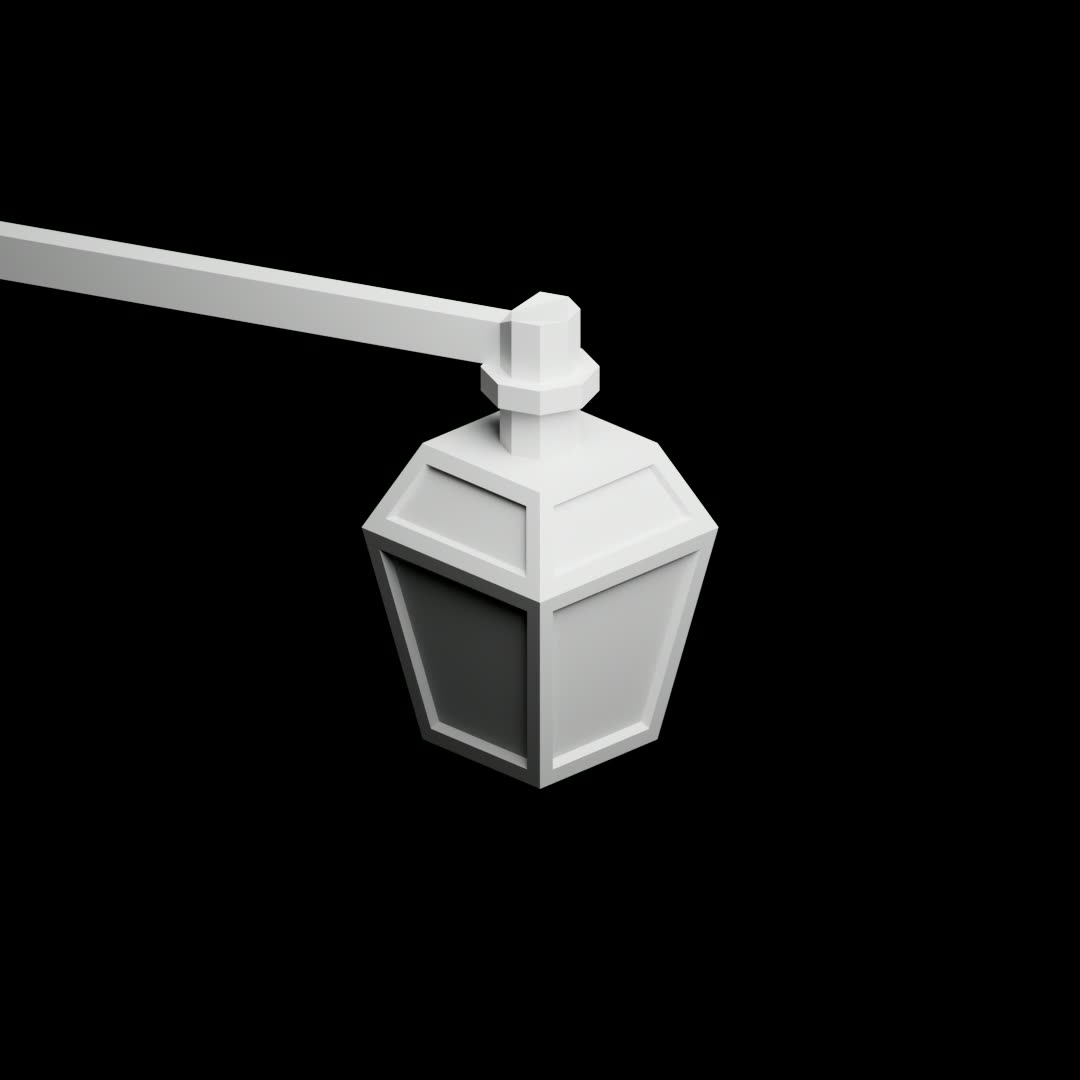
The Game Asset Style Transfer Sprite Generator workflow is a powerful tool designed for game developers looking to create unique 2D sprites for their projects. By leveraging the Nano Banana Pro model, this workflow allows users to input an outline reference and a style reference to generate detailed 2D sprites that can be used as model textures. This is particularly useful for setting the scene in 2D or 2.5D games, where background elements need to seamlessly blend with the game's artistic style.
Technically, the workflow utilizes a series of nodes, including LoadImage and SaveImage for handling input and output images, and the RecraftRemoveBackgroundNode to clean up any unwanted background elements from the input images. The GeminiImage2Node is crucial as it applies the style transfer, effectively blending the outline and style references into a cohesive sprite. The workflow also incorporates the ImageCompare node to ensure quality control and the BatchImagesNode to process multiple images efficiently. This combination of nodes ensures that the sprites not only match the desired style but also maintain high visual fidelity, making this workflow an invaluable asset for game asset creation.
API
Use this workflow from code
Every Comfy workflow is a JSON graph. The payload below is this workflow, exactly as ComfyUI runs it — fetch it from the URL, keep it in version control, or load it in ComfyUI and run it node by node.
Run it from TypeScript or Python with the Comfy SDK. The same code targets Comfy Cloud or a ComfyUI you host yourself — only the base URL changes.
// Install (beta)
npm i @comfyorg/sdk

// Run "Game Asset Style Transfer Sprite Generator" (TypeScript)
import { Comfy } from "@comfyorg/sdk";

const client = new Comfy({ apiKey: "comfyui-..." });

// This workflow, exported in API format (see note below)
const wf = await client.workflows.fromFile("templates_3d_match_game_art_style.app_api.json");

const asset = client.assets.fromFile("input.png");
wf.setInput("1", "image", asset);  // LoadImage

const job = await client.run(wf);
await job.getOutputs("5")[0].toFile("output.png");  // SaveImage
The SDK takes a workflow in API format: open this workflow in ComfyUI and use File → Export Workflow (API).
Comfy Cloud API access requires a plan with an API key.
FAQ


















