Use Cases
AI Image Extender Workflows
Extend a photo past its original edges, change its aspect ratio, or undo a bad crop with outpainting workflows in ComfyUI.
12 workflows
The workflows
12 AI Image Extender Workflows












About This Workflow
What is the AI Image Extender?
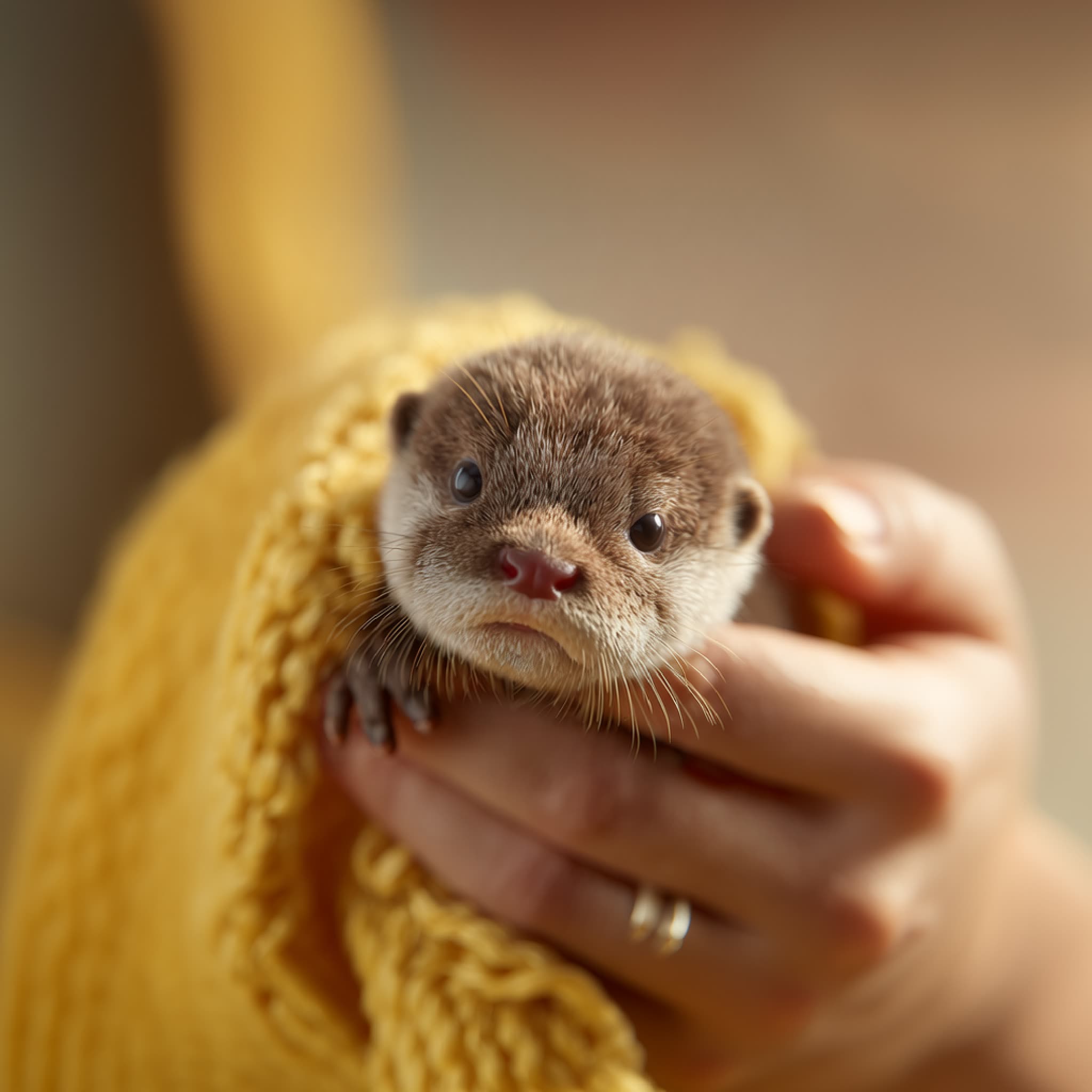
An image extender adds picture where there was none. You give it a photo and a larger canvas, and the model paints the missing area so the result reads as one continuous scene rather than a photo with a border stuck on. The technique is called outpainting, and it is the fix whenever an image is the right picture at the wrong shape: a portrait that needs to be a banner, a square crop that needs to fill a 9:16 story, or a shot framed too tightly to leave room for a headline.
The featured Expand Image app is the quickest route: upload, choose how much wider or taller you want it, run. Behind it the page carries the full range of outpainting graphs. Outpaint to Any Aspect Ratio and Any Image to Any Aspect Ratio target reformatting directly, so you name the ratio and let the workflow work out what to add. Flux.1 Outpaint, Flux.2 Klein Image Extend, Bria Image Outpainting and Wan2.1 VACE Outpainting give you different models to try when a scene is hard, since results vary a lot with subject matter. Graphic Design Recomposer handles layouts rather than photographs, and Video Outpainting and Video Aspect Ratio Extension apply the same idea to footage.
What the model invents is a guess, so the workflows are editable graphs rather than one button. You control how far to extend, prompt for what should appear in the new area, and rerun the parts that came out wrong instead of starting over. Everything runs on Comfy Cloud in the browser with no install, or locally in ComfyUI, and exports at full resolution with no watermark.


Reproducible, tunable, yours
Every step is exposed and adjustable, and the exact graph is yours to reuse across projects.
Start free. Upgrade when you’re ready.
Capabilities
What You Can Create
Change an image's shape without cropping the subject out of it.
Uncrop a tight shot
Recover breathing room around a subject that was framed or cropped too closely.
Try workflow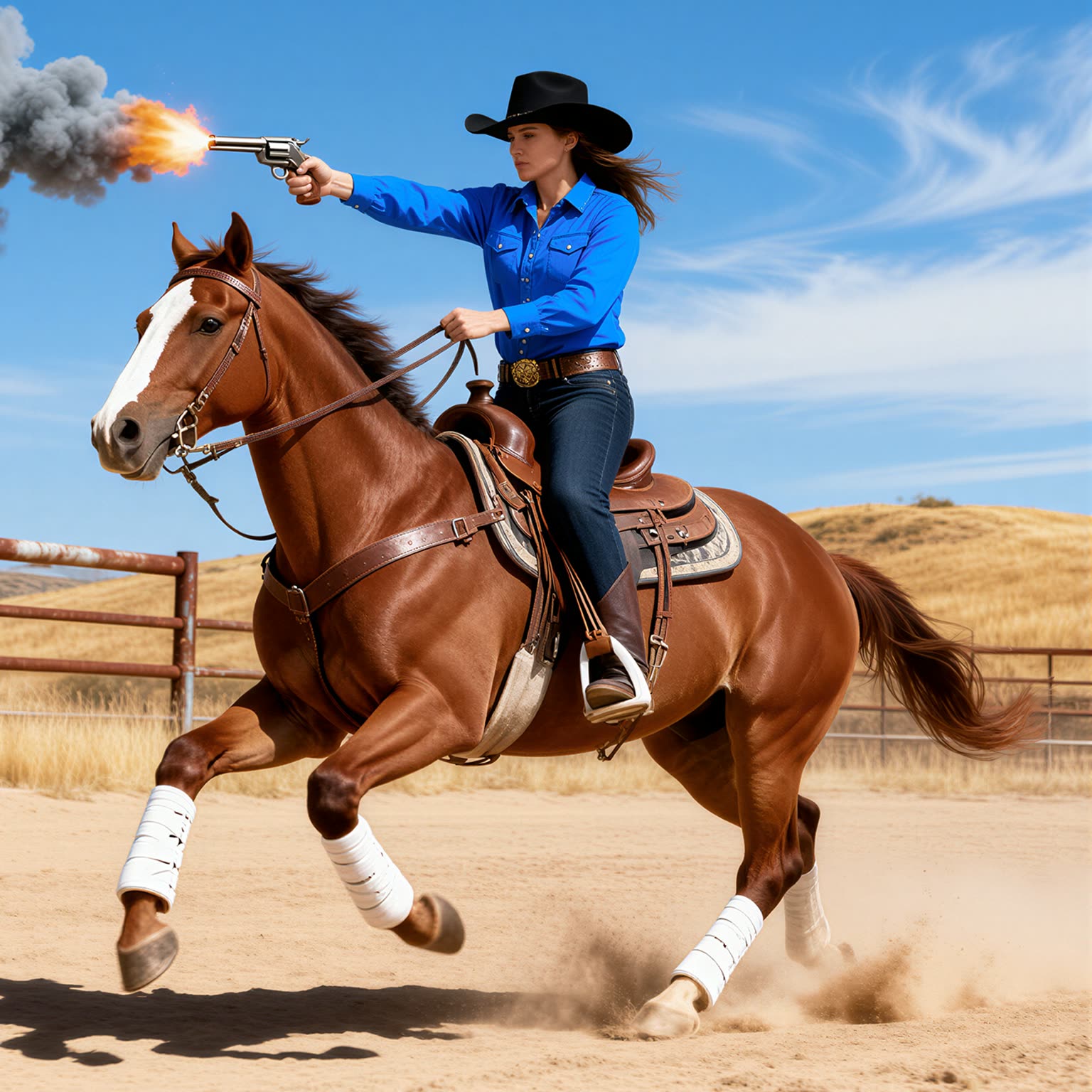
Room for copy
Extend the background so a headline, logo or product text has clean space to sit in.
Try workflow

Video reframing
Apply the same extension to footage when a clip needs a different aspect ratio than it was shot in.
Try workflow



 WORKS
WORKS
Connect models, processing steps, and outputs on a canvas where every decision is visible and every step is inspectable.
Start from a community template or build from scratch.

Comparison
Why Comfy Workflows
-
One image, every ratio
Reformat a single shot for banner, square and vertical placements instead of reshooting for each.
-
Several models to try
Flux, Bria and Wan outpainting graphs sit side by side, because a scene one model fumbles another often gets right.
-
You steer what gets added
Extension distance and the prompt for the new area are settings in the graph, not fixed behaviour.
-
Browser or local
ONLY ONComfyCLOUDRun on Comfy Cloud with no install, or take the same workflow into your local ComfyUI.
Applications
What people use it for
Where a picture is right but its shape is wrong.



Frequently Asked Questions
AI Image Extender FAQ
Keep exploring
Related models and use cases to try next.