AI Model
Flux Comfy Workflows
Run Black Forest Labs' Flux models in ComfyUI: text-to-image, instruction editing, and multi-reference generation, on Comfy Cloud or your own GPU.
36 workflows

The workflows
36 Flux Comfy Workflows


![Flux.2 [Klein] 9B: Image Edit](https://media.comfy.org/hub-media/images/96de592d-a29a-4fd0-8d21-70979fa25388.jpg)
![Flux.2 [Klein] 9B: Text to Image](https://media.comfy.org/hub-media/images/be24fa94-b716-406f-868f-5f2a90d184f6.jpg)
![Flux.2 [Klein] 4B: Image Edit](https://media.comfy.org/hub-media/images/46caad19-ed8d-427e-b125-604682010a0d.jpg)



![Flux.2 [Klein] 9B Distilled: Image Edit - After](https://media.comfy.org/hub-media/images/a899272c-ac19-4375-a982-c7877a828d9d.jpg)
![Flux.2 [Klein] 9B Distilled: Image Edit - Before](https://media.comfy.org/hub-media/images/ae44c1e4-64a8-419b-be9c-913b350ff145.jpg)





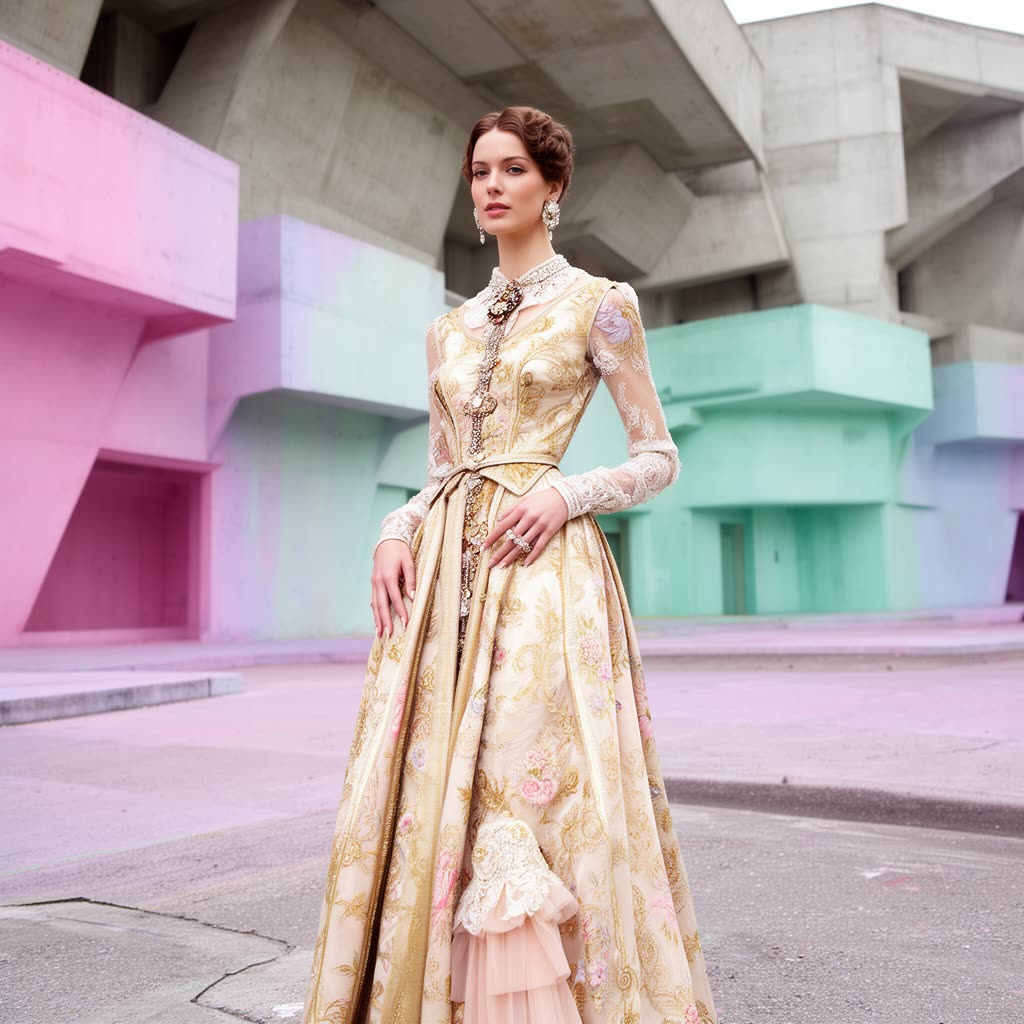



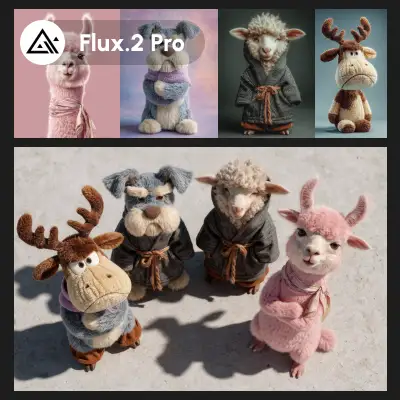


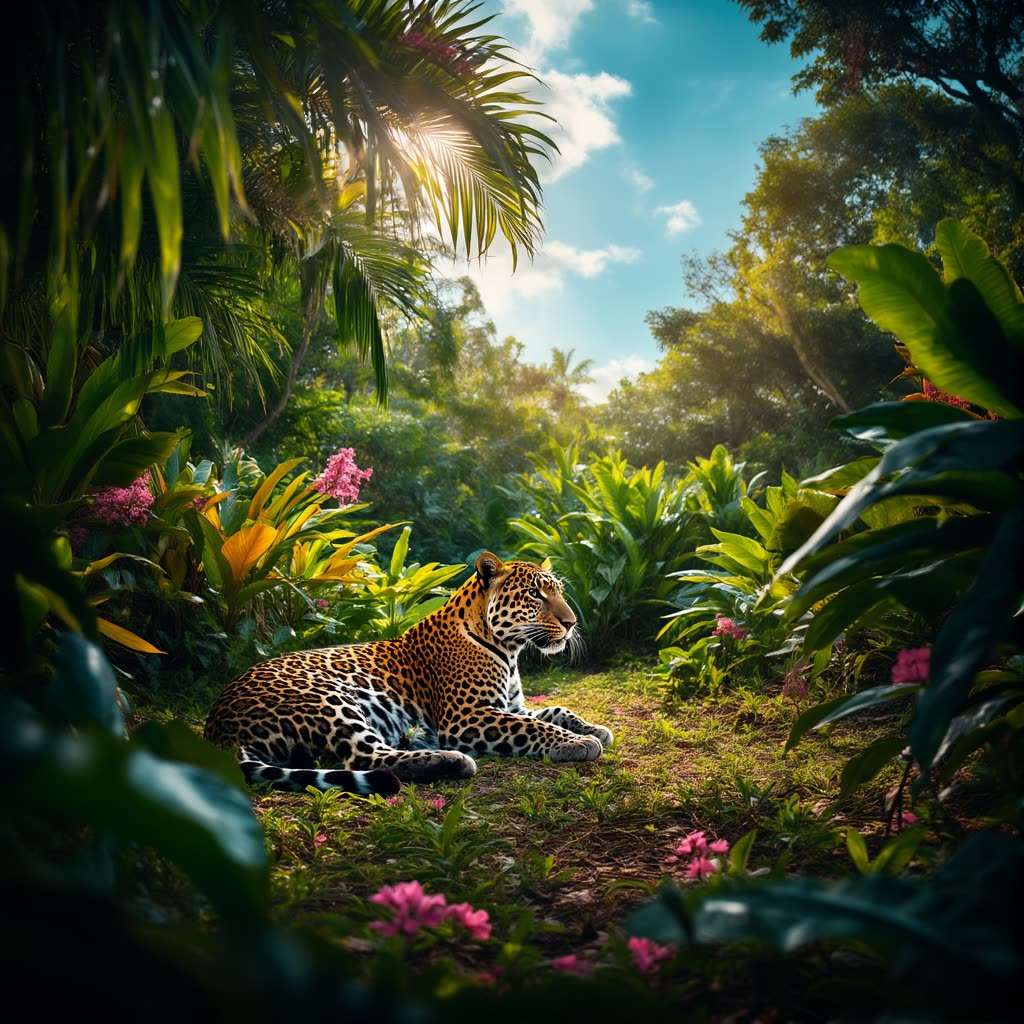
![FLUX.2 [max]: Object Swap - After](https://media.comfy.org/hub-media/images/a644a267-23f9-4a55-b967-4a7c05bd9da8.jpg)
![FLUX.2 [max]: Object Swap - Before](https://comfy-hub-assets.comfy.org/templates/ce6308ef-c723-42de-9fb9-a91b88a27bd0.webp)



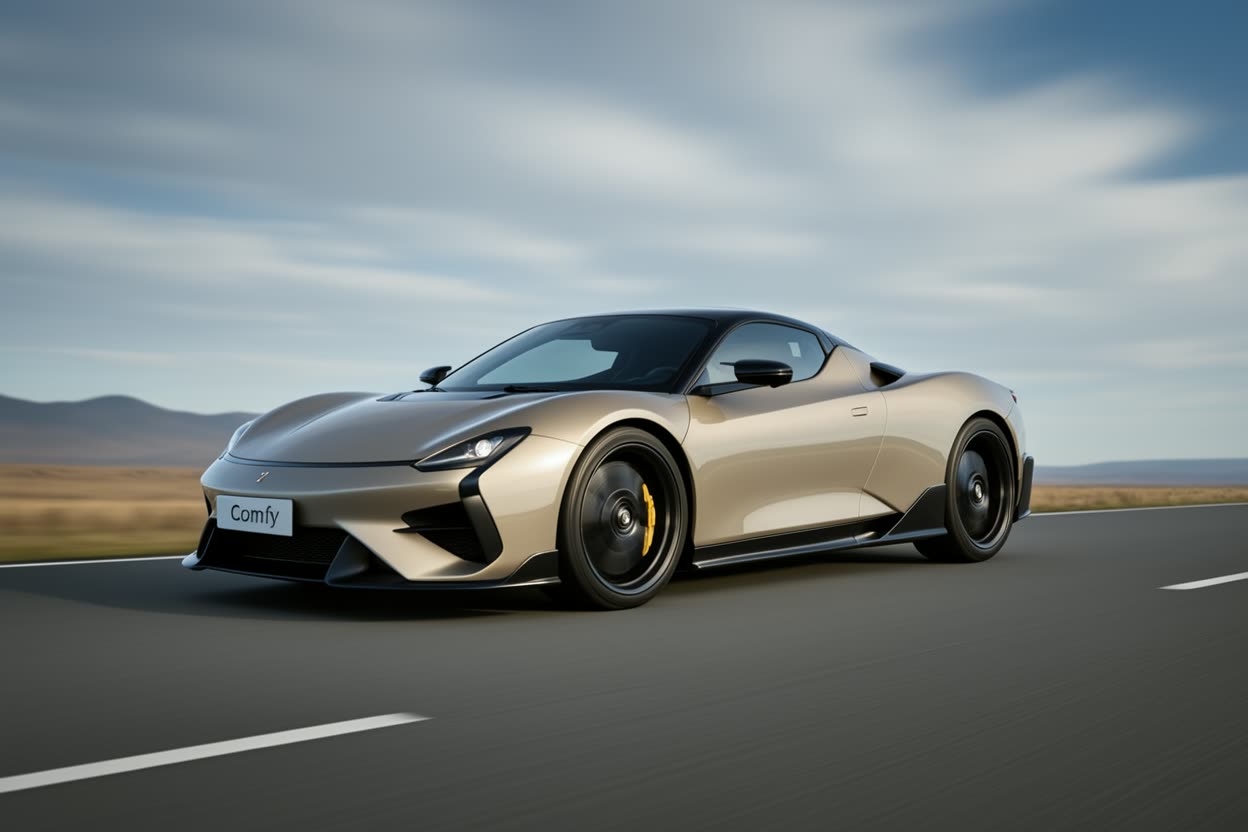
![Flux.2 [Klein] 4B: Text to Image](https://media.comfy.org/hub-media/images/98f682fb-34b7-4b22-9839-3b5553356cad.jpg)









About This AI Model
What is the Flux model?
If you are looking at Flux comfyui workflows, the headline is that Flux is an open family from Black Forest Labs that spans both generation and editing, and most of it runs on your own hardware. The workflows on this page are the ready-made graphs for that: load a Flux checkpoint, give it a prompt or a reference image, and get a result, with the node graph already wired so you are not assembling it from scratch.
The family is wide, and picking the right variant matters. Flux.1 Schnell is the fast, Apache 2.0 model for rapid prototyping in a handful of steps. Flux.1 Dev is the higher-quality 12B model for finished work. Flux.1 Kontext does in-context editing from plain text instructions and keeps a character consistent across scenes, while Flux.1 Fill handles inpainting and outpainting. The newer Flux.2 line pushes further: Flux.2 Dev is a 32B model with up to 4MP output and multi-reference editing that blends several inputs, and Flux.2 Klein is the speed tier, with a 4B Apache 2.0 build that runs in around 8GB of VRAM.
What you reach for depends on the job. Generate a flux image from a written prompt, run flux image edit with a text instruction, outpaint a scene past its borders, or combine reference images into one coherent composition. Flux renders text in images more reliably than most open models, which is why it shows up in poster and graphic work as well as straight photo generation.
Everything here is open and editable. Open a Flux workflow on Comfy Cloud with nothing to install when you do not have the VRAM for the larger builds, or download the graph and run it locally for full control. Either way you choose the variant, tune the steps and guidance, and re-run until the result is right, with no watermark.
![Flux.2 [Klein] 4B Distilled: Image Edit](https://media.comfy.org/hub-media/images/0de3d559-0175-4bbd-aefc-b48803197d5c.jpg)

Reproducible, tunable, yours
Every step is exposed and adjustable, and the exact graph is yours to reuse across projects.
Start free. Upgrade when you’re ready.
Capabilities
What You Can Create
Flux is Black Forest Labs' family of open text-to-image and image-editing models, spanning the fast Flux.1 Schnell, the high-quality Flux.1 Dev and Kontext, and the newer Flux.2 Dev and Klein.
Instruction editing
Flux.1 Kontext for instruction-based editing with character consistency across scenes.
Try workflow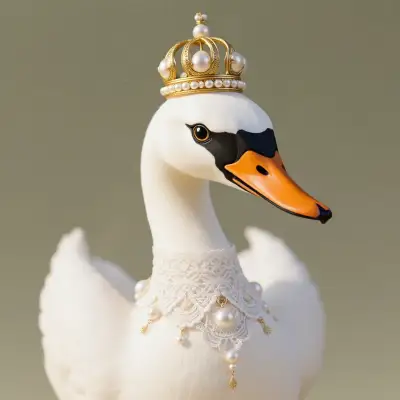
Multi-reference generation
Flux.2 Dev (32B) with up to 4MP output and multi-reference editing across several inputs.
Try workflow
Runs on 8GB
Flux.2 Klein 4B runs in about 8GB of VRAM; Flux.1 Fill handles inpainting and outpainting.
Try workflow


 WORKS
WORKS
Connect models, processing steps, and outputs on a canvas where every decision is visible and every step is inspectable.
Start from a community template or build from scratch.

Comparison
Why Comfy Workflows
-
Generation and editing in one family
Text-to-image, instruction editing, inpainting, and outpainting all run from the same Flux graph.
-
Pick your variant and settings
ONLY ONComfyCLOUDSwitch between Flux.1 Schnell, Flux.1 Dev, Kontext, and Flux.2 Dev, then tune steps, guidance, and resolution.
-
Open weights you can run anywhere
Run Flux locally on your own GPU or on Comfy Cloud, with licenses that vary by variant.
-
No watermarks, full resolution
Flux.2 Dev outputs up to 4MP and the images you generate ship with no watermark.
Applications
What people use it for
Common ways people put the Flux family to work across generation and editing.
Frequently Asked Questions
Flux FAQ
Keep exploring
Related models and use cases to try next.