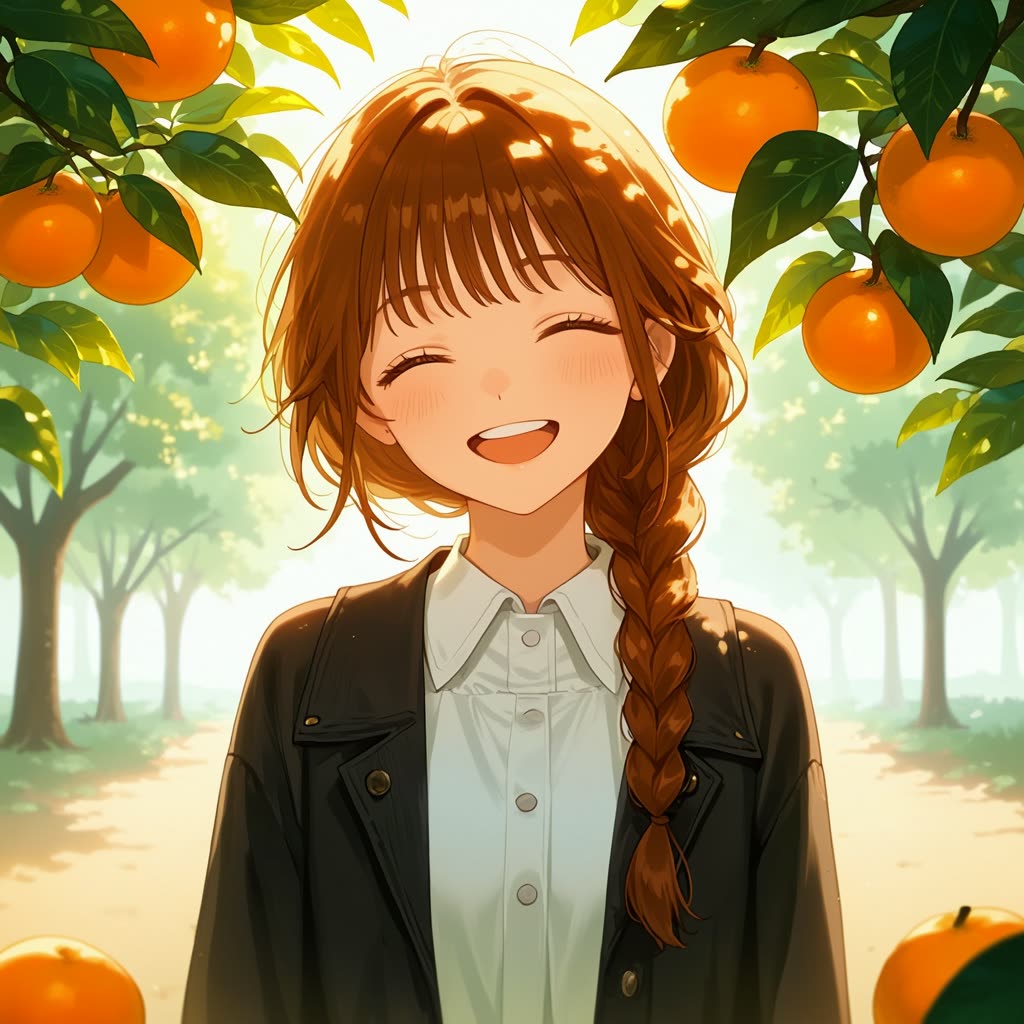
NetaYume Lumina 文字轉圖像工作流程專為生成高品質動漫風格圖像而設計,能精確理解角色細節與紋理。此流程採用 OmniGen 模型,該模型以 Neta Lumina 為基礎,並在著名的 Danbooru 動漫圖像資料集上微調。流程包含多個關鍵節點,如 KSampler 用於取樣、CheckpointLoaderSimple 載入模型,以及 VAEDecode 將潛空間解碼為圖像。透過輸入描述性文字提示,使用者可創作細膩且鮮明的動漫圖像。
技術上,流程分為三大步驟:載入模型、設定圖像尺寸、撰寫提示詞。CheckpointLoaderSimple 節點負責載入 OmniGen 模型,KSampler 節點則處理取樣以確保高品質輸出。VAEDecode 節點將潛在圖像資料轉換為最終視覺輸出,並以 SaveImage 節點儲存。此流程特別適合希望精確控制角色特徵與場景構圖的藝術家與創作者,製作動漫風插畫。
API
從程式碼使用此工作流
每個 Comfy 工作流都是一個 JSON 圖。下方的 payload 就是此工作流,與 ComfyUI 執行時完全相同 — 你可以從此 URL 取得、放入版本控制,或在 ComfyUI 載入並逐節點執行。
使用 Comfy SDK 以 TypeScript 或 Python 執行。相同程式碼可用於 Comfy Cloud 或你自架的 ComfyUI — 只需更改 base URL。
// Install (beta)
npm i @comfyorg/sdk

// Run "NetaYume Lumina 文生圖" (TypeScript)
import { Comfy } from "@comfyorg/sdk";

const client = new Comfy({ apiKey: "comfyui-..." });

// This workflow, exported in API format (see note below)
const wf = await client.workflows.fromFile("image_netayume_lumina_t2i_api.json");

const job = await client.run(wf);
await job.getOutputs("9")[0].toFile("output.png");  // SaveImage
SDK 需使用 API 格式的工作流:請在 ComfyUI 開啟此工作流,並使用 檔案 → 匯出工作流(API)。
常見問題
常見問題



















Showing 30 of 30 templates