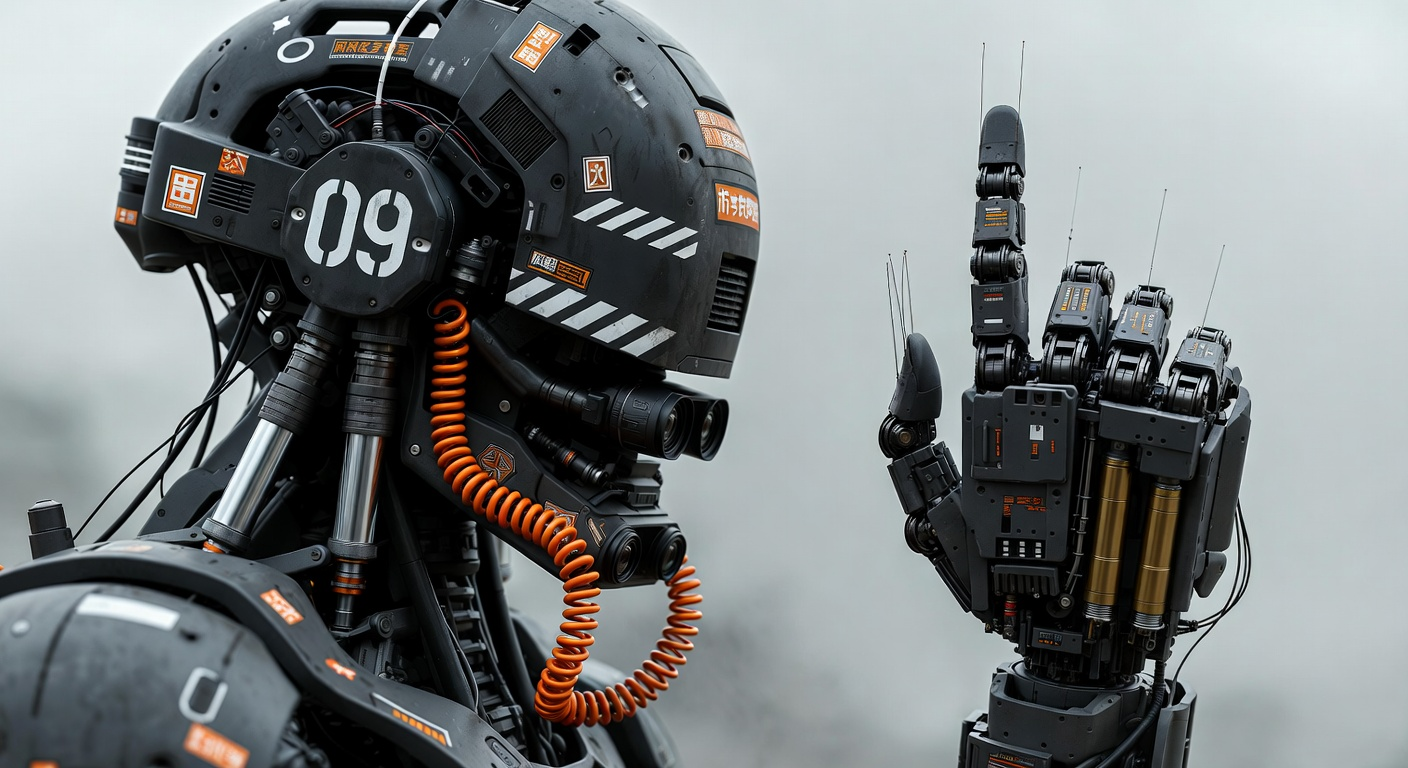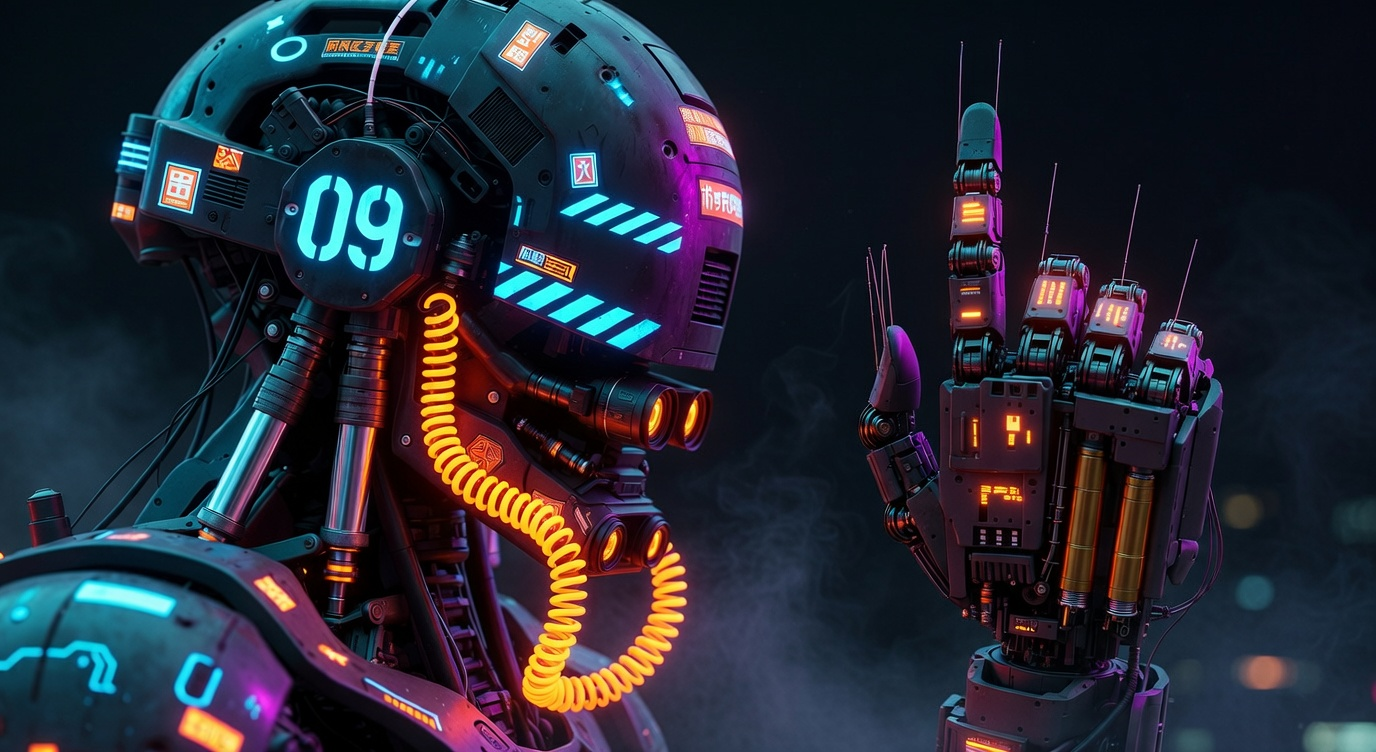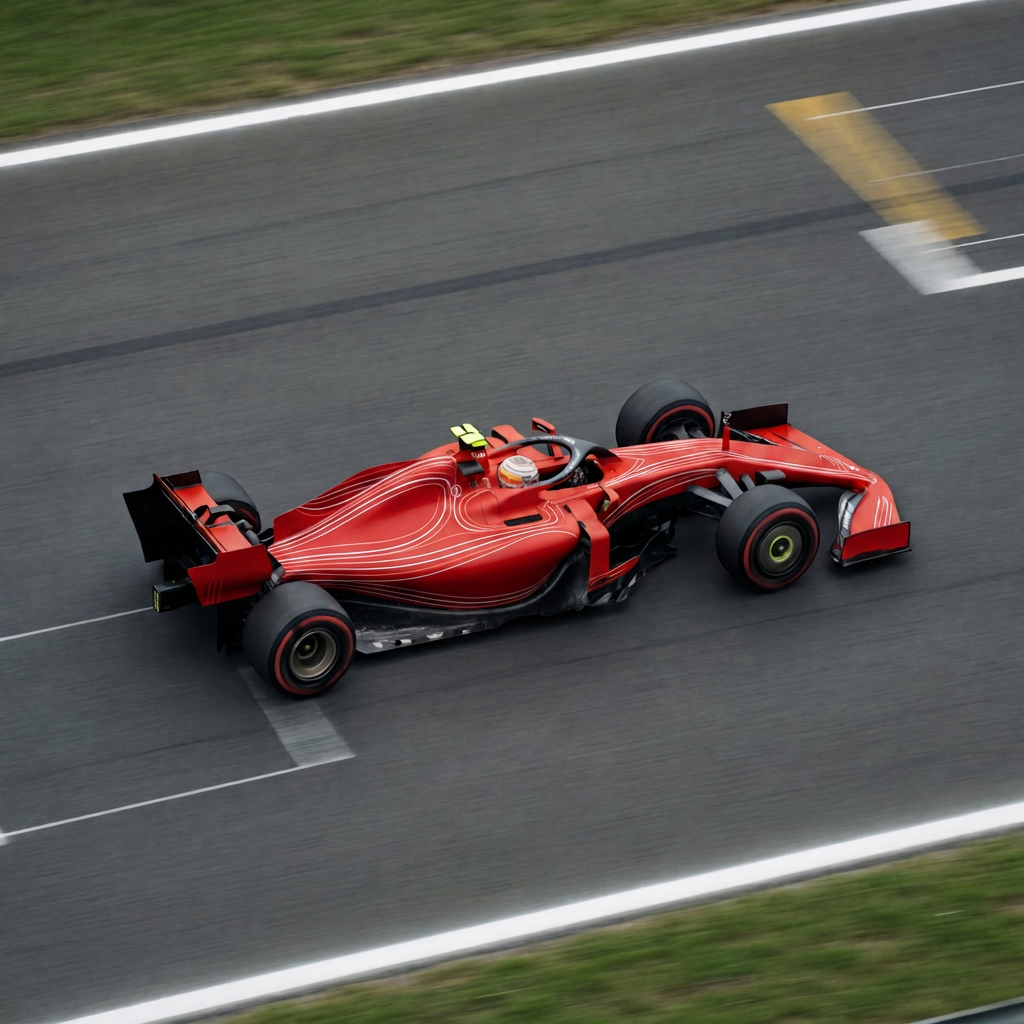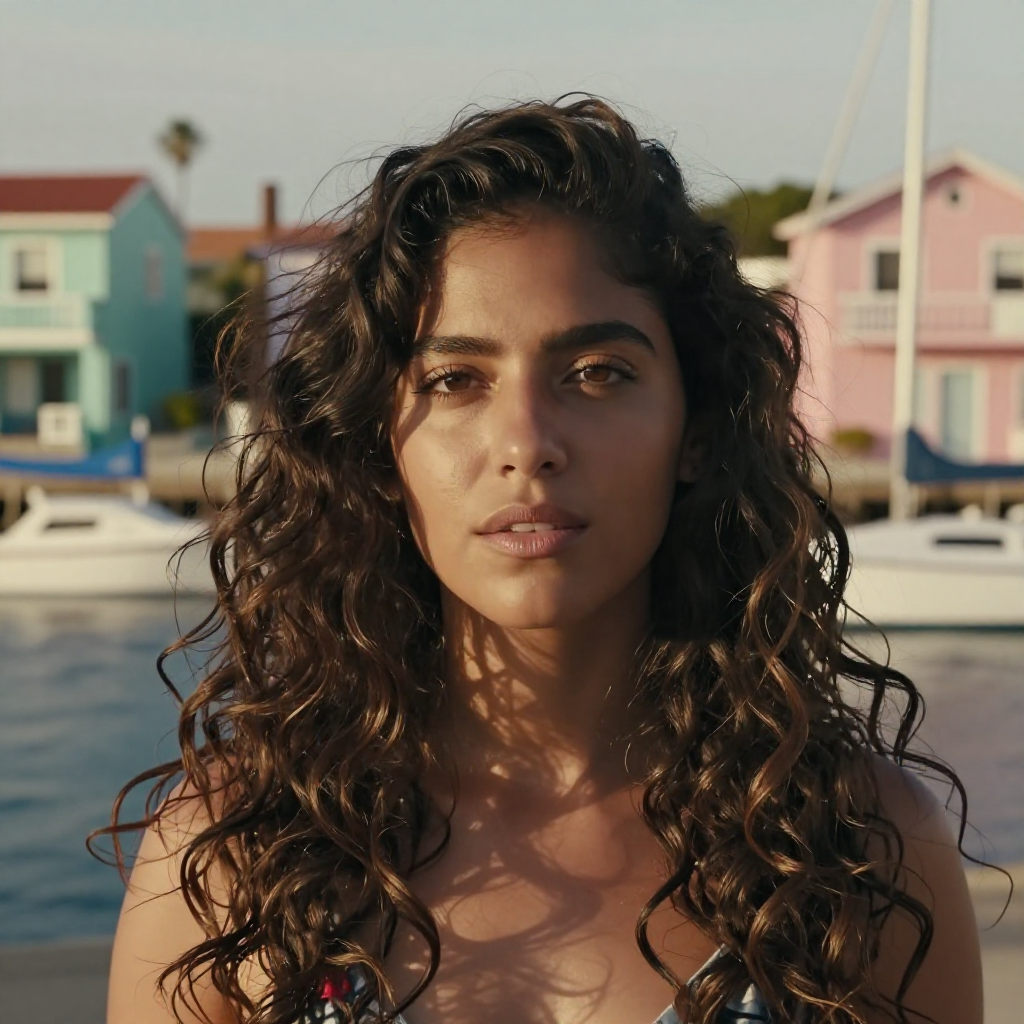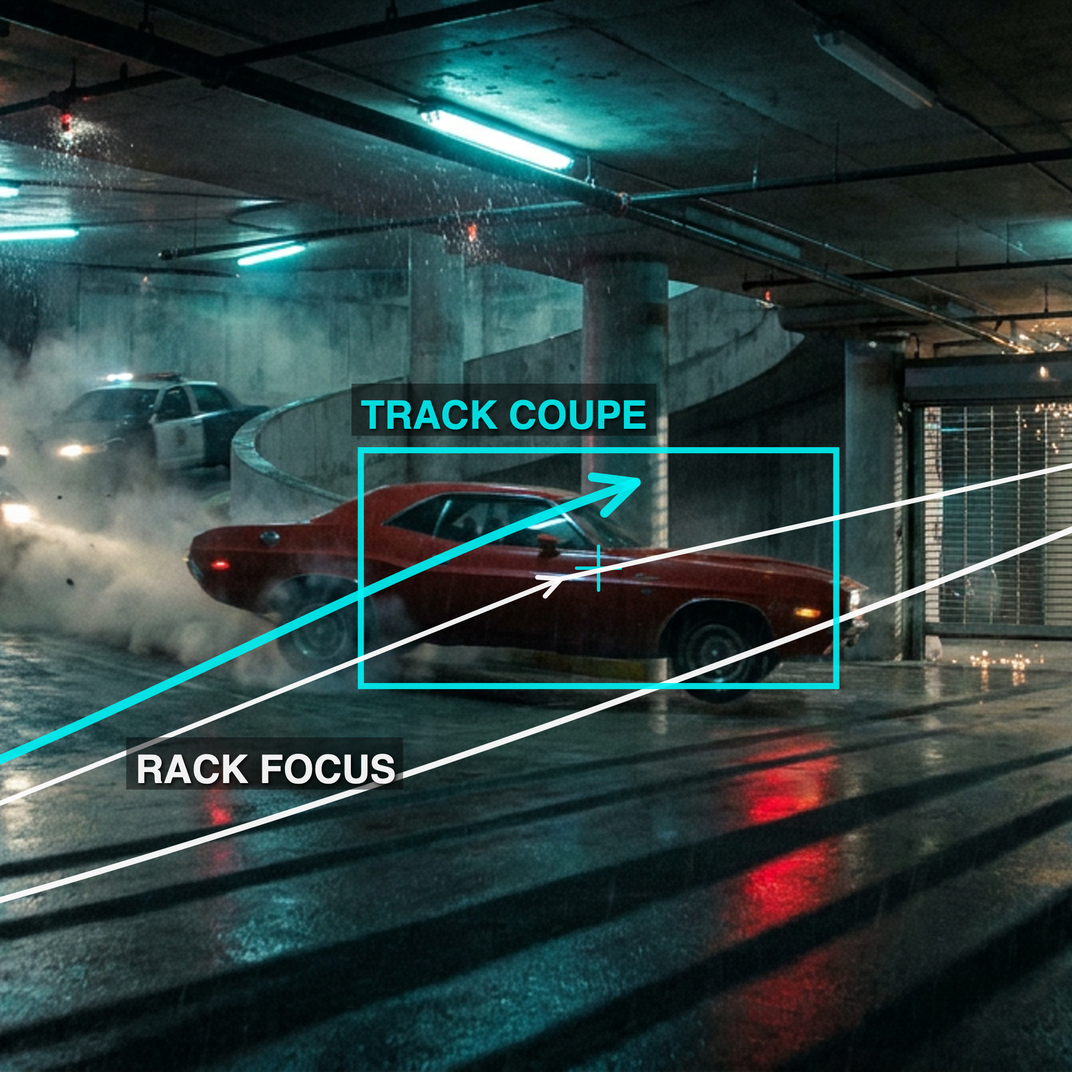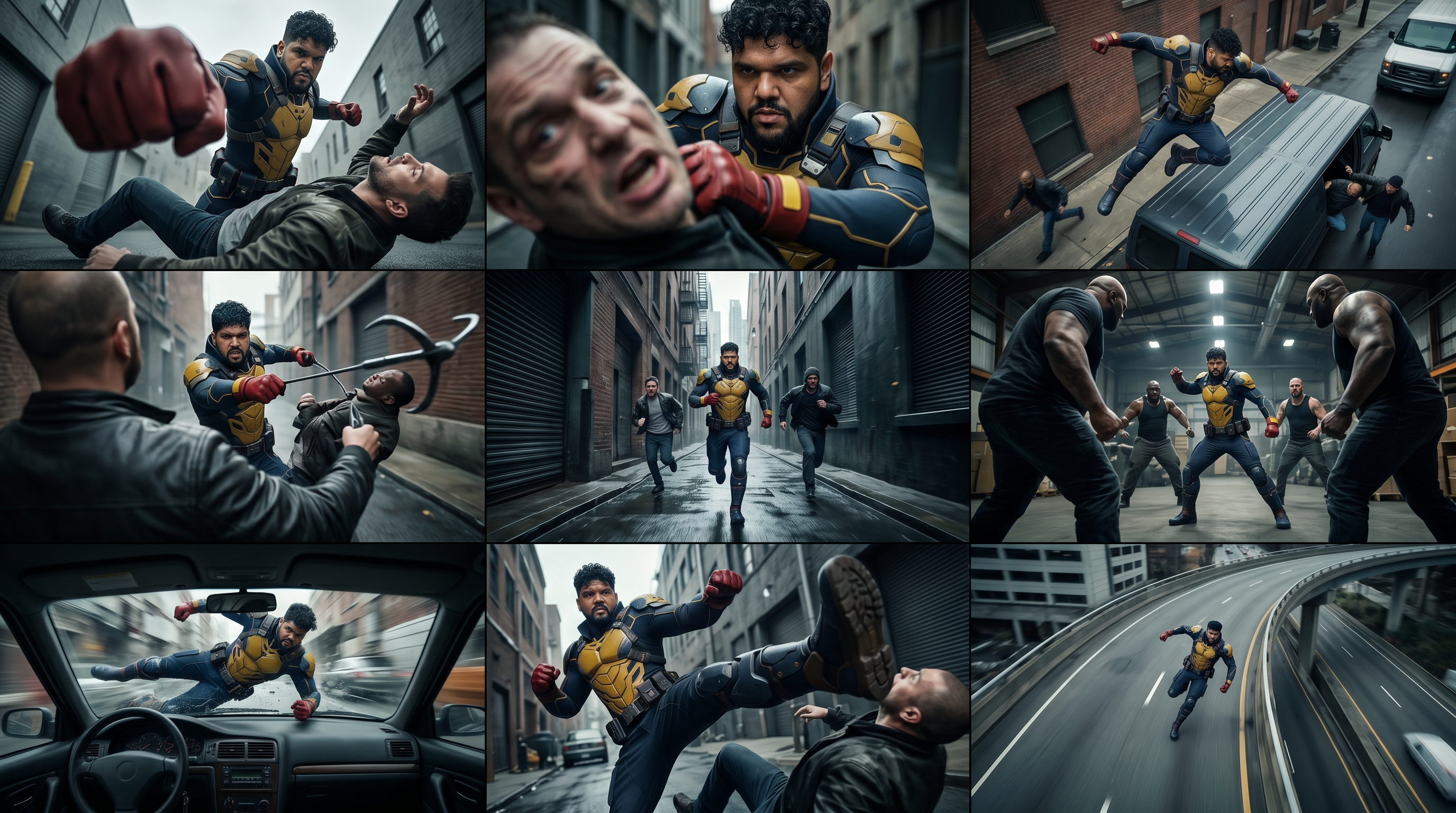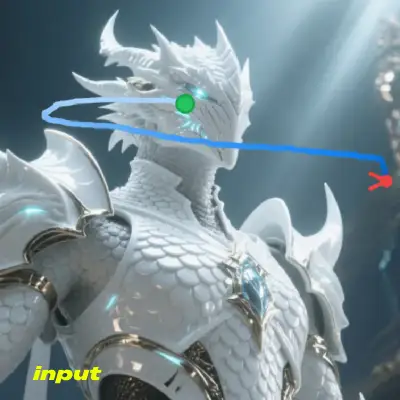

This ComfyUI workflow generates short, prompt-driven videos from a single image while precisely following a user-defined camera or subject path. It uses the Wan 2.1 I2V ATI model to blend text guidance, a reference image, and a trajectory JSON so the camera move or object motion is not left to chance. Core nodes include UNETLoader (Wan2_1-I2V-ATI-14B_fp8_e4m3fn.safetensors) and VAELoader (wan_2.1_vae.safetensors) for the diffusion backbone, CLIPLoader and CLIPTextEncode for prompt conditioning, CLIPVisionLoader and CLIPVisionEncode for image conditioning, and WanTrackToVideo to apply trajectory control. KSampler (driven by ModelSamplingSD3) performs the denoising, VAEDecode turns latents into frames, and CreateVideo + SaveVideo packages the result.
Technically, the workflow encodes your positive/negative prompts via CLIPTextEncode and extracts vision features from the input image with CLIPVisionEncode. The PrimitiveStringMultiline node holds the trajectory JSON exported from the Trajectory-Annotation-Tool; WanTrackToVideo consumes that JSON and injects per-frame motion control into the sampling process. ModelSamplingSD3 configures the scheduler so KSampler denoises in a way compatible with Wan 2.1’s training setup. After sampling, VAEDecode reconstructs frames, and CreateVideo assembles them at your chosen resolution and FPS. On a 4090D 24GB at 720x480, expect roughly 500 seconds on a cold first run and around 463 seconds on subsequent runs once weights are cached (actual times vary with settings).
FAQ