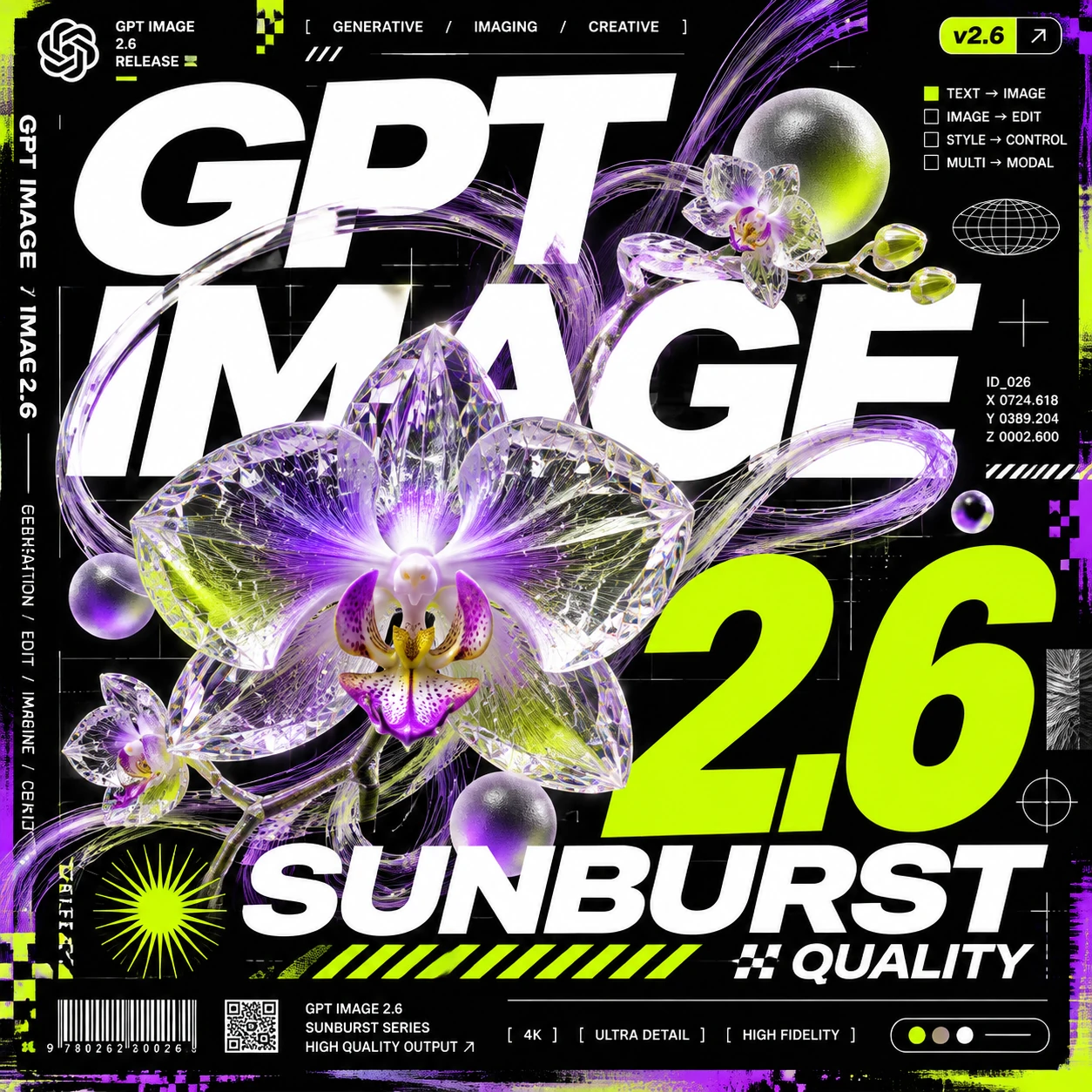
A crystalline orchid poster combines layered lettering, glass, and neon accents.
Generate new images from a plain-language brief or revise existing visuals. ChatGPT Images 2.6 brings text-to-image generation, reference images, and masked editing into ComfyUI workflows through Partner Nodes.
Access cloud-powered ComfyUI workflows with straightforward, usage-based pricing.
Start Comfy Cloud for free. Upgrade when you're ready.
5 free runs on real GPUs — no credit card required.
Billed monthly
What's included:
Comfy Agent
Comfy API
Generates ~380 5s videos*
Billed monthly
Everything in Standard, plus:
Comfy Agent
Comfy API
Generates ~670 5s videos*
Billed monthly
Everything in Creator, plus:
Comfy Agent
Comfy API
Generates ~1,915 5s videos*
Built for teams collaborating on workflows together.
Billed monthly
Generates ~13,405 5s videos*
Everything in Pro, plus:
Comfy Agent
Comfy API
Coming soon...
Need more members? Looking for more flexibility or custom features?
*Based on 5s videos created with the Wan 2.2 Image-to-Video template using default settings (81 frames, 18fps, 640x640, 4-step sampler)
ChatGPT Images 2.6 is an OpenAI image model for generating new visuals and editing existing images from natural-language instructions. In ComfyUI, the OpenAI GPT Image 2.6 Partner Node keeps generation and editing in the same workflow.
Open the text-to-image template with the Run button, enter a prompt, and select the GPT Image 2.6 Flare model. Use the image-editing template to start from an existing image.
Yes. Connect an image and describe the change you want. For focused edits, connect a mask with exactly one reference image; white areas identify the parts to replace.
Yes. The node accepts up to 16 reference images for editing. Describe which subjects, composition, or visual qualities should carry into the result.
The generated image becomes one step in a repeatable pipeline. Connect it to masking, compositing, upscaling, animation, or another model while keeping every step visible and adjustable.
Build workflows in the browser today. Batch campaigns with the API, or connect image generation to the rest of your creative pipeline.
Your AI assistant can access the ecosystem, build workflows, and generate images, video, audio, or 3D.