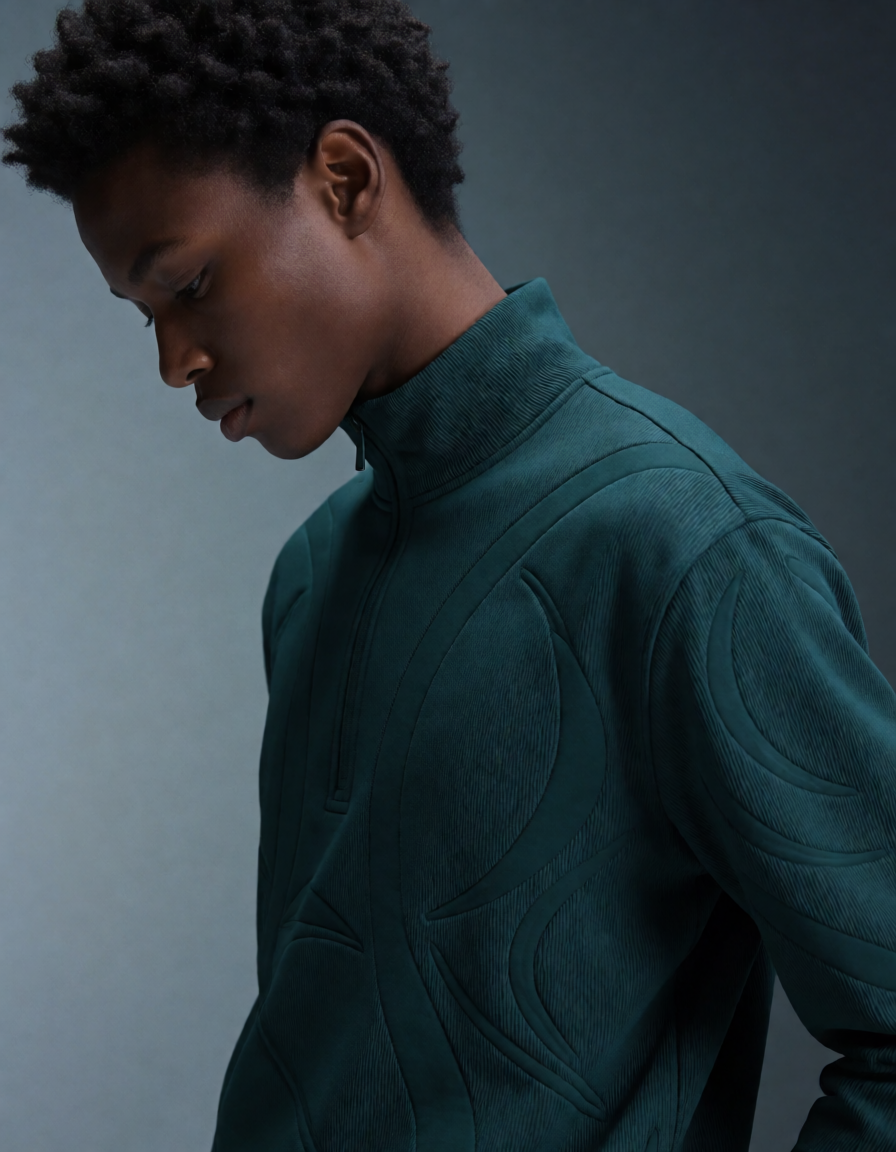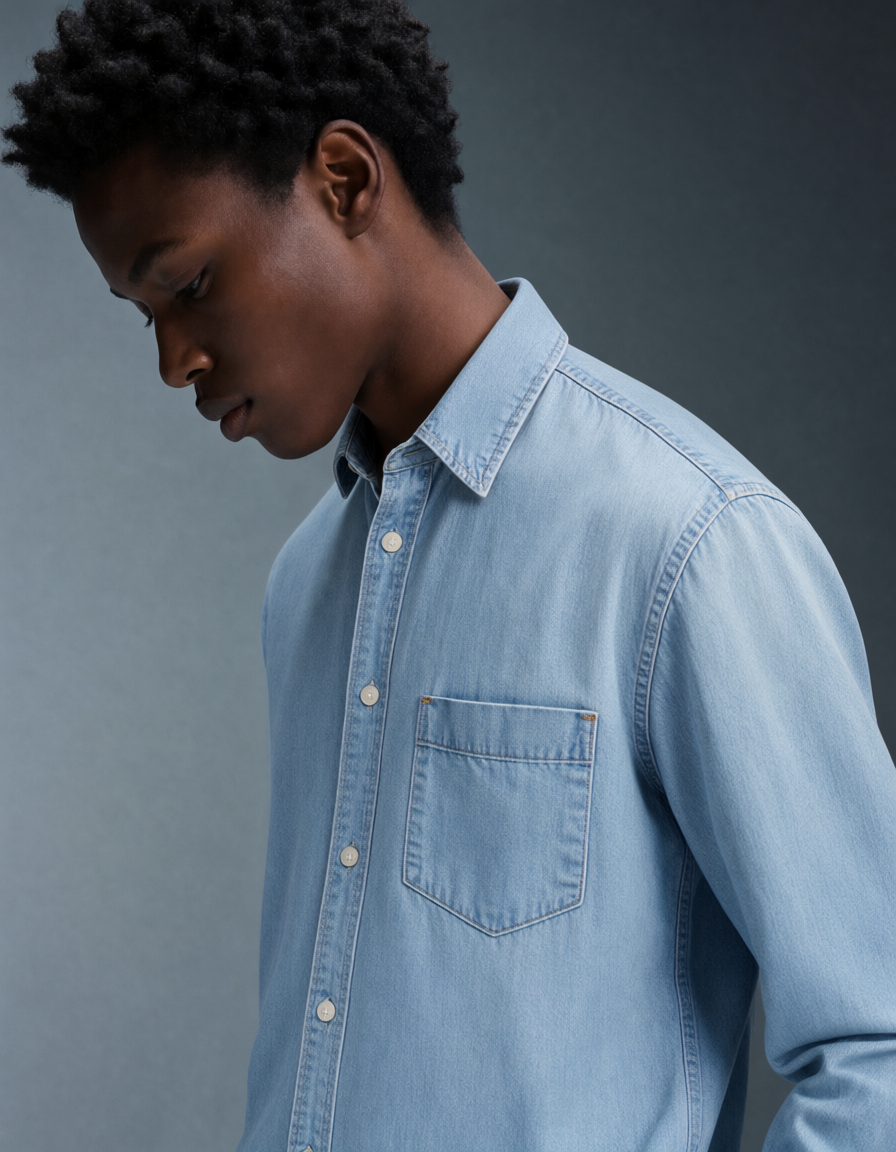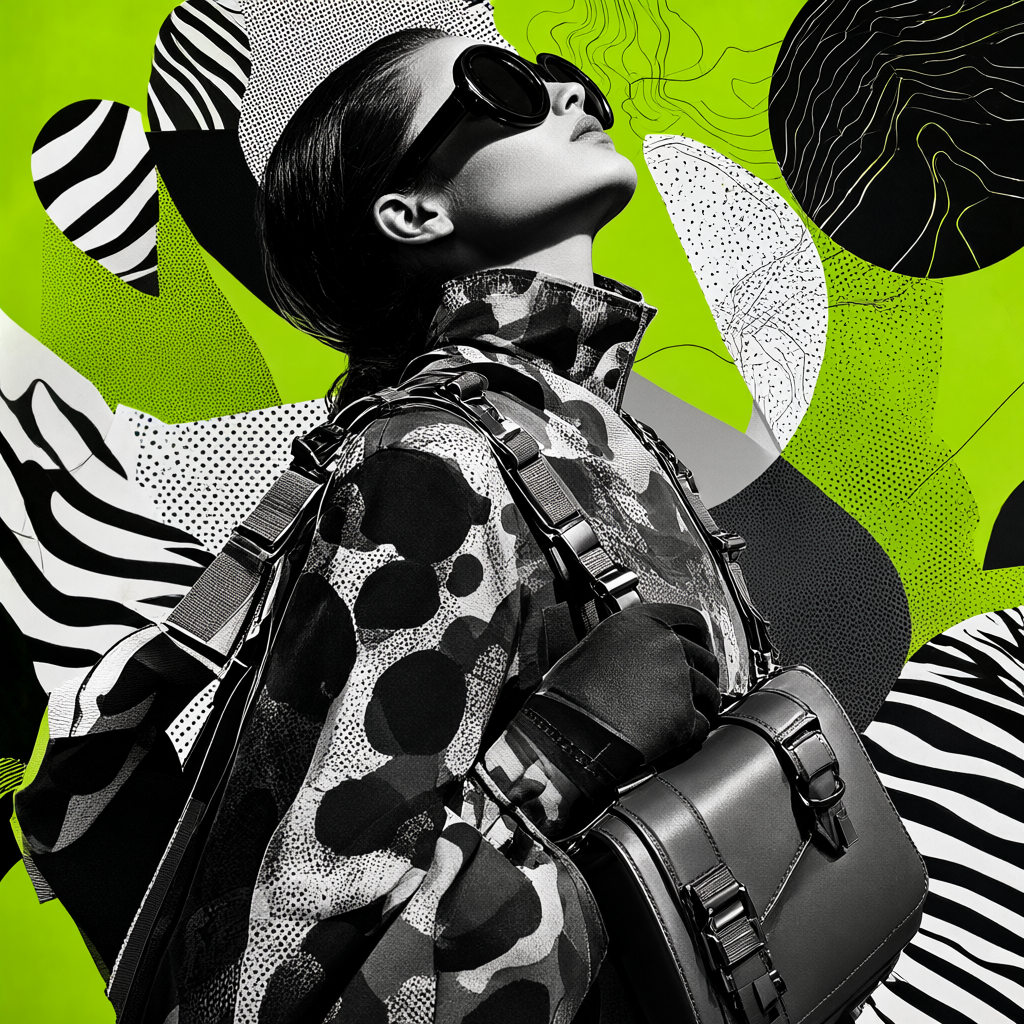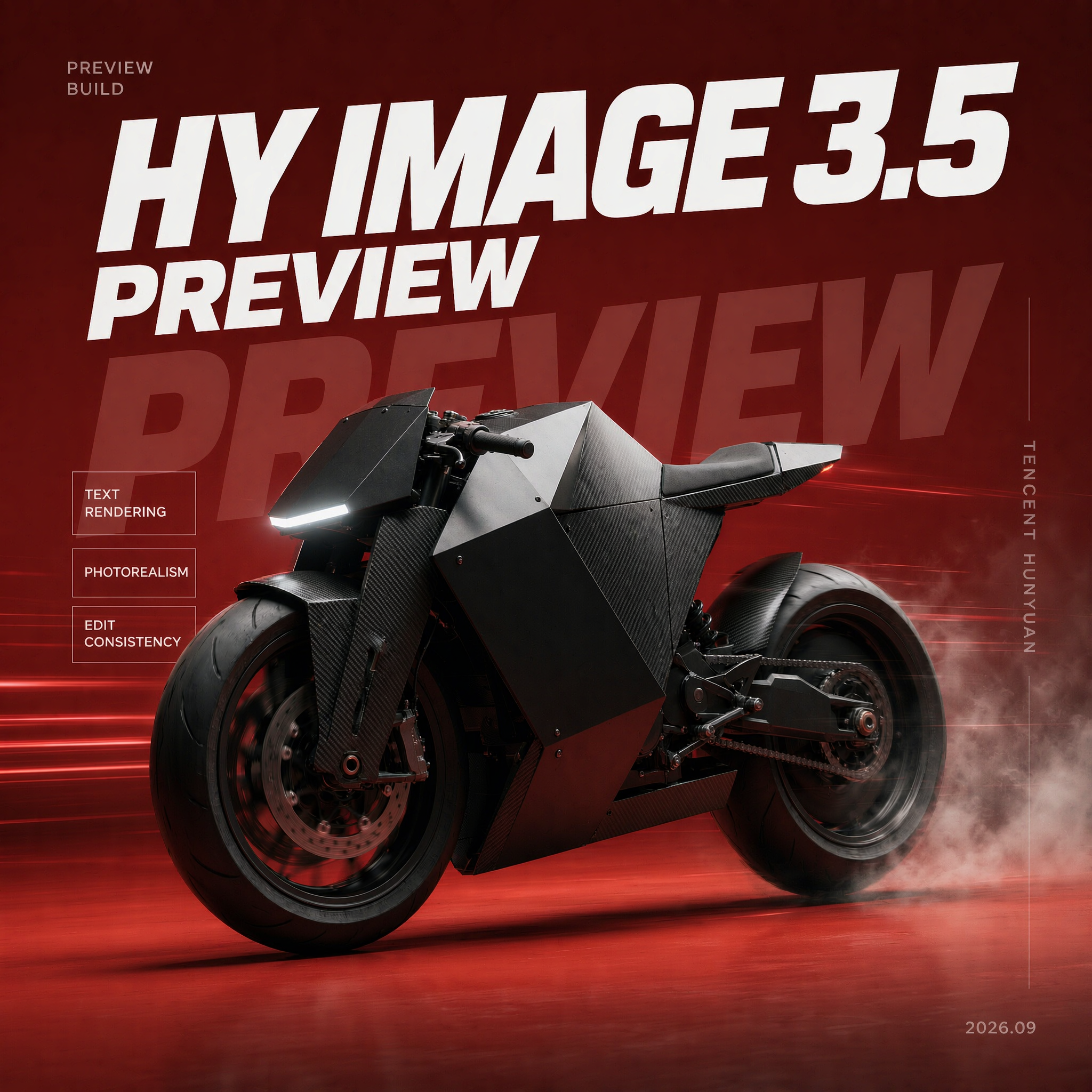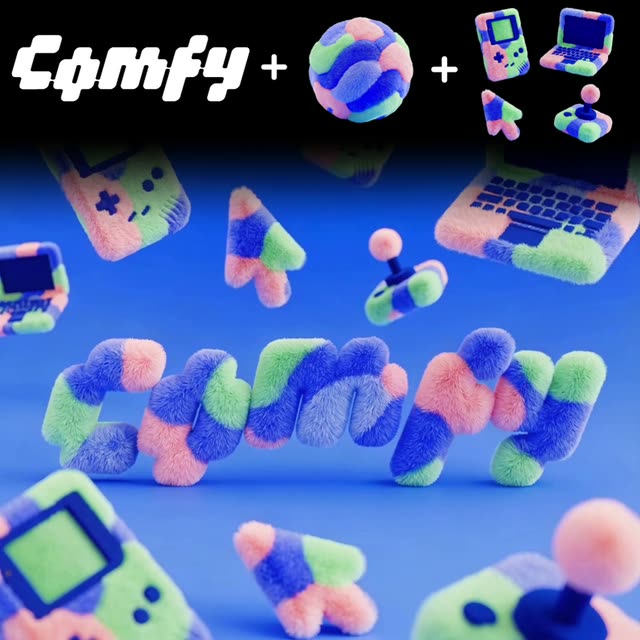
This ComfyUI workflow is designed to transform a static logo into a dynamic, textured video asset, perfect for enhancing brand presence. By leveraging a series of specialized nodes and models, this workflow allows users to upload their logo alongside desired textures and elements, and then seamlessly integrates these into a cohesive video output. The process begins with the 'LoadImage' node, which imports the logo, texture, and additional elements into the workflow. Next, the 'GeminiImage2Node' processes these images, applying the specified textures and elements to the logo. This node utilizes the Gemini3 Pro Image Preview model, ensuring high-quality image manipulation.

Once the images are prepared, the 'ByteDanceImageToVideoNode' converts the textured logo into a video format, using advanced techniques from the ByteDance model to ensure smooth transitions and professional quality. Finally, the 'SaveVideo' node outputs the finished video, ready for use in branding and marketing materials. Additionally, the 'SaveImage' node can be used to capture stills from the video if needed. This workflow is particularly useful for brand designers looking to create engaging visual content without extensive video editing skills.

Sık Sorulan Sorular

Yes, the workflow is designed to work with any logo, provided it is uploaded in a compatible image format.

The final video is typically saved in MP4 format, which is widely supported across various platforms.

No prior video editing skills are needed. The workflow is designed to be user-friendly and intuitive, even for beginners.

Ensure that your input images (logo, textures, elements) are of high resolution and use the 'Gemini3 Pro Image Preview' model to review the quality before saving.

Tüm iş akışlarını gör

Seedance 2.0: Reference to Video

ByteDance
ComfyUIComfyUI
Partner Nodes
Image to Video
Video

4K Seedance 2.0 - Reference to Video

PurzPurz
Character
Cinematic
Image to Video
Lip Sync
Multiple Angles
Portrait
Style Reference
Style Transfer
Text to Video
Video Generation
Video
Z-Image-Turbo Text to Image

Z-Image-Turbo Text to Image

ComfyUIComfyUI
Image
Text to Image
Nano Banana 2 Lite: Text to Image

Nano Banana 2 Lite: Text to Image

ComfyUIComfyUI
Partner Nodes
Text to Image
Grok: Image Edit - After
Grok: Image Edit - Before

Grok: Image Edit

ComfyUIComfyUI
Partner Nodes
Image Edit
Nano Banana 2 Lite: Image Edit - After
Nano Banana 2 Lite: Image Edit - Before

Nano Banana 2 Lite: Image Edit

ComfyUIComfyUI
Partner Nodes
Image Edit
Krea-2: Text to Image

Krea-2: Text to Image

ComfyUIComfyUI
Text to Image

Grok: Video generation

ComfyUIComfyUI
Video
Image to Video
Text to Video
Partner Nodes

Seedance2.0 4K: Reference to Video

ComfyUIComfyUI
Partner Nodes
Image to Video
Grok Imagine Image Quality: Generation

Grok Imagine Image Quality: Generation

ComfyUIComfyUI
Text to Image
Partner Nodes

LTX 2.3 - Lipdub LoRA + Voice Clone

RobRob
Audio Editing
Character
Video Edit
Video to Video
Voice Cloning
Text to Audio

1 image input Split Stack - Qwen Multiangle + Wan 2.2

RobRob
Video

Seedance 2.0 Mini: Reference to Video

ComfyUIComfyUI
Partner Nodes
Image to Video

SCAIL-2: Character Replacement

ComfyUIComfyUI
Video Edit
Ideogram v4: Text to Image

Ideogram v4: Text to Image

ComfyUIComfyUI
Text to Image

Googly Eyes

PurzPurz
Video to Video
Video
Video Edit
LoRA

Seedance 2.0 - Viral Videos Character Swap

RobRob
Character Reference
Image to Video
Video to Video
Video Generation
Text Generation

Seedance 2.0 Reference to Video - Concept Art + Stop Motion Style

MintaMinta
Video

Gemini Omni Flash: Image to Video

ComfyUIComfyUI
Image to Video
Nano Banana 2: Image Edit

Nano Banana 2: Image Edit

Google
ComfyUIComfyUI
Partner Nodes
Image Edit
cinematic_annotate_video

cinematic_annotate_video

SirolimSirolim
Video
Video Generation
Image to Video

HappyHorse 1.1: Text to Video

ComfyUIComfyUI
Partner Nodes
Text to Video
Video

HappyHorse 1.1: Image to Video

ComfyUIComfyUI
Image to Video
Video
Partner Nodes

Beeble SwitchX: Video Edit

ComfyUIComfyUI
Image Edit
3x3 Contact Sheet

3x3 Contact Sheet

enigmatic_eenigmatic_e
Image

Restore Archival Footage - LTX 2.3 Dearchive LoRA

RobRob
Video Edit
Video
Video Generation
Video to Video

Gemini Omni Flash: Text to Video

ComfyUIComfyUI
Partner Nodes
Text to Video

Remove Object from Video - LTX 2.3 Obscura Remova LoRA

RobRob
Video Edit
Video
Video to Video

Stylize Video - Frame by Frame - Flux.2 Klein 4b

RobRob
Video Edit
Video to Video
Image Edit
Seedream 5.0 Lite: Image Edit - After
Seedream 5.0 Lite: Image Edit - Before

Seedream 5.0 Lite: Image Edit

ByteDance
ComfyUIComfyUI
Partner Nodes
Image Edit
Showing 30 of 558 templates