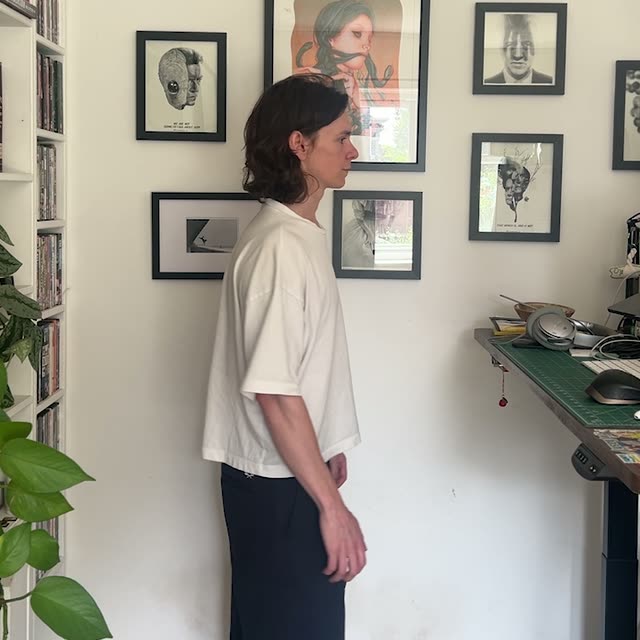
This ComfyUI tutorial walks you through a focused outfit-swap workflow powered by the GeminiVideoOmni node. You load a person video with LoadVideo (Your Footage) and a single outfit photo with LoadImage (Outfit Reference). The GeminiVideoOmni node takes these inputs plus a plain-language instruction (provided via a PrimitiveNode) to map the outfit from the reference image onto the moving subject in your clip, while preserving identity, motion, camera framing, and the original background. The generated result is written out with SaveVideo.
Technically, the workflow conditions a video-aware generative model on both the source frames and the reference outfit image. The source video guides structure and motion so faces, hands, and environment remain stable, while the reference guides the appearance of clothing across frames for temporal consistency. The MarkdownNote nodes in the graph provide inline guidance; they don’t affect processing. With just a few nodes and no manual masking or rotoscoping, this setup is ideal for fast virtual try-ons, fashion concepting, and styling previews.
API
Use this workflow from code
Every Comfy workflow is a JSON graph. The payload below is this workflow, exactly as ComfyUI runs it — fetch it from the URL, keep it in version control, or load it in ComfyUI and run it node by node.
Run it from TypeScript or Python with the Comfy SDK. The same code targets Comfy Cloud or a ComfyUI you host yourself — only the base URL changes.
// Install (beta)
npm i @comfyorg/sdk

// Run this workflow (TypeScript)
import { Comfy } from "@comfyorg/sdk";

const client = new Comfy({ apiKey: "comfyui-..." });
const wf = await client.workflows.fromFile("workflow_api.json");
const job = await client.run(wf);
await job.getOutputs("<output-node-id>")[0].toFile("output.png");
The SDK takes a workflow in API format: open this workflow in ComfyUI and use File → Export Workflow (API).
Comfy Cloud API access requires a plan with an API key.
FAQ



















