AI Model
Z-Image Comfy Workflows
Run Z-Image, Alibaba Tongyi Lab's open image model known for fast generation and accurate text rendering, with ComfyUI workflows on Comfy Cloud or your own GPU.
20 workflows

The workflows
20 Z-Image Comfy Workflows




























About This AI Model
What is the Z-Image model?
Two things stand out when you reach for Z-Image comfyui workflows: it is fast, and it actually renders text. Z-Image is Alibaba Tongyi Lab's open image-generation family, built on an S3-DiT (Scalable Single-Stream DiT) architecture that feeds text, visual-semantic, and image tokens through one unified stream. Its standout trait is accurate lettering in both English and Chinese, the kind most image models still fumble on posters and infographics. The workflows on this page are the ready-made graphs for running it without wiring the nodes yourself.
The variant most people start with is Z-Image-Turbo, a distilled 6B model that generates in roughly eight sampling steps. That is why it shows up in the quick text-to-image and 2K upscaling workflows here: it iterates fast enough to keep a tight feedback loop, and it stays under about 16GB of VRAM, so a single consumer card can run it. The weights are open on HuggingFace under an Apache 2.0 license, which is what lets you self-host instead of renting generations by the image.
What that means in practice is a model you can lean on for design work, not just pretty pictures. Generate a poster with legible headline text, create social graphics with accurate lettering, run text-to-image at speed, or push a result to a crisp 2K. Because these are open workflows, you control the resolution, the step count, and the variant you load, and you can re-run until the text and composition are right.
Everything here is open and editable. Open a Z-Image workflow on Comfy Cloud with nothing to install, or download it and run it locally if you have a capable GPU. You can swap variants, tune the parameters, and there is no watermark on what you make.


Reproducible, tunable, yours
Every step is exposed and adjustable, and the exact graph is yours to reuse across projects.
Start free. Upgrade when you’re ready.
Capabilities
What You Can Create
Z-Image is Alibaba Tongyi Lab's open image-generation family on an S3-DiT architecture, known for fast inference with the distilled Z-Image-Turbo variant and strong bilingual text rendering.
Consumer VRAM
Runs under roughly 16GB of VRAM, so a single consumer GPU can self-host it.
Try workflow
Bilingual text
Accurate bilingual text rendering in English and Chinese for posters and graphics.
Try workflow
S3-DiT design
S3-DiT design feeds text, semantic, and image tokens through one unified stream.
Try workflow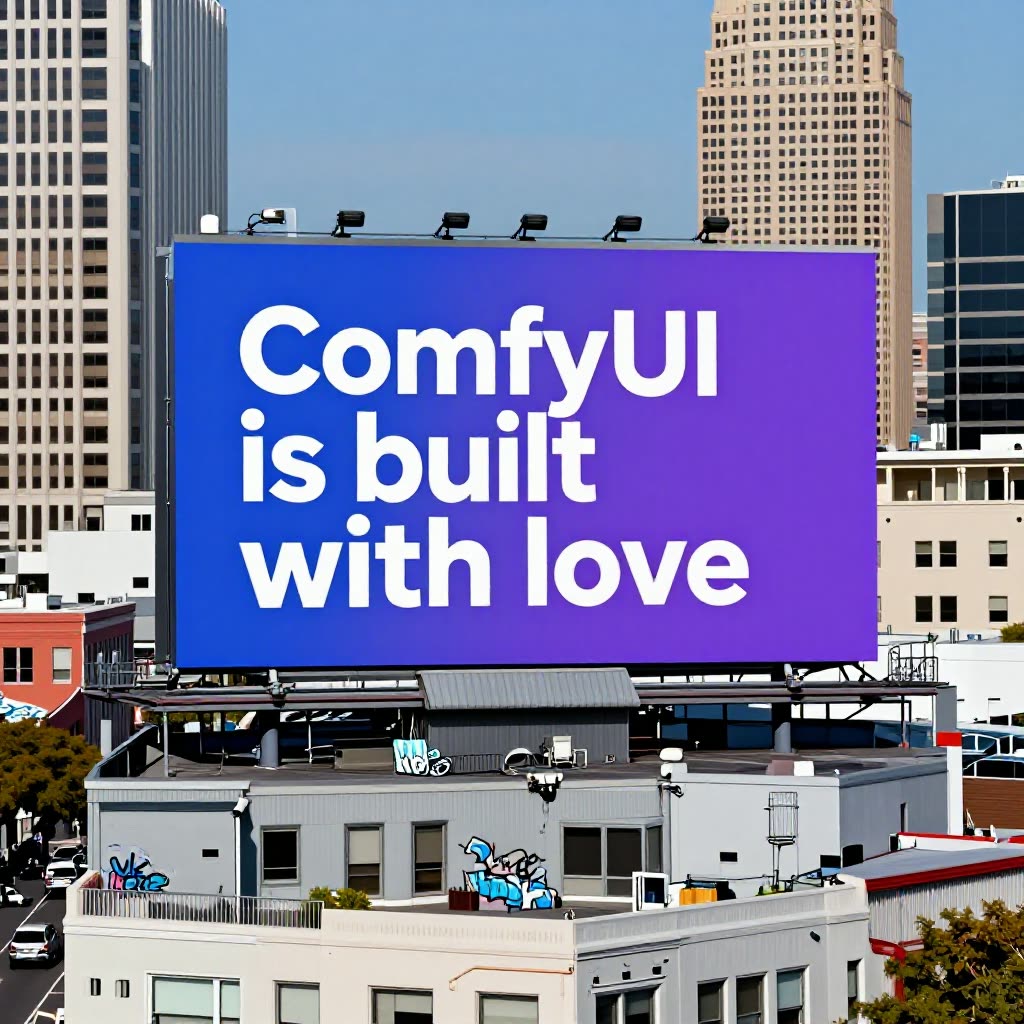


 WORKS
WORKS
Connect models, processing steps, and outputs on a canvas where every decision is visible and every step is inspectable.
Start from a community template or build from scratch.

Comparison
Why Comfy Workflows
-
Fast iteration with Z-Image-Turbo
The distilled 6B Turbo variant generates in about eight steps, so the prompt-and-review loop stays tight.
-
Pick your variant and settings
ONLY ONComfyCLOUDLoad Z-Image-Turbo or another variant, then set the resolution, step count, and CFG before you run the graph.
-
Open weights you can run anywhere
Z-Image ships under Apache 2.0, so run it locally on a 16GB consumer GPU or on Comfy Cloud with no install.
-
Legible bilingual text
Z-Image renders correctly spelled English and Chinese lettering on posters and graphics, with no watermark on output.
Applications
What people use it for
Where Z-Image's fast generation and text rendering get used most.
Frequently Asked Questions
Z-Image FAQ
Keep exploring
Related models and use cases to try next.