Use Cases

AI Image & Video Upscaler Workflows

Increase image resolution and sharpen detail with open, editable ComfyUI workflows that let you pick the model and keep skin and texture natural.

31 workflows

The workflows

31 AI Image & Video Upscaler Workflows

Utility Video Upscale - After
Utility Video Upscale - Before

Utility Video Upscale

SirolimSirolim
Video Upscale
Video Edit
Video
Video to Video
Video Generation
Visual Effects
Cinematic
Skin Enhancer + Upscaler - After
Skin Enhancer + Upscaler - Before

Skin Enhancer + Upscaler

SDXL
RobRob
Image Upscale
SeedVR2: Image Upscale - After
SeedVR2: Image Upscale - Before

SeedVR2: Image Upscale

ComfyUIComfyUI
Image Upscale
Realistic 2k Images - Quick Variations - After
Realistic 2k Images - Quick Variations - Before

Realistic 2k Images - Quick Variations

Grok
RobRob
Image Upscale
Text to Image
Nano Banana Pro: AI Image Enhancement - After
Nano Banana Pro: AI Image Enhancement - Before

Nano Banana Pro: AI Image Enhancement

Google
ComfyUIComfyUI
Partner Nodes
Image Upscale
 SeedVR2: Video Upscaling - After
 SeedVR2: Video Upscaling - Before

SeedVR2: Video Upscaling

ComfyUIComfyUI
Video Upscale
Magnific: Creative Image Upscale - After
Magnific: Creative Image Upscale - Before

Magnific: Creative Image Upscale

Magnific
ComfyUIComfyUI
Partner Nodes
Image Upscale
WaveSpeed: Image Upscale - After
WaveSpeed: Image Upscale - Before

WaveSpeed: Image Upscale

WaveSpeed
ComfyUIComfyUI
Partner Nodes
Image Upscale
Magnific: Precise Image Upscale - After
Magnific: Precise Image Upscale - Before

Magnific: Precise Image Upscale

Magnific
ComfyUIComfyUI
Partner Nodes
Image Upscale
Topaz Astra: Video Creative Upscale - After
Topaz Astra: Video Creative Upscale - Before

Topaz Astra: Video Creative Upscale

Topaz
ComfyUIComfyUI
Partner Nodes
Video Upscale
Nano Banana Pro: Product Detail Enhancement - After
Nano Banana Pro: Product Detail Enhancement - Before

Nano Banana Pro: Product Detail Enhancement

Google
ComfyUIComfyUI
Image Upscale
Product
WaveSpeed: AI Image Restoration with SeedVR2 - After
WaveSpeed: AI Image Restoration with SeedVR2 - Before

WaveSpeed: AI Image Restoration with SeedVR2

WaveSpeed
ComfyUIComfyUI
Partner Nodes
Image Upscale
Fast GAN Video Upscaler - After
Fast GAN Video Upscaler - Before

Fast GAN Video Upscaler

ComfyUIComfyUI
Video Upscale
Partner Nodes
Topaz: Landscape Upscaling with Topaz Reimagine - After
Topaz: Landscape Upscaling with Topaz Reimagine - Before

Topaz: Landscape Upscaling with Topaz Reimagine

Topaz
ComfyUIComfyUI
Image Upscale
Topaz: Image Enhance - After
Topaz: Image Enhance - Before

Topaz: Image Enhance

Topaz
ComfyUIComfyUI
Image Upscale
Partner Nodes
Image Upscale: Traditional Interpolation - After
Image Upscale: Traditional Interpolation - Before

Image Upscale: Traditional Interpolation

ComfyUIComfyUI
Image Upscale
WaveSpeed: FlashVSR Video Upscale - After
WaveSpeed: FlashVSR Video Upscale - Before

WaveSpeed: FlashVSR Video Upscale

WaveSpeed
ComfyUIComfyUI
Partner Nodes
Video Upscale
Nano Banana Pro: Stylized Art Creative Upscale - After
Nano Banana Pro: Stylized Art Creative Upscale - Before

Nano Banana Pro: Stylized Art Creative Upscale

Google
ComfyUIComfyUI
Partner Nodes
Image Upscale
Recraft: Crisp Upscale Image Restoration - After
Recraft: Crisp Upscale Image Restoration - Before

Recraft: Crisp Upscale Image Restoration

Recraft
ComfyUIComfyUI
Partner Nodes
Image Upscale
HitPaw: Video Enhancement and Upscaling - After
HitPaw: Video Enhancement and Upscaling - Before

HitPaw: Video Enhancement and Upscaling

HitPaw
ComfyUIComfyUI
Video Upscale
Partner Nodes
Stability AI: Image Upscale fast - After
Stability AI: Image Upscale fast - Before

Stability AI: Image Upscale fast

Stability
ComfyUIComfyUI
Partner Nodes
Image Upscale
HitPaw: Portrait Diffusion Upscaler - After
HitPaw: Portrait Diffusion Upscaler - Before

HitPaw: Portrait Diffusion Upscaler

HitPaw
ComfyUIComfyUI
Partner Nodes
Image Upscale
Topaz: Illustration Upscale - After
Topaz: Illustration Upscale - Before

Topaz: Illustration Upscale

Topaz
ComfyUIComfyUI
Image Upscale
Recraft: Creative Image Enhancement Upscaler - After
Recraft: Creative Image Enhancement Upscaler - Before

Recraft: Creative Image Enhancement Upscaler

Recraft
ComfyUIComfyUI
Partner Nodes
Image Upscale
Image Upscale: Z-Image-Turbo 2K - After
Image Upscale: Z-Image-Turbo 2K - Before

Image Upscale: Z-Image-Turbo 2K

RobRob
Image Upscale

Generate Realistic Variations

Grok
RobRob
Partner Nodes
Image
Image Upscale
Character + Clothing Virtual Try on Studio Photoshoot

Character + Clothing Virtual Try on Studio Photoshoot

RobRob
Character
Character Reference
Image Upscale
Image Edit
AI on the Lot 2026 - Z-Image Turbo - t2i + Upscale - After
AI on the Lot 2026 - Z-Image Turbo - t2i + Upscale - Before

AI on the Lot 2026 - Z-Image Turbo - t2i + Upscale

Image Upscale
Text to Image
Image

Video Upscale: Topaz Starlight Precise 2.5

Topaz
ComfyUIComfyUI
Video Upscale
Partner Nodes
Comfy for Advertising - OOH Visualization

Comfy for Advertising - OOH Visualization

shanef3dshanef3d
Image
Image Edit
Brand Design
Image Upscale
Showing 30 of 31 templates

About This Workflow

What is the AI Image Upscaler?

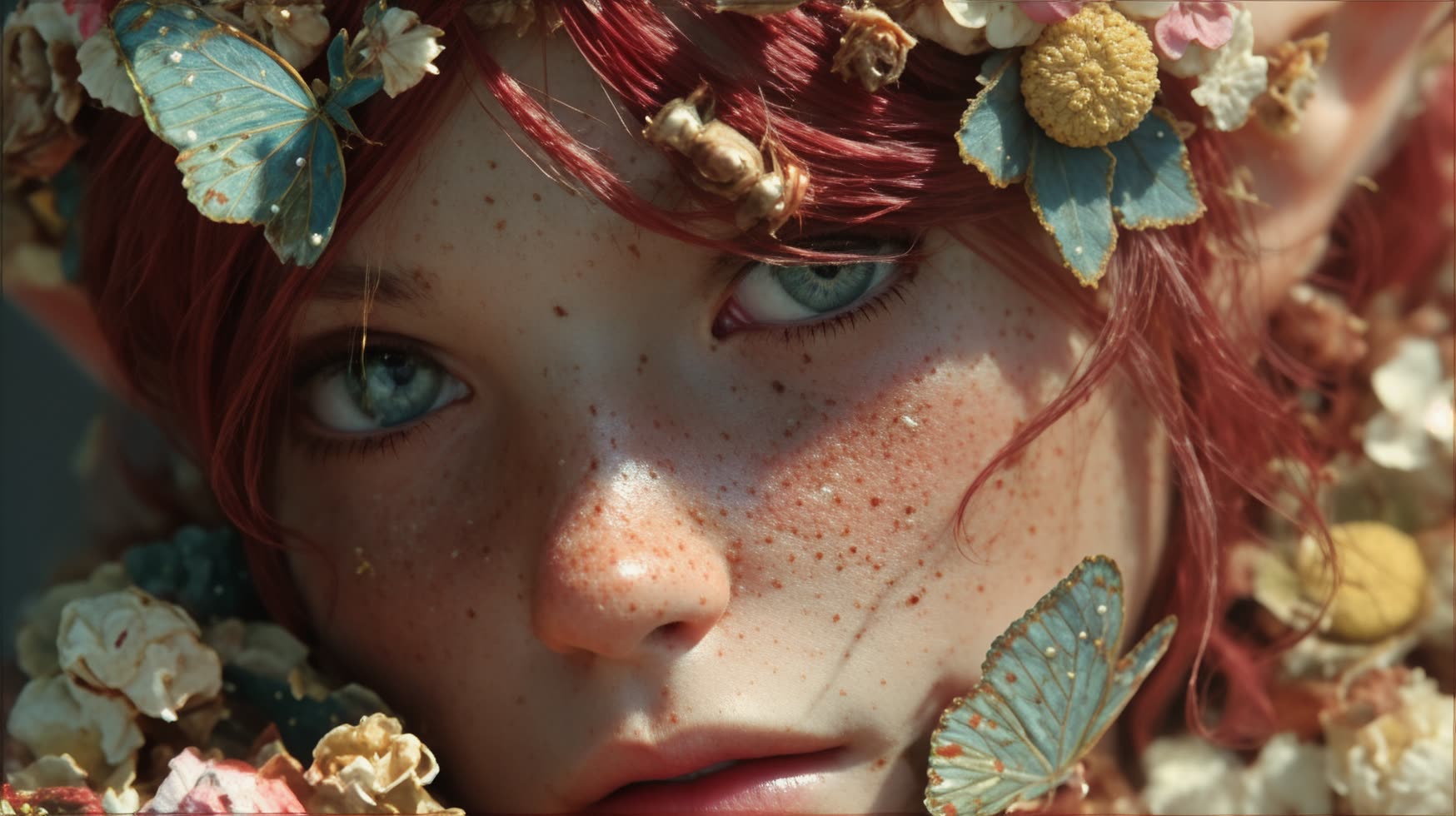
The honest worry about any ai image upscaler is the plastic face. You enlarge a portrait, and the skin comes back waxy: pores gone, eyes glassy, fine wrinkles smoothed into a mask. That happens because most upscalers chase a clean result and replace lost micro-texture with blur. The ComfyUI workflows on this page take a different stance. You choose a texture-preserving model and set the denoise and detail strength yourself, so you decide how much the model invents and how much of the real surface it keeps.

It helps to know what AI upscaling actually does. A plain resize stretches the pixels you already have, so a small photo just gets bigger and softer. AI upscaling reconstructs detail instead, predicting the edges and surfaces that a higher-resolution version would contain. That reconstruction is what makes faces look sharp again, and it is also why the wrong model smooths skin into plastic. The fix is control, not a magic setting, and these workflows expose it.

The cluster covers real models for different jobs. SeedVR2 is the general-purpose choice when you want to upscale image content cleanly while keeping texture. Z-Image-Turbo runs a fast 2K pass when you need a quick enlarge without a long wait. Magnific comes in two flavors: a creative mode that adds invented detail for a richer look, and a precise mode that stays faithful to the source when accuracy matters more than flair. Topaz enhances and sharpens existing photos, and Stability offers a fast upscale for everyday work. For motion, SeedVR2 video upscaling acts as a video upscaler so you can raise footage resolution in the same place you handle stills.

A few honest limits are worth setting up front. Most of these models do their best work at 2x to 4x. Higher factors like 8x amplify artifacts because the model has to invent more detail from a thin source, so a 4k upscale from a sharp medium photo beats a giant jump from a tiny one. Do not over-upscale a low-signal image and expect miracles. Text is the other trap: when you upscale a sign, a label, or a logo, the model will confidently produce letters that look crisp but are often wrong. There is no clean fix for that today, so treat any text in an upscaled frame as suspect and check it by eye.

Because every step is open, you can act as a real image enhancer rather than work with a black box. You set the model, the denoise level, and how aggressively to add detail, then re-run any pass instead of accepting one fixed output. There is no watermark on the download. If your goal is to enlarge photo without losing quality, start conservative, compare against the original at full zoom, and push the detail only as far as the texture stays believable. That workflow, run on Comfy Cloud or locally in ComfyUI, is how you increase image resolution without trading away the look of a real photograph.

WaveSpeed: AI Image Restoration with SeedVR2
WaveSpeed

SeedVR2

General-purpose upscaling

Use SeedVR2 to upscale image content cleanly while keeping pores, edges, and natural texture intact.

Realistic 2k Images - Quick Variations
Grok

Grok

Fast 2K enlarge

Run Z-Image-Turbo for a quick 2K pass when you need a larger file without a long render.

Reproducible, tunable, yours

Every step is exposed and adjustable, and the exact graph is yours to reuse across projects.

Start free. Upgrade when you’re ready.

See pricing plans

Capabilities

What You Can Create

Enlarge stills and footage while keeping real skin and texture, choosing the model and detail strength for each job.

Creative vs precise detail

Pick Magnific creative to add invented detail for a richer look, or Magnific precise to stay faithful to the source.

Try workflow
Magnific: Precise Image Upscale
Magnific

Photo enhancement

Sharpen and clean existing photos with Topaz, or run a fast Stability pass for everyday upscaling.

Try workflow
Topaz Astra: Video Creative Upscale
Topaz

Video upscaling

Raise footage resolution with the SeedVR2 video upscaler so stills and clips live in one place.

Try workflow
 SeedVR2: Video Upscaling
HOWComfyWORKS

Connect models, processing steps, and outputs on a canvas where every decision is visible and every step is inspectable.

Start from a community template or build from scratch.

Comparison

Why ComfyUI Workflows
  • Pick your variant and settings

    ONLY ONComfyCLOUD

    Swap between SeedVR2, Z-Image-Turbo, Magnific, Topaz, and Stability instead of being locked to one hidden upscaler that smooths every photo the same way.

  • Texture control on every pass

    The denoise and detail-strength nodes are exposed, so you decide how much the model invents and how much real skin and grain it keeps. Dial it back and re-run when a face looks waxy.

  • Run in the browser or on your own GPU

    Open a workflow on Comfy Cloud with no install on remote Blackwell-class hardware, or run the same graph locally in ComfyUI. SeedVR2 7B fits in roughly 16GB VRAM with block swap.

  • Stills and footage in one place

    The SeedVR2 video upscaler raises clip resolution in the same workflows you use for photos, and every export downloads at full resolution with no watermark.
Applications

What people use it for

Common ways people enlarge and restore detail in photos and footage.

Topaz: Landscape Upscaling with Topaz Reimagine

Portrait upscale

Topaz

Increase image resolution on an old portrait while keeping skin and pores natural

Stability AI: Image Upscale fast

Fast 2K batch

Stability

Run a fast 2K upscale on a batch of web images before publishing

Topaz: Image Enhance

Restore detail

Topaz

Restore detail in a downscaled screenshot or compressed social media export

Fast GAN Video Upscaler

Video upscale

Upscale a short clip to a higher resolution with the SeedVR2 video upscaler

Frequently Asked Questions

AI Image Upscaler FAQ

Related models and use cases to try next.
Ready to create?

Start generating with this workflow in seconds

Try Comfy Cloud