Use Cases
AI Caricature Generator Workflows
Turn a photo into a funny, exaggerated caricature with open, editable ComfyUI workflows where you set the style and how much likeness to keep.
4 workflows
The workflows
4 AI Caricature Generator Workflows




About This Workflow
What is the AI Caricature Generator?
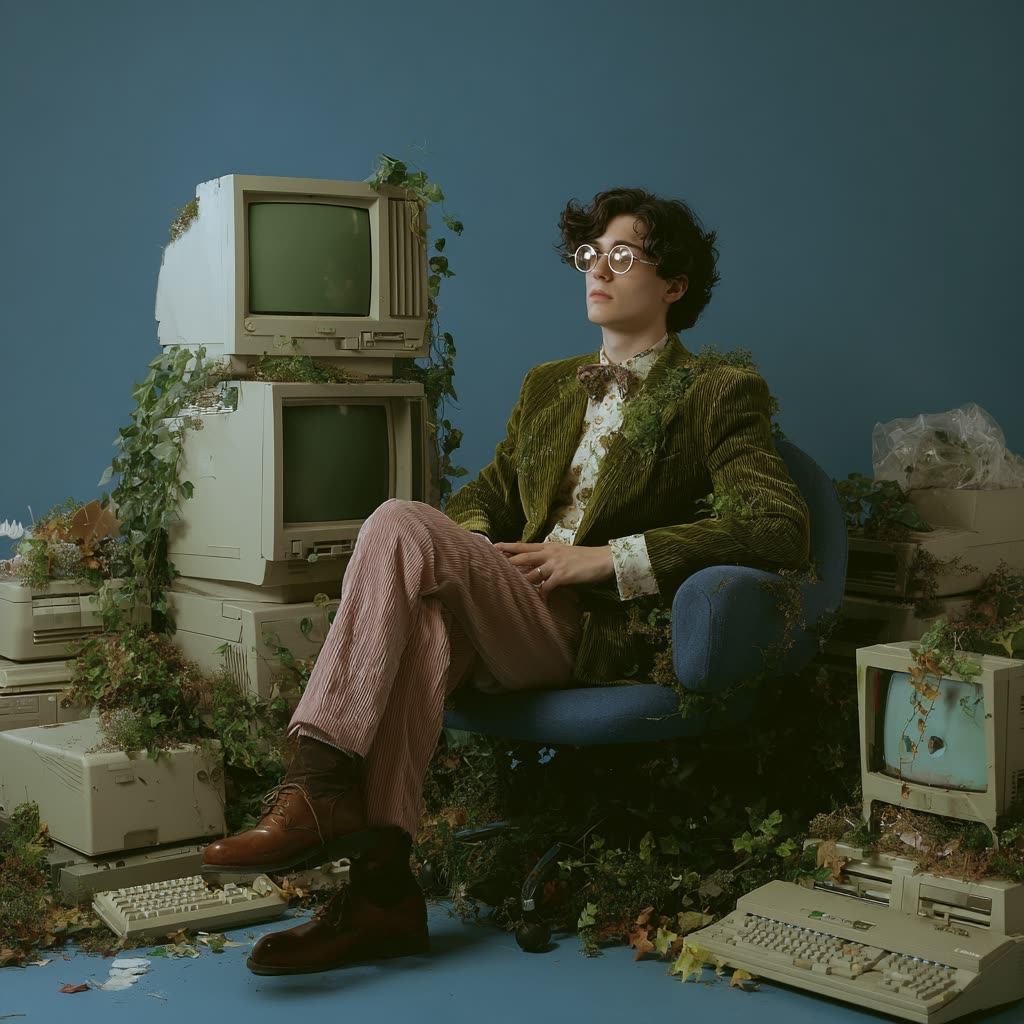
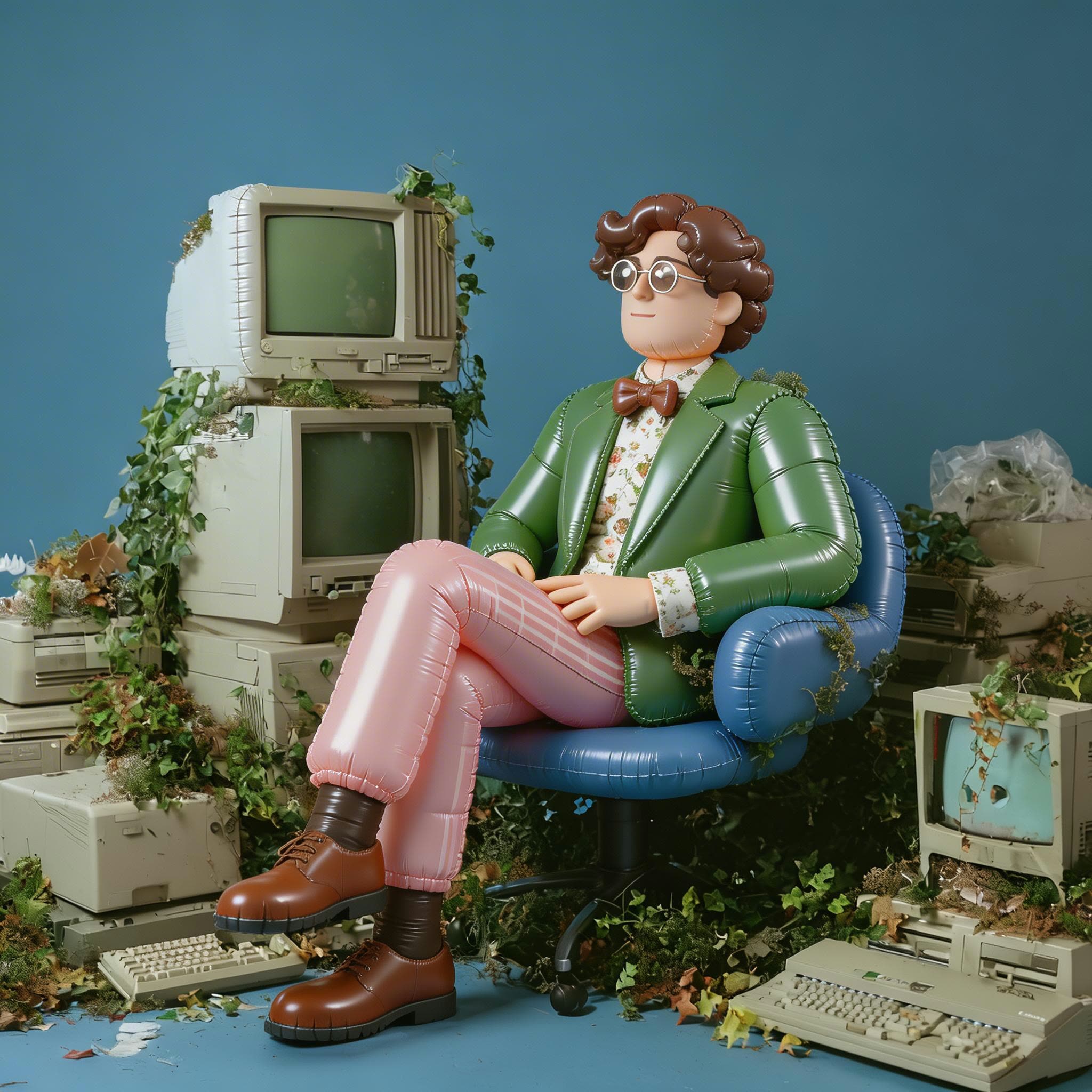
Most people reaching for an ai caricature generator want one of two things: a quick laugh from a selfie or a personal gift that still looks like the person. The ComfyUI workflows on this page handle both. They take a real photo and restyle it into a caricature or cartoon portrait, keeping the face recognizable while pushing the proportions and features into playful exaggeration that you control.
The difference from a one-click app is control. A typical caricature maker gives you a single result with no say over the style or how much it warps the face. These workflows are open style-transfer pipelines, so you choose the look and re-run any step until the balance of likeness and exaggeration feels right. That matters most for a caricature from photo intended as a gift, where the recipient needs to be obviously themselves.
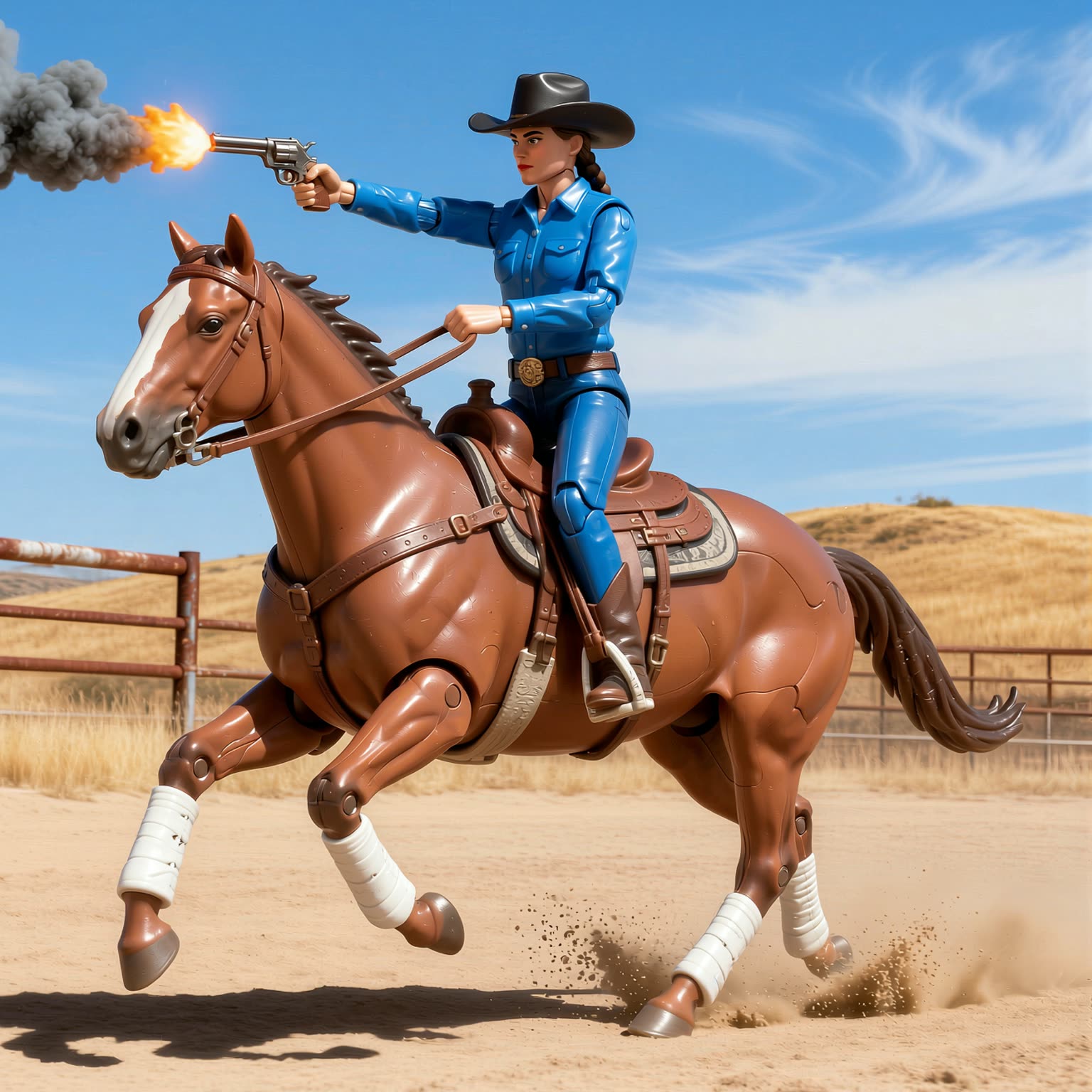
Four real workflows cover the range. Illustration to Realism moves a portrait between photographic and drawn styles. The Recraft text-to-image style workflow applies an art direction from a prompt, which is how you cartoon yourself in a specific aesthetic. Profile Picture Stylized Variations spins one photo into a grid of avatar options, and the Qwen-Image Illustration LoRA leans into hand-drawn illustration. Behind them sit models like Recraft, Qwen-Image-Edit, and Nano Banana Pro, which you can swap to suit the photo.
These pipelines work on more than a single headshot. Couples, family shots, and pets all stylize well, since the workflow restyles whatever is in the frame rather than detecting one face, which suits a custom caricature for an anniversary or a pet rendered as a cartoon. The output is a clean, full-resolution file with no watermark, so it goes straight to print for a mug, a poster, or a greeting card. For a social avatar, start loose and lean into the exaggeration; for a keepsake, dial the warp down. Either way you run it in local ComfyUI or on Comfy Cloud with nothing to install.


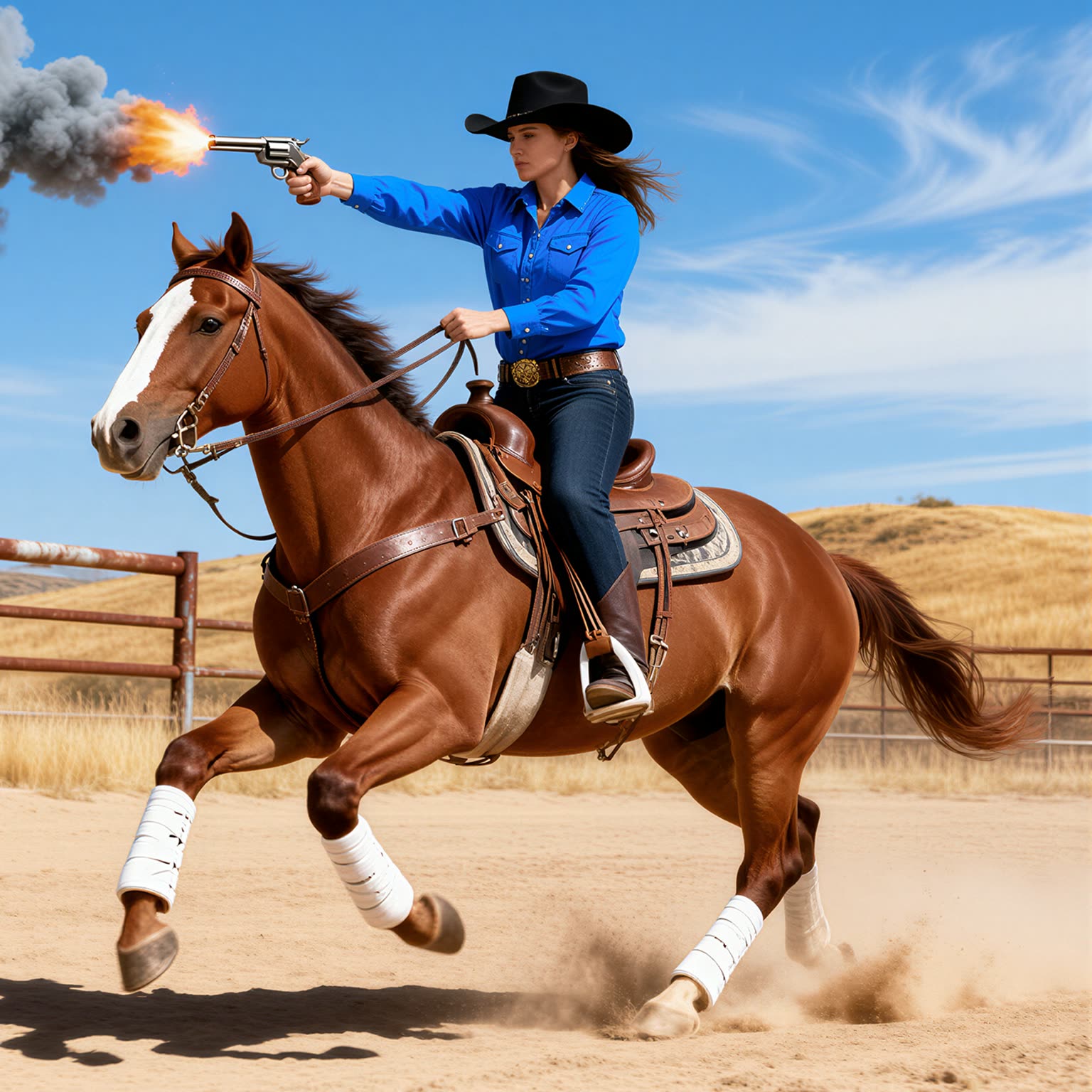
Reproducible, tunable, yours
Every step is exposed and adjustable, and the exact graph is yours to reuse across projects.
Start free. Upgrade when you’re ready.
Capabilities
What You Can Create
Push a photo from a gentle cartoon to a wild caricature, setting the style and exaggeration on every pass yourself.
Prompted art direction
Use the Recraft style workflow to cartoon yourself in a specific aesthetic, from comic ink to flat vector.
Try workflow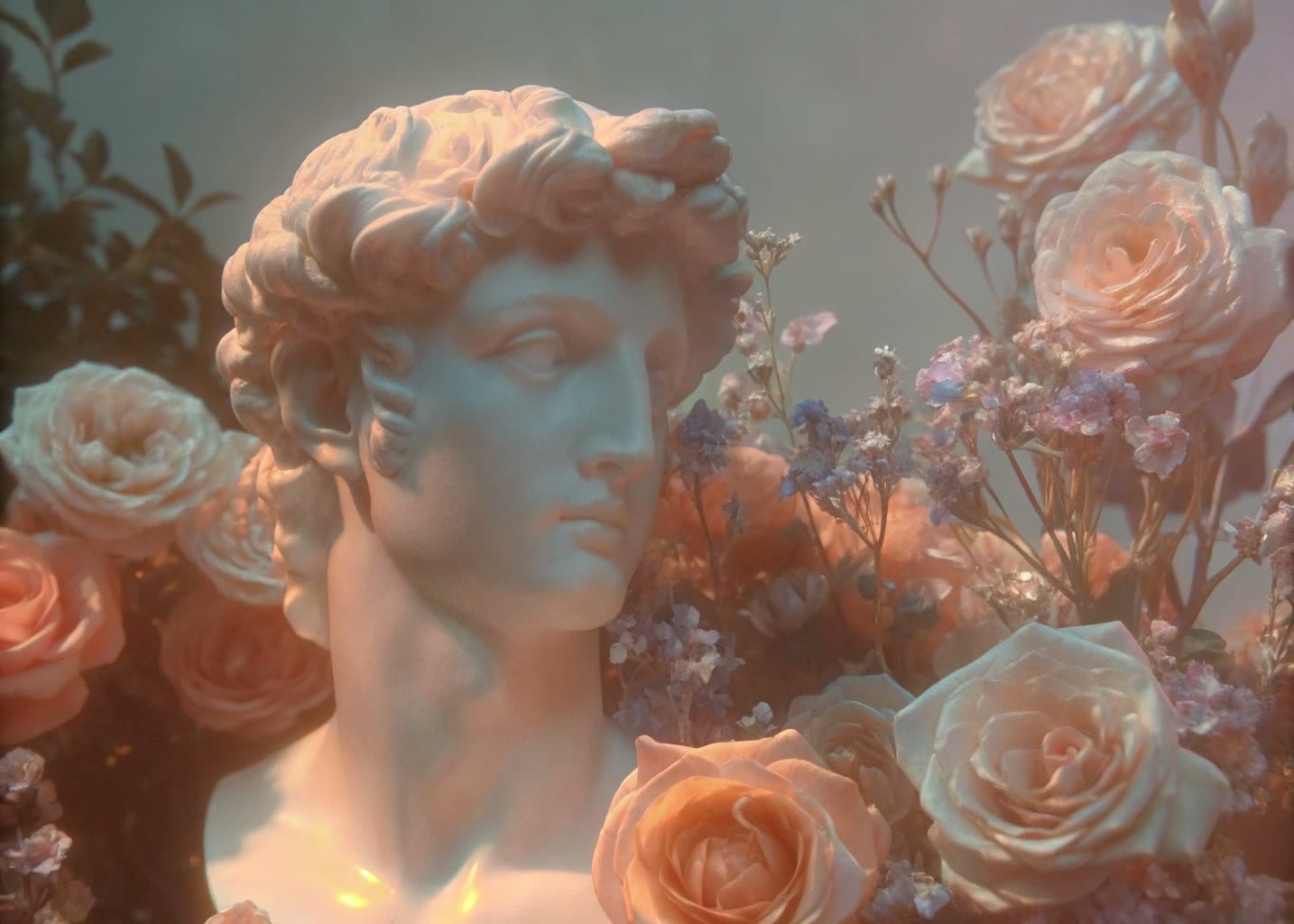

Avatar variations
Spin one photo into a grid of stylized profile-picture options in a single pass and pick a favorite.
Try workflow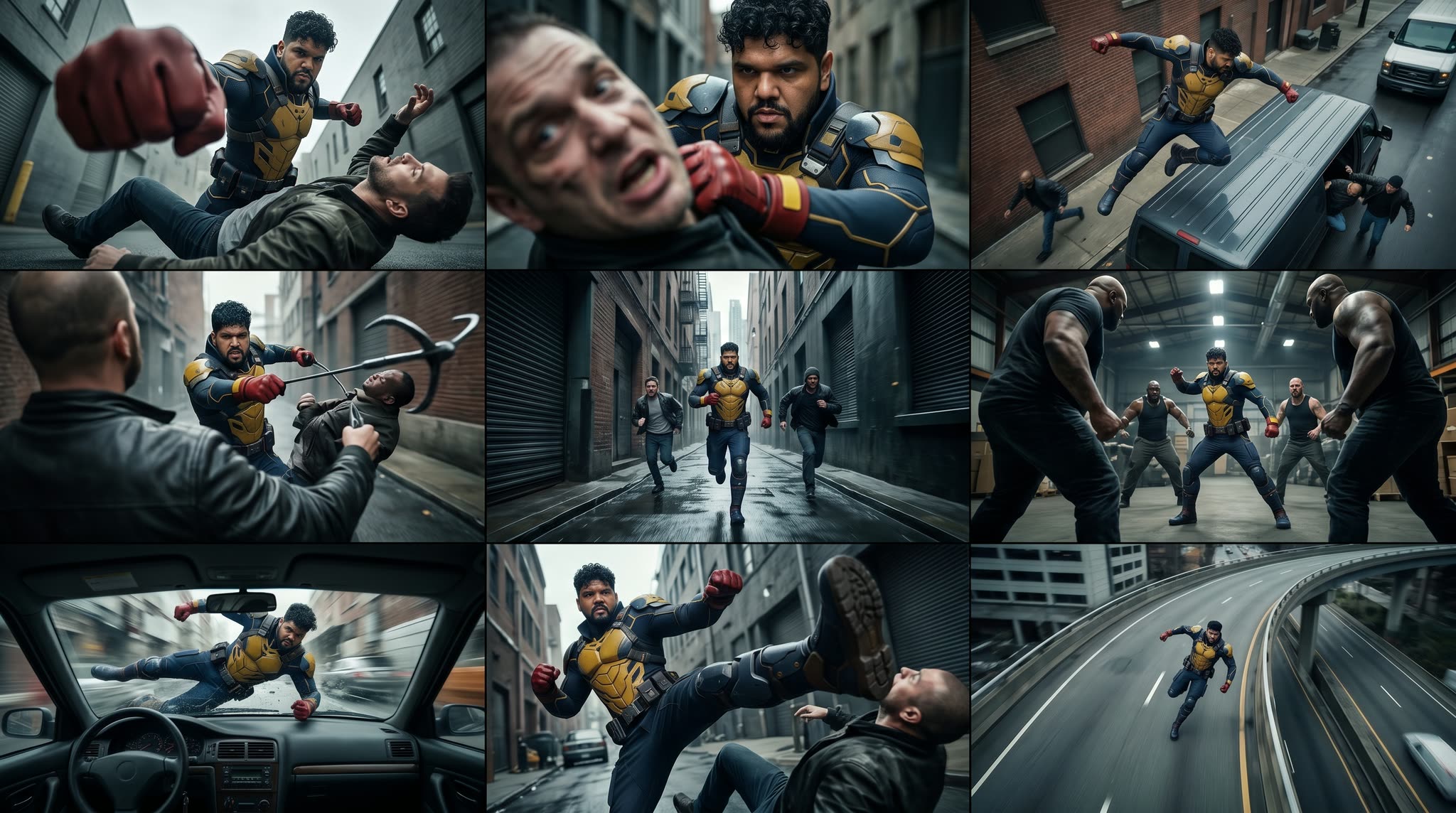
Group and pet portraits
Stylize couples, family shots, or a pet, since the workflow restyles the whole frame rather than one face.
Try workflow


 WORKS
WORKS
Connect models, processing steps, and outputs on a canvas where every decision is visible and every step is inspectable.
Start from a community template or build from scratch.

Comparison
Why Comfy Workflows
-
You set the likeness-to-exaggeration balance
The style-transfer strength is an exposed node, so you slide between a faithful portrait for a gift and a wild cartoon for a joke on the same photo.
-
Pick your variant and settings
ONLY ONComfyCLOUDSwap between Recraft, Qwen-Image-Edit, and Nano Banana Pro, then choose loose cartoon, polished illustration, or prompted art direction to match the source shot.
-
Restyles the whole frame, not one face
Couples, family group shots, and pets all stylize cleanly because the workflow redraws everything in the picture instead of detecting a single subject.
-
Print-ready files, no watermark
Every render exports at full resolution with no watermark, so it goes straight to a mug, poster, or greeting card without a paywall on the download.
Applications
What people use it for
Popular ways people turn a photo into a gift, a print, or a social avatar.
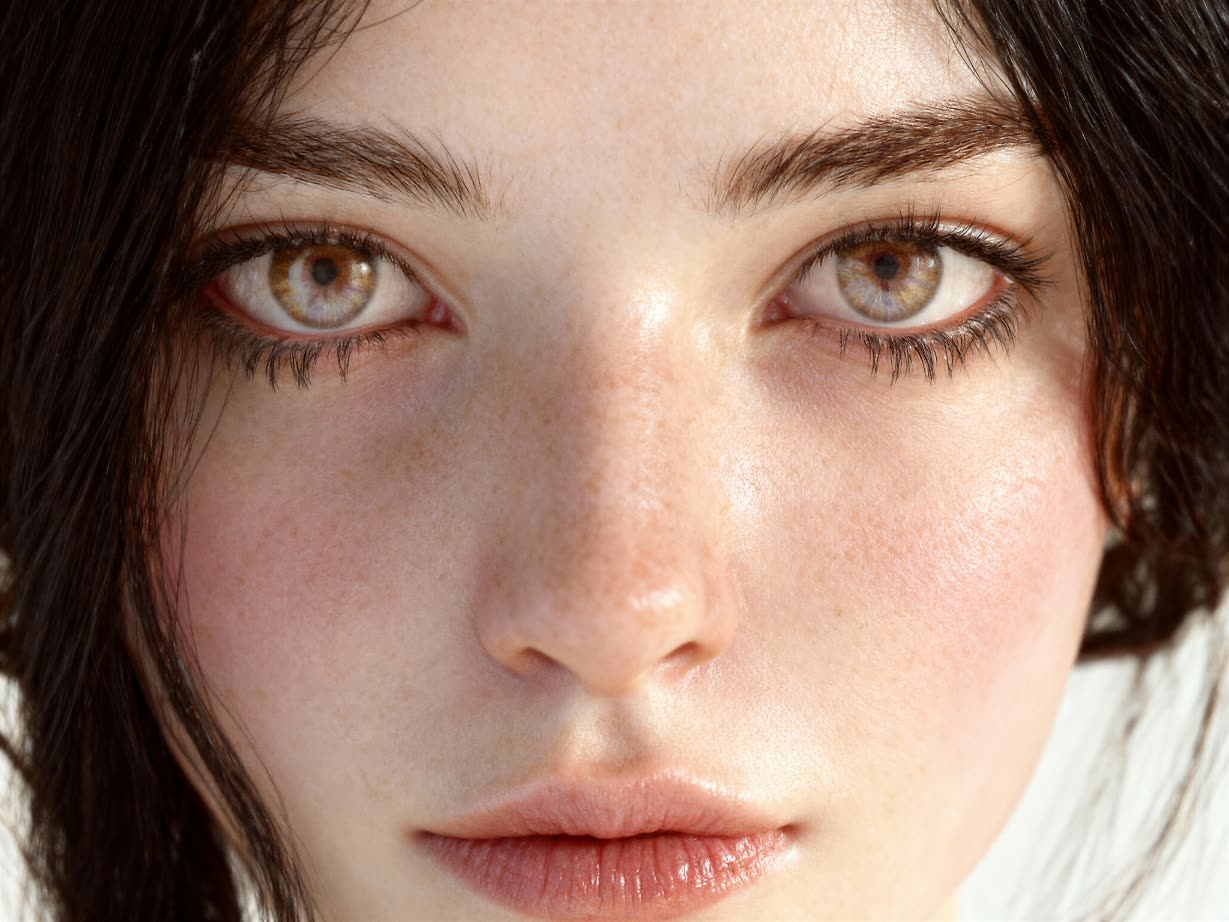



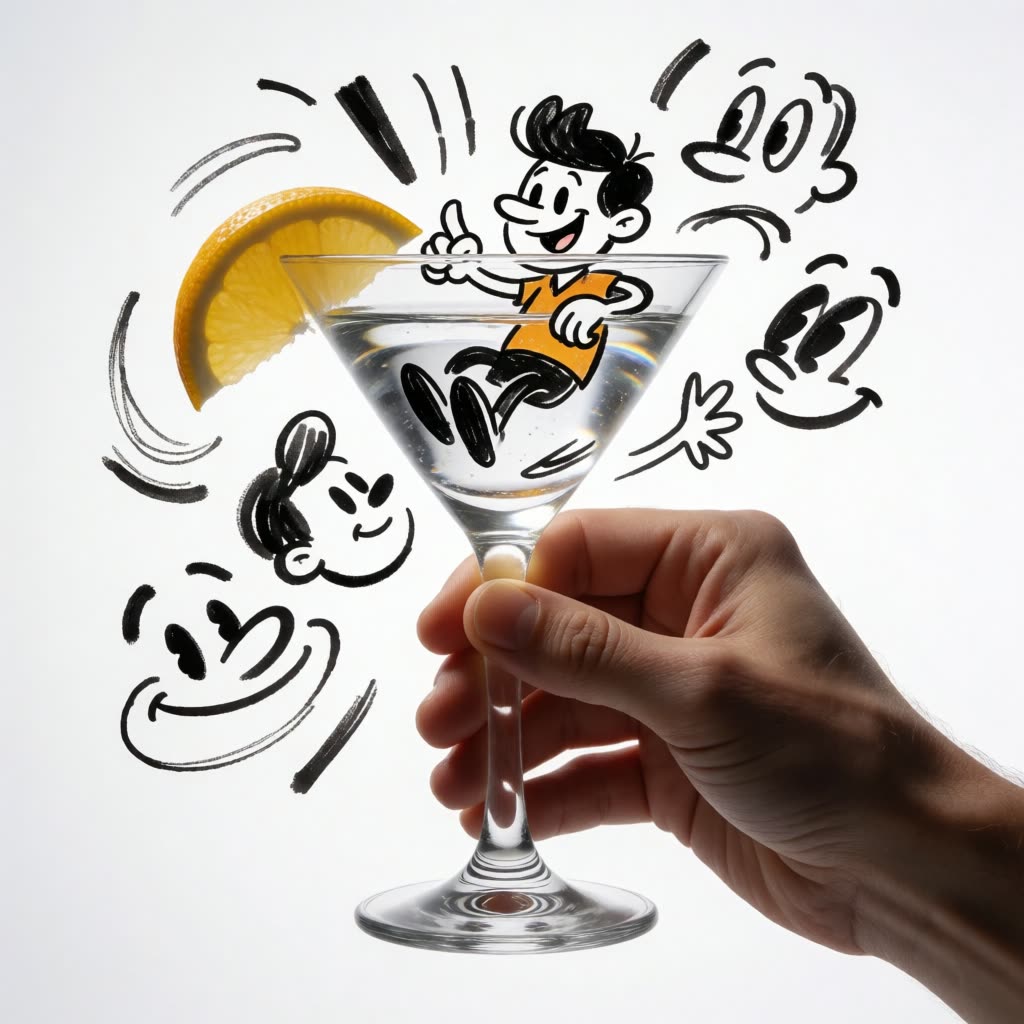
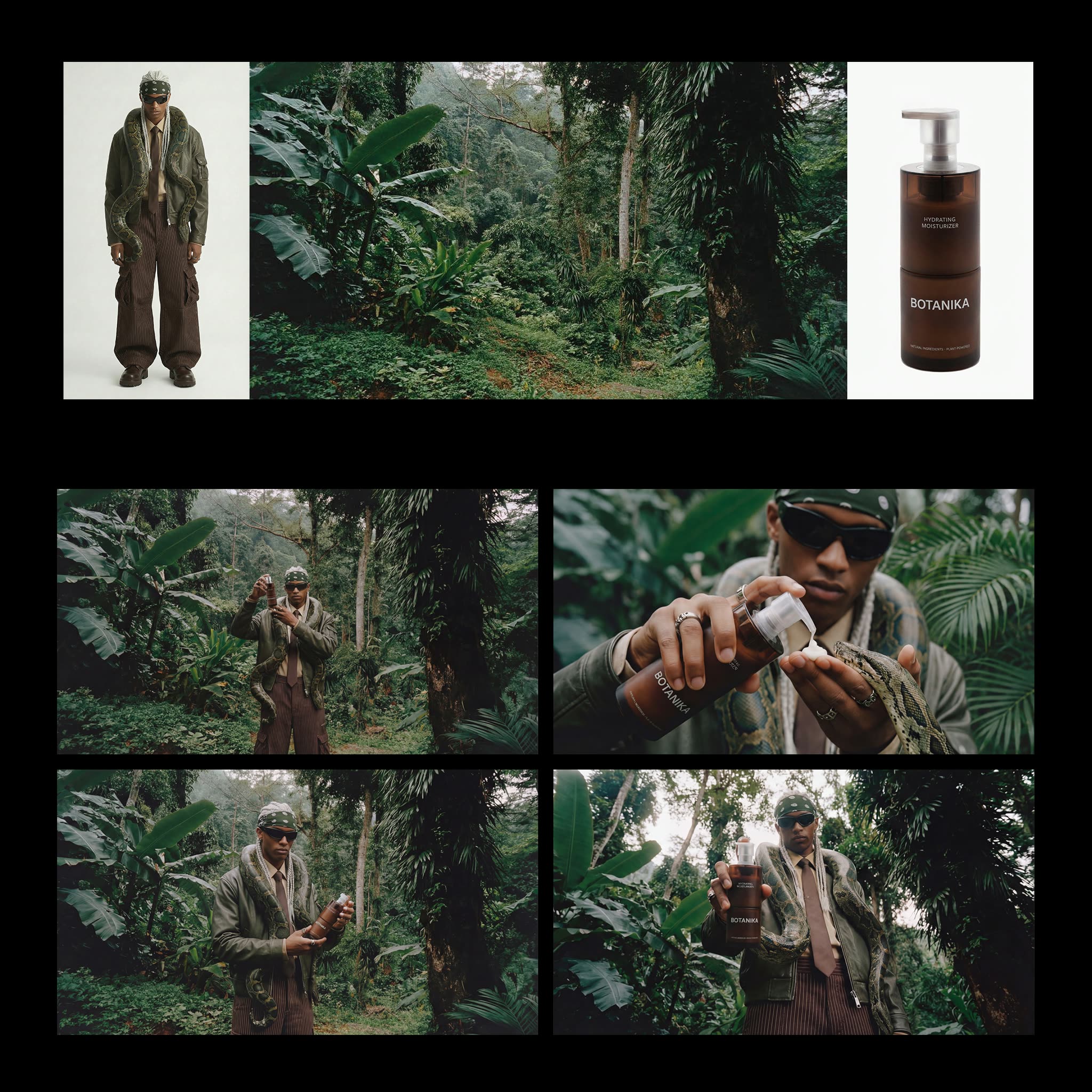
Frequently Asked Questions
AI Caricature Generator FAQ
Keep exploring
Related models and use cases to try next.
