AI Model
Qwen-Image-Edit Comfy Workflows
Run Alibaba's Qwen-Image-Edit model in ComfyUI: instruction-based image editing, relighting, and style transfer, on Comfy Cloud or your own GPU.
18 workflows
The workflows
18 Qwen-Image-Edit Comfy Workflows













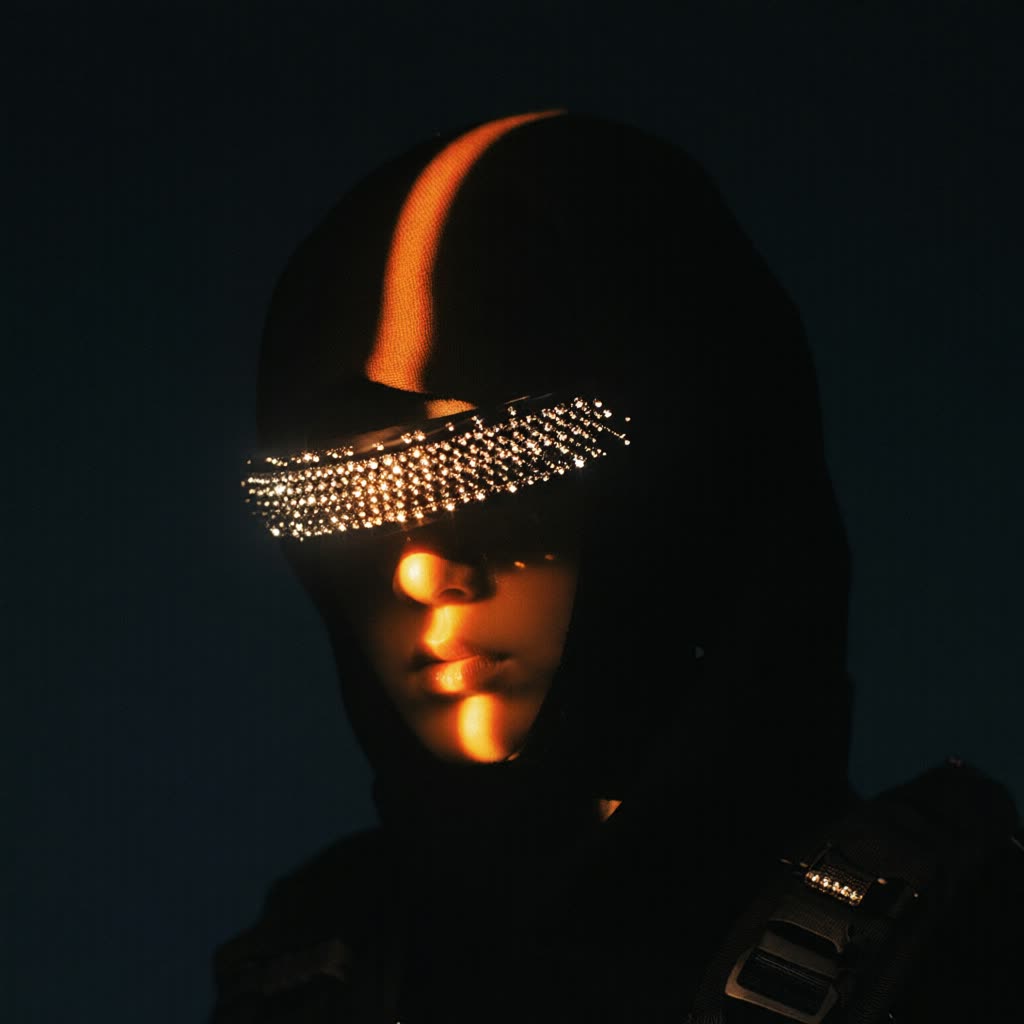



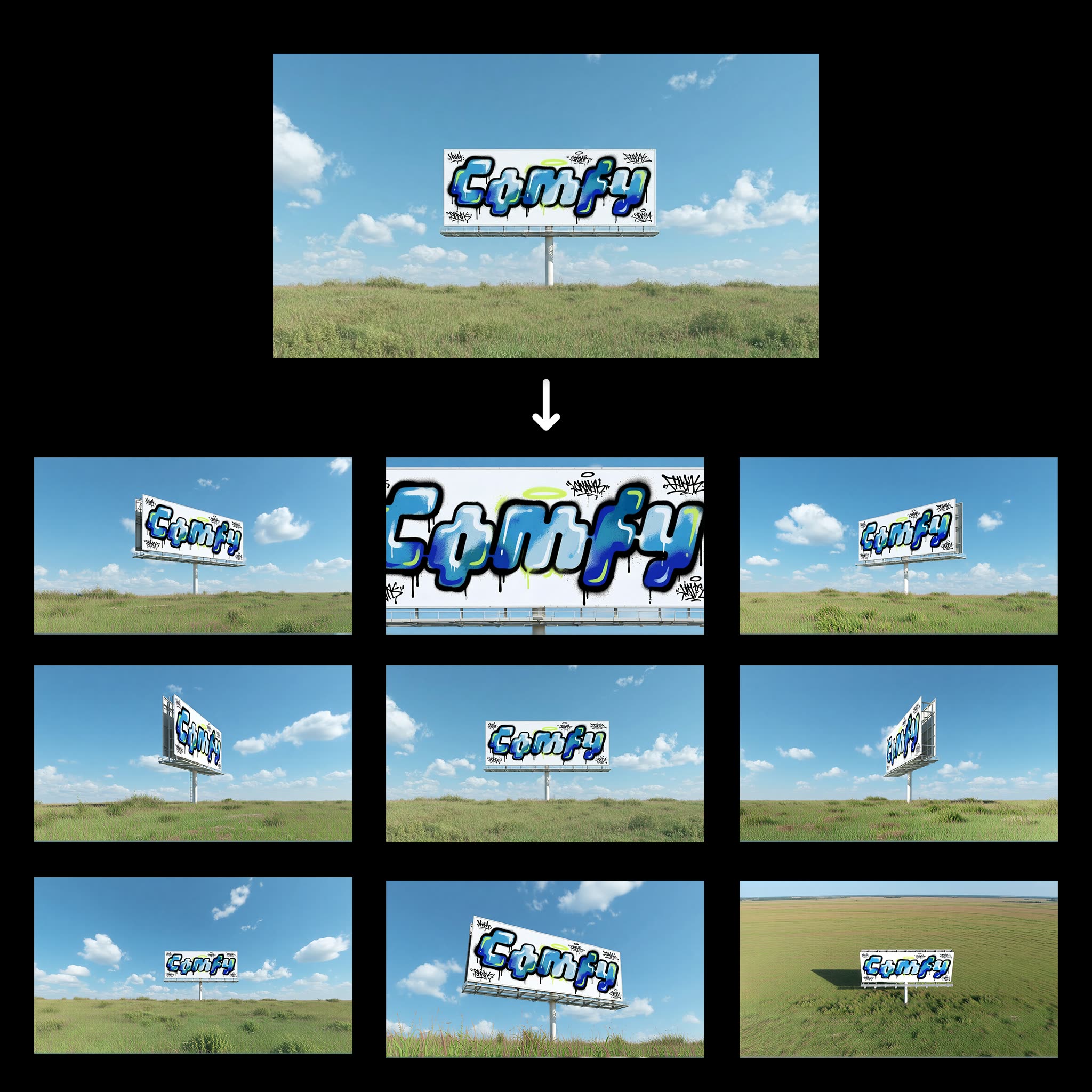






About This AI Model
What is the Qwen-Image-Edit model?
Where the base model generates, Qwen-Image-Edit comfyui workflows change an image you already have. Qwen-Image-Edit is Alibaba Tongyi Lab's open editing model from the Qwen family, built on the 20B Qwen-Image transformer and released under Apache 2.0, so the weights are open and you can run the edits on your own hardware instead of uploading to a closed service. The workflows on this page are the ready-made graphs for that: load your image, describe the change in plain language, and the model applies it, with the node graph already wired.
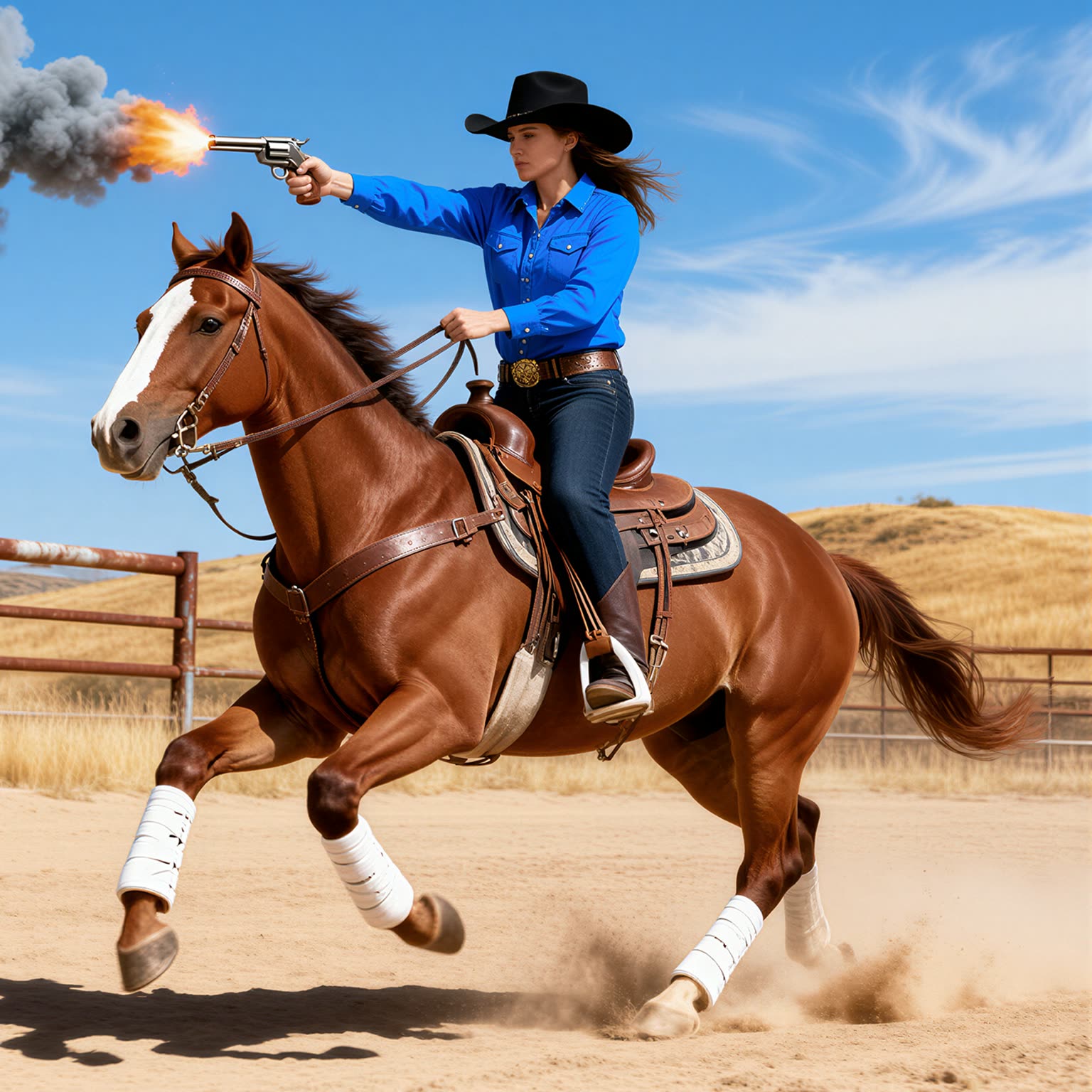
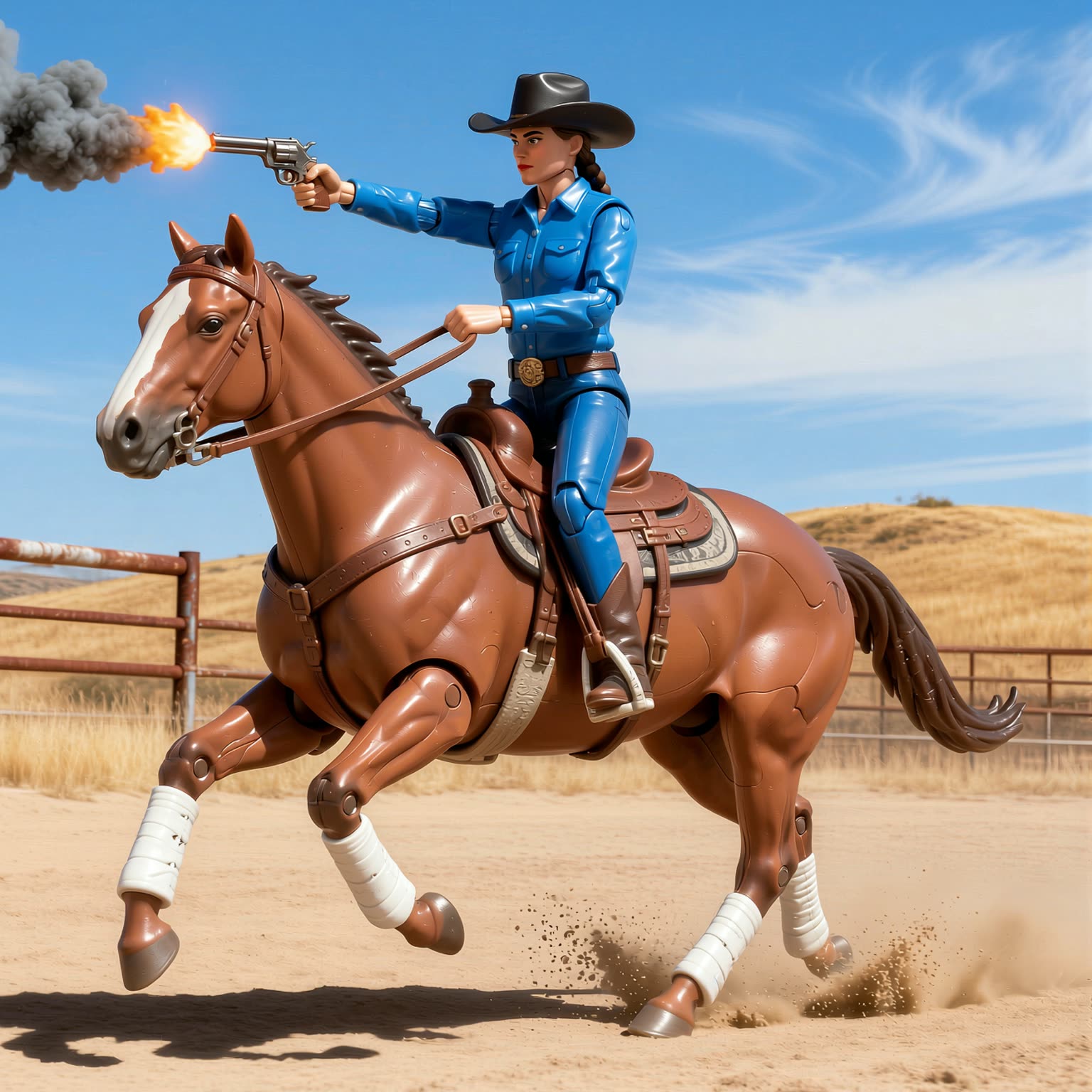
The editing is instruction-driven, so you tell it what to change rather than masking by hand: swap an object, alter a background, adjust wording on a sign, or restyle a scene. The current build, Qwen-Image-Edit-2511, took over from the 2509 release and improves character consistency, reduces image drift across edits, and accepts up to three reference images at once for jobs like fusing two people into one group shot. Beyond straight edits, the workflows here cover relighting, which re-lights a subject as if shot under different conditions, and style transfer, which carries the look of one image onto another.
Because the graph is open, you control the strength of the edit, the conditioning, and any LoRA, and you can re-run to dial in how much changes versus how much of the original is preserved. The 2511 build also folds several popular community LoRAs straight into the base model, and you can still stack your own on top when you want a specific learned style across edits. That control is the difference between a one-shot filter and a workflow you can tune until the edit looks deliberate rather than pasted on.
Everything here is open and editable. Open a Qwen-Image-Edit workflow on Comfy Cloud with nothing to install, or download it and run it locally if you have a capable GPU. An FP8 build edits in about 16GB of VRAM and a quantized GGUF version goes lower, while the full BF16 weights want roughly 40GB. You can chain edits, add a LoRA, adjust the parameters, and there is no watermark on the result.


Reproducible, tunable, yours
Every step is exposed and adjustable, and the exact graph is yours to reuse across projects.
Start free. Upgrade when you’re ready.
Capabilities
What You Can Create
Qwen-Image-Edit is Alibaba Tongyi Lab's open instruction-based image-editing model from the Qwen family, built on the 20B Qwen-Image transformer under Apache 2.0 and covering text-driven edits, relighting, and style transfer.
Instruction editing
Instruction-based editing: describe the change instead of masking by hand.
Try workflow
Multi-image edits
Accepts up to three reference images for multi-image edits like fusing two people into one shot.
Try workflow
Relight and LoRA
Relighting, style transfer, and integrated community LoRAs in one editing family.
Try workflow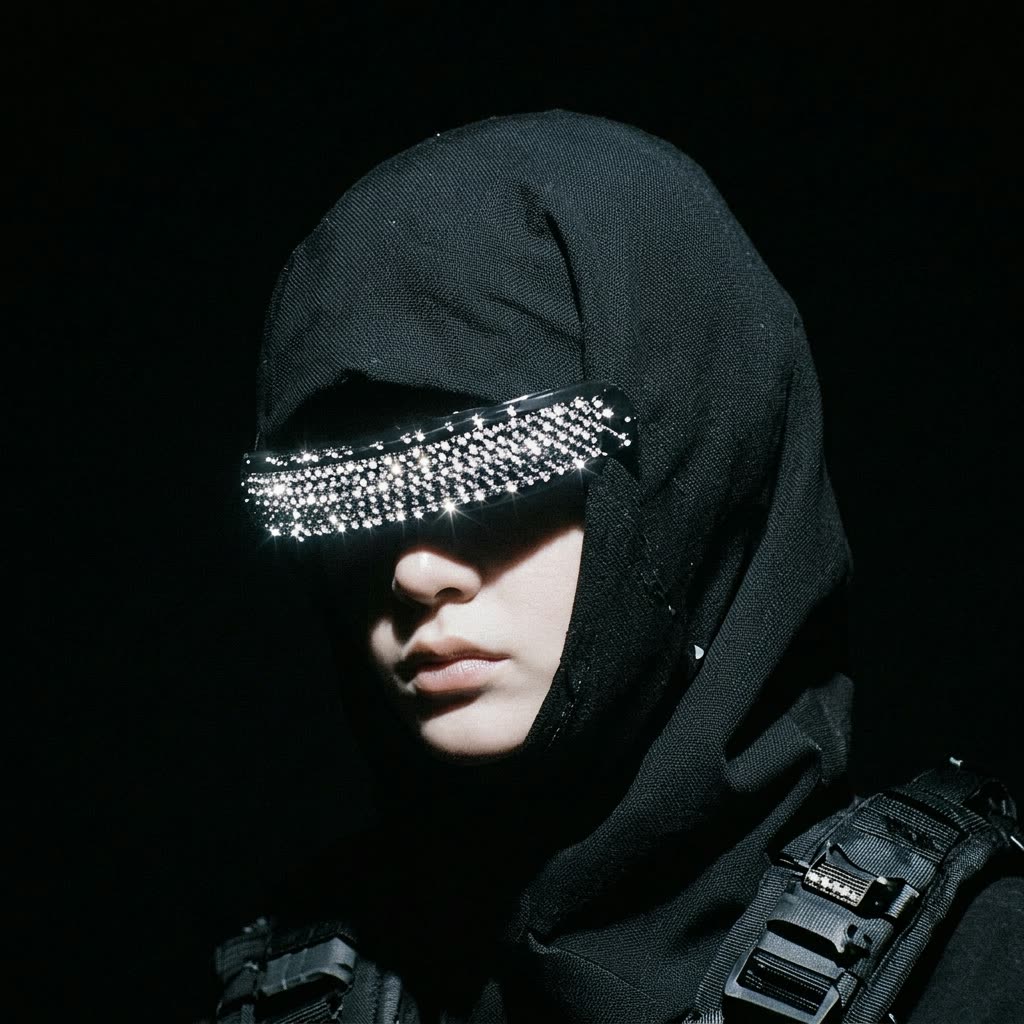


 WORKS
WORKS
Connect models, processing steps, and outputs on a canvas where every decision is visible and every step is inspectable.
Start from a community template or build from scratch.

Comparison
Why Comfy Workflows
-
Edit by instruction, not by mask
Describe the change in plain language and the graph applies it, no hand-masking, with relighting and style transfer in the same family.
-
Pick your variant and settings
ONLY ONComfyCLOUDRun the Qwen-Image-Edit-2511 build, load up to three reference images, and tune edit strength, conditioning, and LoRA from the same graph.
-
Open weights you can run anywhere
The Apache 2.0 weights run locally on your own GPU or on Comfy Cloud, with FP8 editing in about 16GB of VRAM and GGUF builds lower.
-
Consistent edits, no watermark
The 2511 build holds character identity across edits and folds in community LoRAs, and the images you export carry no watermark.
Applications
What people use it for
The edits people run on existing images with Qwen-Image-Edit.
Frequently Asked Questions
Qwen-Image-Edit FAQ
Keep exploring
Related models and use cases to try next.