Use Cases
Image to 3D Workflows
Turn a single image into a textured 3D model, then refine its topology and UVs, with the Hunyuan 3D workflow cluster in ComfyUI.
15 workflows
The workflows
15 Image to 3D Workflows

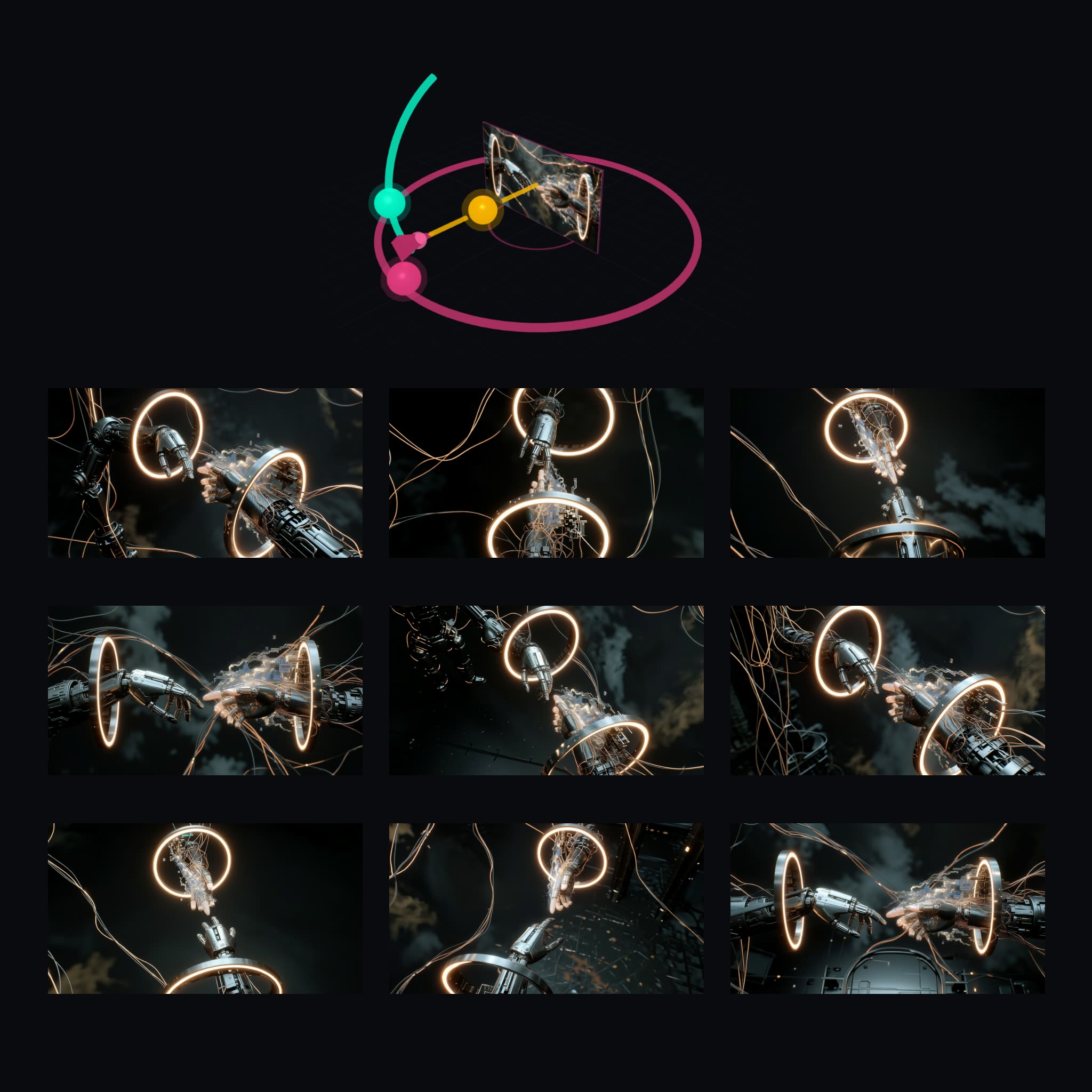





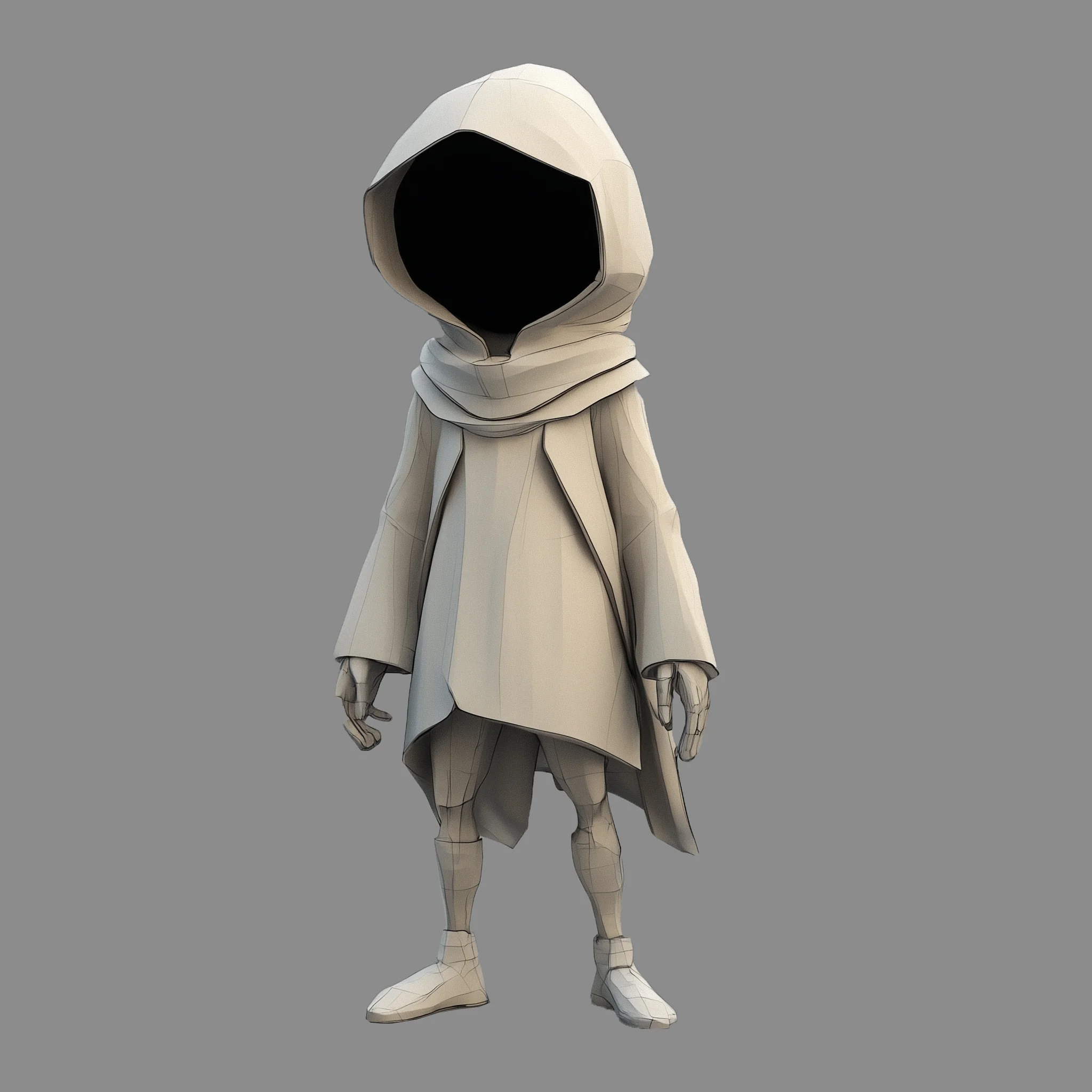


About This Workflow
What is the Image To 3d?
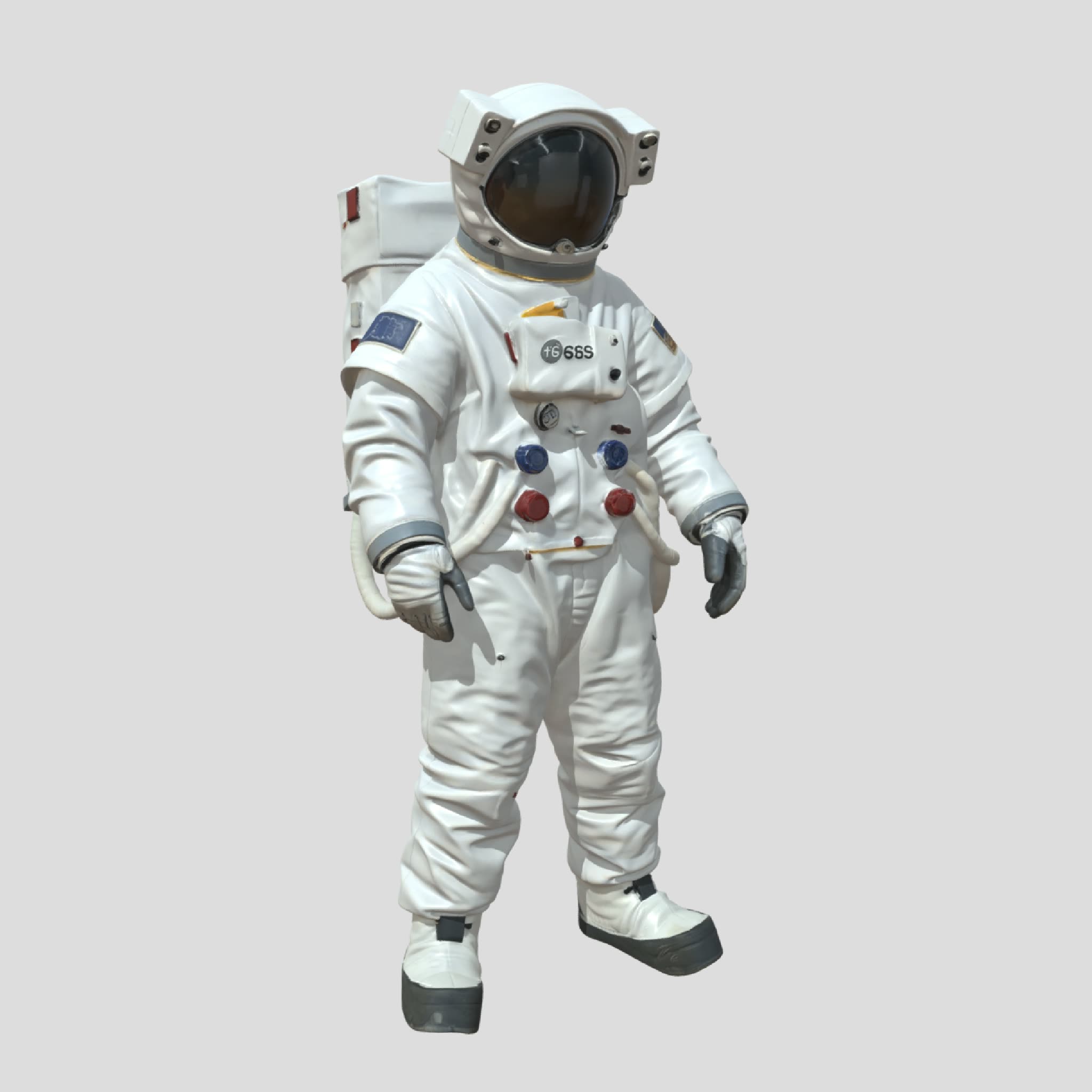


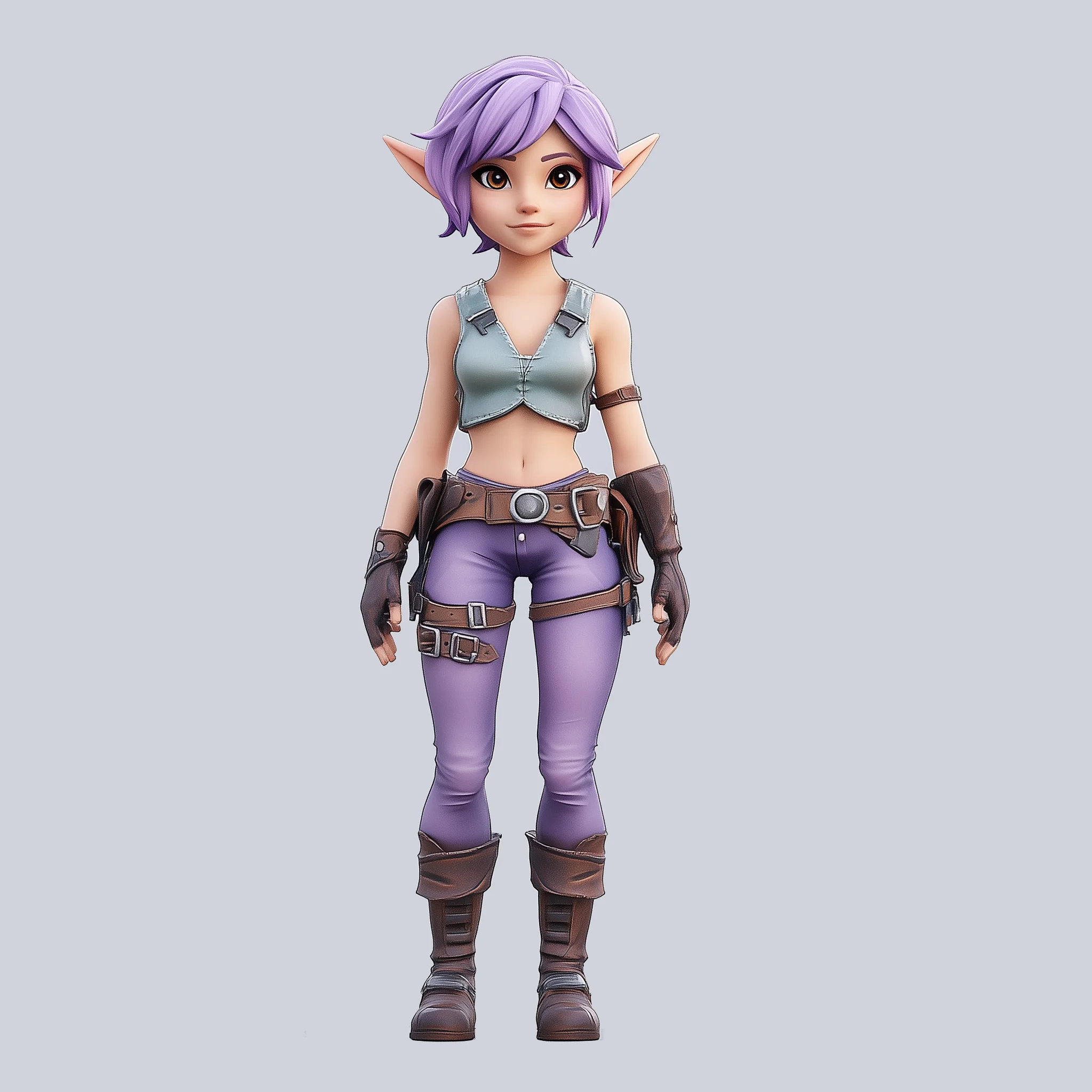

Going from image to 3d used to mean hours of manual modeling from reference. The workflows on this page generate a 3D model directly from a single picture: upload an image of a character, prop, or product, and get a textured mesh you can orbit, export, and drop into a 3D pipeline. The featured Image to 3D workflow handles the common case end to end.
What makes this page more than a demo is the cluster around it. The Hunyuan 3D workflows cover the production steps that usually happen after generation: parts decomposition splits a model into separate components, smart topology rebuilds the mesh with cleaner geometry, and UV unwrapping prepares it for texturing in a standard DCC tool. Together they take a generated mesh meaningfully closer to something you can actually use in a game engine or renderer.
Every step is an editable ComfyUI graph. Run the whole chain on Comfy Cloud in the browser with no install, or locally in ComfyUI, and export standard mesh formats. Because generation is cheap to re-run, you can iterate on the source image, camera angle, or prompt until the silhouette is right before spending any time on cleanup.



Reproducible, tunable, yours
Every step is exposed and adjustable, and the exact graph is yours to reuse across projects.
Start free. Upgrade when you’re ready.
Capabilities
What You Can Create
Generate textured 3D models from single images and refine them with dedicated topology, UV, and decomposition workflows.
Game asset drafts
Block out props and environment pieces from reference images, then retopologize for the engine.
Try workflow

Mesh cleanup
Use the topology and UV workflows to make a generated mesh usable in a standard 3D pipeline.
Try workflow

Parts breakdown
Decompose a model into separate components for rigging or per-part texturing.
Try workflow



 WORKS
WORKS
Connect models, processing steps, and outputs on a canvas where every decision is visible and every step is inspectable.
Start from a community template or build from scratch.

Comparison
Why Comfy Workflows
-
A pipeline, not just a generator
Generation, retopology, UV unwrapping, and parts decomposition live on one page as connectable workflows.
-
Iterate before you clean up
Re-running generation is cheap, so you refine the source image first and only polish the mesh you keep.
-
Standard outputs
Exports work with common 3D tools and engines rather than locking you into a proprietary viewer.
-
Browser or local
ONLY ONComfyCLOUDThe Try buttons run everything on Comfy Cloud; the same graphs run in a local ComfyUI.
Applications
What people use it for
From quick lookdev to engine-ready assets, the cluster covers the 3D jobs image generation feeds into.



Frequently Asked Questions
Image To 3d FAQ
Keep exploring
Related models and use cases to try next.