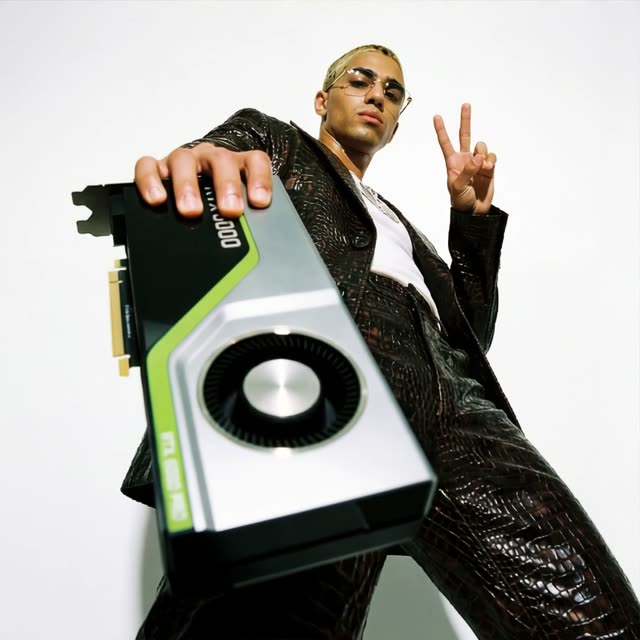
This ComfyUI workflow, titled 'Character & Outfit to Fashion Video,' is designed to transform static images of characters and their clothing into dynamic fashion videos. The process begins by uploading images of characters and clothing items, which are then used to generate a fashion photograph base. This base image serves as a reference to create an 8x grid of images. The workflow utilizes a variety of models, including Google Gemini Image and Nano Banana Pro, to enhance the image-to-video conversion process. Key nodes like GeminiImage2Node and ImageBatch play a crucial role in processing and managing image data, while custom nodes such as comfyui-kjnodes and comfyui_essentials facilitate specific functionalities tailored to fashion video generation.
The technical backbone of this workflow involves a series of node operations that stitch together multiple keyframes into a seamless video. Nodes like SaveImage and LoadImage handle the initial image input and output, while RegexReplace and PrimitiveStringMultiline manage text and metadata processing. The workflow also employs advanced techniques such as multi-KeyFrame Video Stitching, enabled by nodes like SaveVideo and GetImagesFromBatchIndexed, to ensure smooth transitions and high-quality video output. This workflow is particularly useful for fashion designers, marketers, and content creators who wish to showcase clothing designs in a visually engaging format, leveraging AI to automate and enhance the creative process.
API
Use this workflow from code
Every Comfy workflow is a JSON graph. The payload below is this workflow, exactly as ComfyUI runs it — fetch it from the URL, keep it in version control, or load it in ComfyUI and run it node by node.
Run it from TypeScript or Python with the Comfy SDK. The same code targets Comfy Cloud or a ComfyUI you host yourself — only the base URL changes.
// Install (beta)
npm i @comfyorg/sdk

// Run "Character & Outfit to Fashion Video" (TypeScript)
import { Comfy } from "@comfyorg/sdk";

const client = new Comfy({ apiKey: "comfyui-..." });

// This workflow, exported in API format (see note below)
const wf = await client.workflows.fromFile("templates-stitched_vid_contact_sheet_api.json");

const asset = client.assets.fromFile("input.png");
wf.setInput("16", "image", asset);  // LoadImage

const job = await client.run(wf);
await job.getOutputs("69")[0].toFile("output.png");  // SaveImage
The SDK takes a workflow in API format: open this workflow in ComfyUI and use File → Export Workflow (API).
Comfy Cloud API access requires a plan with an API key.
FAQ


















