Use Cases
AI Avatar Generator Workflows
Turn one selfie into stylized profile pictures, relit portraits, and a talking avatar with open, editable ComfyUI workflows you control.
1 workflow

The workflows
1 AI Avatar Generator Workflows

About This Workflow
What is the AI Avatar Generator?
Most people who reach for an AI avatar generator have the same worry: will the result actually look like me, or just a vaguely similar stranger? That doubt is fair. The usual app makes you upload ten to twenty photos, trains a fresh model on your face, then invents new images from scratch, which is exactly why the output often drifts off your real features. The ComfyUI workflows on this page take a different route. They start from a single photo of you and transform it, so your identity stays anchored to a real image instead of a model's guess.
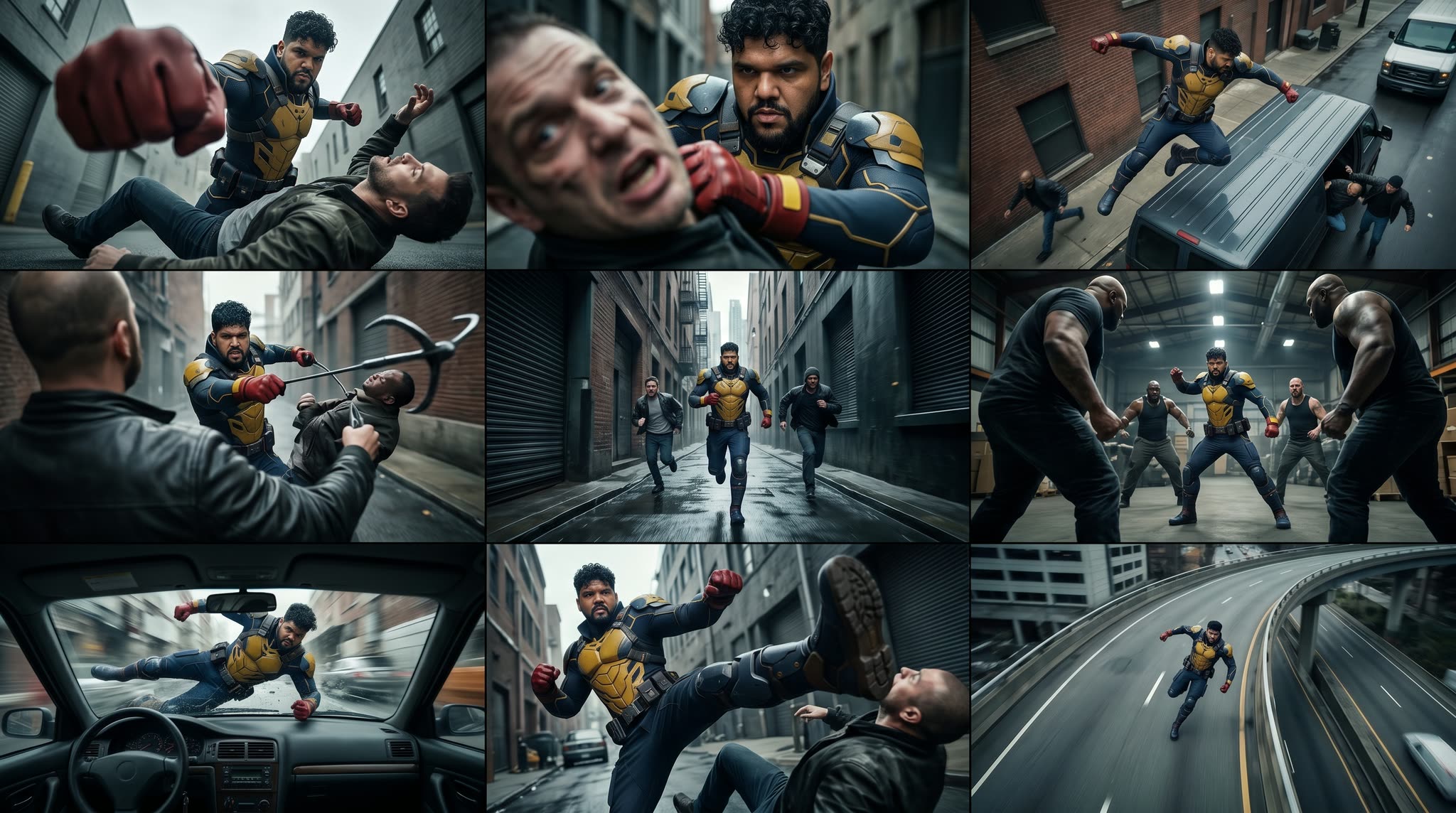
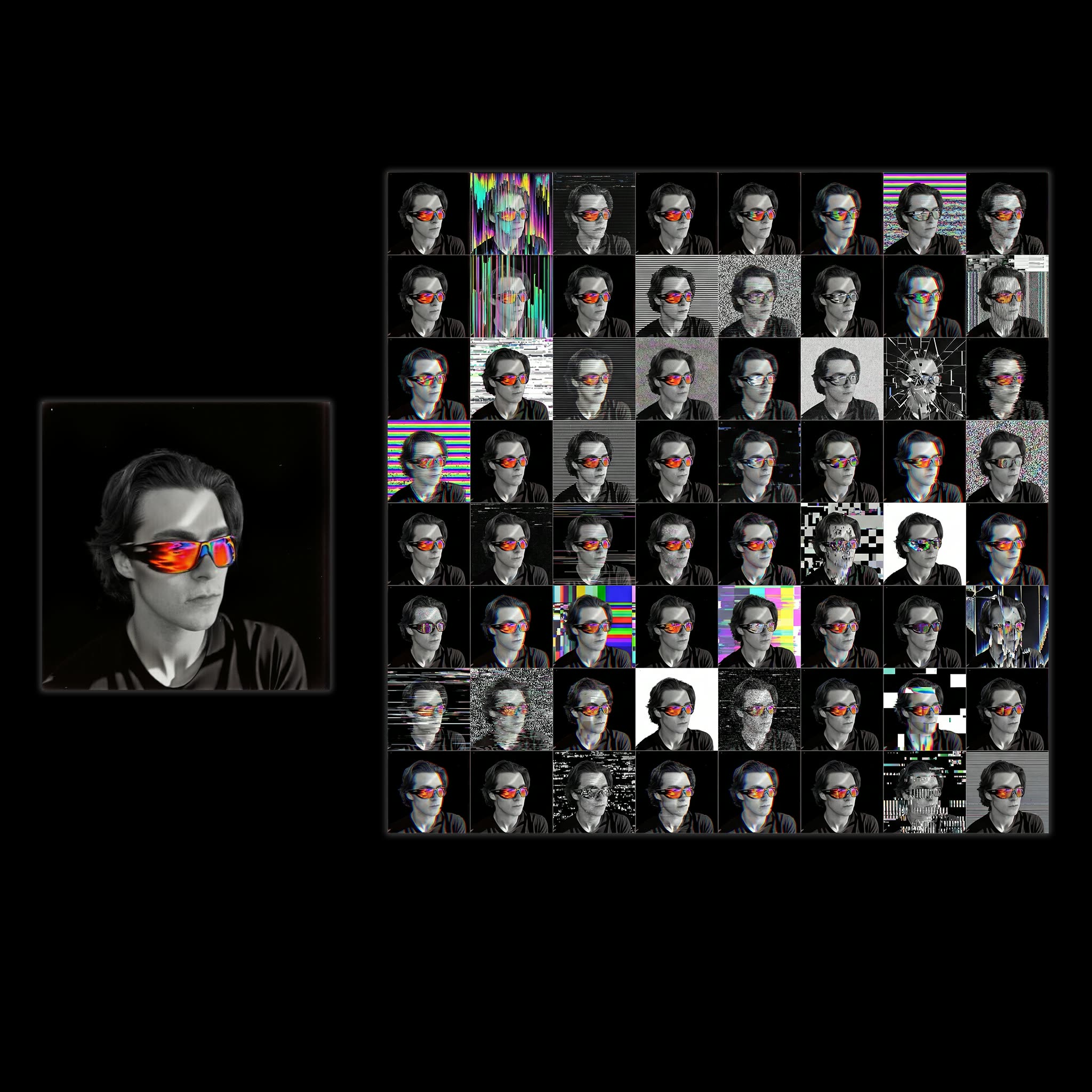
Three distinct jobs sit behind that promise. A profile-picture workflow turns one selfie into a grid of stylized variations, so you can pick the look you want for an avatar from photo without re-shooting anything. A character portrait relighting and skin-enhancement chain, built on Nano Banana Pro and Qwen-Image-Edit, cleans up a flat phone snapshot into a sharp, evenly lit portrait while keeping your face intact. And Kling Avatar 2.0 takes a still portrait plus an audio clip and produces a talking avatar with lip sync, which is how you get an animated avatar speaking your words without ever opening a camera.
Knowing which tool does what saves you time. If you want a fun, varied profile picture maker result, the stylized grid is the fastest path: one upload, several styles, no training step. If you need a clean, believable headshot-style portrait, run the relighting and skin enhancer in sequence and stop when it looks right. If you want a character avatar that moves and speaks, feed a finished still into Kling Avatar 2.0 with your audio and it animates the mouth to match.
Be clear about what these workflows do not do. They will not learn a brand-new pose library of you or place you in scenes you were never photographed in, because none of them trains a custom model on a photo set. What you get is a faithful edit or animation of a real image, which is usually what people actually want when they say custom avatar: their own face, looking sharp, in the style or motion they choose.
Because every step is open, you decide the style, the lighting direction, how far to push detail, and which audio drives the talking avatar. There is no watermark and no hidden model quietly reshaping your face. You can run the whole thing locally in ComfyUI or on Comfy Cloud with nothing to install, and re-run any pass until the avatar matches how you actually look. Start with a clear, front-facing photo, pick the job that fits your goal, and iterate as many times as you like until it matches.

Reproducible, tunable, yours
Every step is exposed and adjustable, and the exact graph is yours to reuse across projects.
Start free. Upgrade when you’re ready.
Capabilities
What You Can Create
Turn one selfie into stylized profiles, a relit portrait, or a talking avatar, each driven by a workflow you control.
Skin and detail enhancement

Sharpen facial detail and clean up skin with Qwen-Image-Edit and the skin enhancer without a plastic look.
Try workflow
Lighting migration
Borrow the lighting from a reference image you like and apply it to your portrait for a consistent mood.
Try workflow
Talking avatar with Kling
Feed a still portrait plus audio into Kling Avatar 2.0 to get an animated avatar that speaks with lip sync.
Try workflow



 WORKS
WORKS
Connect models, processing steps, and outputs on a canvas where every decision is visible and every step is inspectable.
Start from a community template or build from scratch.

Comparison
Why Comfy Workflows
-
Anchored to one real photo
Every workflow edits or animates a single image of you instead of training a face model, so the avatar keeps your actual features.
-
Pick your variant and settings
ONLY ONComfyCLOUDSwap between a stylized profile grid, Nano Banana Pro relighting, Qwen-Image-Edit skin work, and Kling Avatar 2.0, then tune each setting yourself.
-
Make it talk without a camera
Feed a finished still plus an audio clip into Kling Avatar 2.0 and it animates the mouth to match, so a static portrait becomes a speaking avatar.
-
No watermark, run it anywhere
Generate full-resolution avatars with no watermark, locally in ComfyUI on your own GPU or on Comfy Cloud in the browser with no install.
Applications
What people use it for
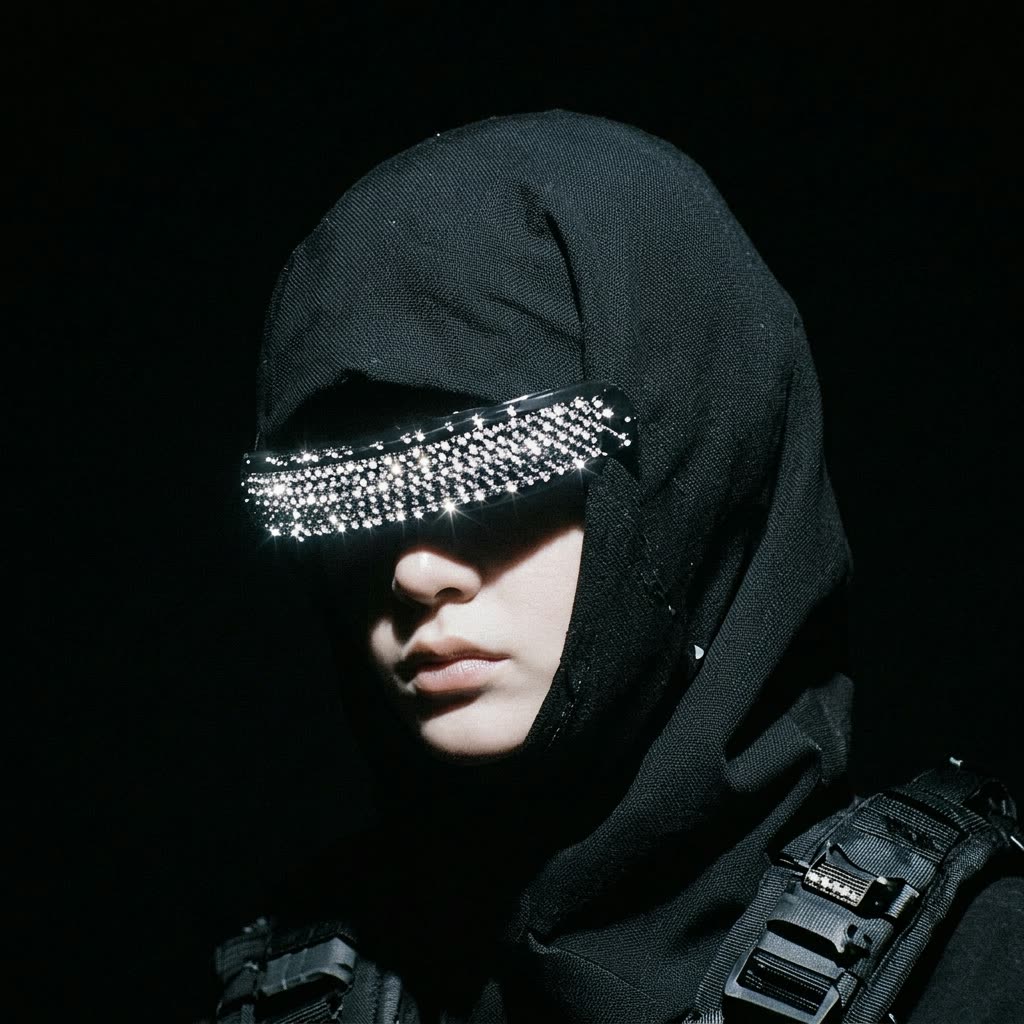
The avatars people make from a single photo, for profiles and short clips.
Frequently Asked Questions
AI Avatar Generator FAQ
Keep exploring
Related models and use cases to try next.