Use Cases
AI Character Replacement Workflows
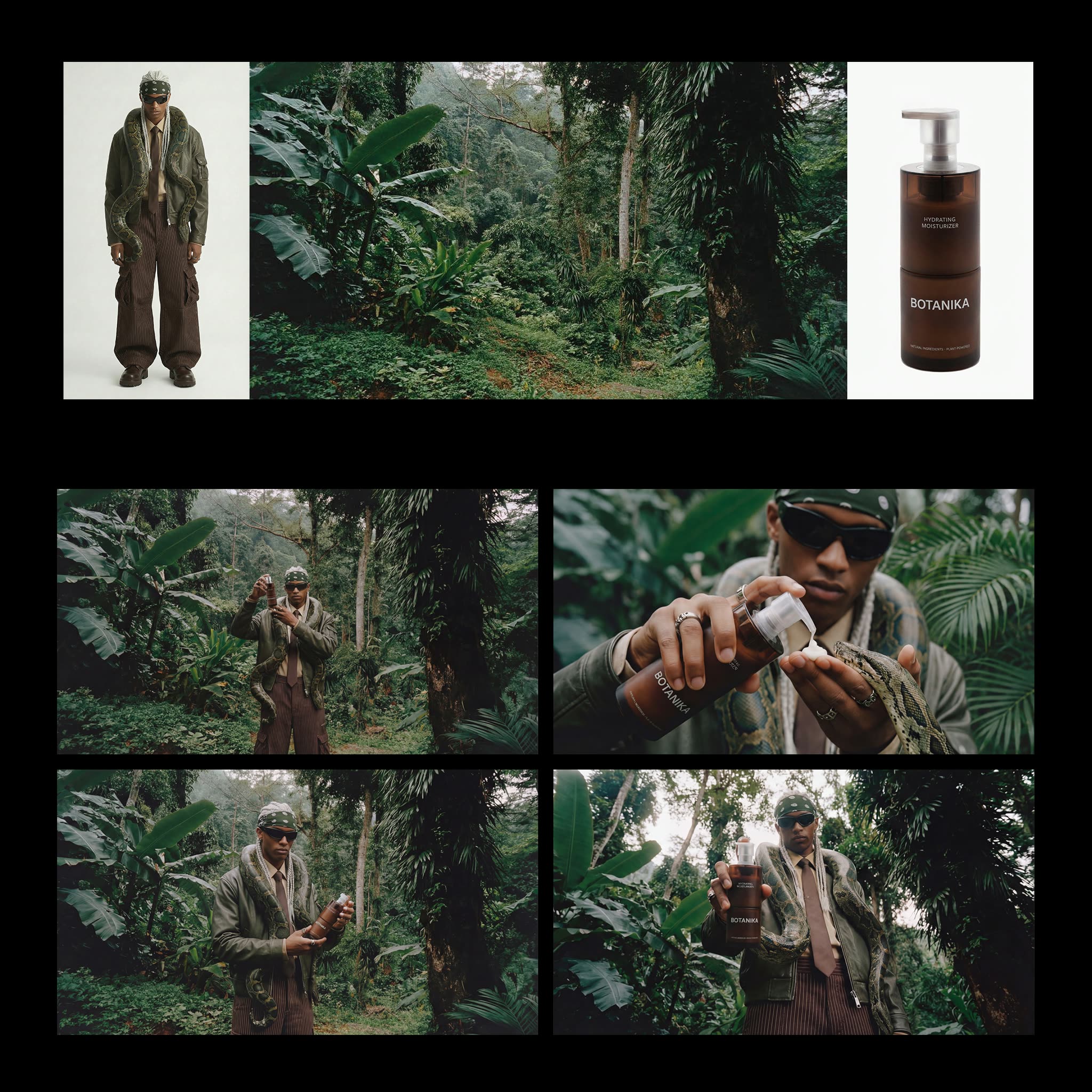
Swap the character in a clip or drive a still character with a performance using open Wan 2.2 Animate workflows in ComfyUI, with the original motion, timing, and lighting kept intact.
3 workflows

The workflows
3 AI Character Replacement Workflows



About This Workflow
What is the AI Character Replacement?
The real worry with any ai character replacement job is that the new character ends up pasted on top of the old one: the face changes but the body drifts, the motion goes rubbery, or the lighting no longer matches the scene. Most consumer tools that promise ai character replacement only retouch the head and leave the rest of the shot fighting itself. The Wan 2.2 Animate workflows on this page work the other way around. They read the full performance out of a driving video, body pose and facial expression together, and rebuild a new character performing that exact motion, so the whole figure moves as one piece rather than a swapped face on borrowed shoulders.
Wan 2.2 Animate is a 14B open-weights model from Alibaba's Tongyi Lab, released under Apache 2.0, and it runs two jobs from the same node graph. In replacement, or Mix, mode it substitutes the character in your existing footage while keeping the original background, so a person, an anime figure, or a 3D render steps into the scene and the room stays put. In animation, or Move, mode you give it one clean reference image and a driving clip, and it animates that still character with the performer's motion on the reference image's own backdrop.
What makes the output hold together is how the model reads motion. Wan Animate uses spatially aligned skeleton signals to copy body movement and implicit facial features to drive expression, so gestures, head turns, and lip articulation land on the new character in the right frames. A Relighting LoRA matches the lighting and color of the target scene to the character it inserts, the step that stops a swap from looking cut out. Because the pipeline tracks pose and face directly, you animate a character from a reference video without the rotoscoping, masking, or hand-painted keyframes that traditional character animation and replacement used to demand.
Everything here is an open, editable ComfyUI graph, so the controls are yours. Run it locally on your own GPU or on Comfy Cloud with no install, pick the FP8 or BF16 build to fit your VRAM, and add the 4-step acceleration LoRA for a faster preview. Clips extend in segments of roughly 77 frames, near five seconds each, and chain for longer takes. Treat the stack as ai motion transfer you fully own: change the reference character, retime the driving clip, adjust the relight, and re-run any node until the character swap in video reads as a real performance instead of an edit.

Reproducible, tunable, yours
Every step is exposed and adjustable, and the exact graph is yours to reuse across projects.
Start free. Upgrade when you’re ready.
Capabilities
What You Can Create
Replace a character in existing footage or animate a still character with a driving performance, all from open Wan 2.2 Animate workflows.
Body and face together
Skeleton signals copy the body while implicit facial features carry expression, so head turns and lip motion stay in sync with the limbs.
Try workflow
Scene-matched relighting
A Relighting LoRA fits the inserted character to the target scene's lighting and color, which keeps a swap from looking pasted on.
Try workflow
Any character type
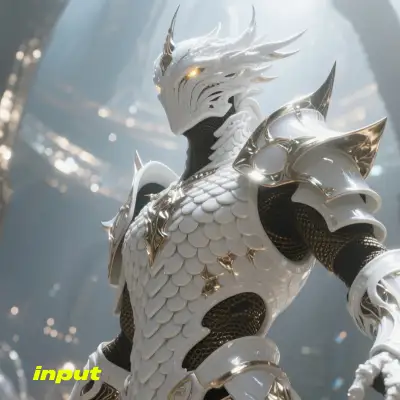



Drive a real person, an anime figure, a 2D illustration, or a 3D render from the same graph, since the model conditions on your reference.
Try workflow



 WORKS
WORKS
Connect models, processing steps, and outputs on a canvas where every decision is visible and every step is inspectable.
Start from a community template or build from scratch.

Comparison
Why Comfy Workflows
-
Whole character, not just a head
Skeleton signals carry the body and implicit facial features carry expression, so the new character performs the full motion instead of a swapped face.
-
Pick your variant and settings
ONLY ONComfyCLOUDChoose Mix or Move mode, the FP8 or BF16 build, and the optional 4-step LoRA, then dial the relight strength to match each scene.
-
No rotoscoping or masking
The graph tracks pose and face directly, so you skip the manual masks and keyframes that traditional character replacement used to require.
-
Open weights, full resolution
Wan 2.2 Animate is Apache 2.0 and runs on your own GPU, and the clips you generate ship with no watermark and no per-render charge.
Applications
What people use it for
Real shots editors, animators, and creators run these Wan 2.2 Animate workflows for.

Frequently Asked Questions
AI Character Replacement FAQ
Keep exploring
Related models and use cases to try next.