Use Cases
AI Hairstyle Changer Workflows
Try new hairstyles and hair colors on your own photo with an editable ComfyUI workflow that keeps your face exactly as it is.
1 workflow
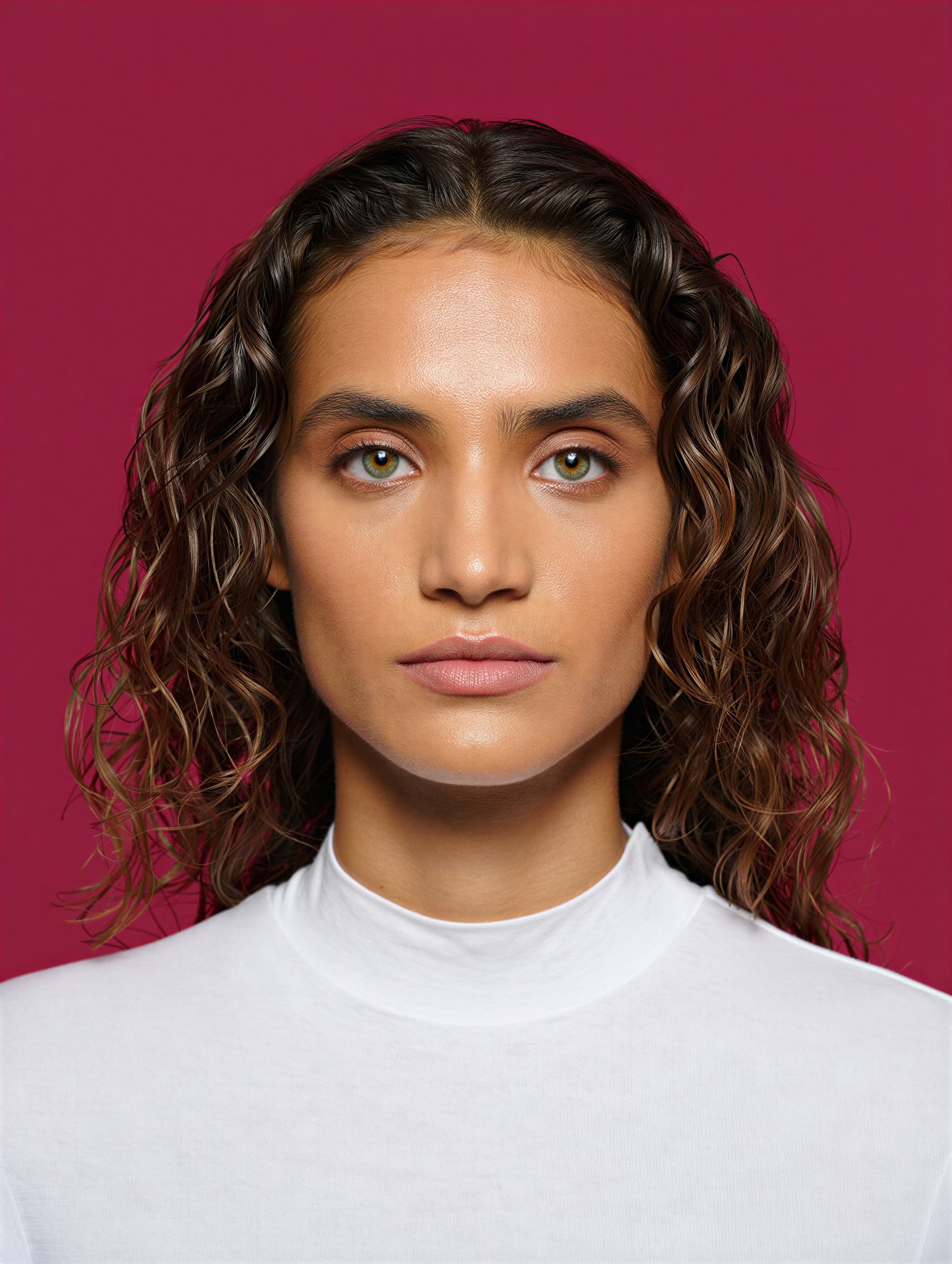
The workflows
1 AI Hairstyle Changer Workflows
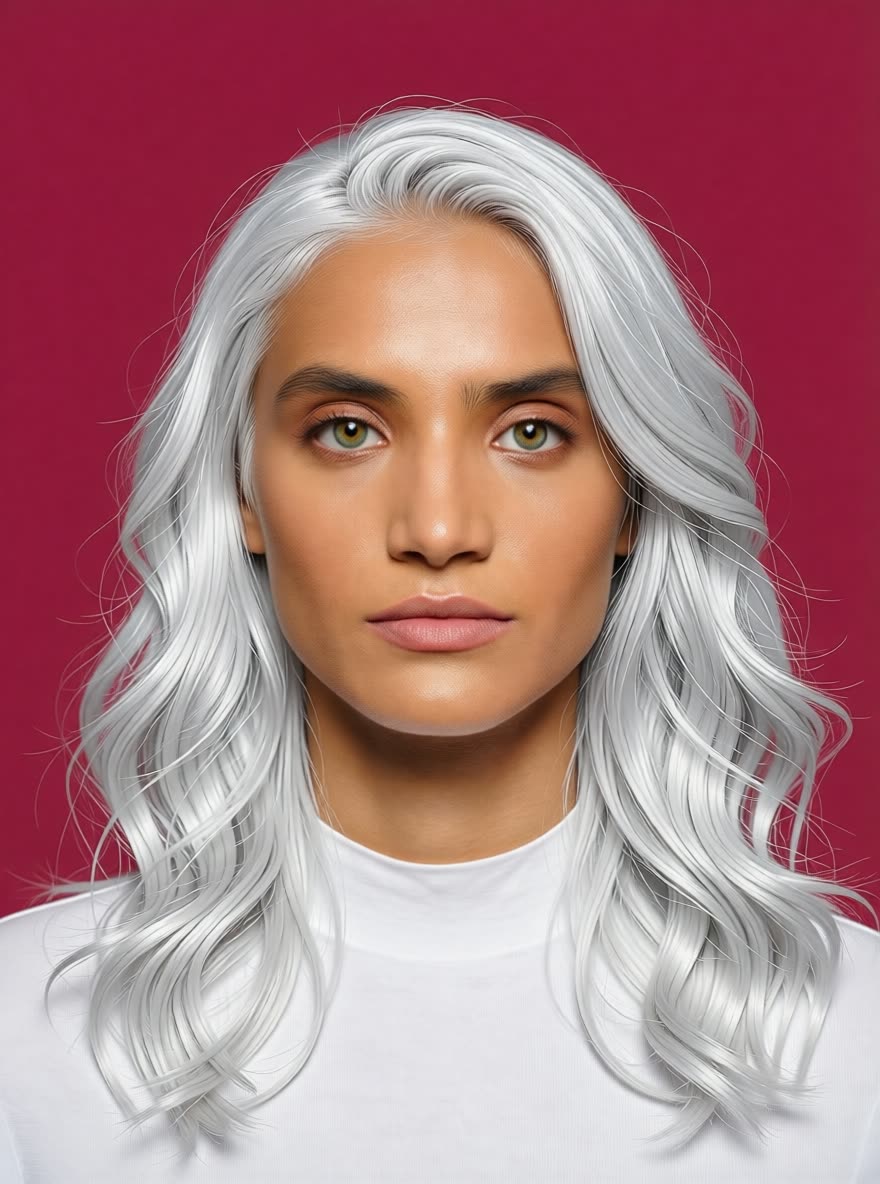

About This Workflow
What is the AI Hairstyle Changer?
The point of an ai hairstyle changer is answering one question honestly: would this cut actually suit me? The Hairstyle Changer workflow on this page edits only the hair in your photo. Your face, skin tone, lighting, and background stay untouched, so the result reads as you with a new style rather than a stranger with your outfit.
Upload a portrait, describe the change, and run it. The same workflow handles cuts and colors: a bob, curtain bangs, long layers, a buzz cut, or the same style you have now in copper, platinum, or black. Because the color change rides on the same edit, you can preview a cut and a color together in one pass, which is exactly the decision you face before a salon appointment.
Like everything on this site, it is a normal ComfyUI workflow, not a locked app. Run it on Comfy Cloud in the browser with no install, or load it locally. Re-run with different prompts to build a set of options from the same photo, compare them side by side, and save the full-resolution results with no watermark to bring to your stylist.





Reproducible, tunable, yours
Every step is exposed and adjustable, and the exact graph is yours to reuse across projects.
Start free. Upgrade when you’re ready.
Capabilities
What You Can Create
Change the cut, the color, or both on a real photo while everything else stays yours.
Cut plus color
Change the style and the shade in a single edit to judge the full look together.
Try workflow
Options board
Generate several candidate looks from one photo and compare them side by side.
Try workflow


 WORKS
WORKS
Connect models, processing steps, and outputs on a canvas where every decision is visible and every step is inspectable.
Start from a community template or build from scratch.

Comparison
Why Comfy Workflows
-
Edits hair, keeps you
The workflow targets the hair region, so identity, skin, and background come through unchanged.
-
Any style you can describe
Cuts and colors are text prompts, not a fixed menu of overlays.
-
No install needed
ONLY ONComfyCLOUDRuns on Comfy Cloud in the browser, with the same workflow available for local ComfyUI.
Applications
What people use it for
One workflow covers the decisions people actually preview.



Frequently Asked Questions
AI Hairstyle Changer FAQ
Keep exploring
Related models and use cases to try next.




