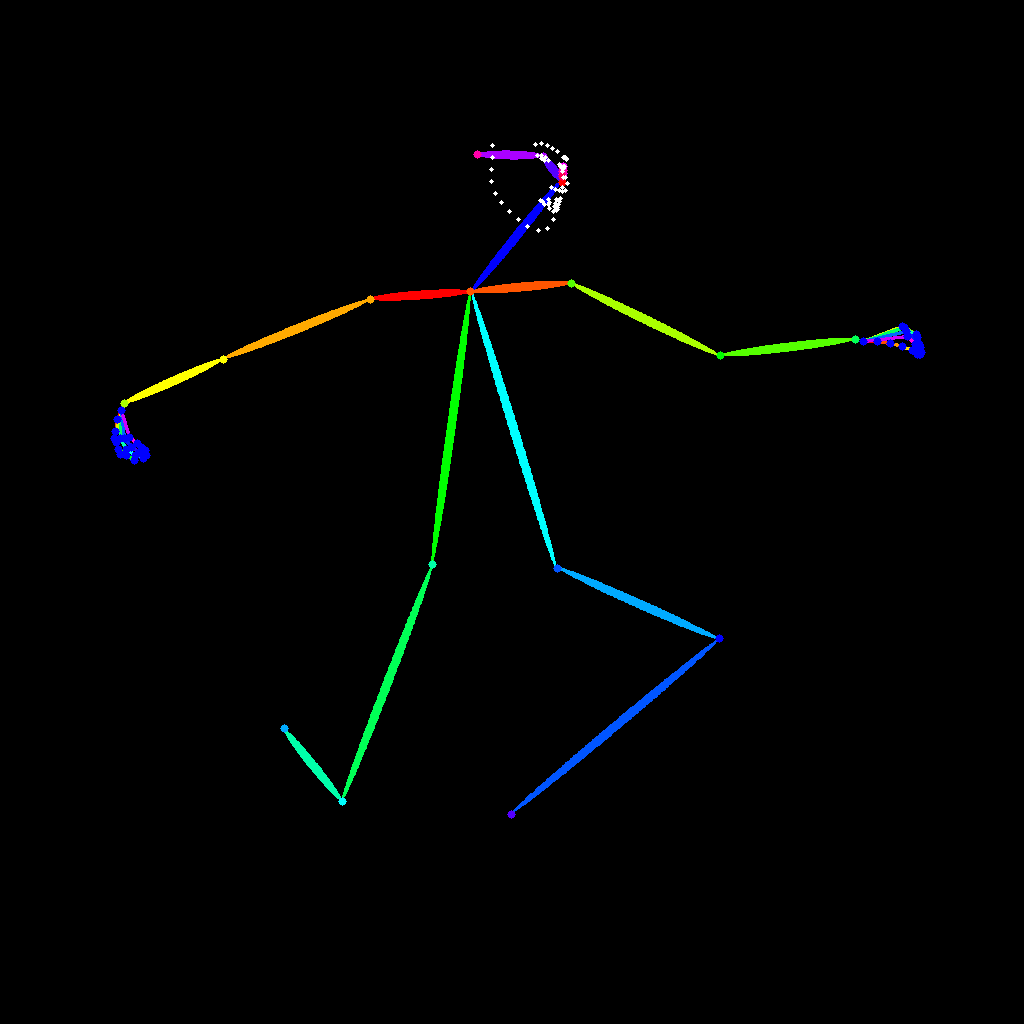

This ComfyUI workflow is designed to transform an image into a detailed pose map using the SDPose-OOD model. By leveraging the model's capability to extract pose keypoints, this workflow provides a visual representation of human poses from any given image. The process begins with the LoadImage node, which allows users to upload their desired image. The core of the workflow is the SDPose-OOD model node, identified by its unique ID (01b6a731-fb78-4070-9a38-c87146da9604), which processes the image to identify and map keypoints of the human body. Finally, the SaveImage node is used to store the generated pose map for future use. This workflow is particularly useful for developers and researchers working in fields like computer vision, animation, and augmented reality, as it provides a straightforward method to visualize and analyze human poses.
API
Use this workflow from code
Every Comfy workflow is a JSON graph. The payload below is this workflow, exactly as ComfyUI runs it — fetch it from the URL, keep it in version control, or load it in ComfyUI and run it node by node.
Run it from TypeScript or Python with the Comfy SDK. The same code targets Comfy Cloud or a ComfyUI you host yourself — only the base URL changes.
// Install (beta)
npm i @comfyorg/sdk

// Run "SDPose-OOD: Image to Pose Map" (TypeScript)
import { Comfy } from "@comfyorg/sdk";

const client = new Comfy({ apiKey: "comfyui-..." });

// This workflow, exported in API format (see note below)
const wf = await client.workflows.fromFile("utility_sdpose_ood_image_to_pose_api.json");

const asset = client.assets.fromFile("input.png");
wf.setInput("667", "image", asset);  // LoadImage

const job = await client.run(wf);
await job.getOutputs("669")[0].toFile("output.png");  // SaveImage
The SDK takes a workflow in API format: open this workflow in ComfyUI and use File → Export Workflow (API).
Comfy Cloud API access requires a plan with an API key.
FAQ


















