Hub
ComfyUI workflows
Turn your ideas into finished results with multi-step workflows powered by AI models.
All workflows
- Seedance 2.5
Change a video’s background
Video - LTX-2.3
Remove an object from a video
Video - LTX-2.3
Expand a video’s frame
Video - SCAIL-2
Replace a character in a video
Video - SeedVR2
Upscale a video
Video - LTX-2.3
Restore archival footage
Video - Partner node
AI on the Lot 2026_LTX-2.3_IC LoRA (Union Control)
CannyControlNetReplacementVideo EditVideo to VideoVideoVideo GenerationLoRA - Wan2.2, Z-Image-Turbo
AIrt MAchIne
FLF2VText to Image - Partner node
Beeble SwitchX: Video Edit
Image Edit - BRIA
Bria: Remove Video Background
Remove Background - Capybara
Capybara: Video Edit
Video Edit - SAM3, Wan2.1 VACE
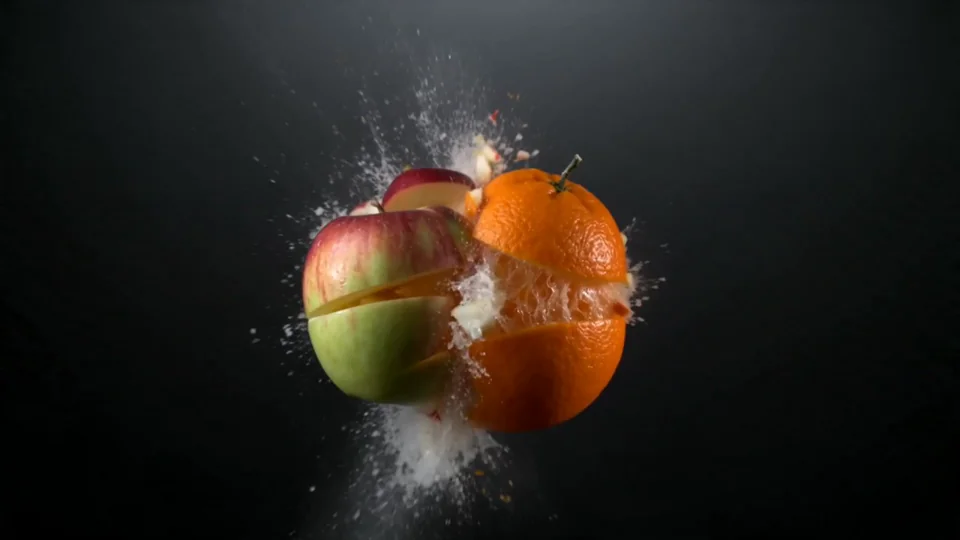
Change Any Objects
InpaintingVideo - Partner node
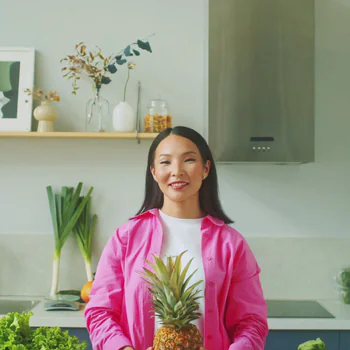
Comfy for Advertising - B-Roll Creation
Text to VideoVideoImage to VideoVideo EditProduct - Partner node
Create seamless transitions with LTX 2.3
Video to Video - Seedance 2.0
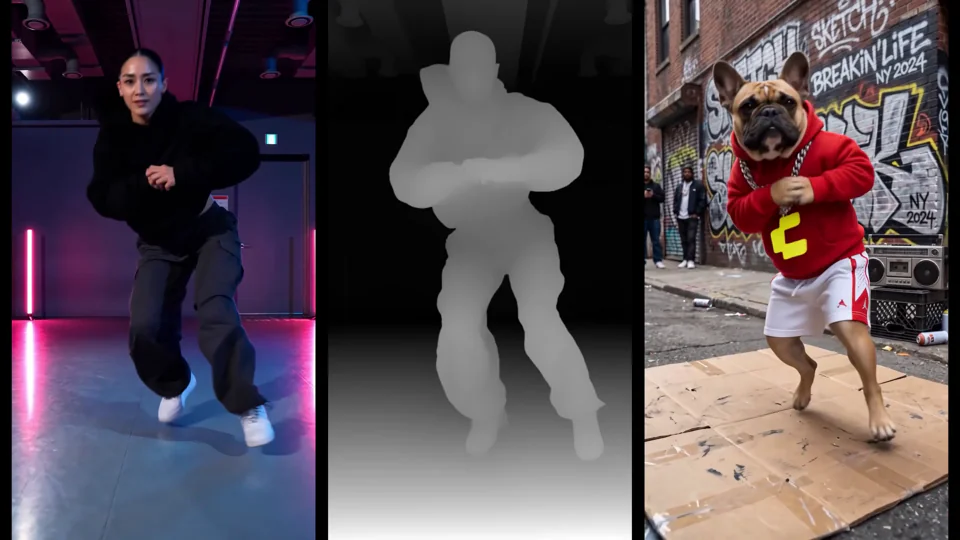
Depth Motion Capture with Seedance 2.0
Video EditVideoVideo GenerationStyle ReferenceStyle TransferPose transferMotion ControlCharacter ReferenceCharacter - Real-ESRGAN
Fast GAN Video Upscaler
Video UpscalePartner Nodes - None
Frame Interpolation
Frame Interpolation - Partner node
Gemini Omni - Outfit Swap
virtual try onVideo EditReplacementFashion - Partner node
Gemini Omni 1.1 Flash: Text to Video
Text to VideoPartner Nodes - Partner node
Gemini Omni 1.1 Flash: Video Edit
Video EditPartner Nodes - Partner node
Gemini Omni 1.1 Flash: Video Extend
Video ExtensionPartner Nodes - Partner node
Gemini Omni Flash
Video EditVideoVideo to VideoVisual Effects - Partner node
Gemini Omni Flash: Video Edit
Video EditPartner Nodes - LTX-2.3
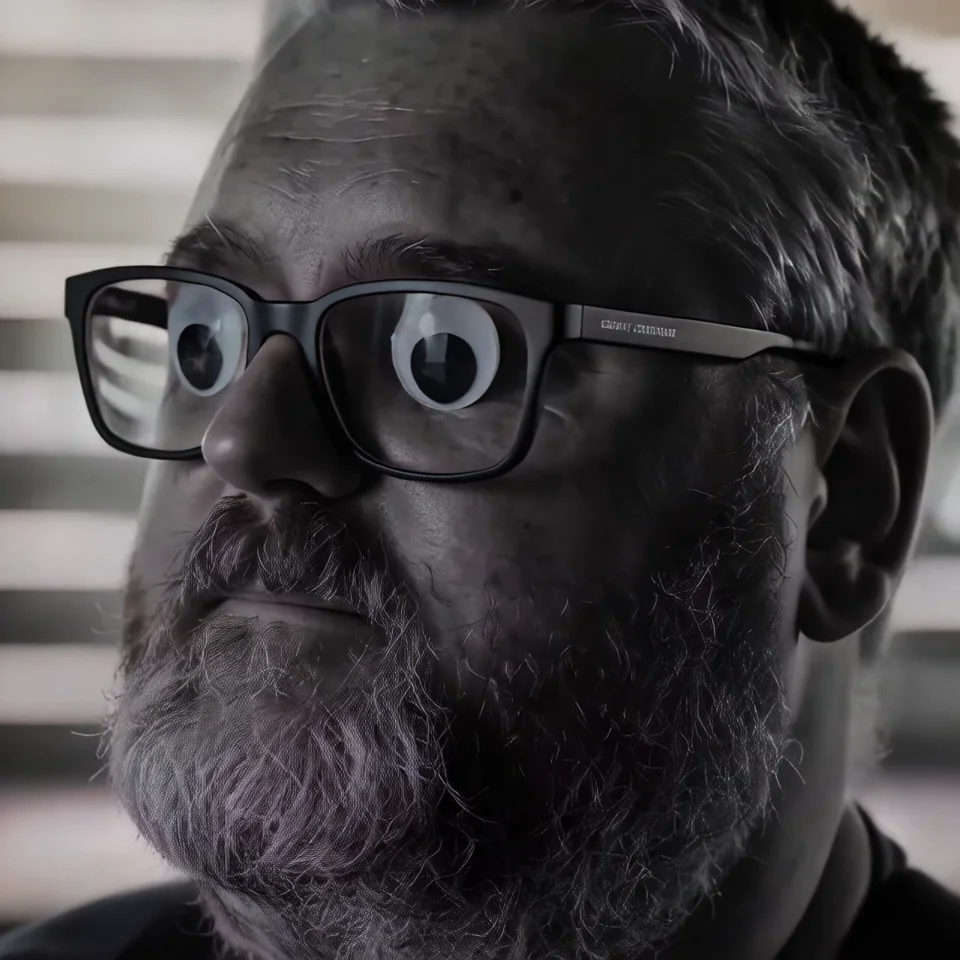
Googly Eyes
Video to VideoVideoVideo EditLoRA







This page link is out of date. Showing the first page of the current results.
What is a ComfyUI workflow?
A ComfyUI workflow is a graph of nodes that connects AI models, prompts and settings into one process. Each workflow on this page turns an input, such as a text prompt or an image, into a finished result. Open a workflow to see its steps and the models it uses, then run it in your browser.