10.6 credits/Run
Add pixels below the image.
Add pixels to the left of the image.
Add pixels to the right of the image.
Add pixels above the image.
Advanced settings
Adjust how closely the result follows your prompt.
Let the model expand or refine your prompt before generation.
Reuse a seed with the same inputs to make results more repeatable.
Adjust the number of generation steps. More steps can take longer.
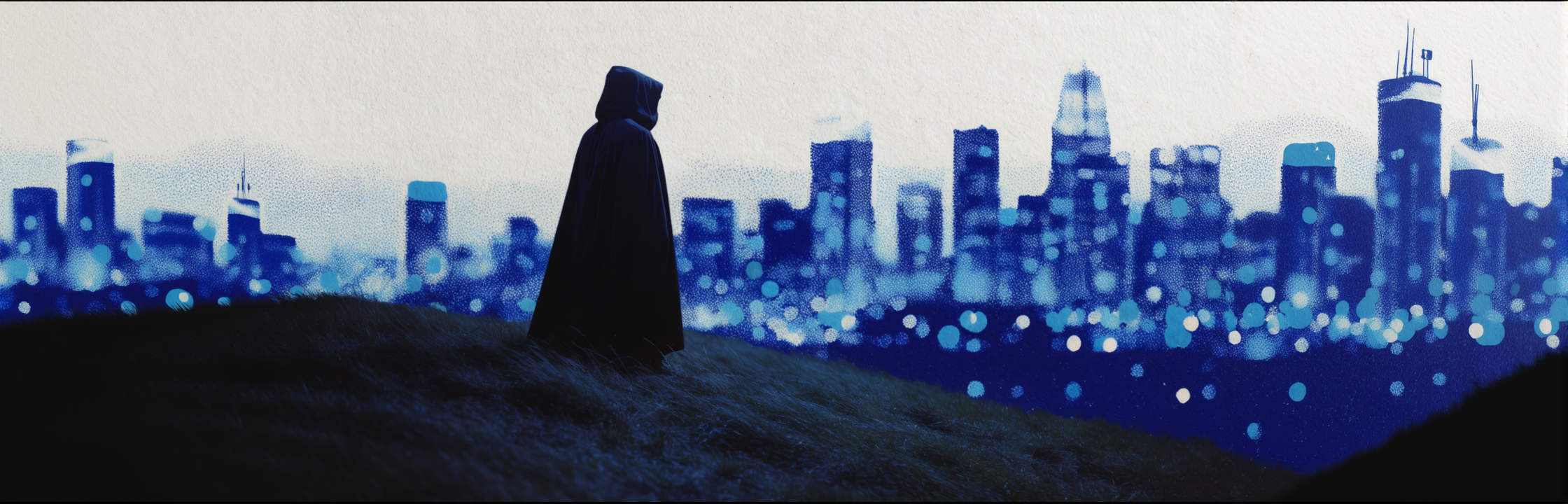
Try an example
More from Black Forest Labs
Browse allBrowse all models- Black Forest Labs

FLUX Tools Erase
Image to Imagebflfluxeraseobject-removalinpainteditimage-edit - Black Forest Labs
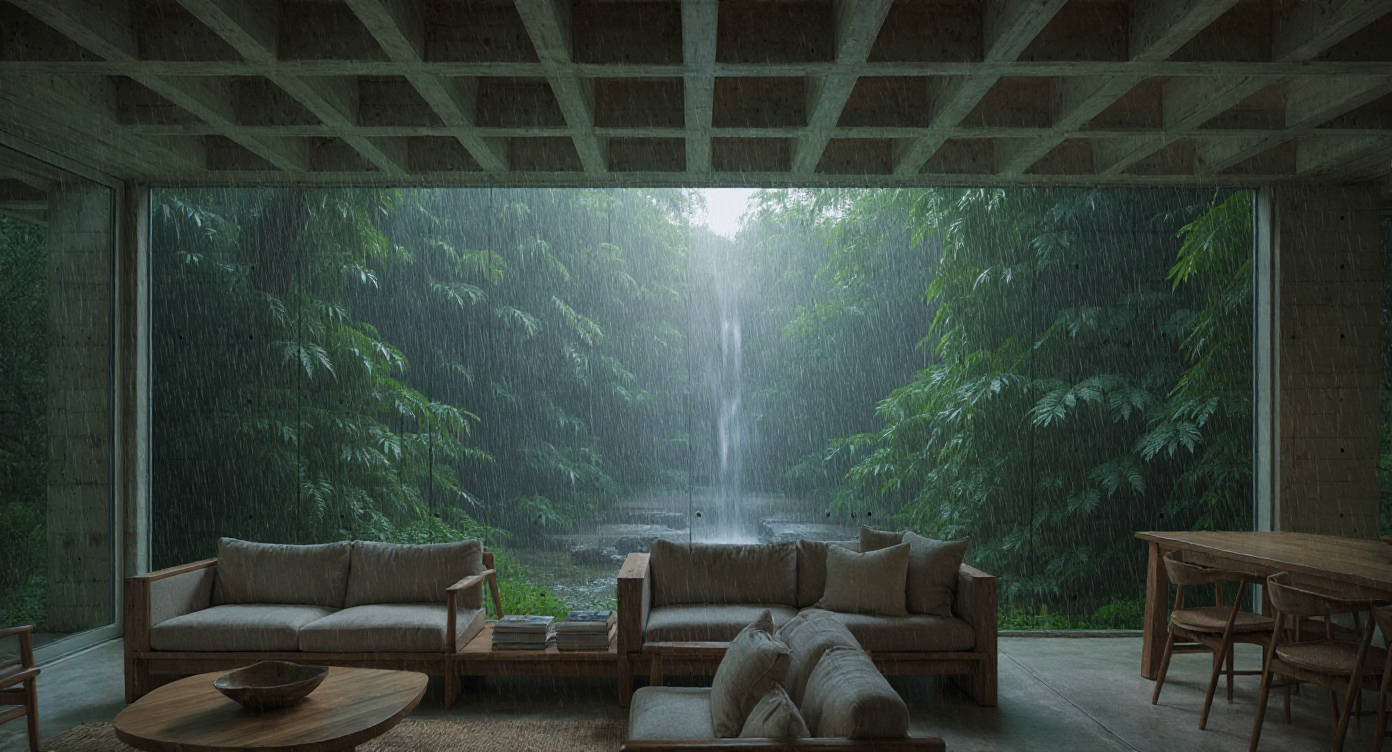
FLUX.1 Kontext Max Image Edit
Image to Imagebflfluxkontexteditpremiumimage-edit - Black Forest Labs
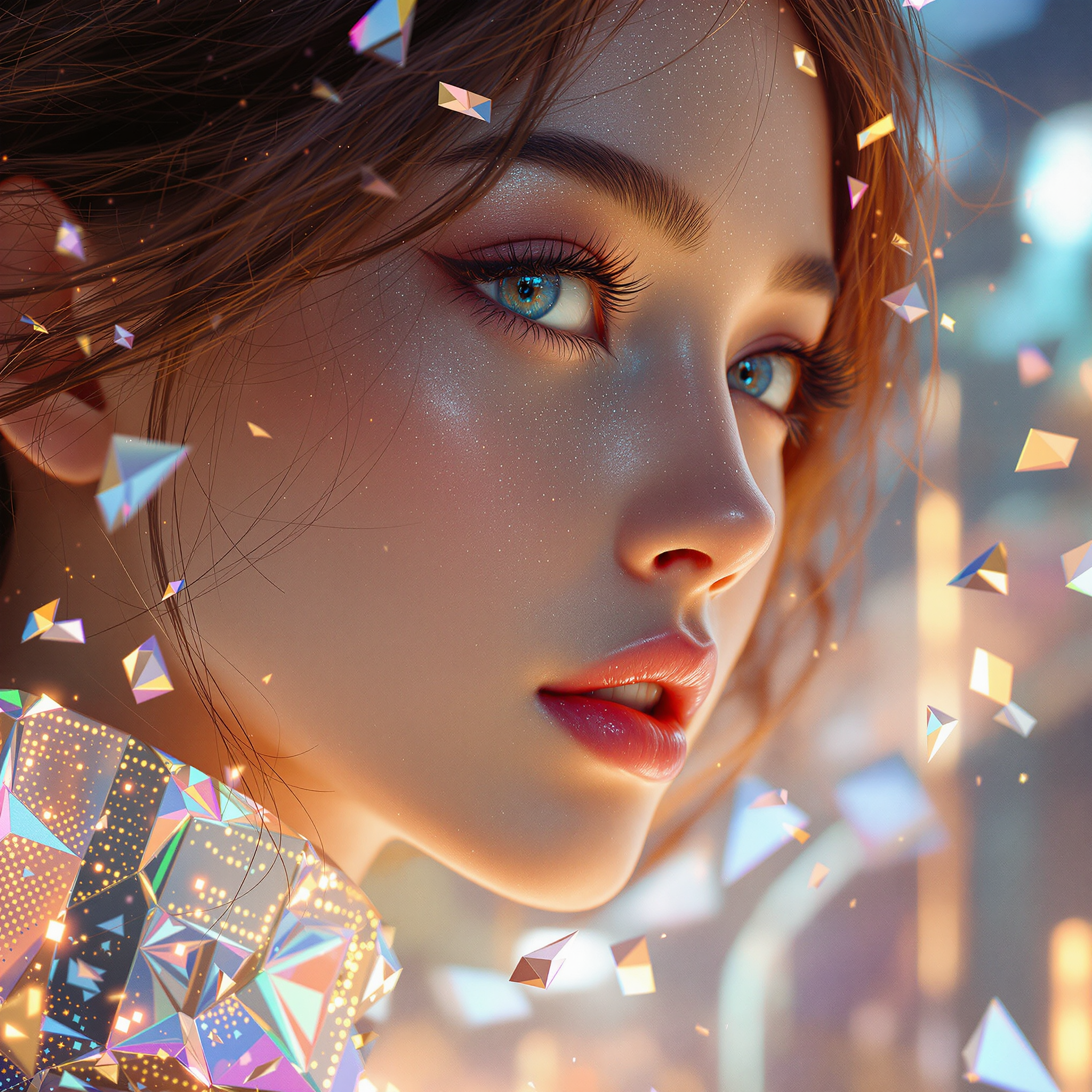
FLUX.1 Kontext Pro Image Edit
Image to Imagebflfluxkontexteditimage-edit - Black Forest Labs
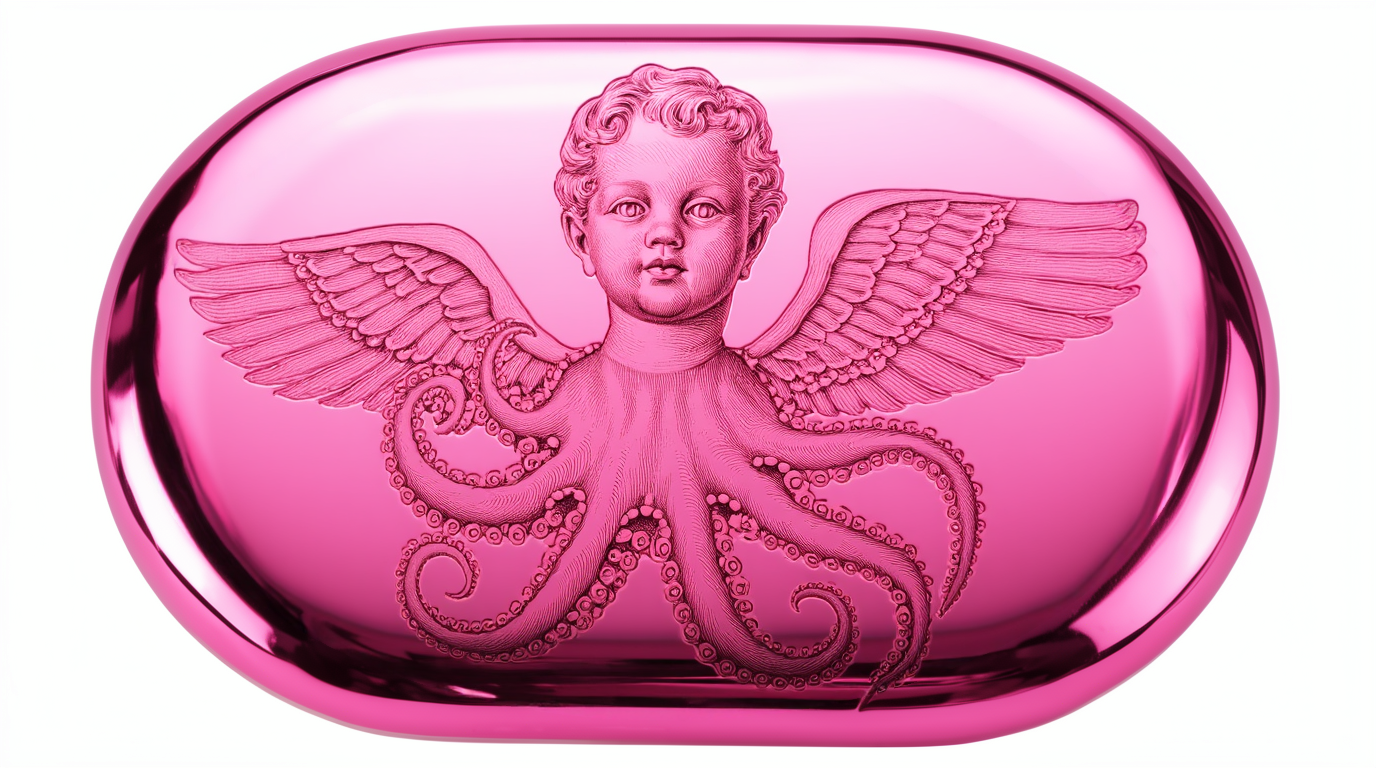
FLUX Pro Fill
Image to Imagebflfluxfillinpainteditimage-edit