

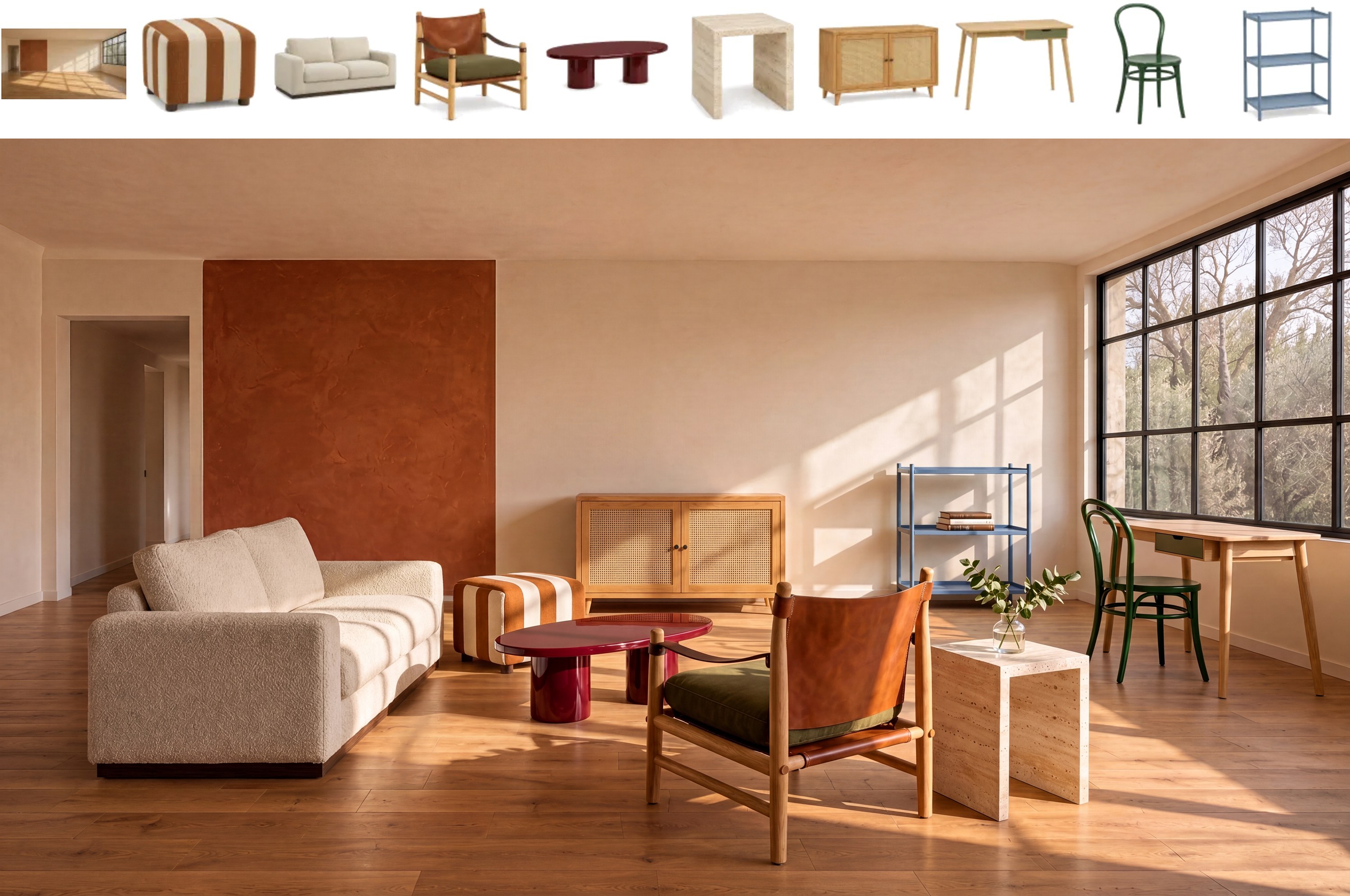
Official MiniMax examples span photography, illustration, food, and fantasy scenes.
MiniMax H3 Image
Native 4K images. Up to 16 reference images. Six sampling steps. Create from detailed prompts and direct edits in ComfyUI with Open Weights or Partner Nodes.
Text to ImageImage EditingReference ImagesOpen WeightsPartner Nodes
Made with
MiniMax H3 Image
Choose a plan
Access cloud-powered ComfyUI workflows with straightforward, usage-based pricing.
Start Comfy Cloud for free. Upgrade when you're ready.
5 free runs on real GPUs — no credit card required.
STANDARD
$20
/month
Billed monthly
What's included:
- Included: 30 minute max workflow runtime
- Included: Add more credits anytime
Comfy Agent
- Included: 4 concurrent agent sessions per workspace
Comfy API
- Included: 5 builds
- Included: 2 deployments
- Included: Up to 2 workers per deployment
4,200 monthly credits
Generates ~380 5s videos*
CREATORMOST POPULAR
$35
/month
Billed monthly
Everything in Standard, plus:
- Included: Import your own models
Comfy Agent
- Included: 6 concurrent agent sessions per workspace
Comfy API
- Included: 5 builds
- Included: 2 deployments
- Included: Up to 2 workers per deployment
7,400 monthly credits
Generates ~670 5s videos*
PRO
$100
/month
Billed monthly
Everything in Creator, plus:
- Included: Longer workflow runtime (up to 1 hr)
Comfy Agent
- Included: 8 concurrent agent sessions per workspace
Comfy API
- Included: 10 builds
- Included: 5 deployments
- Included: Up to 10 workers per deployment
21,100 monthly credits
Generates ~1,915 5s videos*
TEAM
Built for teams collaborating on workflows together.
$665
$700/month
Save 5% ($35)Billed monthly
42.2K
84.4K
147.7K
295.4K
527.5K
147,700 monthly credits
Generates ~13,405 5s videos*
Everything in Pro, plus:
- Included: Invite members
- Included: Members can run workflows concurrently
- Included: Shared credit pool for all members
- Included: Role-based permissions
Comfy Agent
- Included: 16 concurrent agent sessions per workspace
Comfy API
- Included: 40 builds
- Included: 20 deployments
- Included: Up to 20 workers per deployment
Coming soon...
- Coming soon: Shared workflows & assets
- Coming soon: Projects
ENTERPRISE
Contact UsNeed more members? Looking for more flexibility or custom features?
*Based on 5s videos created with the Wan 2.2 Image-to-Video template using default settings (81 frames, 18fps, 640x640, 4-step sampler)
Q&A
MiniMax H3 Image is an open-weight image model for text-to-image generation and multi-reference editing. In ComfyUI, you can run it with native nodes or through Partner Nodes.
Yes. MiniMax H3 Image supports up to 16 reference images. Describe how each reference should inform the result in your prompt.
Use detailed, complete descriptions. The prompt enhancer in the ComfyUI workflow template can help structure a prompt in JSON format. For edits, explain what to change and how to use each reference. Native workflows support up to 4,096 prompt tokens; longer prompts are truncated.
Run MiniMax H3 Image in ComfyUI with native nodes or Partner Nodes, locally or on Comfy Cloud. The Run and Image Editing buttons open the native workflows on Comfy Cloud without a local installation.
One engine, every way to run it
Build workflows in the browser today. Batch campaigns with the API, or connect image generation to the rest of your creative pipeline.
License H3 for commercial work.
Comfy is the only official reseller of MiniMax commercial-use licenses. Full commercial rights to your outputs, LoRA training included.