Hub
ComfyUI workflows
Turn your ideas into finished results with multi-step workflows powered by AI models.
All workflows
- SeedVR2
Upscale and restore detail
Image - SeedVR2
Upscale a video
Video - Nano Banana Pro
Sharpen a product photo
Image - Topaz
Upscale an illustration
Image - HitPaw
Restore portrait detail
Image - LTX-2.3
Restore archival footage
Video - Z-Image-Turbo
2.3 Creator: Image Upscale & Analysis
Image UpscaleImage - Partner node
AI on the Lot 2026 - QwenVL - Prompt Enhancer
Text Generation - Partner node
AI on the Lot 2026 - Z-Image Turbo - t2i + Upscale
Image UpscaleText to ImageImage - Partner node
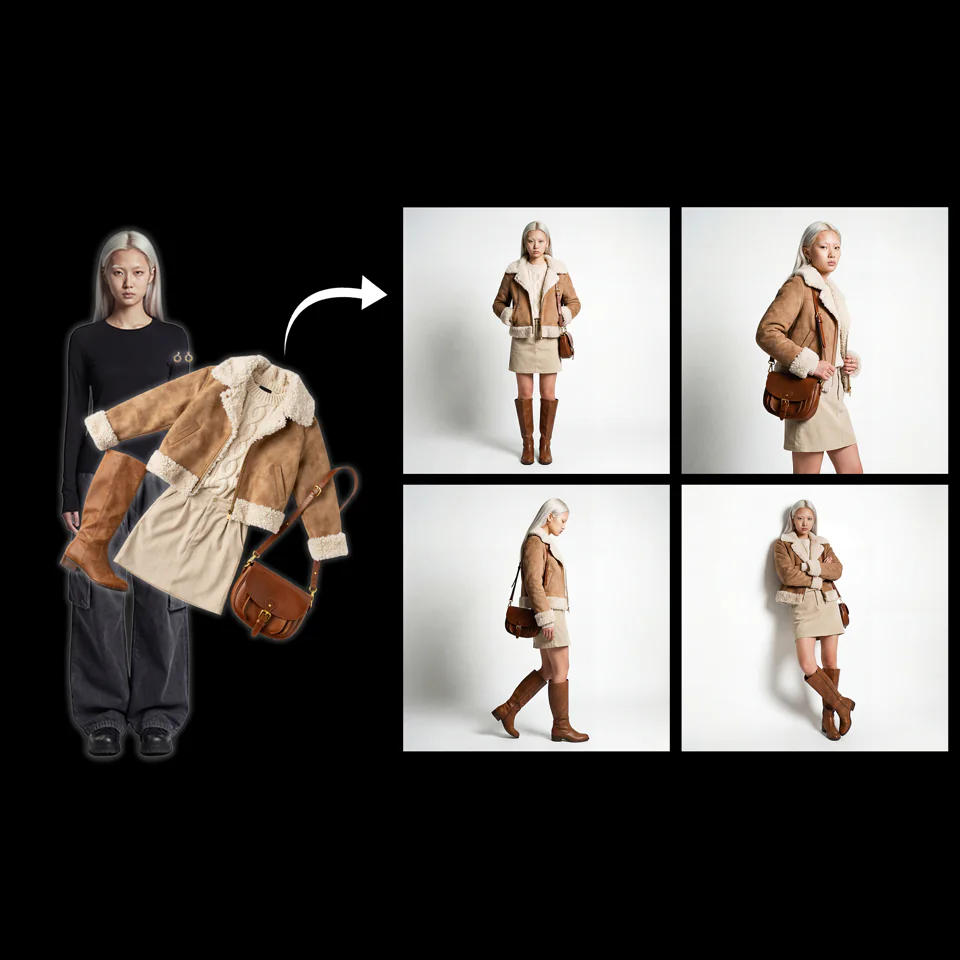
Character + Clothing Virtual Try on Studio Photoshoot
CharacterCharacter ReferenceImage UpscaleImage Edit - Partner node
Color Curves to Video
Visual EffectsImage EditImage EnhancementVideo GenerationVideo - Partner node
Comfy for Advertising - OOH Visualization
Image EditImageBrand DesignImage Upscale - Real-ESRGAN
Fast GAN Video Upscaler
Video UpscalePartner Nodes - None
Frame Interpolation
Frame Interpolation - Grok, Z-Image-Turbo
Generate Realistic Variations
Image UpscalePartner NodesImage - None
GIMM Frame Interpolation
Frame InterpolationVideo - HitPaw
HitPaw: Portrait Diffusion Upscaler
Image UpscalePartner Nodes - HitPaw
HitPaw: Video Enhancement and Upscaling
Video UpscalePartner Nodes - Partner node
Image Enhancer
Image EnhancementImage Upscale - Partner node
Image Upscale
Image UpscaleImage - Partner node
Image Upscale: Bria Increase Resolution
Image UpscalePartner Nodes - None
Image Upscale: Traditional Interpolation
Image Upscale - Z-Image-Turbo
Image Upscale: Z-Image-Turbo 2K
Image Upscale - Magnific
Magnific: Creative Image Upscale
Image UpscalePartner Nodes
























This page link is out of date. Showing the first page of the current results.
What is a ComfyUI workflow?
A ComfyUI workflow is a graph of nodes that connects AI models, prompts and settings into one process. Each workflow on this page turns an input, such as a text prompt or an image, into a finished result. Open a workflow to see its steps and the models it uses, then run it in your browser.