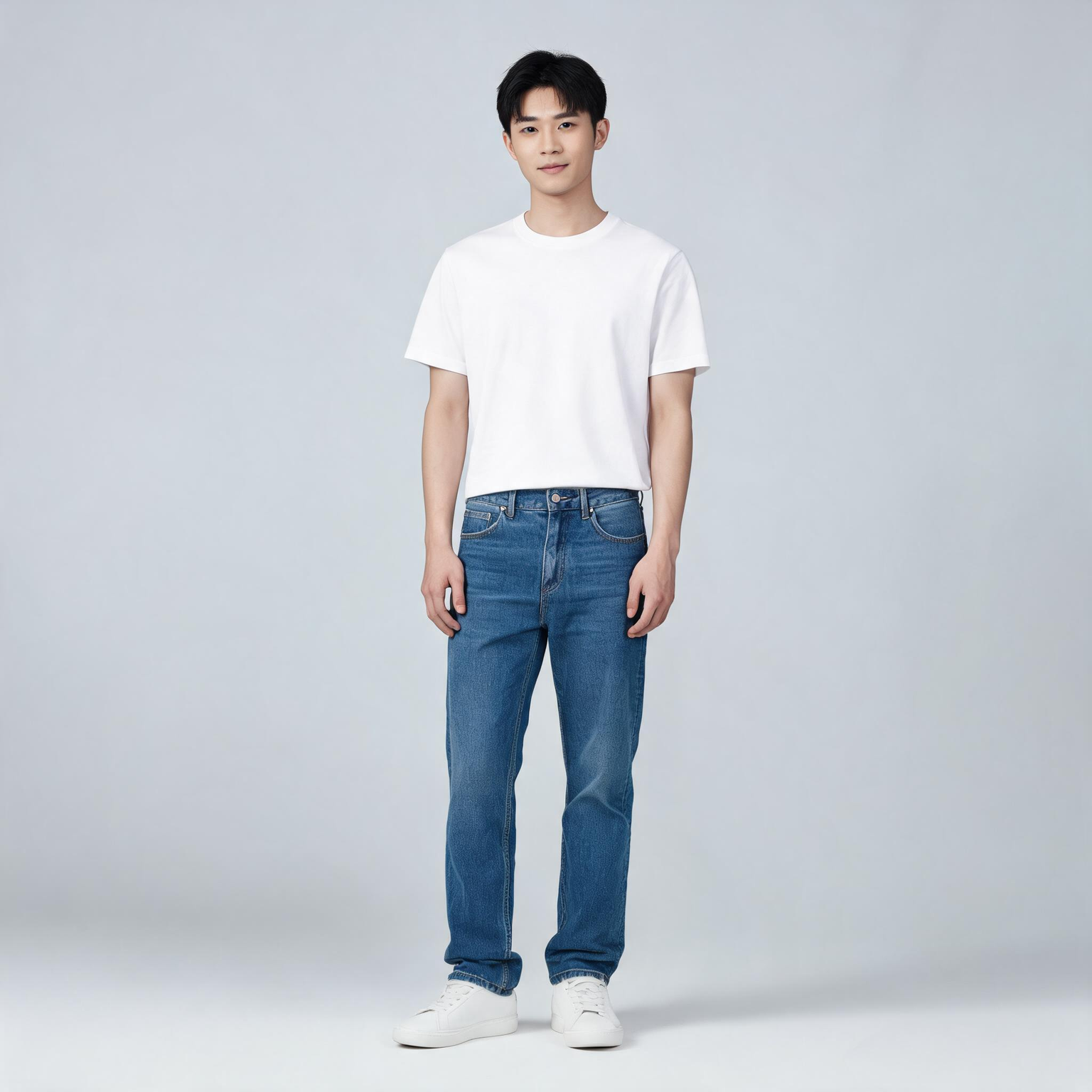
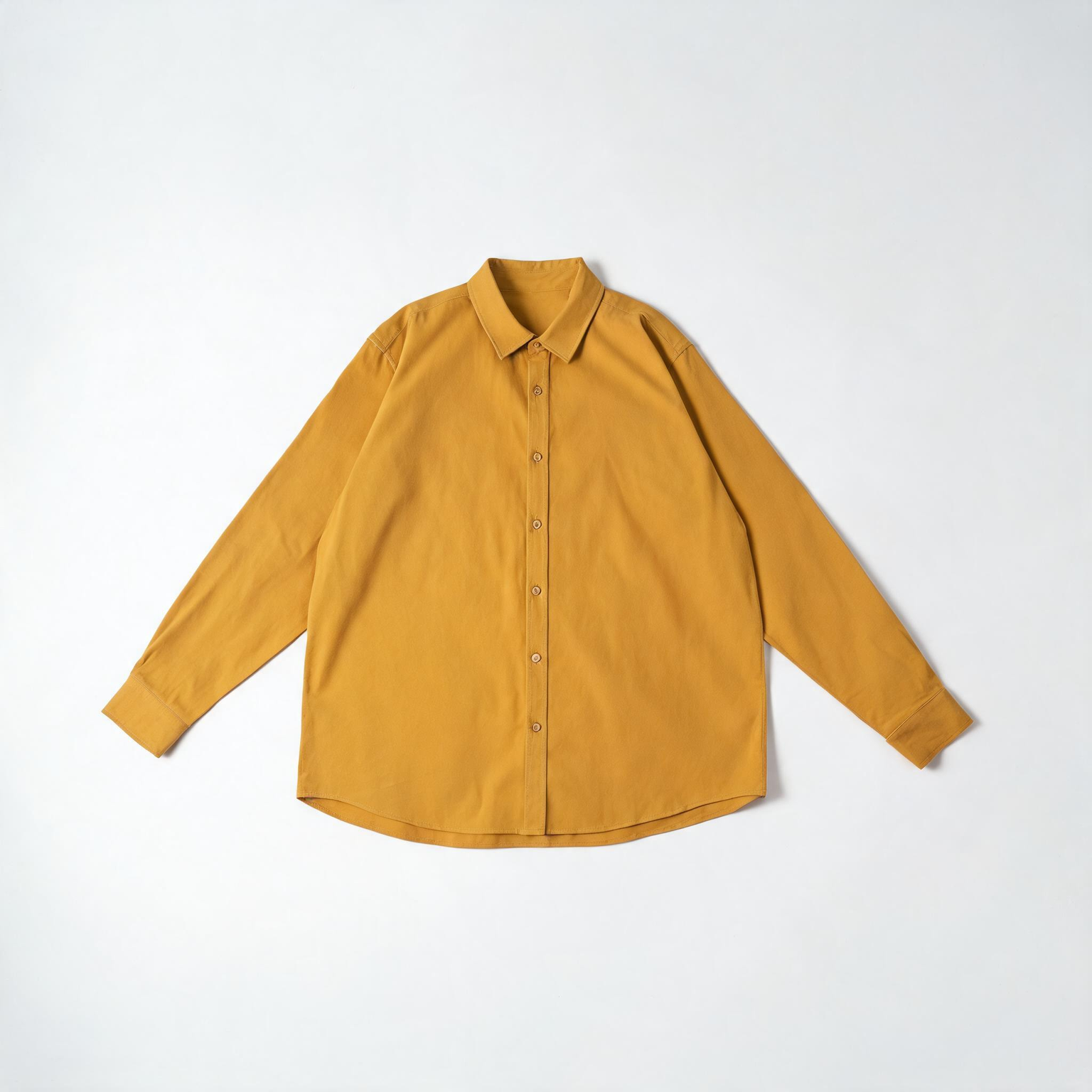
This ComfyUI tutorial shows how to use the BriaVirtualTryOn node (BRIA model) to dress a person in a photo with one to three product images. You feed one person photo and one or more garment or accessory shots through LoadImage nodes, then the BriaVirtualTryOn node sends them to Bria’s API to generate a realistic worn look. The workflow keeps the person’s face, pose, and background intact while refitting the product to the body. Results return at roughly one megapixel, ready to preview, compare, and export.
Under the hood, BriaVirtualTryOn performs body parsing and pose-aware garment warping, then composites the result with occlusion handling so sleeves, collars, and edges look natural around arms and torso. In this workflow, LoadImage nodes provide the inputs, ImageCompare helps you review before/after, and SaveImage writes the final image to disk. Because this node calls Bria’s cloud service, you’ll need a Bria API key, and your images are processed remotely.
API
Use este workflow a partir do código
Todo workflow Comfy é um grafo JSON. O payload abaixo é este workflow, exatamente como o ComfyUI executa — obtenha-o pela URL, mantenha-o no controle de versão ou carregue-o no ComfyUI e execute nó por nó.
Execute a partir de TypeScript ou Python com o Comfy SDK. O mesmo código serve para o Comfy Cloud ou um ComfyUI hospedado por você — apenas a URL base muda.
// Install (beta)
npm i @comfyorg/sdk

// Run this workflow (TypeScript)
import { Comfy } from "@comfyorg/sdk";

const client = new Comfy({ apiKey: "comfyui-..." });
const wf = await client.workflows.fromFile("workflow_api.json");
const job = await client.run(wf);
await job.getOutputs("<output-node-id>")[0].toFile("output.png");
O SDK utiliza um workflow no formato API: abra este workflow no ComfyUI e use Arquivo → Exportar Workflow (API).
O acesso à API do Comfy Cloud requer um plano com chave de API.



















