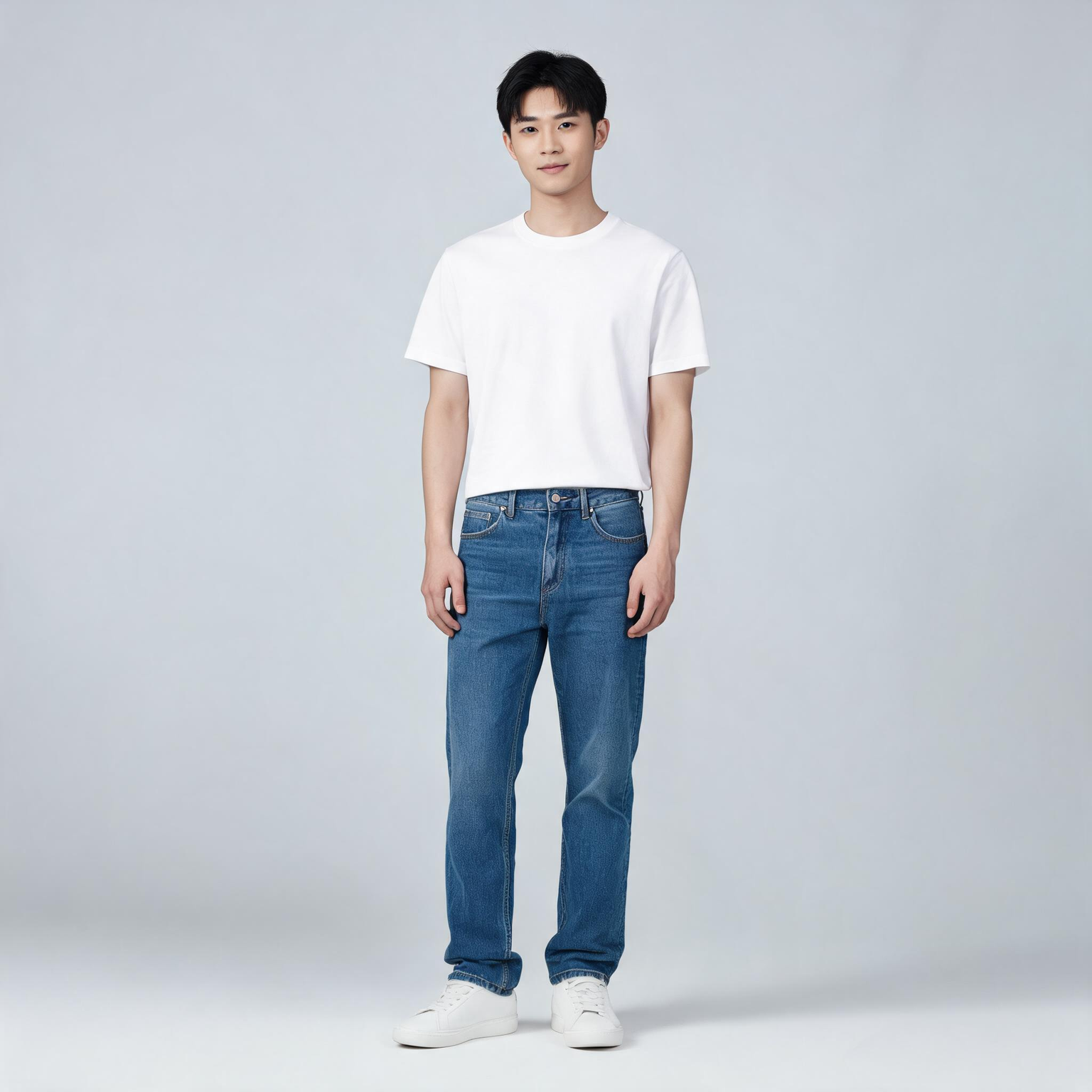
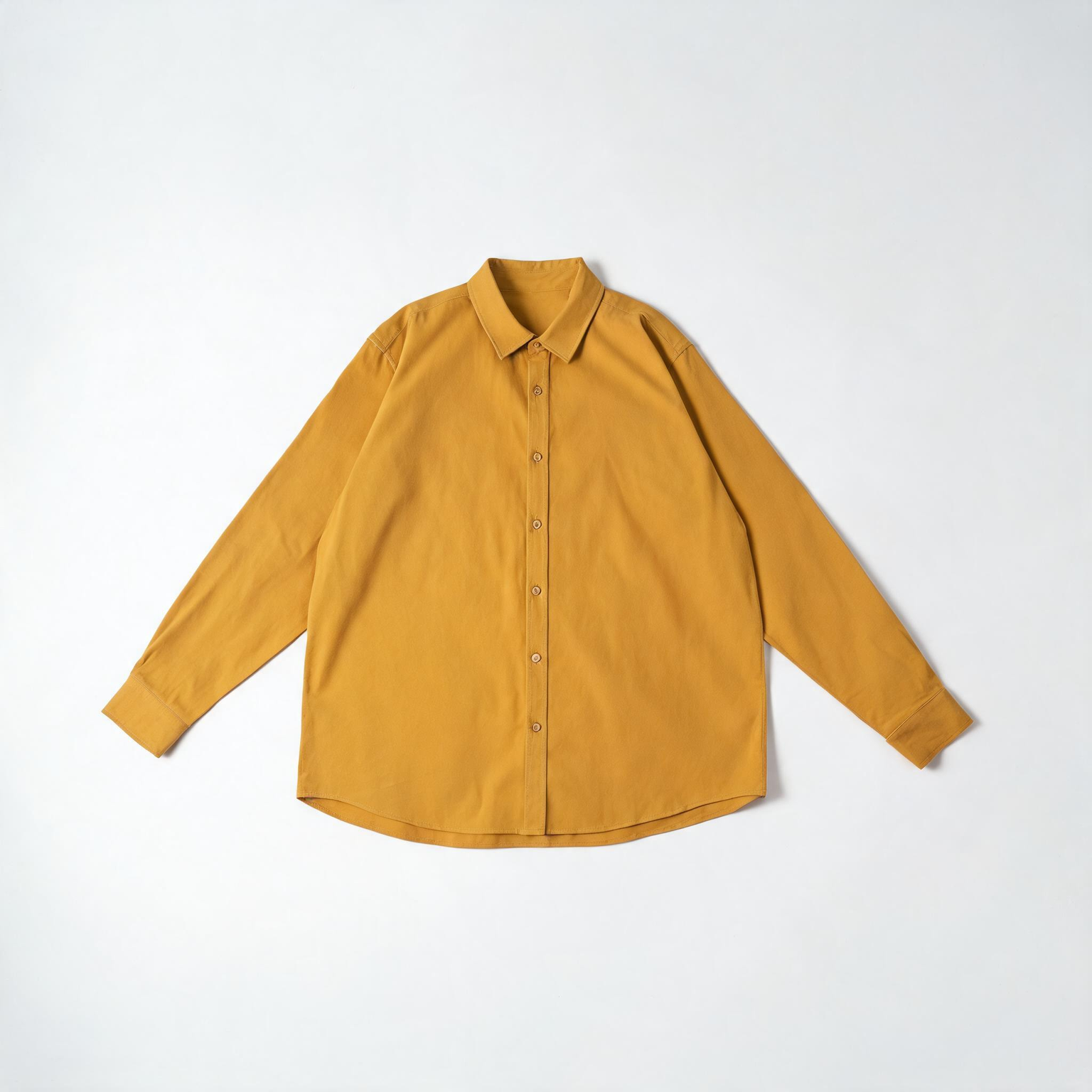
This ComfyUI tutorial shows how to use the BriaVirtualTryOn node (BRIA model) to dress a person in a photo with one to three product images. You feed one person photo and one or more garment or accessory shots through LoadImage nodes, then the BriaVirtualTryOn node sends them to Bria’s API to generate a realistic worn look. The workflow keeps the person’s face, pose, and background intact while refitting the product to the body. Results return at roughly one megapixel, ready to preview, compare, and export.
Under the hood, BriaVirtualTryOn performs body parsing and pose-aware garment warping, then composites the result with occlusion handling so sleeves, collars, and edges look natural around arms and torso. In this workflow, LoadImage nodes provide the inputs, ImageCompare helps you review before/after, and SaveImage writes the final image to disk. Because this node calls Bria’s cloud service, you’ll need a Bria API key, and your images are processed remotely.
API
Usa este flujo de trabajo desde código
Cada flujo de trabajo de Comfy es un grafo JSON. El siguiente payload es este flujo de trabajo, exactamente como lo ejecuta ComfyUI: descárgalo desde la URL, guárdalo en control de versiones o cárgalo en ComfyUI y ejecútalo nodo por nodo.
Ejecuta desde TypeScript o Python con el Comfy SDK. El mismo código funciona en Comfy Cloud o en un ComfyUI propio: solo cambia la URL base.
// Install (beta)
npm i @comfyorg/sdk

// Run this workflow (TypeScript)
import { Comfy } from "@comfyorg/sdk";

const client = new Comfy({ apiKey: "comfyui-..." });
const wf = await client.workflows.fromFile("workflow_api.json");
const job = await client.run(wf);
await job.getOutputs("<output-node-id>")[0].toFile("output.png");
El SDK utiliza un flujo de trabajo en formato API: abre este flujo de trabajo en ComfyUI y usa Archivo → Exportar flujo de trabajo (API).
El acceso a la API de Comfy Cloud requiere un plan con clave API.



















