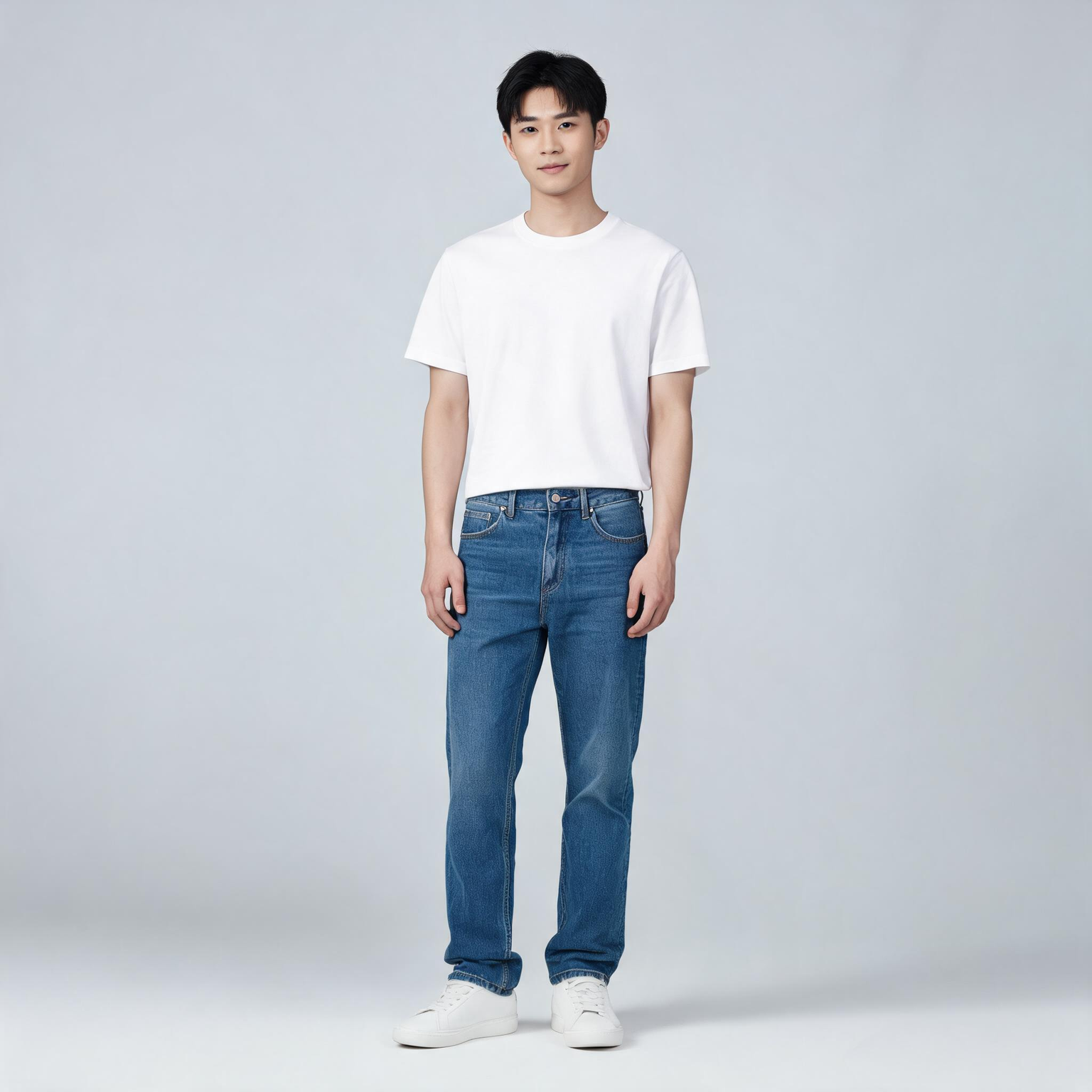
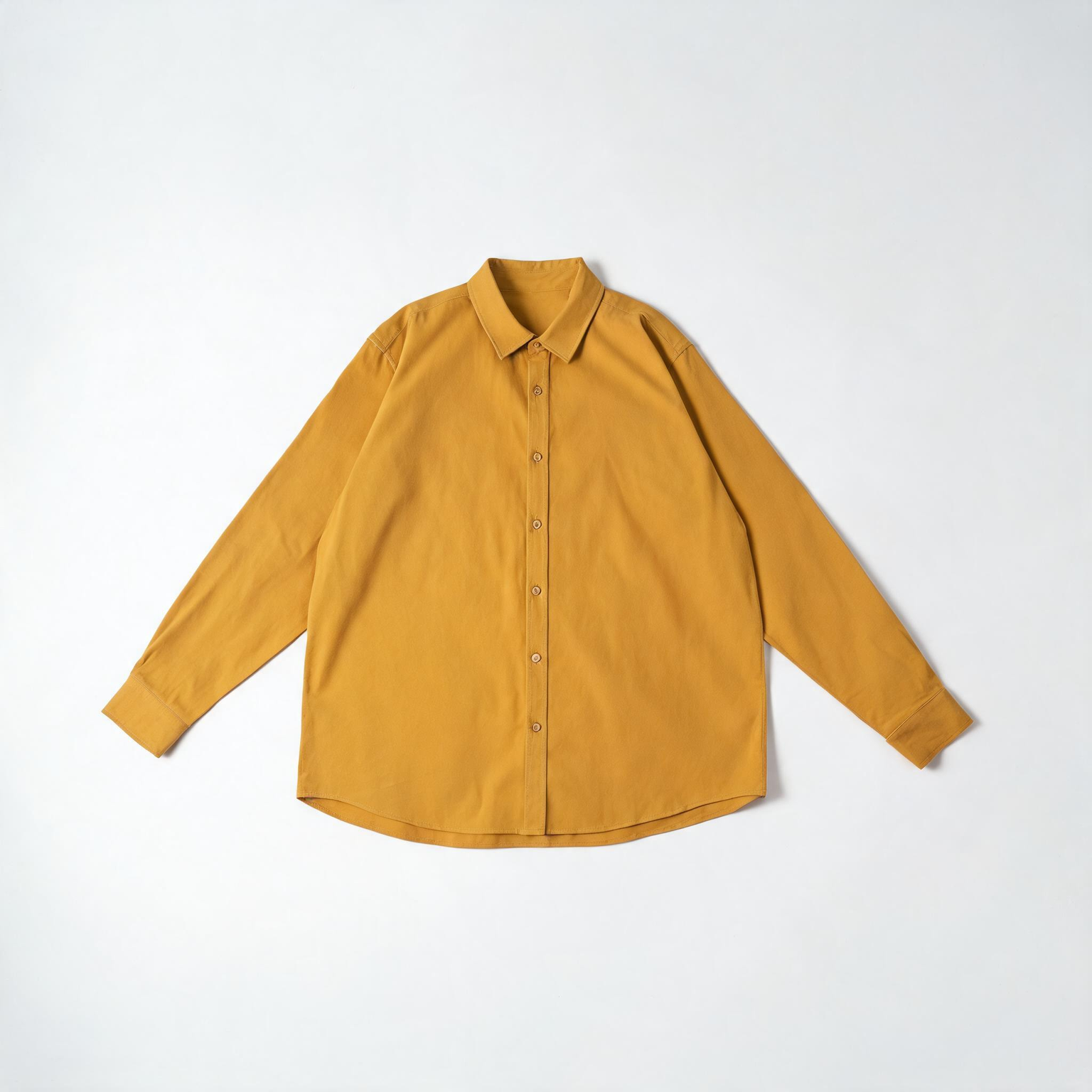
This ComfyUI tutorial shows how to use the BriaVirtualTryOn node (BRIA model) to dress a person in a photo with one to three product images. You feed one person photo and one or more garment or accessory shots through LoadImage nodes, then the BriaVirtualTryOn node sends them to Bria’s API to generate a realistic worn look. The workflow keeps the person’s face, pose, and background intact while refitting the product to the body. Results return at roughly one megapixel, ready to preview, compare, and export.
Under the hood, BriaVirtualTryOn performs body parsing and pose-aware garment warping, then composites the result with occlusion handling so sleeves, collars, and edges look natural around arms and torso. In this workflow, LoadImage nodes provide the inputs, ImageCompare helps you review before/after, and SaveImage writes the final image to disk. Because this node calls Bria’s cloud service, you’ll need a Bria API key, and your images are processed remotely.
API
通过代码使用此工作流
每个 Comfy 工作流都是一个 JSON 图。下面的内容就是此工作流的完整数据,ComfyUI 运行时也是如此——你可以从该 URL 获取、放入版本控制,或在 ComfyUI 中加载并逐节点运行。
使用 Comfy SDK 从 TypeScript 或 Python 运行。相同代码可用于 Comfy Cloud 或你自托管的 ComfyUI——只需更改基础 URL。
// Install (beta)
npm i @comfyorg/sdk

// Run this workflow (TypeScript)
import { Comfy } from "@comfyorg/sdk";

const client = new Comfy({ apiKey: "comfyui-..." });
const wf = await client.workflows.fromFile("workflow_api.json");
const job = await client.run(wf);
await job.getOutputs("<output-node-id>")[0].toFile("output.png");
SDK 需要 API 格式的工作流:在 ComfyUI 中打开此工作流,使用 文件 → 导出工作流(API)。



















