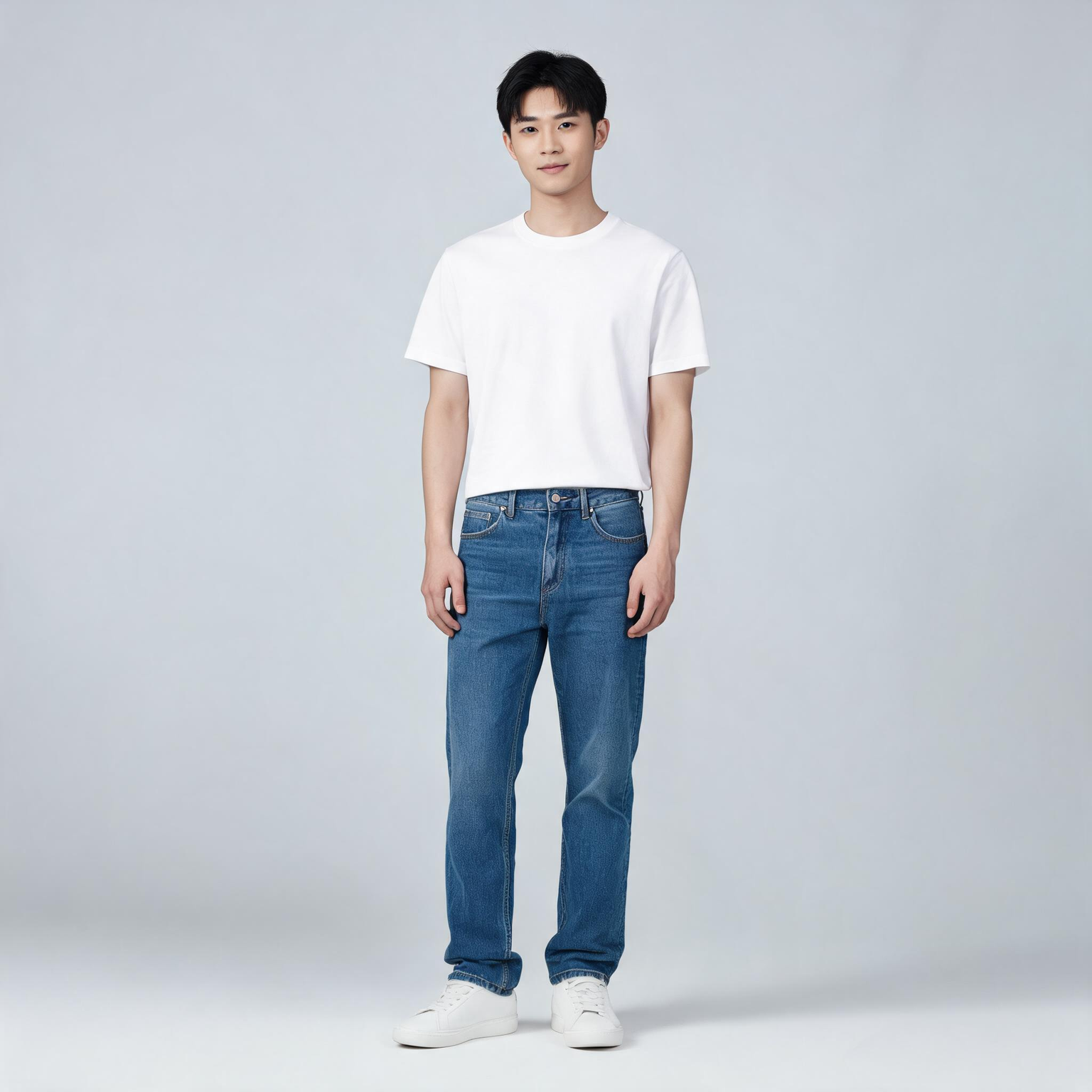
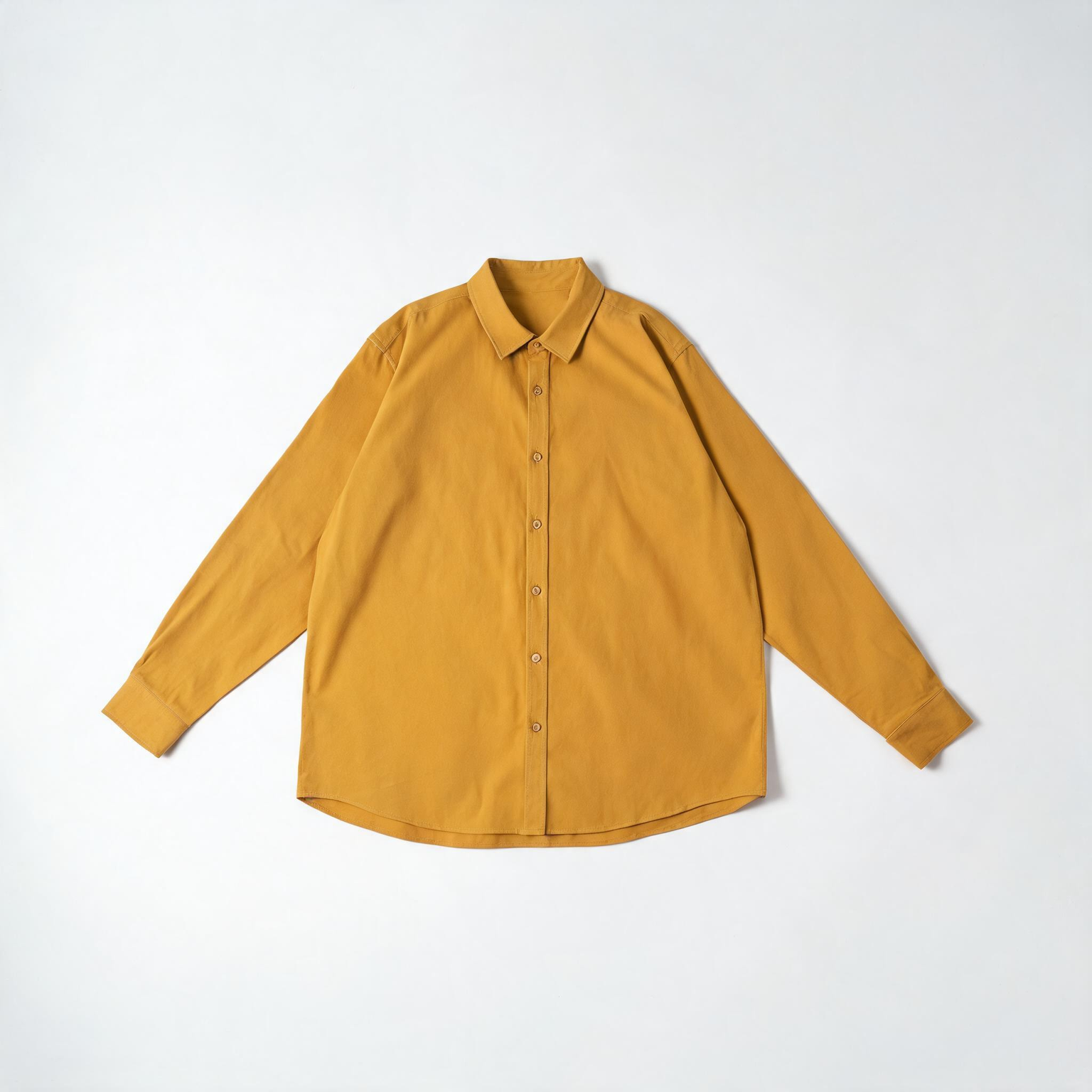
This ComfyUI tutorial shows how to use the BriaVirtualTryOn node (BRIA model) to dress a person in a photo with one to three product images. You feed one person photo and one or more garment or accessory shots through LoadImage nodes, then the BriaVirtualTryOn node sends them to Bria’s API to generate a realistic worn look. The workflow keeps the person’s face, pose, and background intact while refitting the product to the body. Results return at roughly one megapixel, ready to preview, compare, and export.
Under the hood, BriaVirtualTryOn performs body parsing and pose-aware garment warping, then composites the result with occlusion handling so sleeves, collars, and edges look natural around arms and torso. In this workflow, LoadImage nodes provide the inputs, ImageCompare helps you review before/after, and SaveImage writes the final image to disk. Because this node calls Bria’s cloud service, you’ll need a Bria API key, and your images are processed remotely.
API
Использовать этот рабочий процесс из кода
Каждый рабочий процесс Comfy — это JSON-граф. Ниже представлен payload этого процесса, точно так же, как его запускает ComfyUI: получите его по ссылке, храните в системе контроля версий или загрузите в ComfyUI и выполняйте по узлам.
Запустите его на TypeScript или Python с помощью Comfy SDK. Один и тот же код работает с Comfy Cloud или вашим собственным ComfyUI — меняется только базовый URL.
// Install (beta)
npm i @comfyorg/sdk

// Run this workflow (TypeScript)
import { Comfy } from "@comfyorg/sdk";

const client = new Comfy({ apiKey: "comfyui-..." });
const wf = await client.workflows.fromFile("workflow_api.json");
const job = await client.run(wf);
await job.getOutputs("<output-node-id>")[0].toFile("output.png");
SDK принимает рабочий процесс в API-формате: откройте этот процесс в ComfyUI и используйте Файл → Экспортировать рабочий процесс (API).
Доступ к API Comfy Cloud требует плана с API-ключом.



















