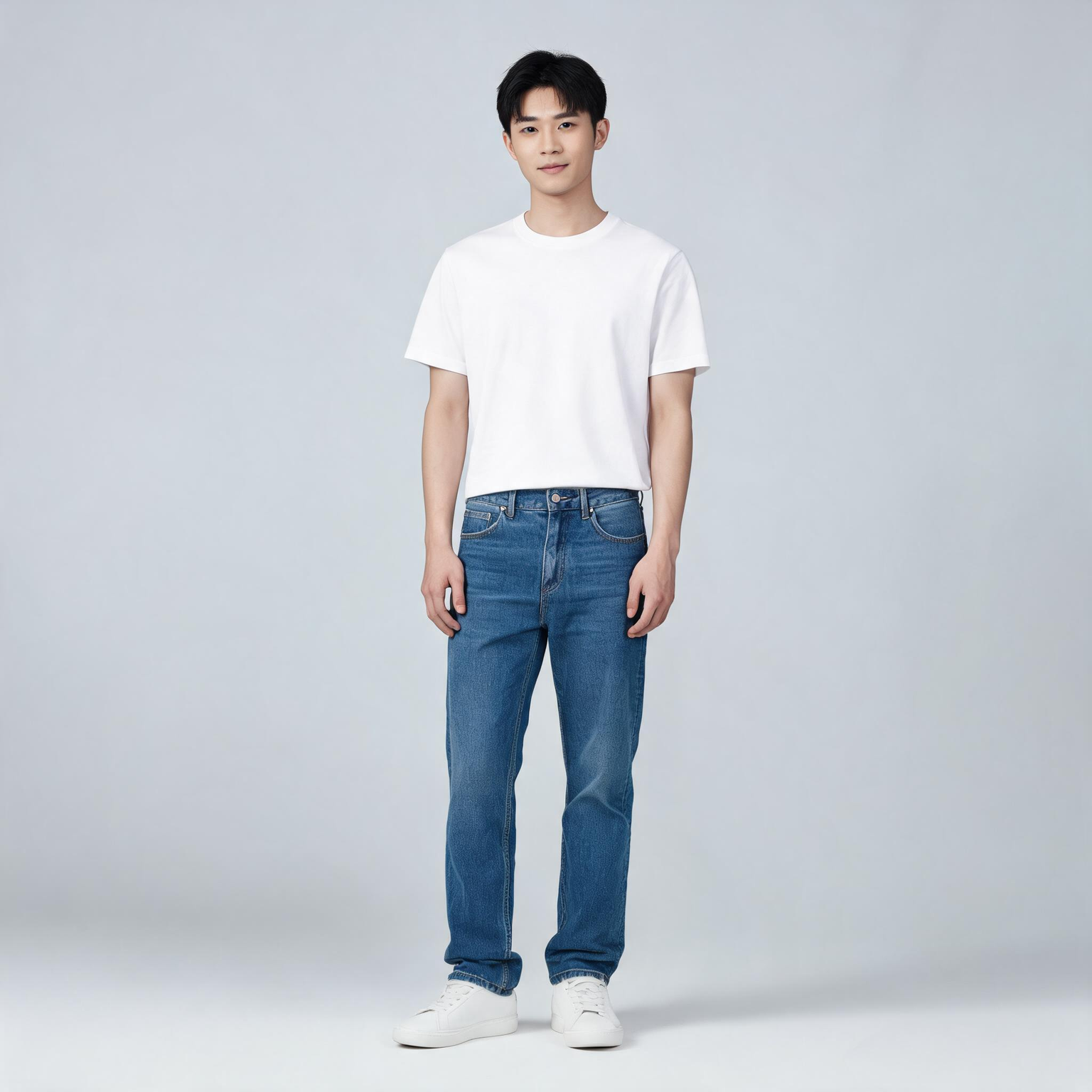
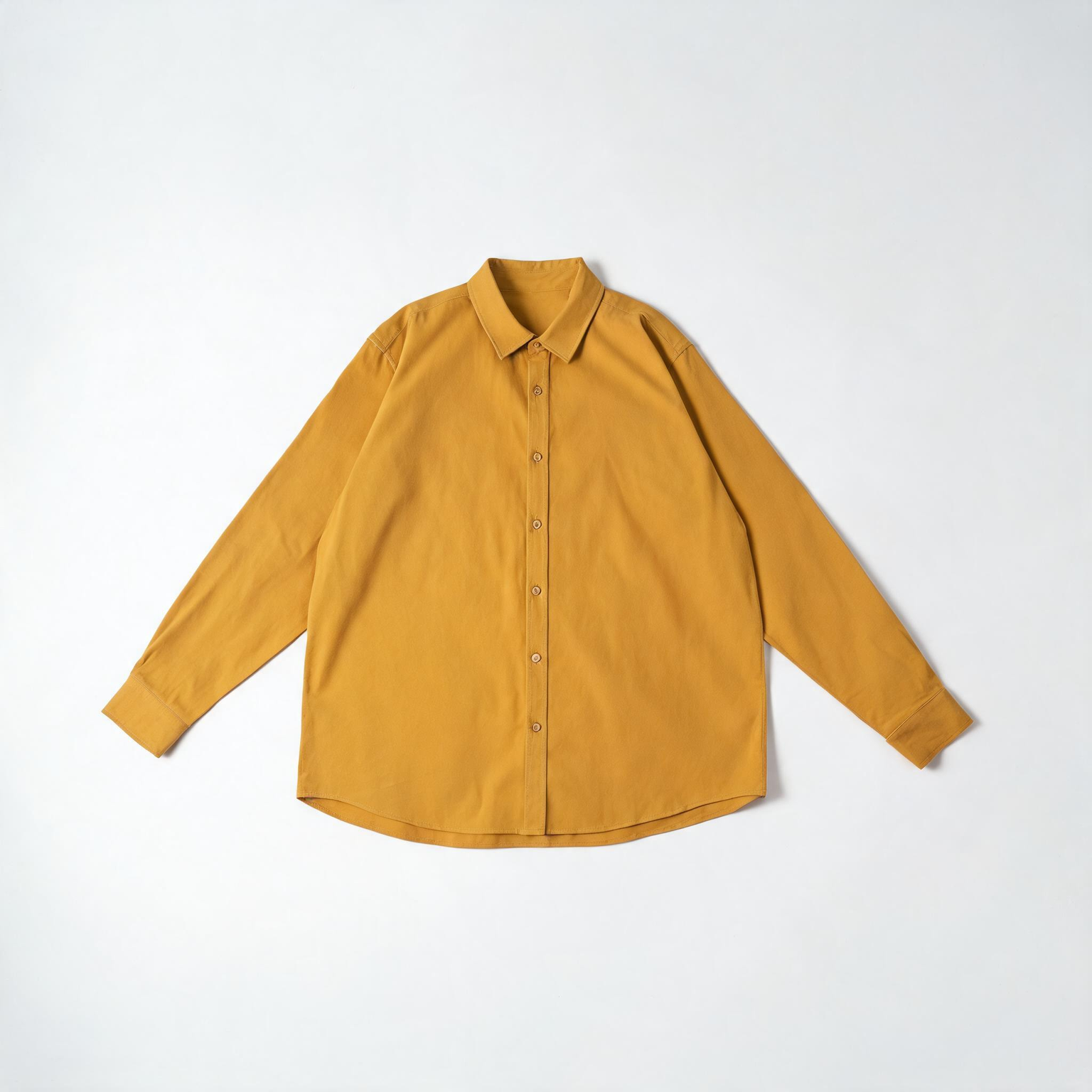
This ComfyUI tutorial shows how to use the BriaVirtualTryOn node (BRIA model) to dress a person in a photo with one to three product images. You feed one person photo and one or more garment or accessory shots through LoadImage nodes, then the BriaVirtualTryOn node sends them to Bria’s API to generate a realistic worn look. The workflow keeps the person’s face, pose, and background intact while refitting the product to the body. Results return at roughly one megapixel, ready to preview, compare, and export.
Under the hood, BriaVirtualTryOn performs body parsing and pose-aware garment warping, then composites the result with occlusion handling so sleeves, collars, and edges look natural around arms and torso. In this workflow, LoadImage nodes provide the inputs, ImageCompare helps you review before/after, and SaveImage writes the final image to disk. Because this node calls Bria’s cloud service, you’ll need a Bria API key, and your images are processed remotely.
API
코드에서 이 워크플로우 사용하기
모든 Comfy 워크플로우는 JSON 그래프입니다. 아래 페이로드는 이 워크플로우 그 자체로, ComfyUI에서 실행되는 것과 동일합니다 — URL에서 가져오거나, 버전 관리에 보관하거나, ComfyUI에서 불러와 노드별로 실행할 수 있습니다.
Comfy SDK로 TypeScript 또는 Python에서 실행하세요. 동일한 코드는 Comfy Cloud 또는 직접 호스팅하는 ComfyUI 모두에 적용됩니다 — 기본 URL만 다릅니다.
// Install (beta)
npm i @comfyorg/sdk

// Run this workflow (TypeScript)
import { Comfy } from "@comfyorg/sdk";

const client = new Comfy({ apiKey: "comfyui-..." });
const wf = await client.workflows.fromFile("workflow_api.json");
const job = await client.run(wf);
await job.getOutputs("<output-node-id>")[0].toFile("output.png");
SDK는 API 형식의 워크플로우를 사용합니다: 이 워크플로우를 ComfyUI에서 열고 파일 → 워크플로우 내보내기(API)를 사용하세요.



















