AI Model
Qwen-Image Comfy Workflows
Run Alibaba's Qwen-Image model in ComfyUI: text-to-image with strong text rendering, ControlNet, and LoRA support, on Comfy Cloud or your own GPU.
15 workflows

The workflows
15 Qwen-Image Comfy Workflows










About This AI Model
What is the Qwen-Image model?
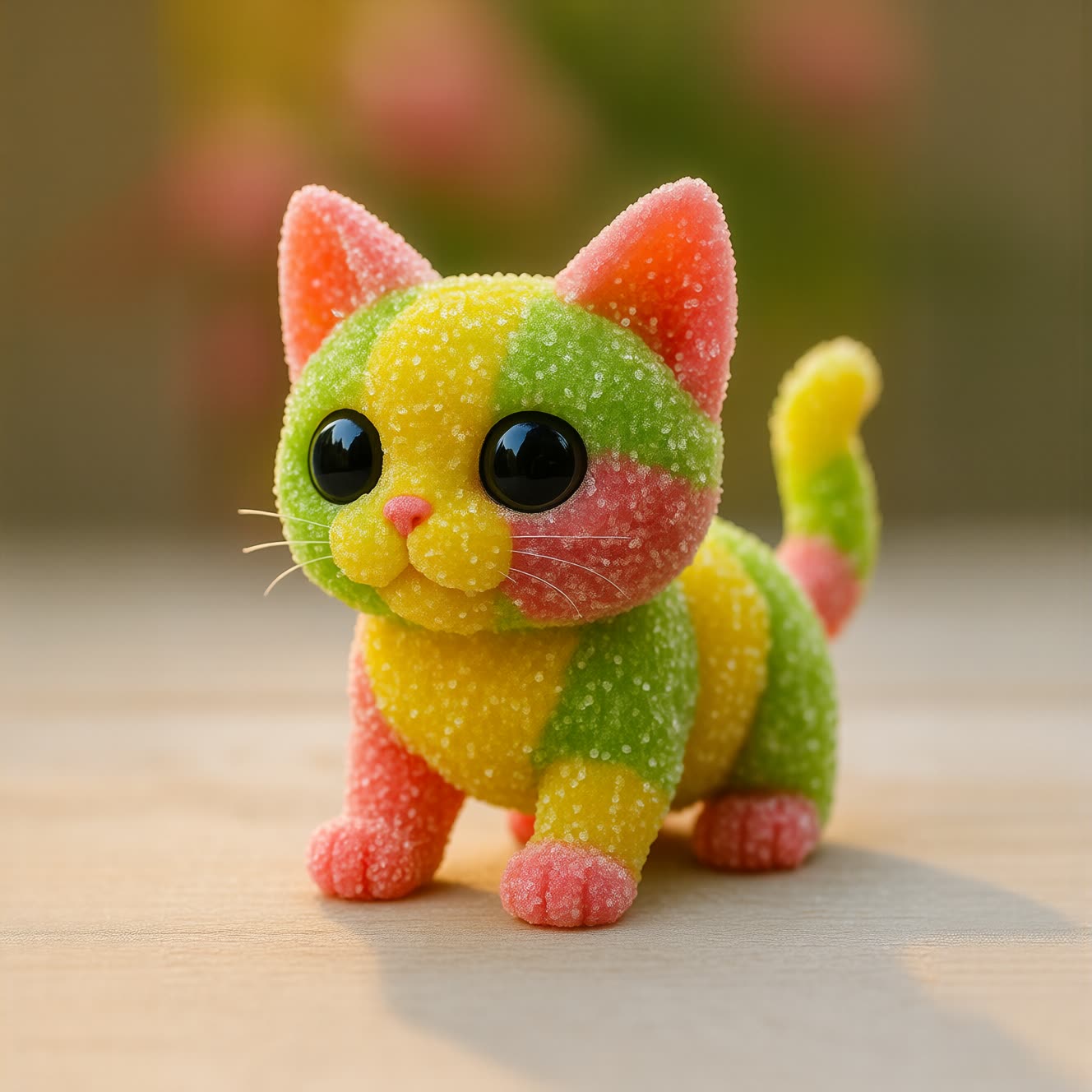
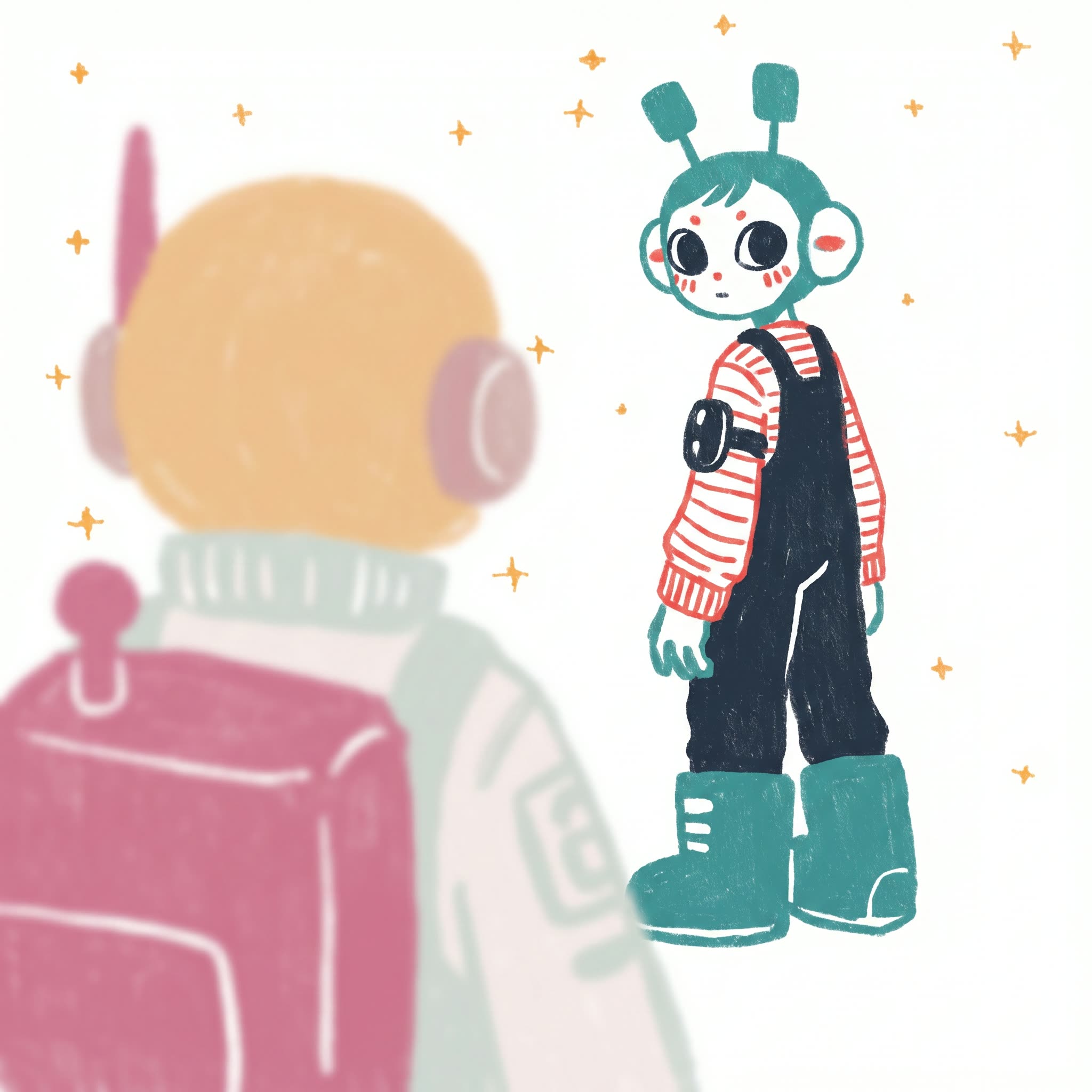
If you are evaluating Qwen-Image comfyui workflows, the appeal is an open text-to-image model that handles both pictures and the words inside them. Qwen-Image is Alibaba's open image model from the Qwen family, a 20B-parameter MMDiT released under Apache 2.0, so the weights are open and you can run it on your own hardware rather than renting generations. The workflows here are the ready-made graphs for that: load the model, write a prompt, and generate, with the node graph already wired so you are not building it from scratch.
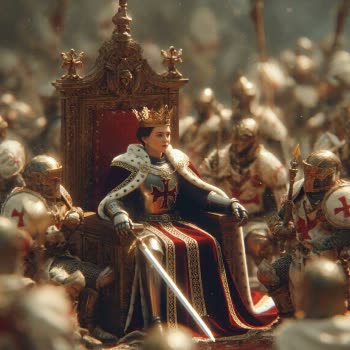
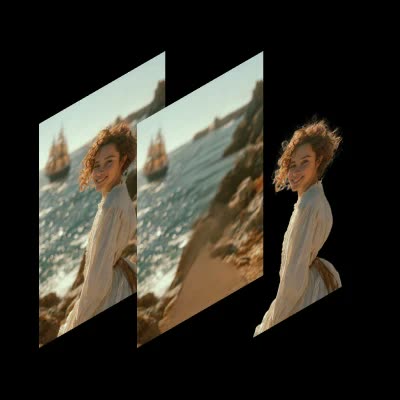
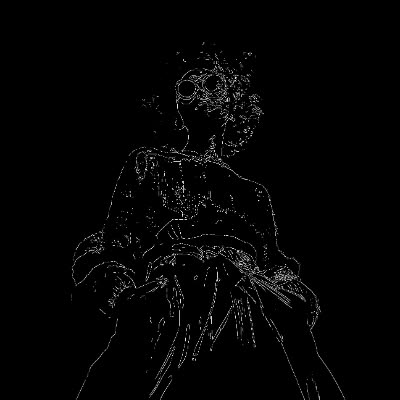
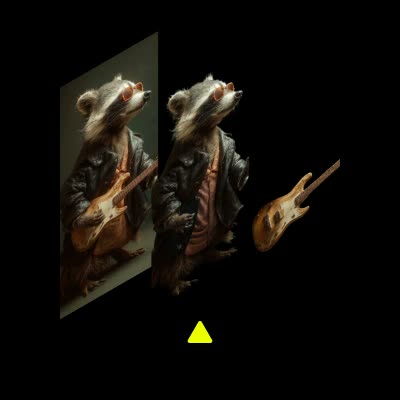
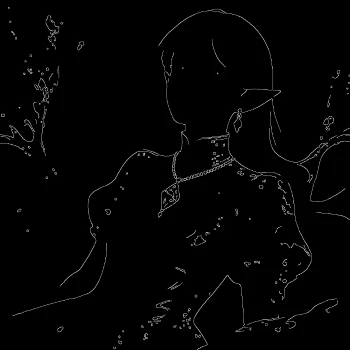
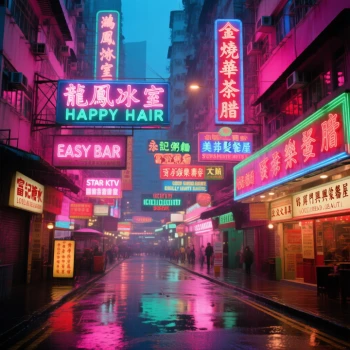
The model is a solid generalist with a few specialties. It renders text in images more cleanly than most open models, which suits posters and graphics, and it supports structural conditioning through ControlNet so you can drive a composition from an edge map, a pose, or a depth map rather than a prompt alone. It also works with LoRA adapters, so you can pull in a trained style or subject, and the Qwen-Image 2512 refresh sharpens human realism and text layout over the original. There is also a layer-decompose path for separating an image into editable layers, and a Lightning LoRA that cuts a generation down to roughly four steps.
Because these are open workflows, you control the resolution, the step count, the conditioning, and any LoRA you load, and you can re-run until the composition and any text are right. That openness is the difference between a fixed one-shot tool and a graph you can tune for the exact look you are after.
Everything here is open and editable. Open a Qwen-Image workflow on Comfy Cloud with nothing to install, or download a GGUF build and run it locally from around 12GB of VRAM. You can swap conditioning, add a LoRA, adjust the parameters, and there is no watermark on what you generate.
Reproducible, tunable, yours
Every step is exposed and adjustable, and the exact graph is yours to reuse across projects.
Start free. Upgrade when you’re ready.
Capabilities
What You Can Create
Qwen-Image is Alibaba's open 20B-parameter MMDiT text-to-image model from the Qwen family, Apache 2.0 licensed, with strong text rendering, ControlNet structural conditioning, and LoRA support.
2512 refresh
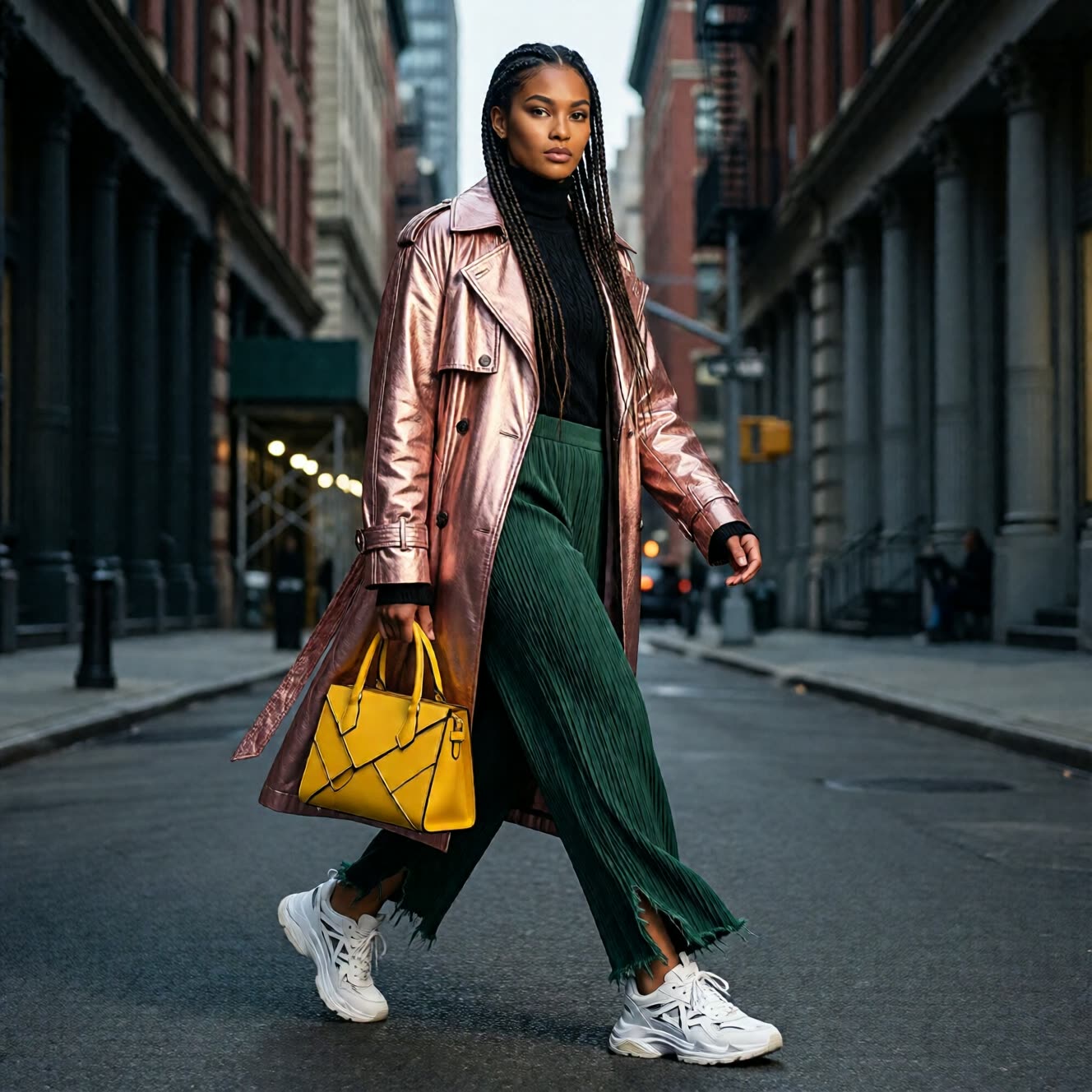
Qwen-Image 2512 refresh improves human realism and text layout over the original.
Try workflow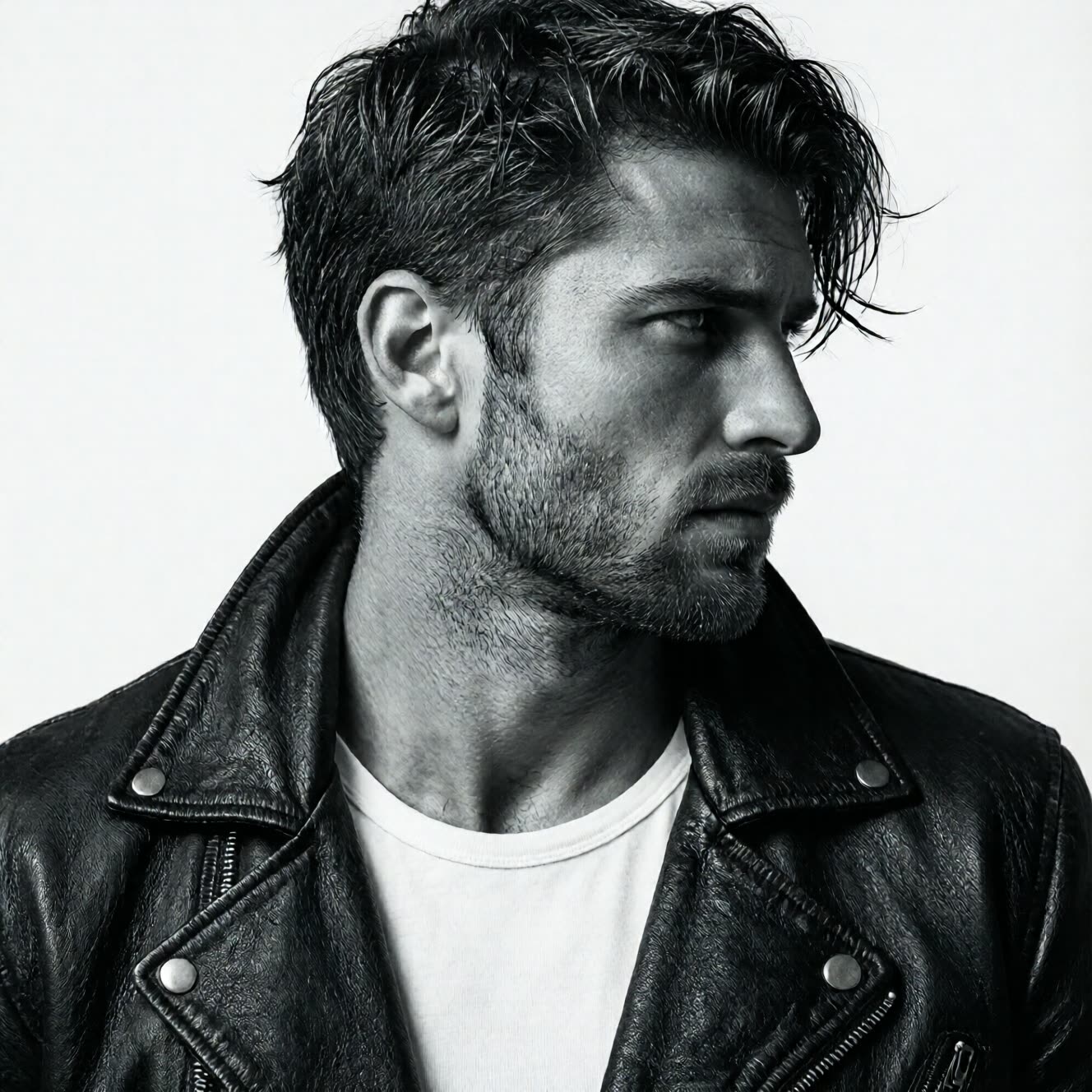
ControlNet support
ControlNet support to drive composition from edge, pose, or depth maps.
Try workflow
LoRA adapters
Works with LoRA adapters, including a Lightning LoRA for roughly four-step generation.
Try workflow


 WORKS
WORKS
Connect models, processing steps, and outputs on a canvas where every decision is visible and every step is inspectable.
Start from a community template or build from scratch.

Comparison
Why Comfy Workflows
-
Text rendering that holds up
Qwen-Image places legible, correctly spelled words in the frame, so posters and graphics come out cleaner than most open models manage.
-
Pick your variant and settings
ONLY ONComfyCLOUDSwitch between the original Qwen-Image and the Qwen-Image 2512 refresh, add a Lightning LoRA for four-step runs, then tune resolution, steps, and conditioning.
-
Open weights you can run anywhere
The 20B model is Apache 2.0, so run a GGUF build locally from around 12GB of VRAM or open the workflow on Comfy Cloud with no install.
-
ControlNet and LoRA in the same graph
Drive composition from an edge, pose, or depth map and layer in a trained style or subject, with no watermark on what you generate.
Applications
What people use it for
Common ways people generate images and in-image text with Qwen-Image.
Frequently Asked Questions
Qwen-Image FAQ
Keep exploring
Related models and use cases to try next.