Use Cases
AI Anime Generator Workflows
Generate clean anime art and characters from a text prompt using open, editable ComfyUI workflows built on the Anima, Neta Lumina, and NewBie models.
8 workflows
The workflows
8 AI Anime Generator Workflows




About This Workflow
What is the AI Anime Generator?
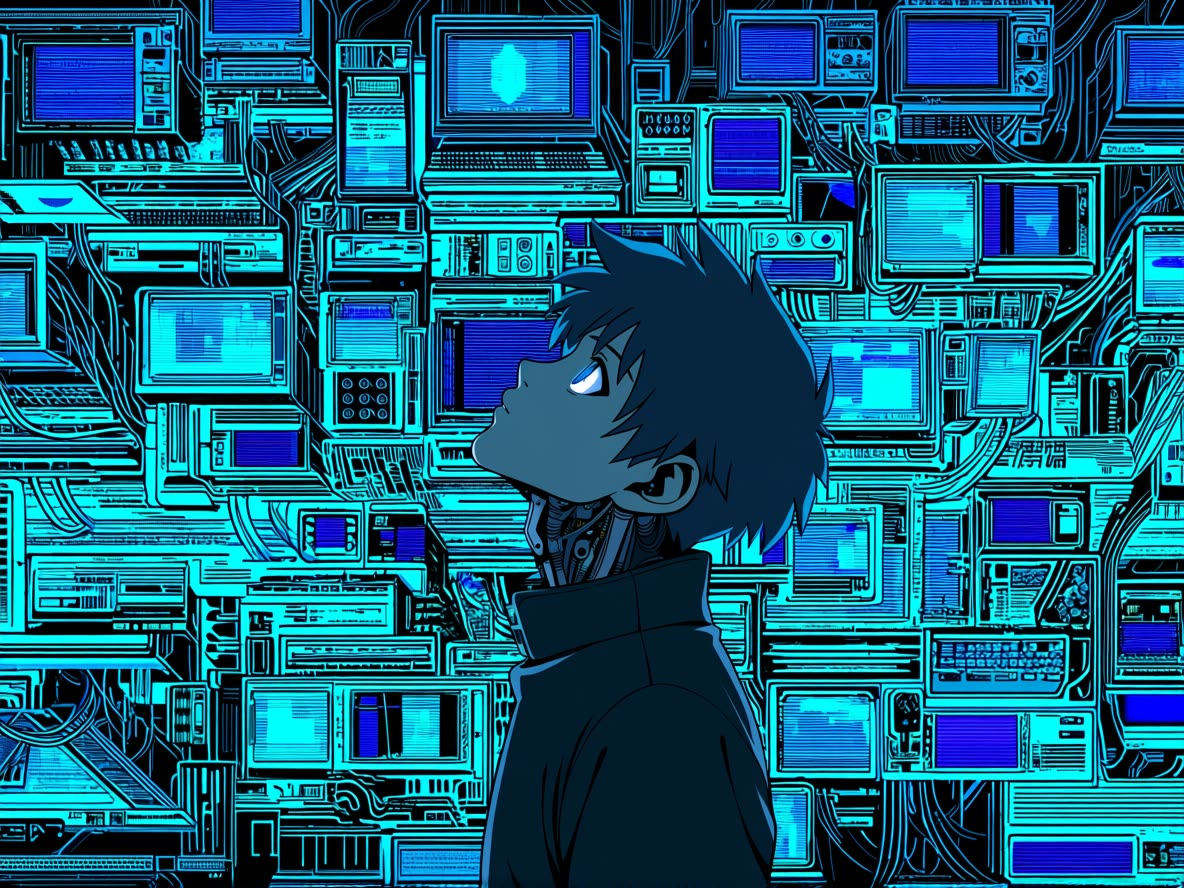
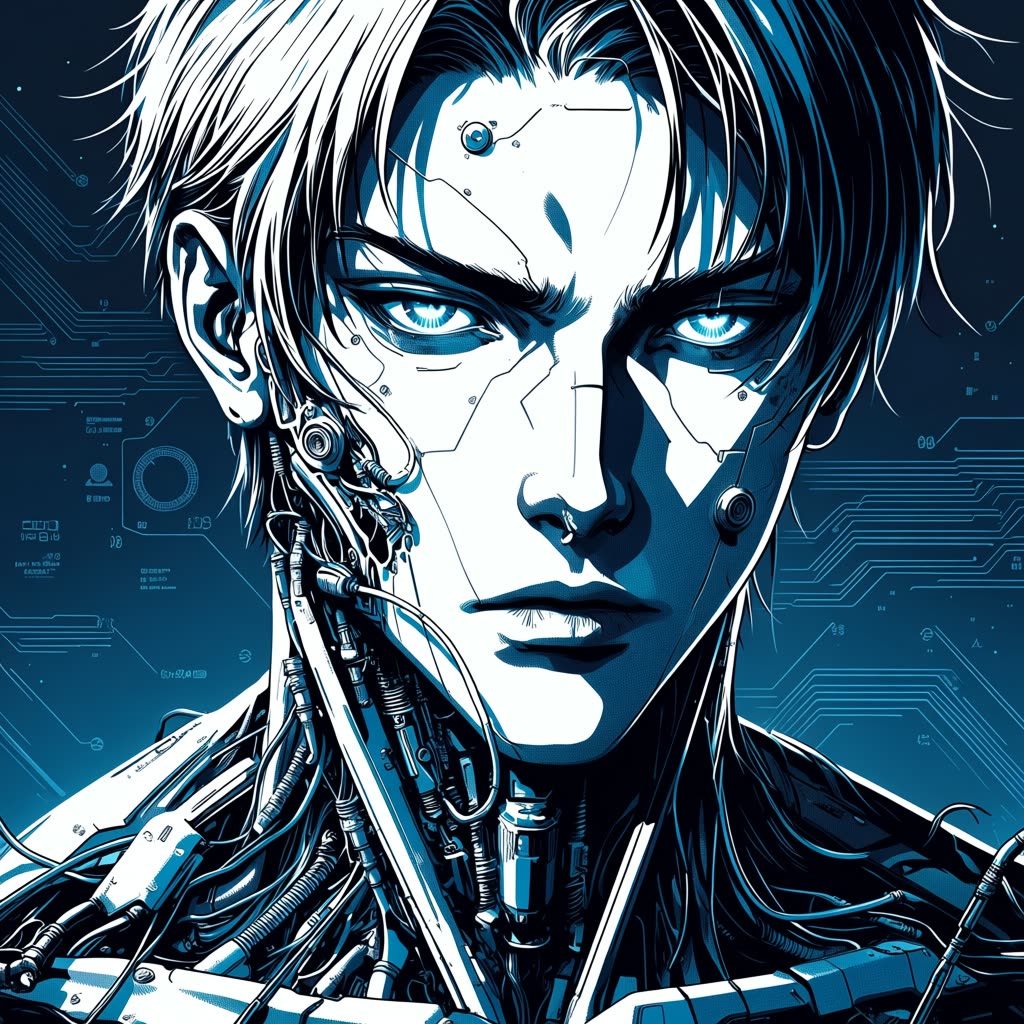
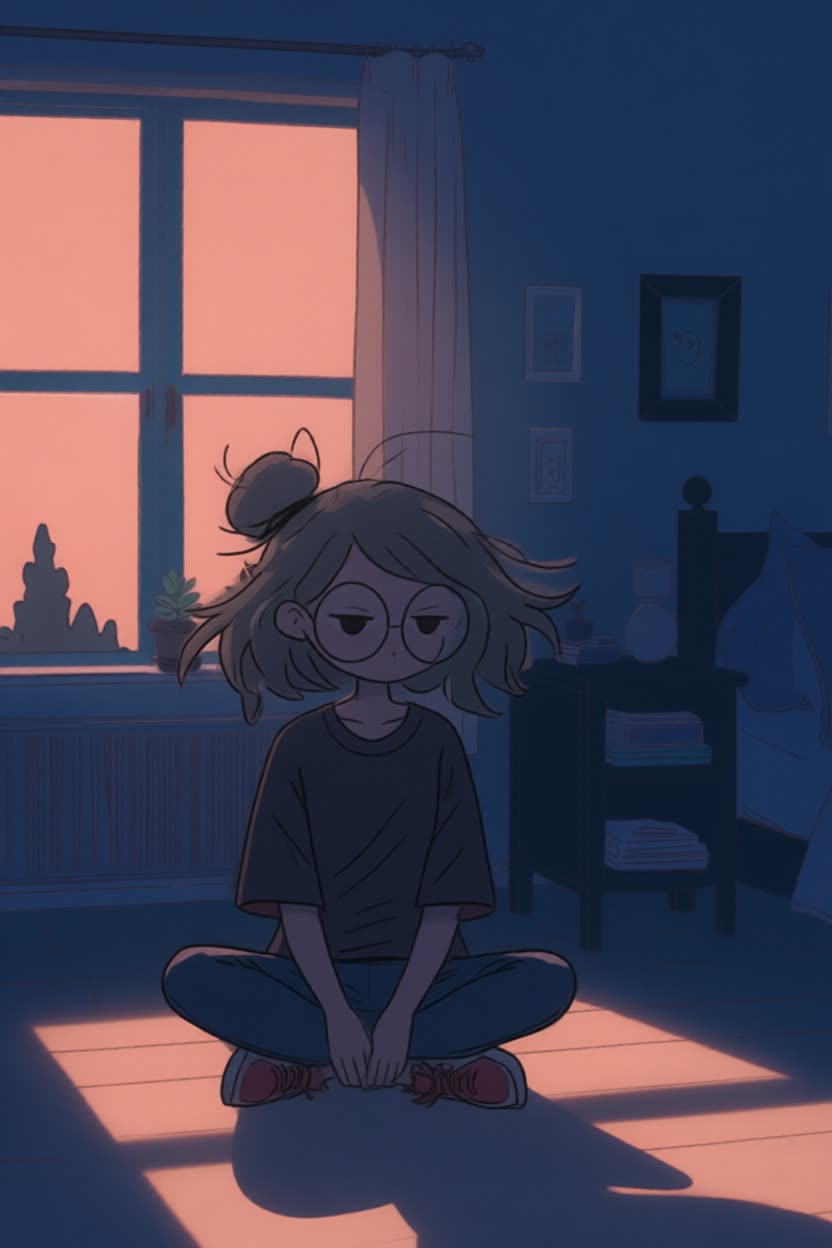
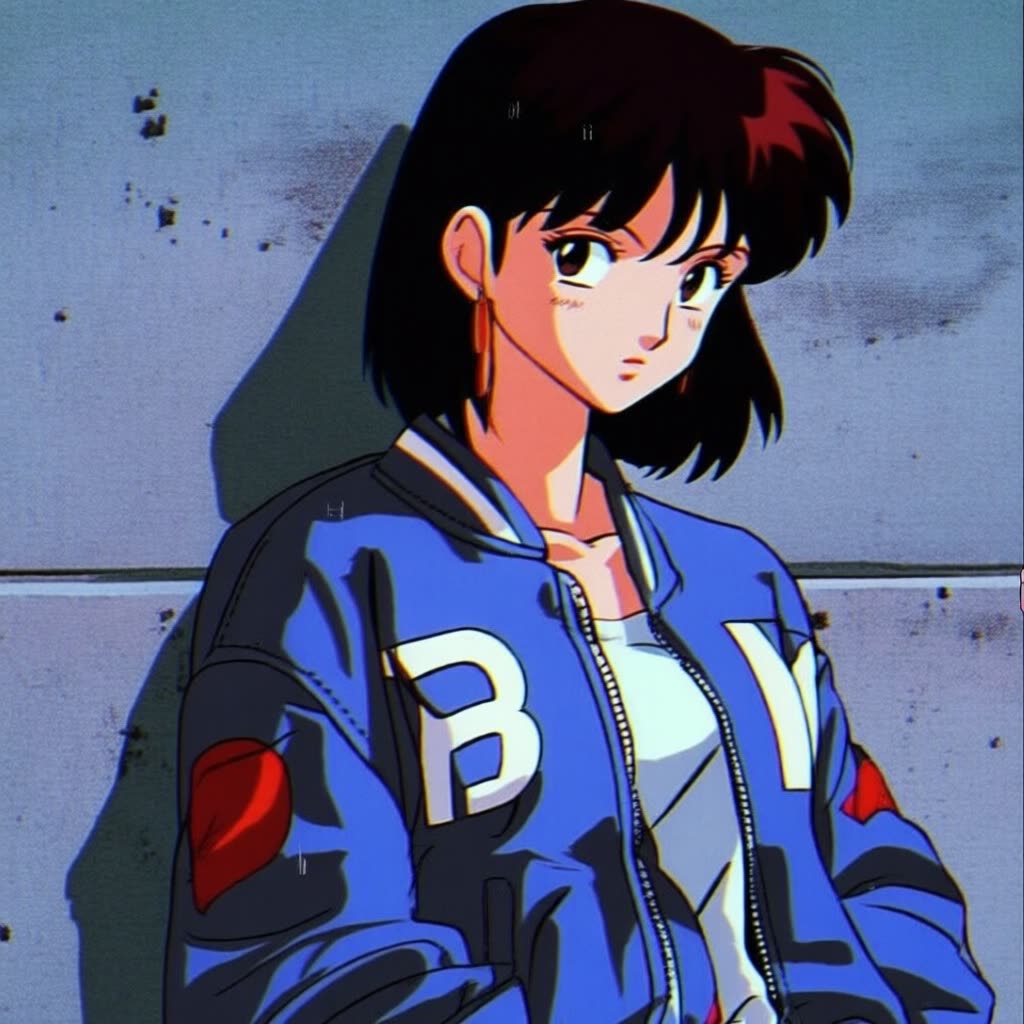
What people actually want from an ai anime generator is a result that looks like real anime, not a smudged approximation with melted hands and a face that drifts between every render. Most consumer text to anime sites lean on one locked checkpoint and a hidden prompt, so you get a single house style and no way to steer it. The ComfyUI workflows on this page run dedicated anime models with every setting exposed, so you write the prompt, pick the look, and keep iterating until the character and the style are the ones you meant.
The cluster is built around open-weight anime models, each tuned for a different job. Anima, a 2B-parameter text-to-image model from CircleStone Labs trained on several million anime images, handles fast, expressive illustration and concept art, and ships as both a base and a preview workflow. Neta Lumina, a fine-tune of Lumina-Image-2.0 released under an Apache 2.0 license, reads long natural-language prompts in English, Japanese, and Chinese, which makes it strong for detailed character concept design and posters. NewBie Exp0.1 is a 3.5B Next-DiT model that uses structured Danbooru-style tags for precise control over a character's appearance, clothing, and pose in multi-figure scenes.
Because the whole graph is open, you control the parts a one-click app hides. Anima renders between 512 and 1536 pixels, so you set the resolution for a wallpaper, a print, or a square avatar. You write the positive and negative prompts yourself, fix the seed to lock a character and re-roll only the background, and adjust the sampler and step count to trade speed for detail. Want a different aesthetic on the same prompt? Swap the checkpoint and run it again, the difference between an anime art generator you own and a slider you rent.
Everything runs from editable workflows, locally in ComfyUI on your own GPU or on Comfy Cloud with no install. The images come out with no watermark and there is no cap on how many you make, so a character sheet of twenty poses costs nothing per image beyond the compute. These are mainstream, clean anime workflows for illustration, character design, and manga-style art, so an original character, a Ghibli-flavored landscape, or a chibi sticker set all come from the same stack with full control of every step.
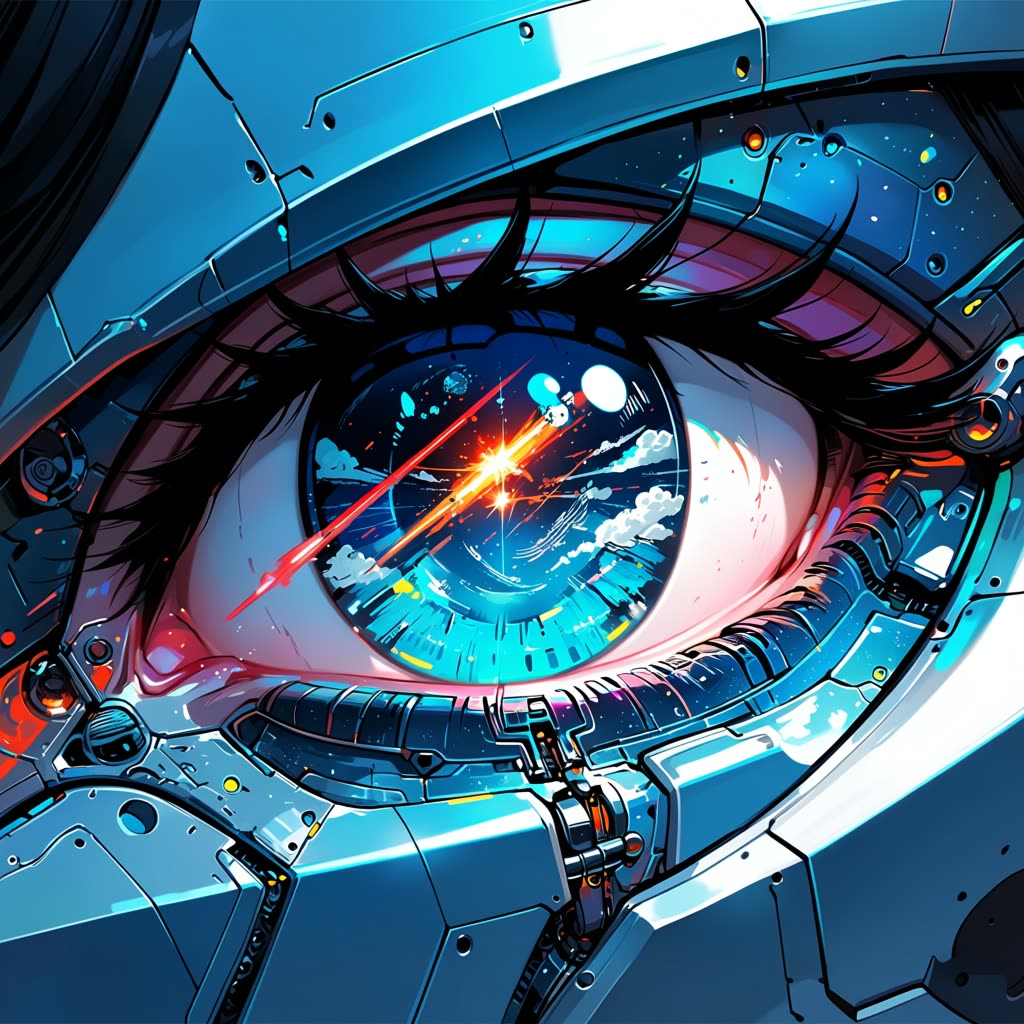
Reproducible, tunable, yours
Every step is exposed and adjustable, and the exact graph is yours to reuse across projects.
Start free. Upgrade when you’re ready.
Capabilities
What You Can Create
Design original characters, paint anime scenes, and produce manga panels, all from open, editable ComfyUI anime models.
Shonen and action art
Generate dynamic poses, speed lines, and dramatic lighting for battle scenes using NewBie's tag-precise character control.
Try workflow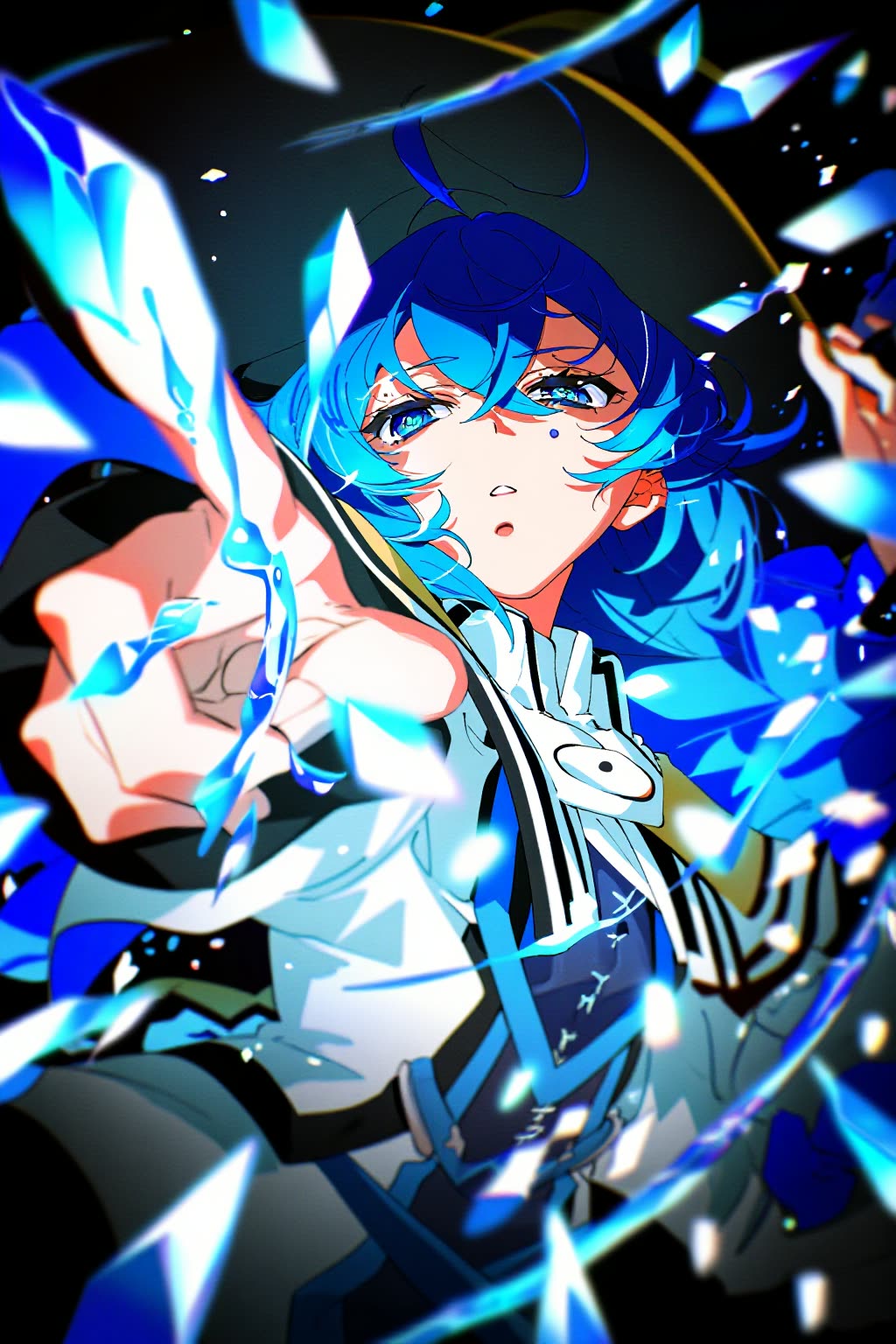
Chibi and sticker sets
Render compact chibi versions of a character at small resolutions for emotes, stickers, and avatar packs.
Try workflow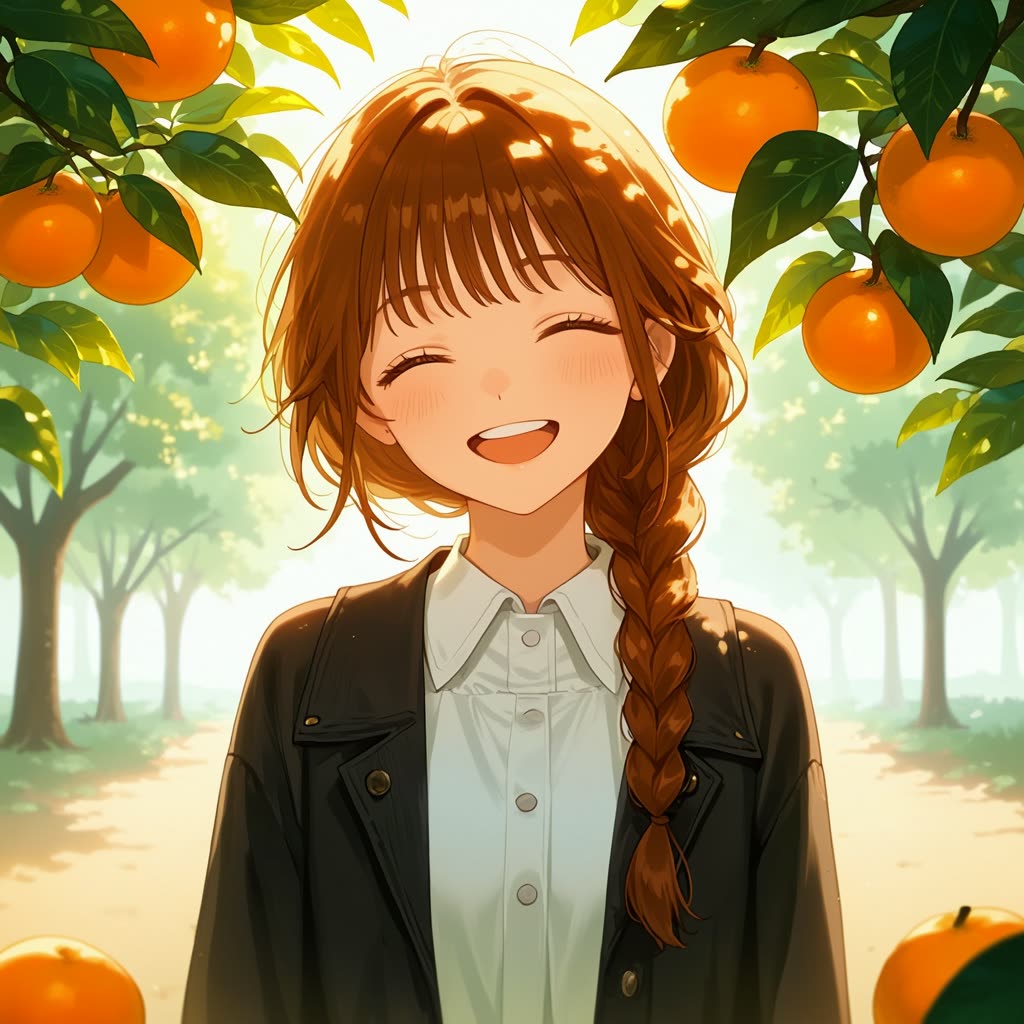
Manga and lineart
Produce high-contrast black-and-white panels and cel-shaded inks for a manga art generator look without flat color.
Try workflow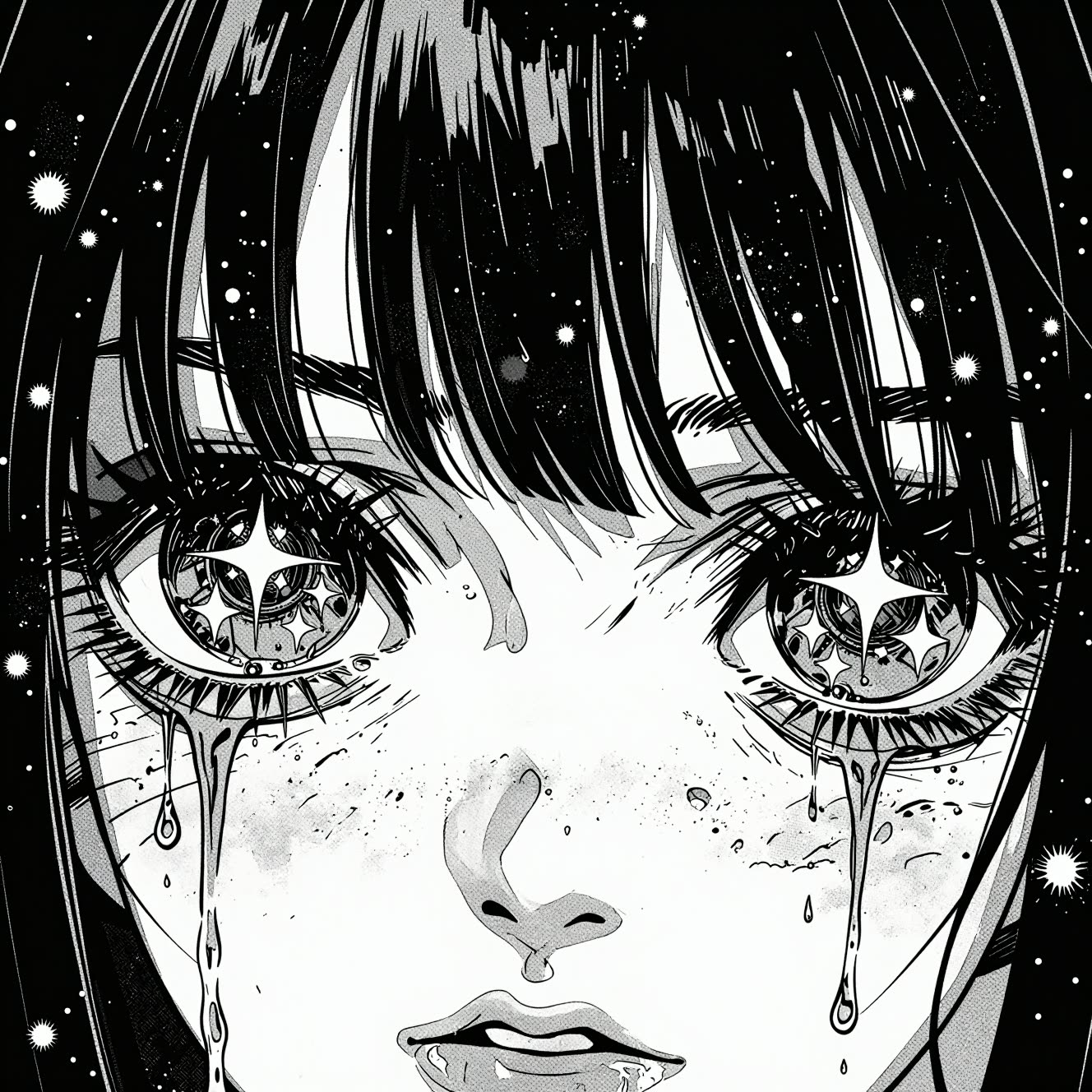



 WORKS
WORKS
Connect models, processing steps, and outputs on a canvas where every decision is visible and every step is inspectable.
Start from a community template or build from scratch.

Comparison
Why Comfy Workflows
-
Real anime models, fully exposed
Anima, Neta Lumina, and NewBie are purpose-built for anime, and every prompt, seed, and sampler setting is yours to tune.
-
Pick your variant and settings
ONLY ONComfyCLOUDSwap between Anima, Neta Lumina, and NewBie, then dial resolution, steps, and the seed to match each character.
-
Hold a character steady
Lock the seed to keep one face and outfit consistent across a sheet, then change only the pose or background.
-
No watermarks, open weights
The models ship under open weights, run locally or on Comfy Cloud, and the art you generate carries no watermark.
Applications
What people use it for
Real projects artists, writers, and creators run these anime workflows for.
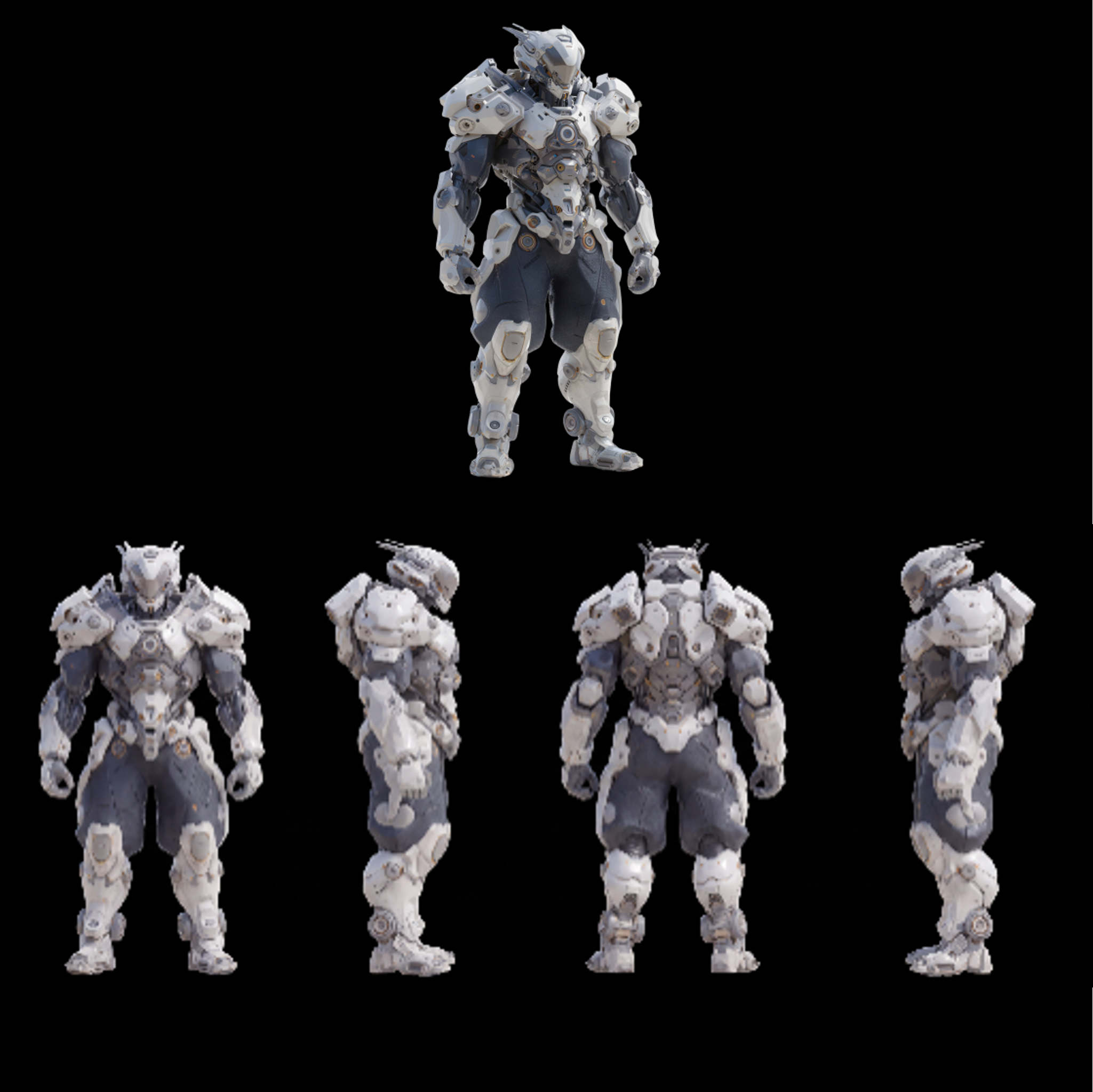
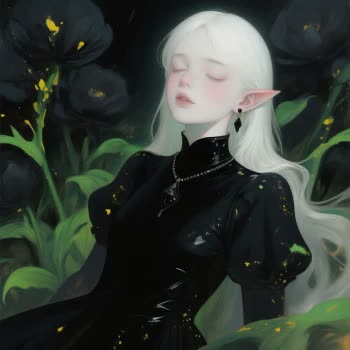
Frequently Asked Questions
AI Anime Generator FAQ
Keep exploring
Related models and use cases to try next.