Use Cases
AI Image Enhancer Workflows
Sharpen soft photos, recover detail, and clean up compression with dedicated enhancement workflows in ComfyUI.
4 workflows

The workflows
4 AI Image Enhancer Workflows







About This Workflow
What is the Image Enhancer?
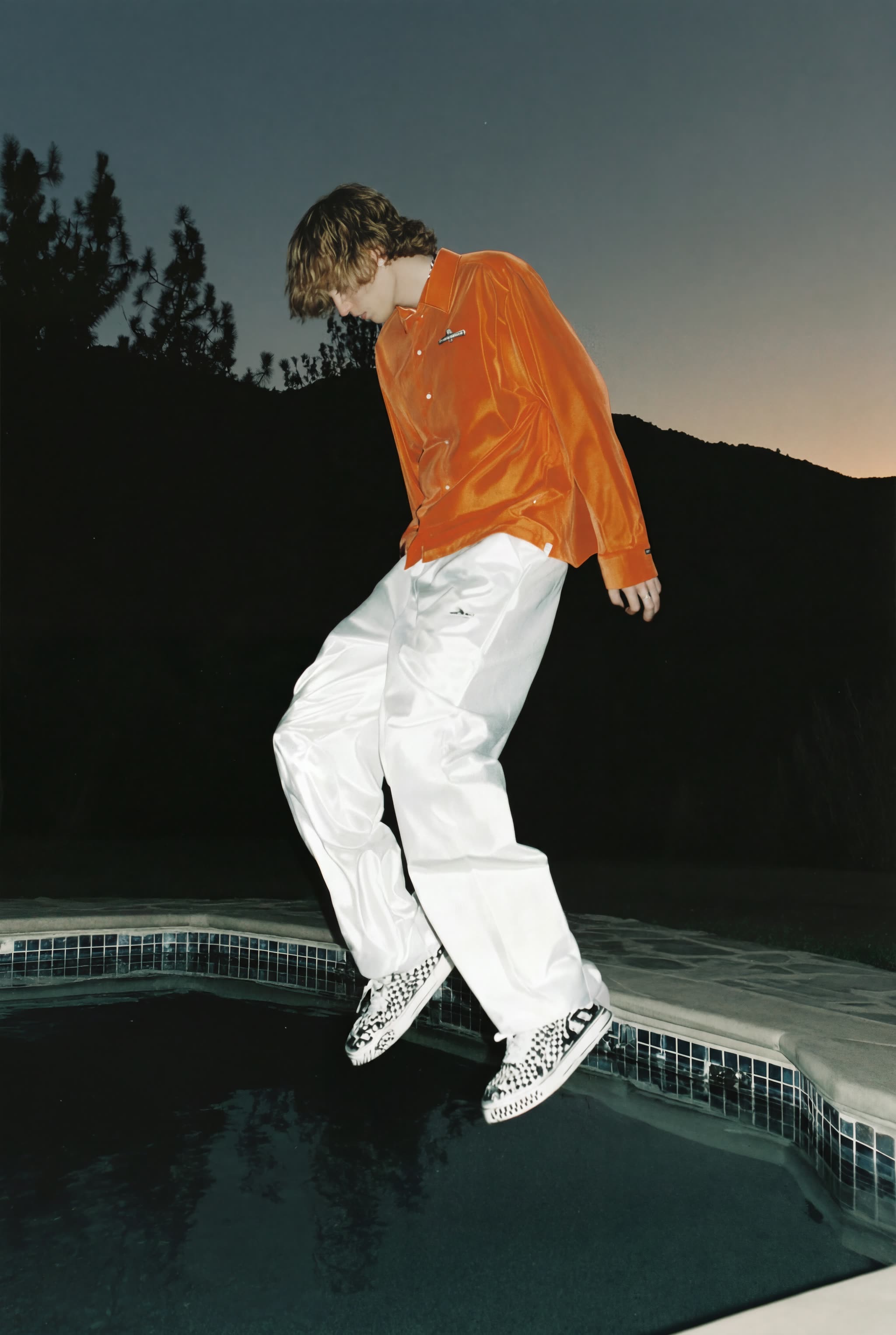
An image enhancer earns its name when the photo still looks like your photo afterwards, only cleaner. The workflows on this page are restoration-style enhancers rather than filters: they sharpen soft focus, reduce noise and compression artifacts, and rebuild fine detail while keeping the subject, colors, and composition intact. The featured Image Enhancer is built on SeedVR2, a model designed specifically for realistic image restoration.
Different photos fail in different ways, so the page carries specialist workflows alongside the general one. Topaz Image Enhance targets overall clarity and detail recovery. Magnific Skin Enhancer focuses on portraits, refining skin texture without the plastic look that generic sharpening produces. The Nano Banana Pro enhancement workflow leans on a strong image model to reconstruct detail in harder cases where the source is very soft.
Each workflow is an editable ComfyUI graph. You control the enhancement strength instead of accepting one baked-in level, run comparisons side by side, and batch a whole folder when a shoot needs the same treatment. Everything runs on Comfy Cloud in the browser with no install, or locally in ComfyUI, and exports full-resolution results with no watermark.



Reproducible, tunable, yours
Every step is exposed and adjustable, and the exact graph is yours to reuse across projects.
Start free. Upgrade when you’re ready.
Capabilities
What You Can Create
Fix softness, noise, and compression while keeping the photo true to the original.
Compression cleanup
Remove JPEG blockiness and messaging-app compression from photos that were shared too many times.
Try workflow

Low-light denoise
Reduce noise from high-ISO shots while preserving the detail the noise was hiding.
Try workflow

Detail reconstruction
Rebuild fine texture in very soft sources where sharpening alone has nothing left to work with.
Try workflow


 WORKS
WORKS
Connect models, processing steps, and outputs on a canvas where every decision is visible and every step is inspectable.
Start from a community template or build from scratch.

Comparison
Why Comfy Workflows
-
Restoration, not filters
These workflows rebuild image quality rather than painting a style over the photo.
-
Right tool per photo
General, portrait, and heavy-reconstruction enhancers live on one page, so the failure mode picks the workflow.
-
Strength you control
Enhancement level is a setting in the graph, not a fixed preset, so subtle fixes stay subtle.
-
Browser or local
ONLY ONComfyCLOUDRun on Comfy Cloud with no install, or take the same workflow into your local ComfyUI.
Applications
What people use it for
The everyday quality fixes, from single portraits to whole shoots.




Frequently Asked Questions
Image Enhancer FAQ
Keep exploring
Related models and use cases to try next.